Halloween Zombie Transform
- Model
- Nano Banana 2
- Image
- 843 × 1264 px
Prompt
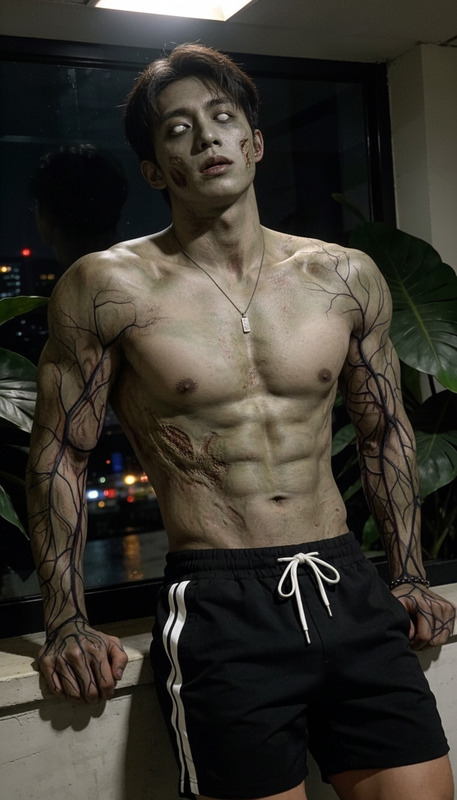
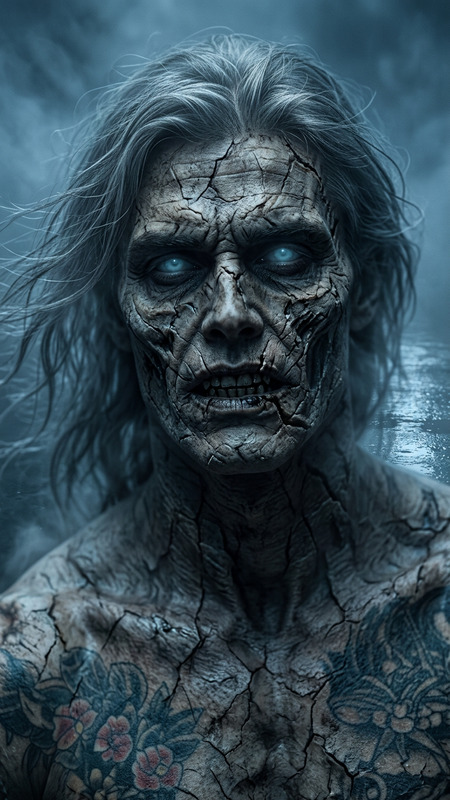
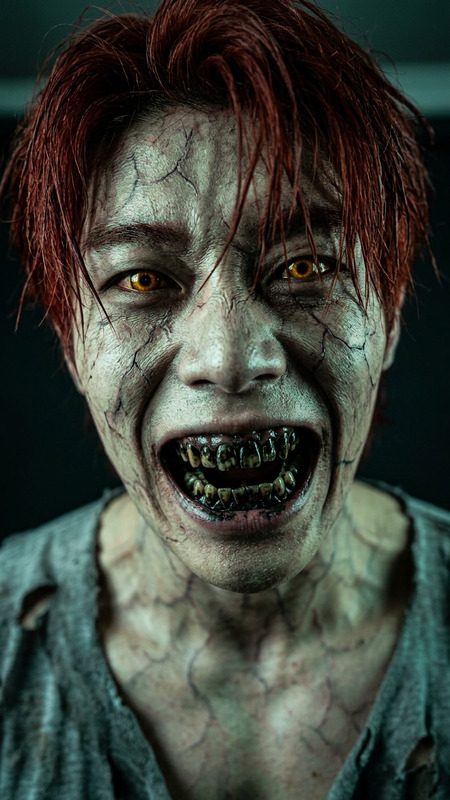
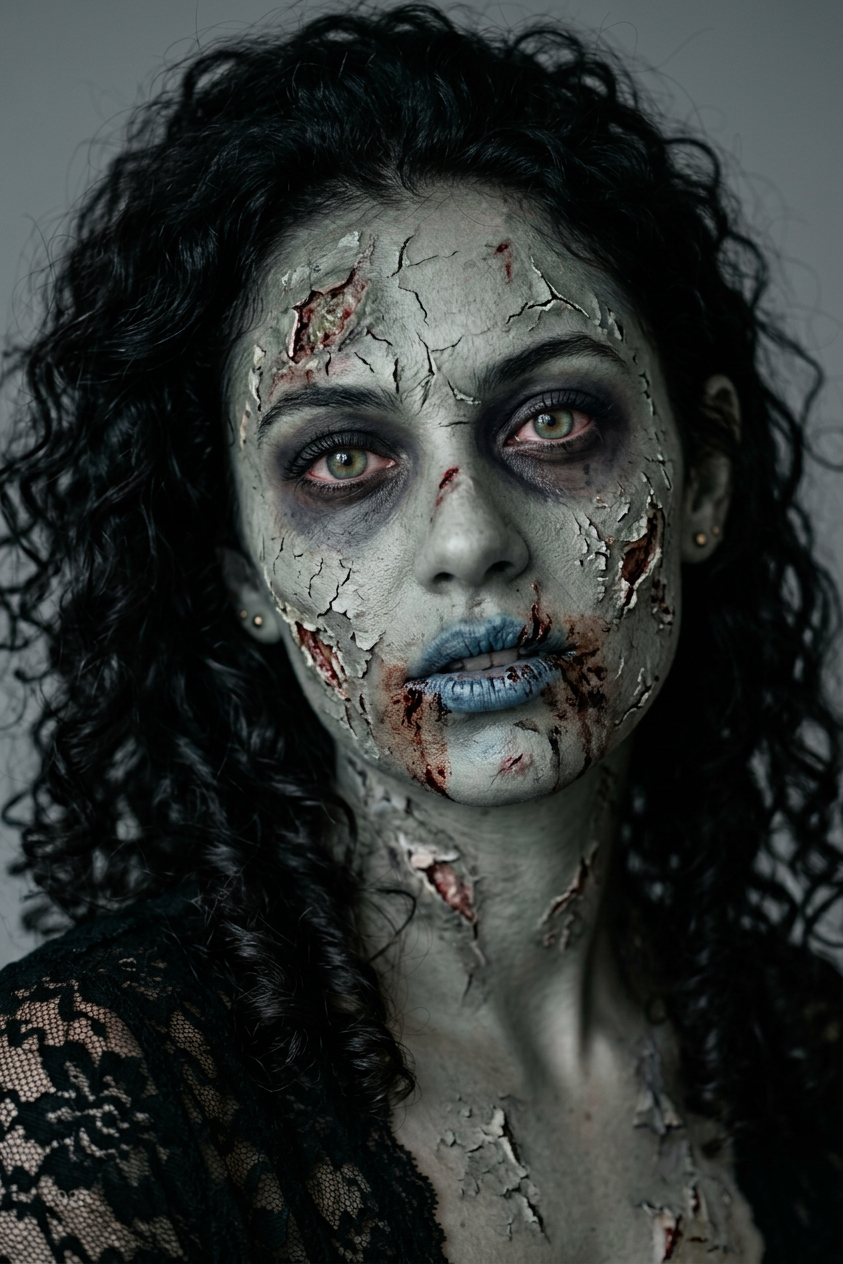
Use the uploaded image as the subject and transform it into a realistic zombie makeup portrait with pale gray skin, cracked and peeling facial texture, dark hollow under-eyes, faint blood smears around the mouth, cold desaturated tones, cinematic horror lighting, close-up composition, and sharp skin detail for a convincing Halloween effect.
Any aspect ratio
Overview
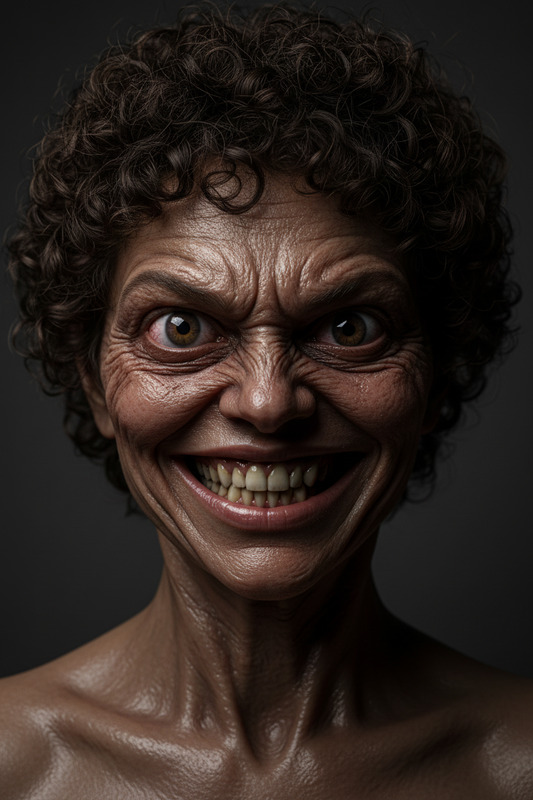
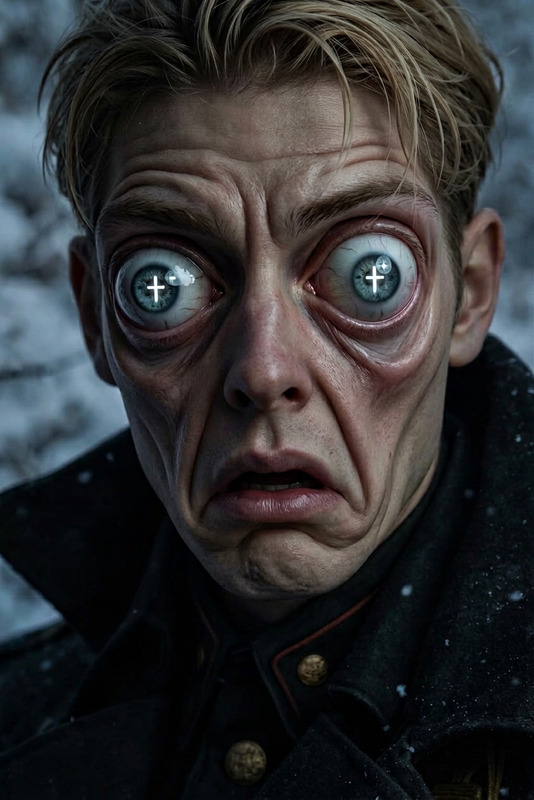
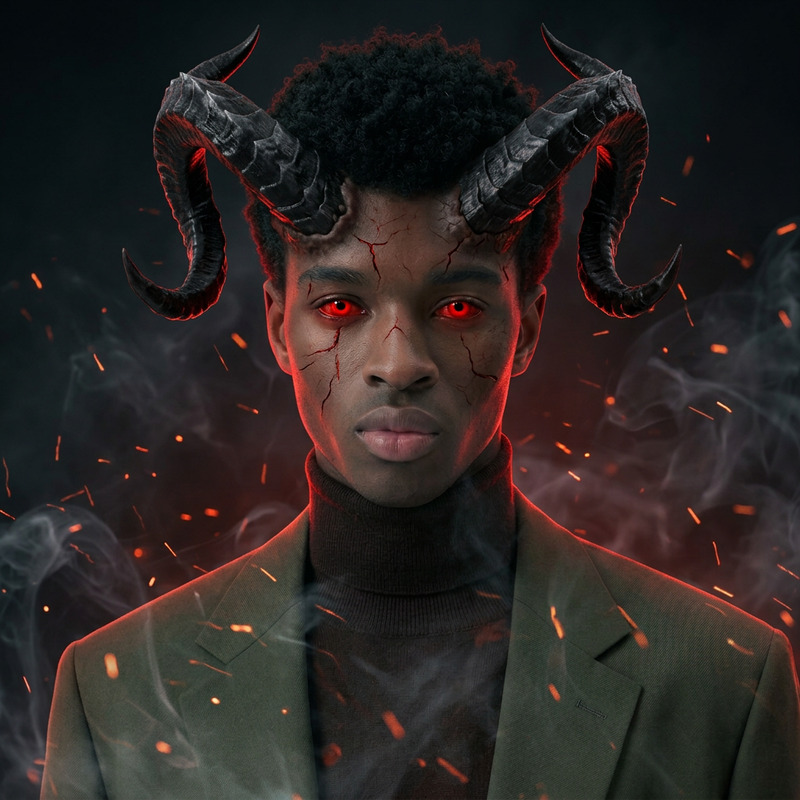
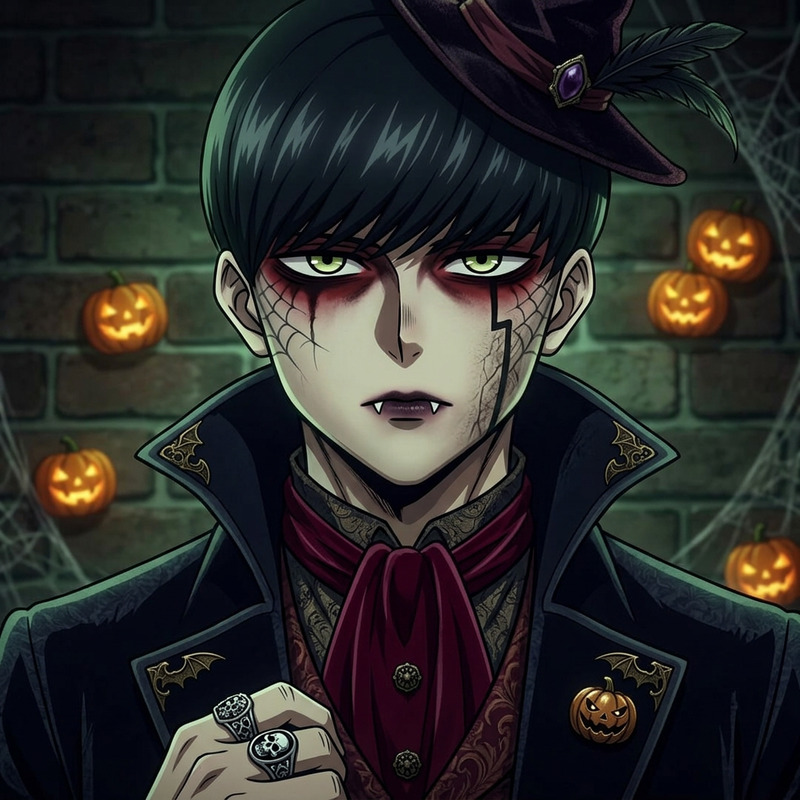
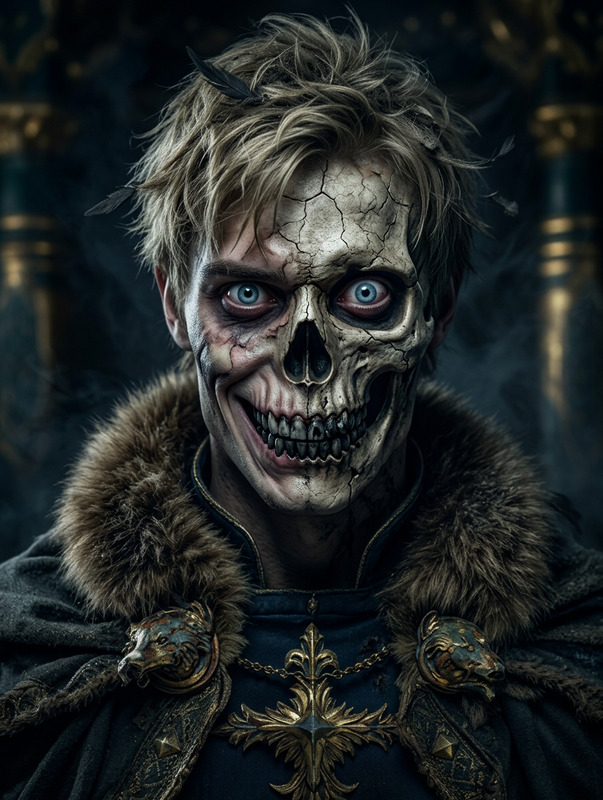
Transform your images into spine-chilling zombie masterpieces with the Halloween Zombie Transform template. Using cutting-edge AI from the AI Image Editor suite, this template morphs your photos into eerie, undead portraits perfect for any Halloween theme.
What It Does
This template employs the advanced nano-banana-2 model to apply realistic zombie transformations to your photos. It offers features like pale gray skin, cracked facial textures, and horror lighting effects, creating an authentic zombie look that rivals professional makeup artists.
Who It's For
The Halloween Zombie Transform template is ideal for graphic designers, social media influencers, and content creators seeking to enhance their visual projects with a touch of horror. It's also a go-to for individuals looking to craft spooky GIFs and photo edits for Halloween promotions.
Summary
The Halloween Zombie Transform template leverages AI technology to provide users with a simple yet powerful tool for creating convincing zombie portraits. Explore other transformation opportunities with tools like the Face Swap and AI Face Editor to expand your creative projects.
How To
Choose Your Template

Customize Your Transformation

Generate Your Zombie Image

Use Cases
Social Media Campaigns
- Instagram Halloween stories
- Facebook profile pictures updates
- TikTok zombie transformation videos
Marketing Materials
- Email marketing campaigns with themed visuals
- Halloween event flyers and posters
- Retail store Halloween sales banners
Content Creation
- YouTube tutorials on makeup transformation
- Halloween-themed podcast cover art
- Educational projects exploring horror-themed visuals
Best Practices
Select High-Quality Images
Use high-resolution images with clear features for the best transformation results.Adjust Lighting Conditions
Ensure your images have good lighting to optimize the horror lighting effects applied by the template.Experiment with Angles
Try photos with different angles and expressions to achieve varied zombie looks.