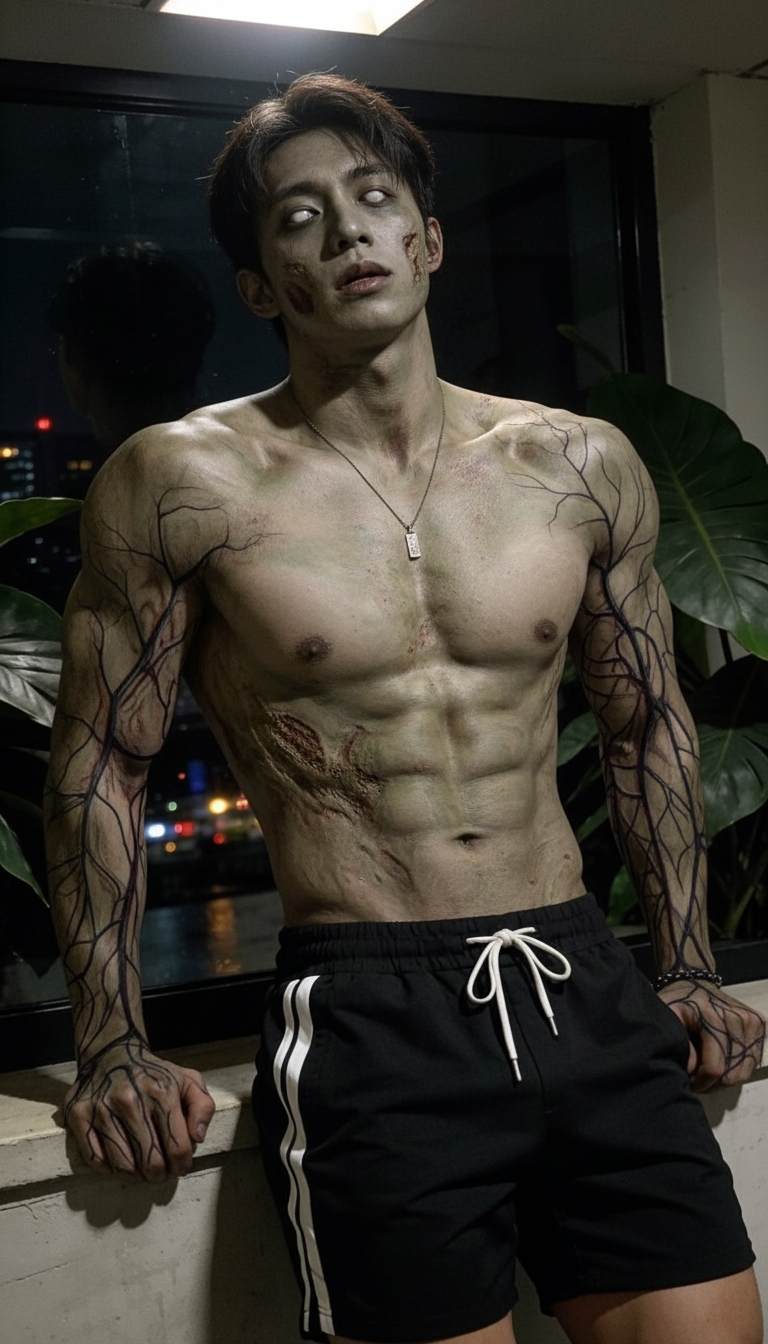
Zombie Decay
ai-image-editor
Any aspect ratio
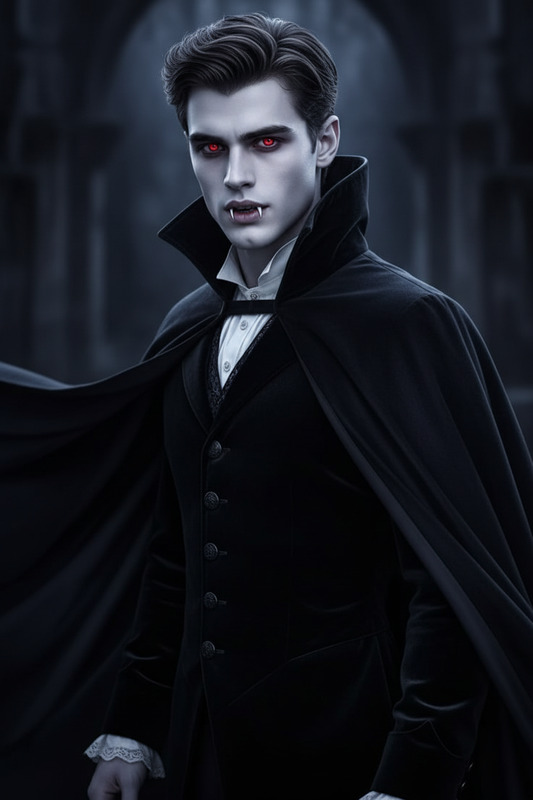
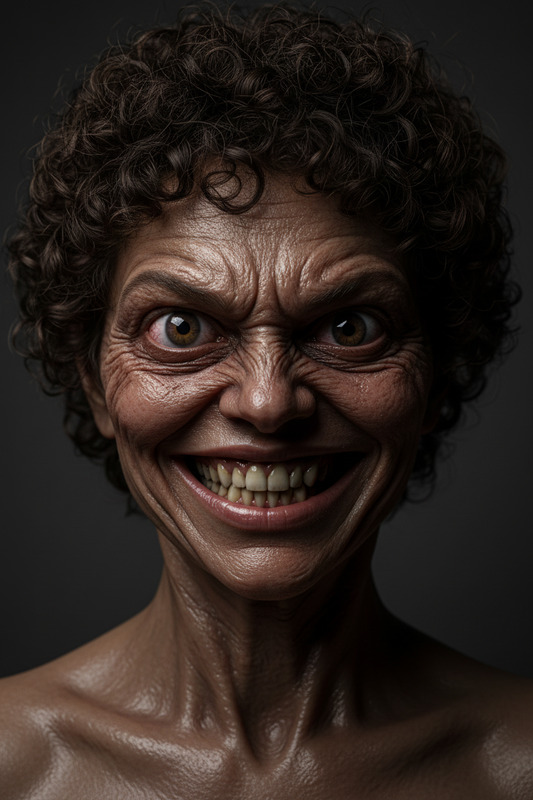
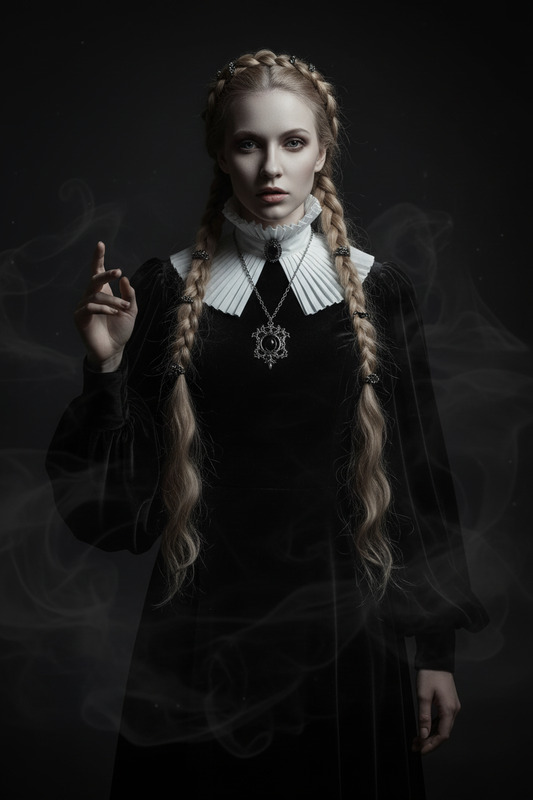
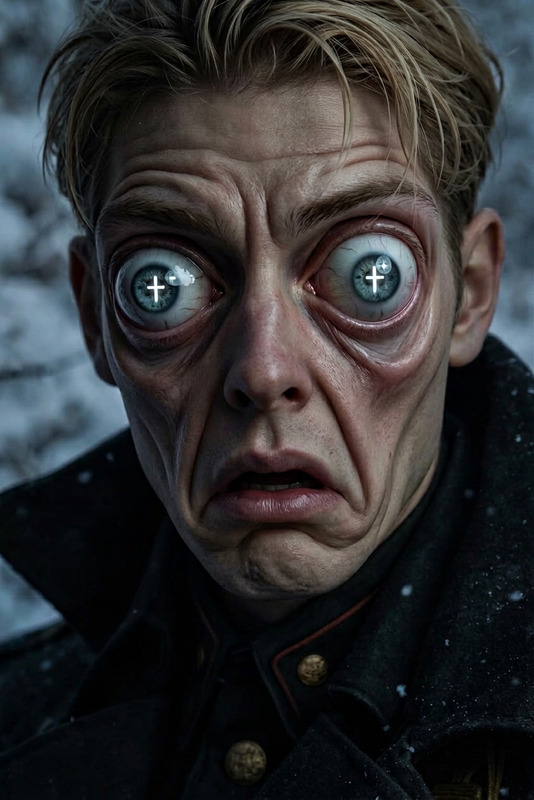
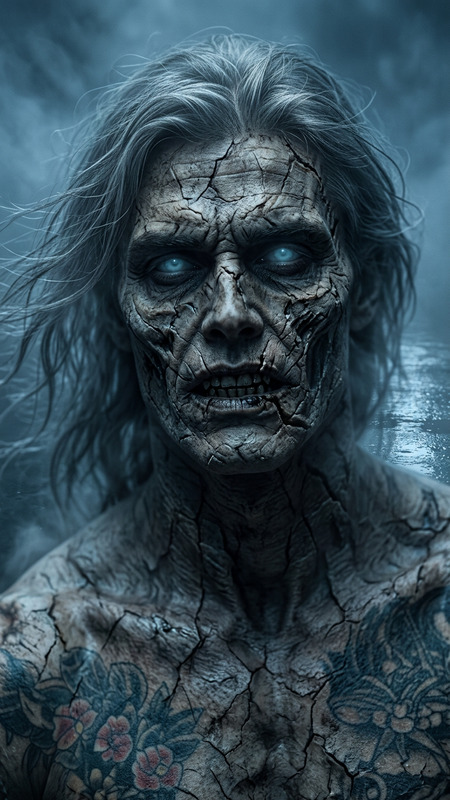
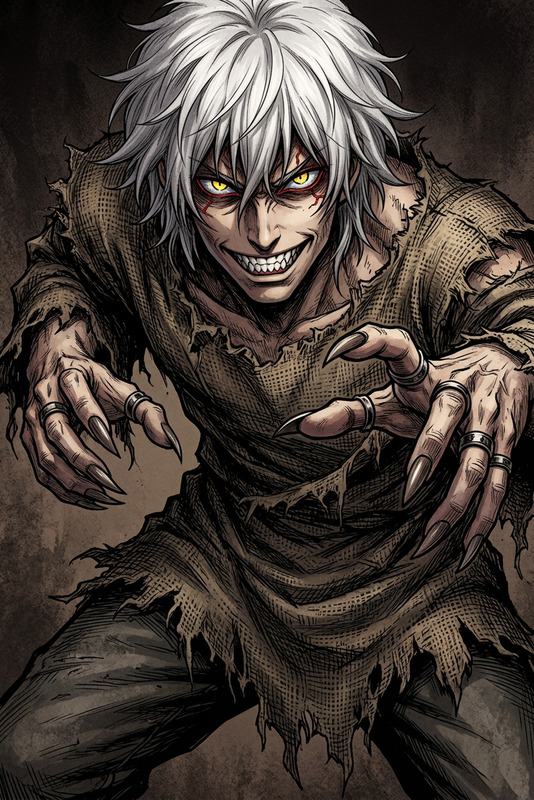
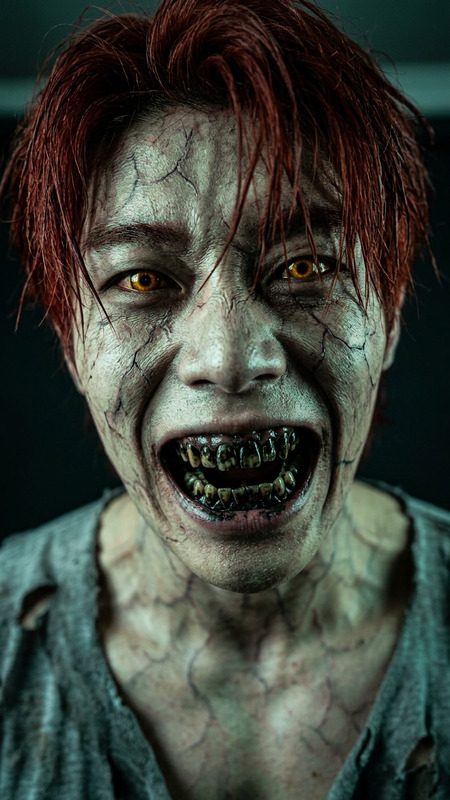
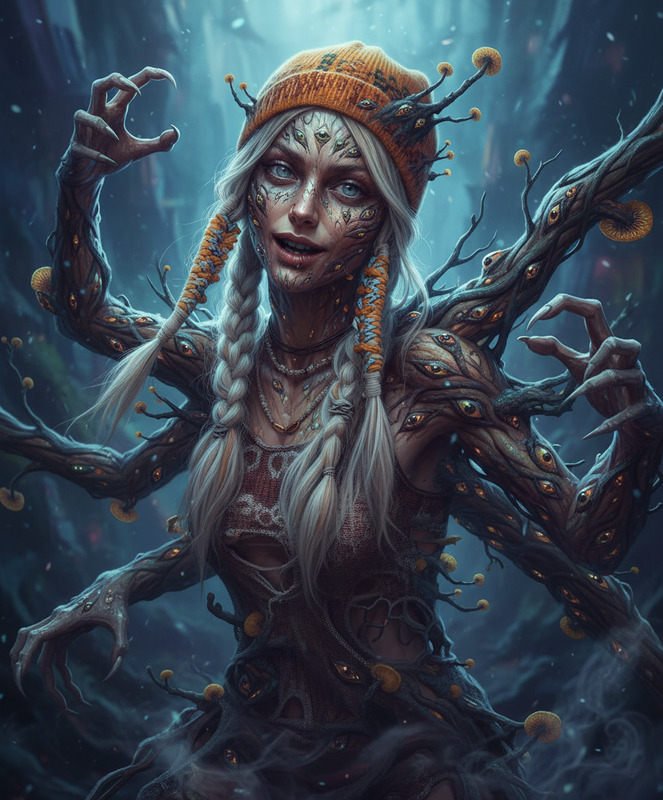
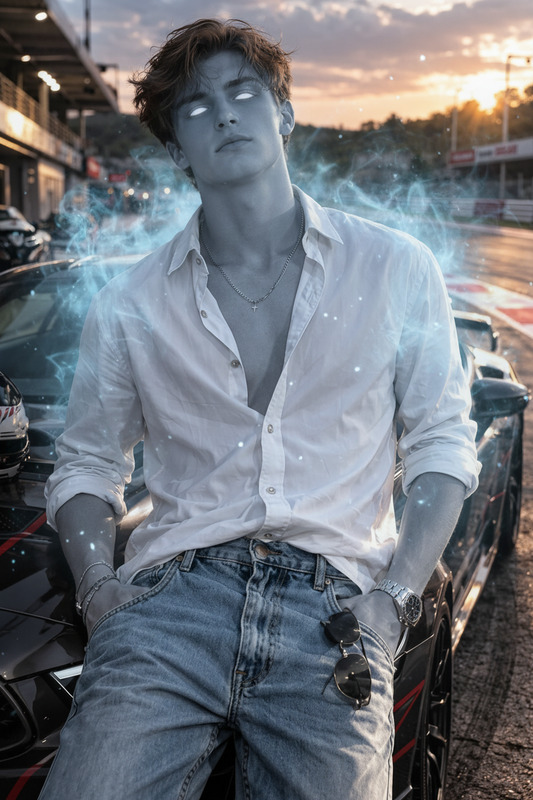
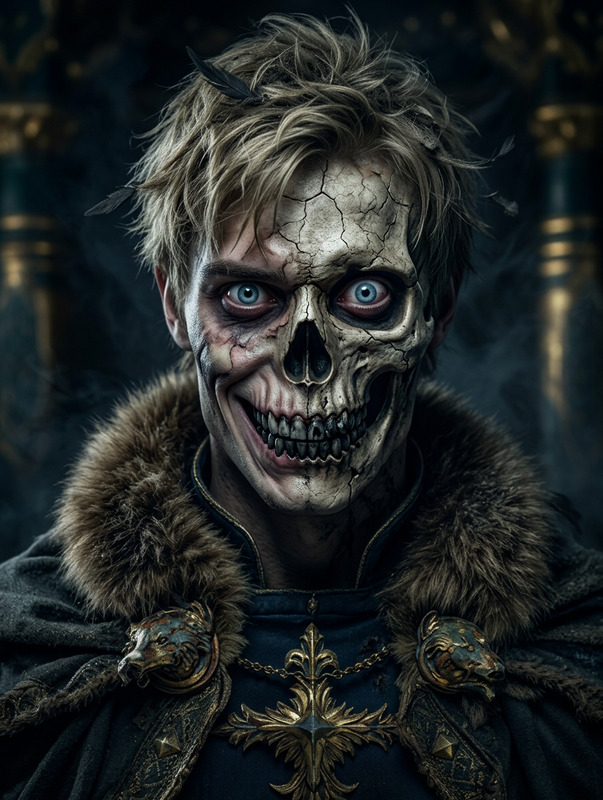
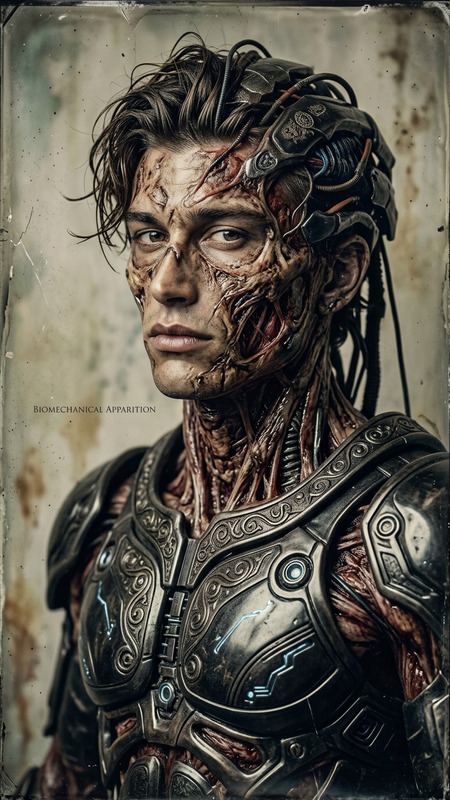
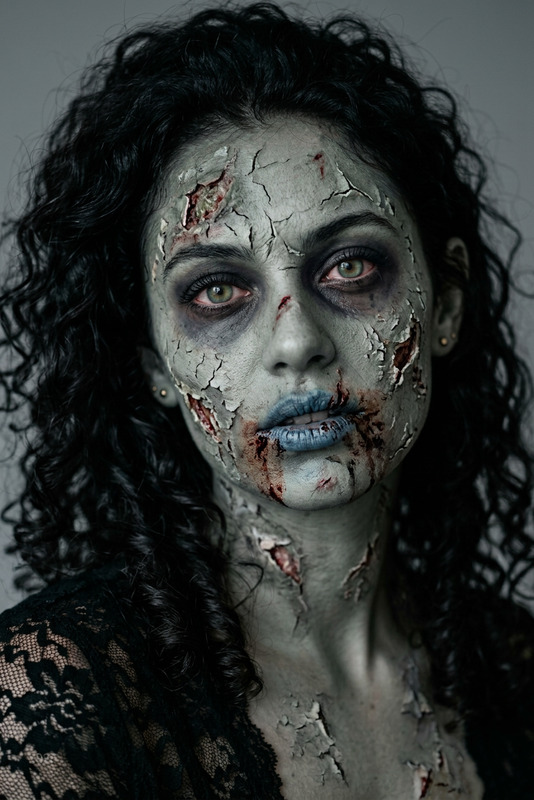
A subject undergoes a zombie decay transformation—skin turns gray and lifeless as flesh begins to rot and deteriorate. Dark veins spread across the body, and patches of decay expose damaged texture beneath. The eyes become dull and empty, with a lifeless stare. Subtle movements feel stiff and unnatural, creating a chilling undead presence with a grim, decaying atmosphere.
Tags
transformationsAI Image Editor Template – Instantly Transform and Refine Any Image with Magic Hour
Use this template to quickly turn rough images into polished, on-brand visuals using Magic Hour’s AI Image Editor. It’s ideal for:
- Fixing or enhancing product photos
- Cleaning up social posts and ad creatives
- Removing distractions or watermarks
- Swapping backgrounds or adjusting composition
- Preparing images for video, animation, or campaigns
Because it’s built as a remixable template, you can open it in Magic Hour, duplicate it, and adapt the flow to your own use case in a few minutes.
What You Can Do with This Template
This AI Image Editor template is designed for fast, repeatable editing workflows. Common use cases:
1. Clean up and enhance photos
- Remove unwanted objects or people using the AI Remover or Remove Object from Photo tools
- Sharpen blurry shots with Unblur Image and AI Image Upscaler
- Restore old or damaged images via Old Photo Restoration and Photo Colorizer
2. Change backgrounds & aesthetics
- Remove and replace backgrounds for ecommerce or profile images with Image Background Remover and AI Background Generator
- Generate stylized scenes or environments around a subject using the AI Art Generator or AI Illustration Generator
- Create consistent brand looks by remixing images into a shared visual style (e.g., minimalist product shots, cinematic portraits, illustrated UIs)
3. Retouch faces, headshots, and avatars
- Improve portraits with AI Face Editor and AI Face Generator
- Generate professional profile photos via the AI Headshot Generator
- Experiment with identity and style using Gender Swap, AI Clothes Changer, Avatar Generator, or Full Body Generator
4. Design-ready assets for marketing & product
- Create thumbnails with the Thumbnail Maker
- Generate covers and branding assets using the Book Cover Generator, Album Cover Generator, and AI Logo Generator
- Produce social-native assets with the AI Meme Generator, AI QR Code Generator, and Emoji Generator
5. Creative concepts & worldbuilding
For creators, designers, and game builders, this template is a fast way to iterate on concepts, then refine them:
- Character and outfit exploration: AI Character Generator, AI Fashion Generator, AI Outfit Generator, Superhero Generator
- Visual styles and worlds: AI Manga Generator, AI Anime Generator, Dark Fantasy AI, Fantasy Map Generator, Architecture Generator, AI Interior Design Generator
- Concept art and illustration: AI Art Generator, Comic Book Generator, AI Illustration Generator, Graffiti Generator, Optical Illusion Generator
How to Remix This Template in Magic Hour
You can use this template as-is or turn it into a custom workflow tailored to your brand or product.
Step 1 – Open and duplicate the template
- Open the template in Magic Hour.
- Duplicate it to create your own version.
- Rename it with a clear purpose, such as “Ecommerce Product Cleanup,” “YouTube Thumbnail Flow,” or “Character Concept Refinement.”
Step 2 – Plug in your input sources
Decide how you’ll feed images into the flow:
- Static photos or exports from your existing tools (Figma, Photoshop, cameras)
- AI-generated images from tools like the AI Image Generator or AI Photo Generator
- Frames or stills from video, especially if you plan to push them back into motion with Image to Video
For teams, define standard input formats (e.g., “All product shots are 1:1, neutral background, 2–3 angles”) so the template produces consistent results.
Step 3 – Chain additional Magic Hour tools
This template starts in the AI Image Editor, but you can turn it into a multi-step pipeline by chaining tools. Examples:
Image → Polished image → Video
- Start with this template to clean and stylize your image
- Convert the output into motion with Image to Video or Text to Video
Image → Talking or animated character
- Refine the character or portrait with this template
- Turn it into a talking avatar with AI Talking Photo
- Or animate it as a clip using Animation templates or Animated Characters Generator
Image → Meme, ad, or social creative
- Edit and enhance your base image
- Layer copy and stylization using the AI Meme Generator or Thumbnail Maker
Step 4 – Standardize for your team
Once you’ve tuned your remix:
- Document how teammates should use it (input specs, naming, where to save outputs)
- Create separate remixes for specific channels: “Performance Ads,” “Landing Page Hero,” “Organic Social,” “Pitch Deck Visuals”
- Keep a reference folder of “golden examples” (before/after images) that show what “good” looks like
Example Workflows Built on This Template
Below are repeatable patterns you can implement by remixing this template:
1. Ecommerce product pipeline
- Clean raw product photos (remove background, fix lighting, upscale)
- Generate multiple context shots with AI Background Generator and AI Art Generator
- Export variants for marketplace listings, paid ads, and landing pages
- Turn hero images into short videos or GIFs with Image to Video or the AI GIF Generator
2. Personal brand & profile images
- Start from a casual photo, run it through this template for cleanup
- Generate multiple professional looks via AI Headshot Generator, AI Clothes Changer, and AI Selfie Generator
- Use AI Talking Photo plus AI Voice Generator or AI Voice Cloner to create talking intros for landing pages or pitch decks
3. Content & marketing system
- Build a “base image generation” flow with the AI Image Generator
- Route outputs into this AI Image Editor template for refinement and brand alignment
- Create video variants of your best creatives using:
- Face Swap Video templates for UGC-style ads
- Lip Sync templates for music, reels, or shorts
- Video to Video templates to restyle existing footage
- Add Auto Subtitle Generator and Video Upscaler to finalize videos for social and paid channels
4. Game, D&D, and storytelling art
- Generate base art or characters using:
- Refine and “productionize” those assets via this template (clean edges, consistent lighting, logo overlays)
- Turn select art into animated teasers or explainers using Animation templates
Best Practices for High-Quality Results
Start with the best possible input
Higher-resolution input leads to better detail recovery, even when you plan to use tools like AI Image Upscaler or Unblur Image.Define a visual standard
Before scaling, create 3–5 reference outputs that represent your ideal look (color, contrast, framing, style). Use the template to replicate that standard across future images.Keep edits purposeful
For marketing and product work, focus on readability and conversion: clear subject, minimal clutter, legible text, and strong contrast at small sizes (e.g., ads, thumbnails).Respect rights and authenticity
When editing faces, brands, or copyrighted material, ensure you have the appropriate rights and consent. Magic Hour tools like Face Swap and Face Swap for GIF are powerful; use them responsibly and within legal and platform guidelines.
Related Magic Hour Tools to Explore
To extend this template into a broader creative system, explore:
Visual creation:
Branding & business assets:
Conversion-focused content:
Photo editing utilities:
Use this AI Image Editor template as your base, then remix it into a repeatable workflow for your brand, product, or studio. Once you’ve customized it, you’ll have a one-click way to turn raw visuals into consistent, production-ready assets across images, video, and campaigns.