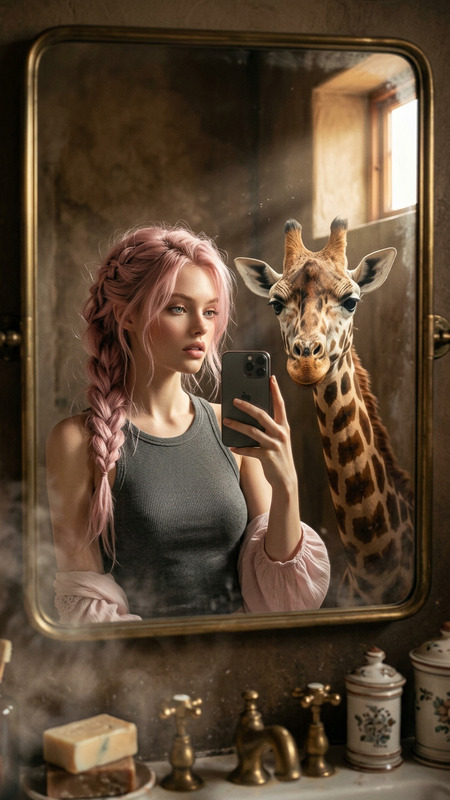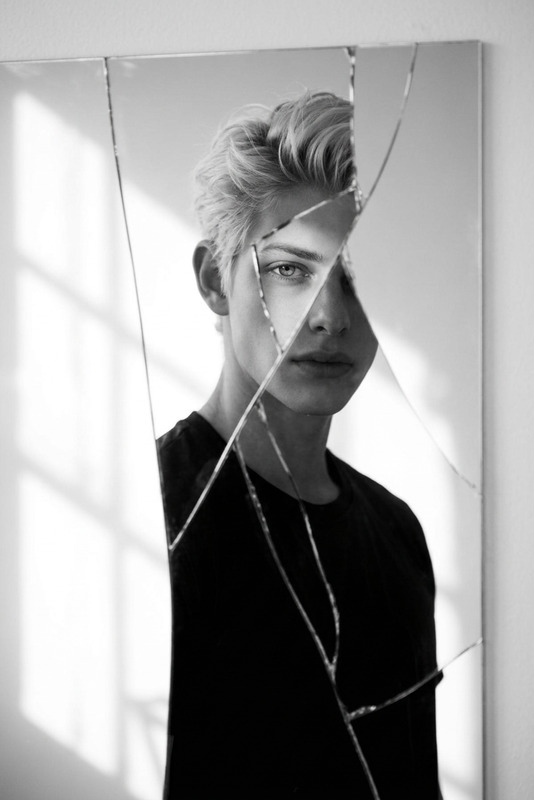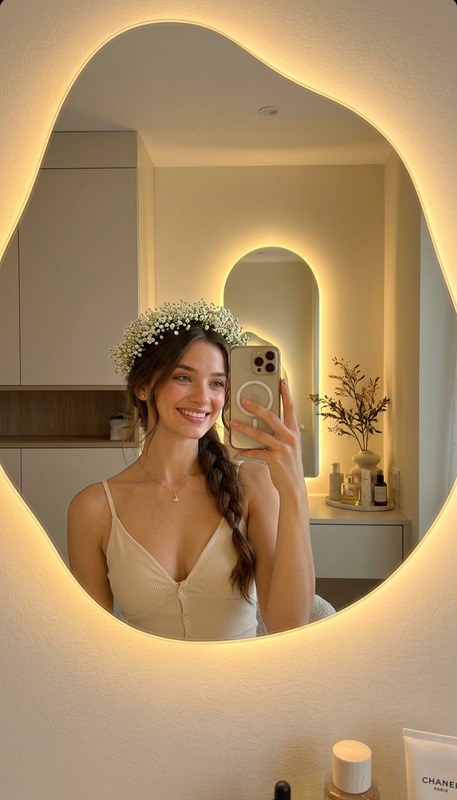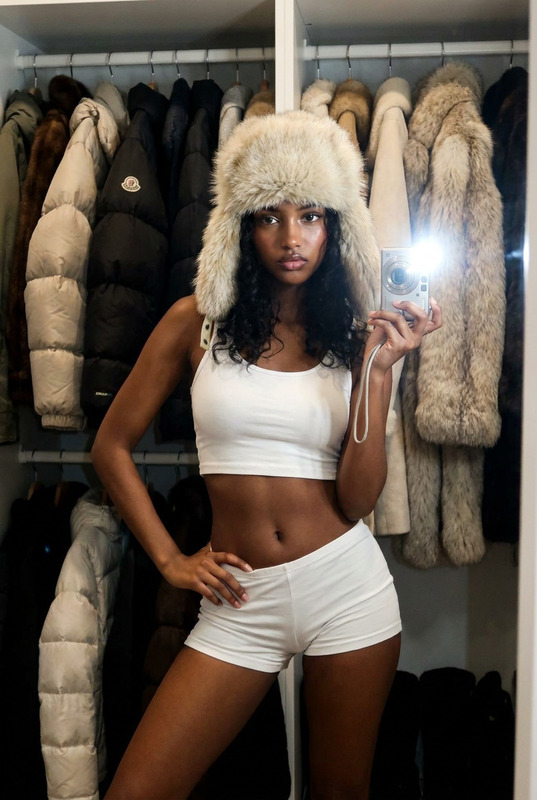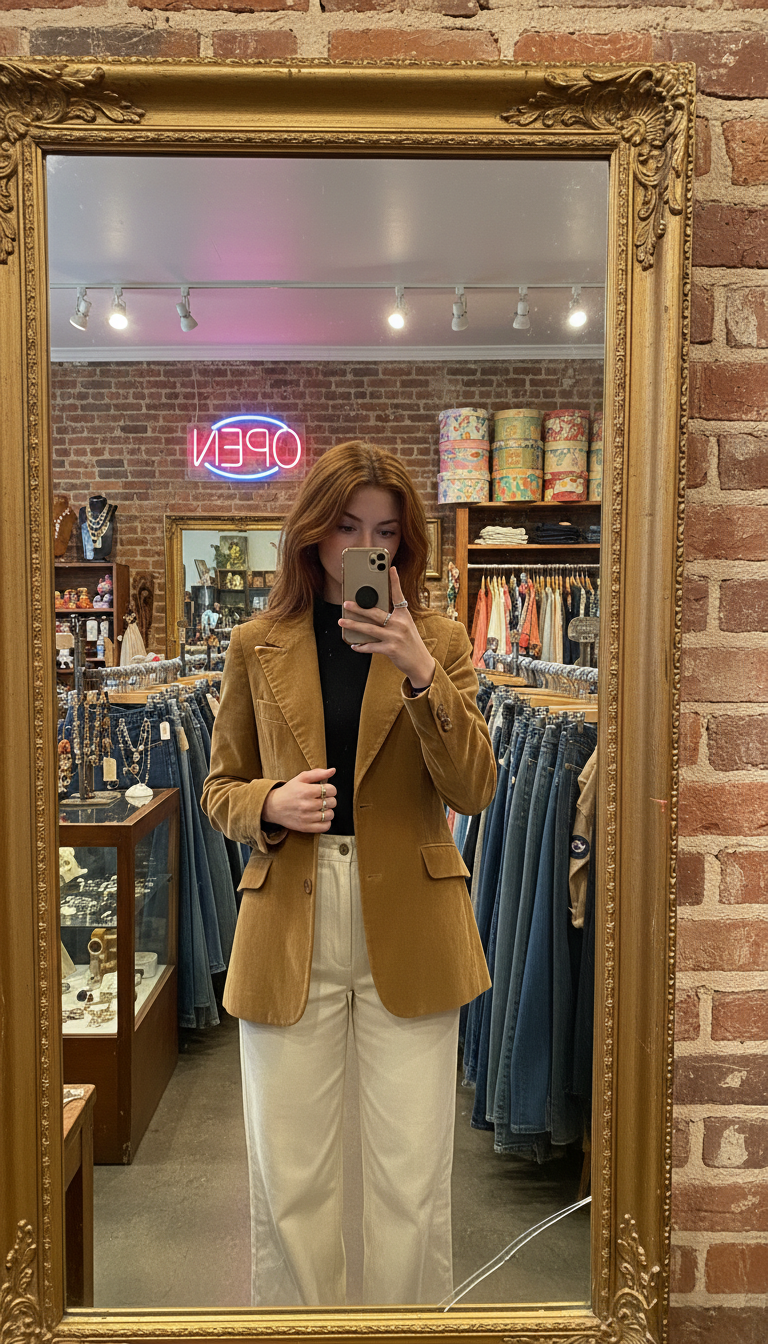
Vintage shop mirror
- Model
- Nano Banana
- Image
- 768 × 1344 px
Prompt
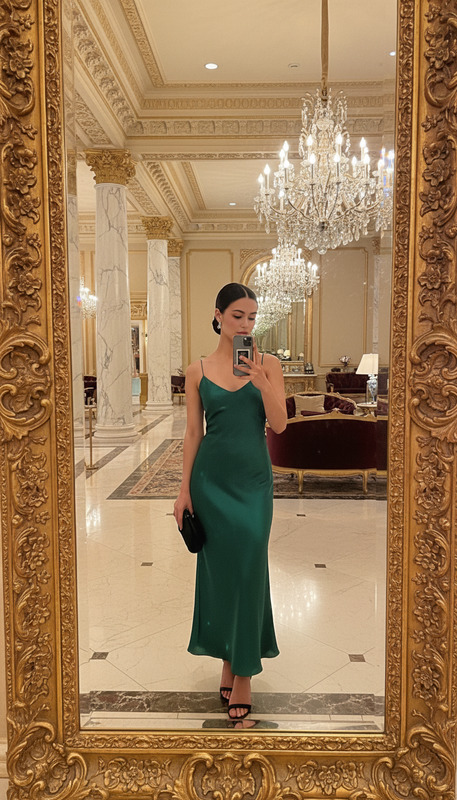
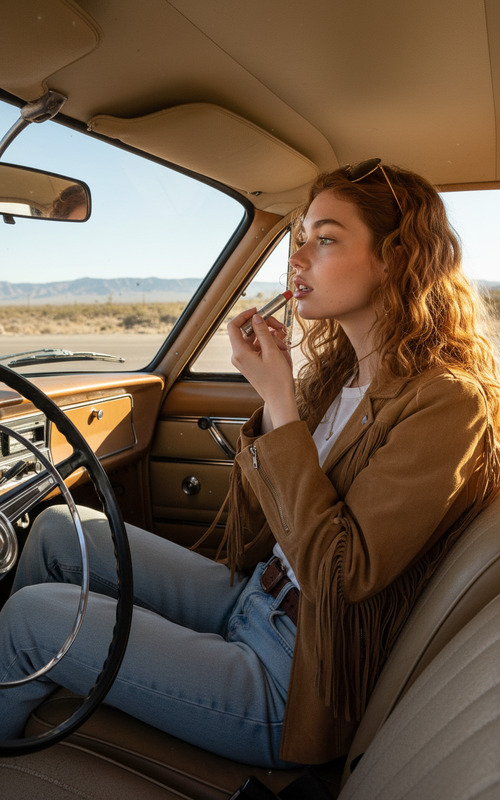
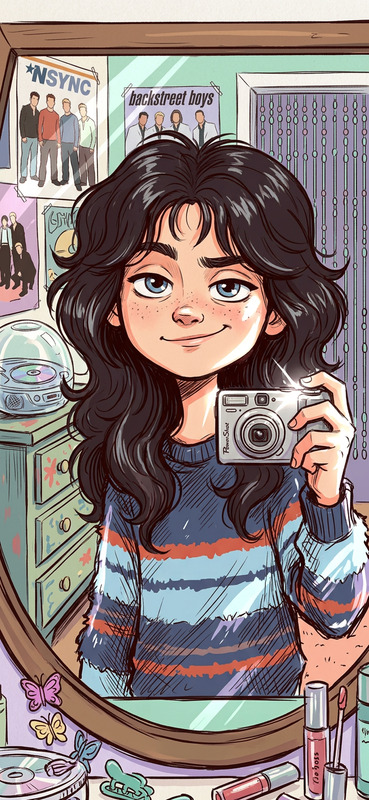
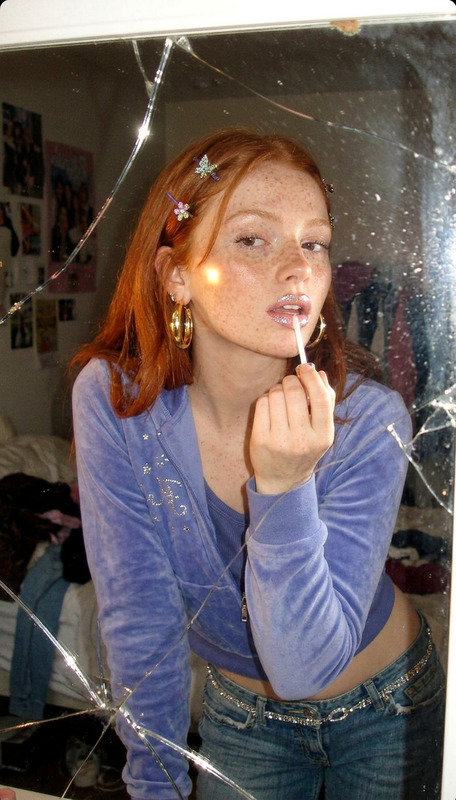
Subject taking a mirror selfie inside a cluttered vintage clothing shop, framed in an ornate gold-leaf standing mirror against an exposed brick wall. Wearing a camel 70s corduroy blazer with wide lapels over a black mock-neck top and cream high-waisted wide-leg trousers. One hand adjusting the blazer collar, the other holding the phone at waist height, silver rings catching light. Auburn hair center-parted, slightly messy. Background filled with racks of vintage denim, jewelry case, stacked hat boxes, and a pink neon “OPEN” sign. Warm track lighting mixed with daylight. Mirror shows slight aging and a small crack, natural grain and slight tilt, candid thrift-shop moment.
Any aspect ratio
Overview
The Vintage Shop Mirror is a unique option within the AI Image Editor template category, designed to transport your audience into a bygone era. With its detailed prompt focusing on a mirror selfie scene inside a vintage clothing shop, this template provides an ideal setup for creating an authentic, retro vibe in your images.
What It Does
The template employs the nano-banana model to craft images that capture the nuances of a classic mirror selfie in a vintage setting. By focusing on details such as the ornate gold-leaf mirror, cluttered shop background, and distinct vintage fashion, it brings a sense of nostalgia and authenticity to your digital images.
Who It's For
This template is perfect for creators and marketers looking to infuse a nostalgic touch into their visual content. Ideal for fashion retailers aiming to highlight vintage collections, content creators in the lifestyle niche, and social media influencers who want to create engaging, themed posts.
Summary
With the Vintage Shop Mirror template, users can create visually compelling images that meticulously recreate a vintage clothing shop ambiance. It's a must-have for anyone looking to leverage image-to-video transformations or enhance their media with a retro aesthetic, using the robust AI Image Editor capabilities.
How to Use
Choose

Customize

Generate

Use Cases
Fashion Lookbooks
- Highlight classic pieces in styled outfits
- Create thematic photoshoots with ease
Social Media Content
- Develop retro-themed Instagram stories
- Craft distinct Pinterest pins
Marketing Campaigns
- Design eye-catching authentic ads
- Integrate into cross-platform promotions
Best Practices
Focus on Details
Pay attention to each element in the prompt to maximize authenticity; elements like clothing textures and mirror features bring the vintage vibe to life.Consistent Lighting
Ensure the lighting settings in your images match the described warm and daylit ambiance for cohesive output.Experiment with Angles
Try slight adjustments in angles and backdrop elements to see how they affect the image’s overall look.