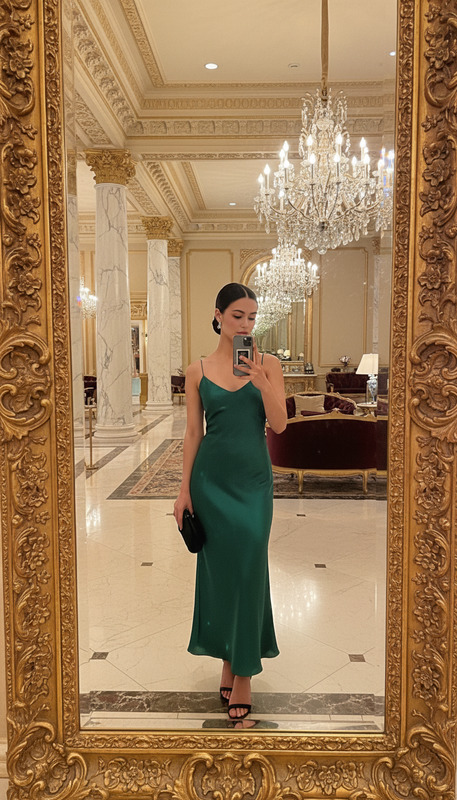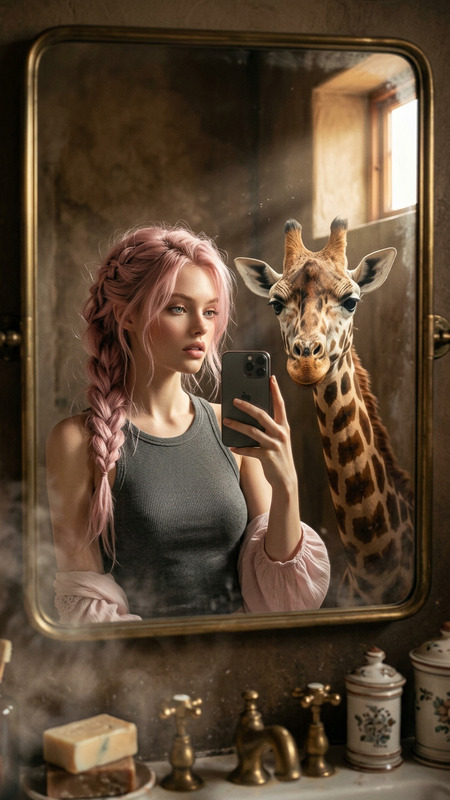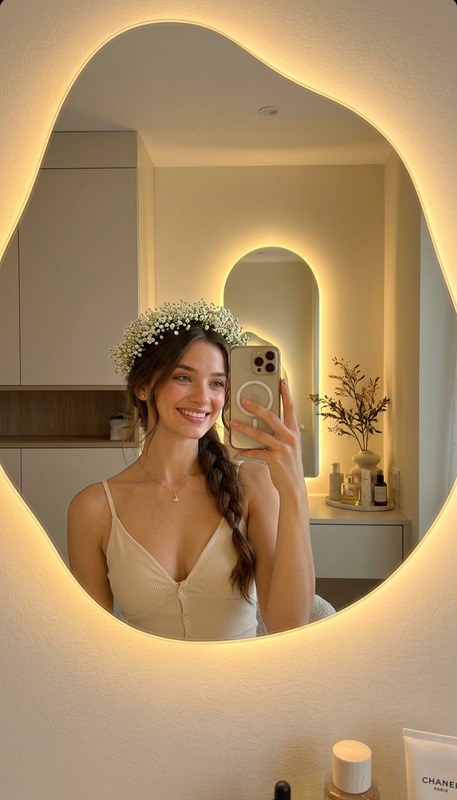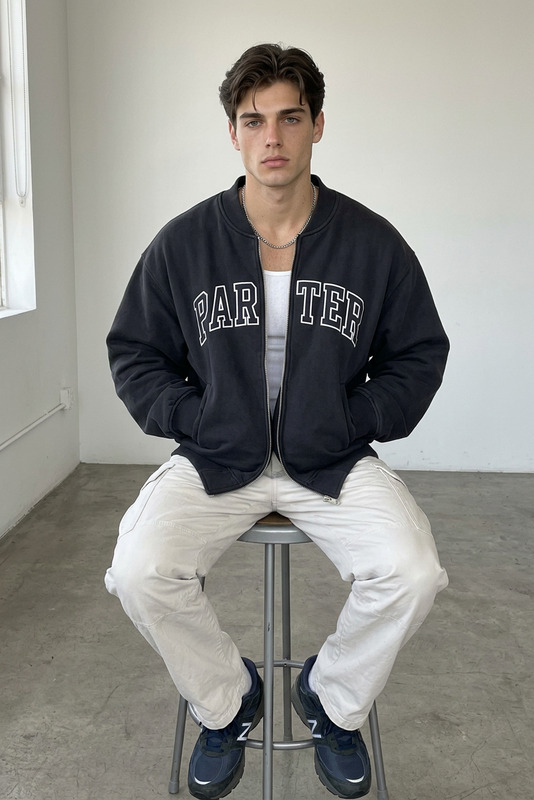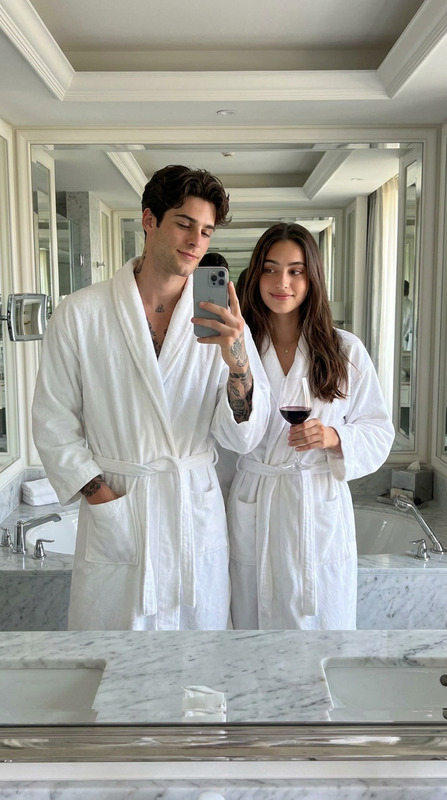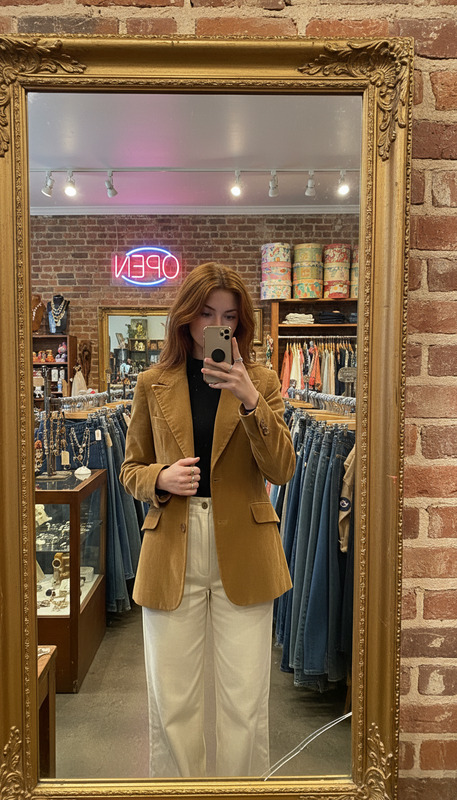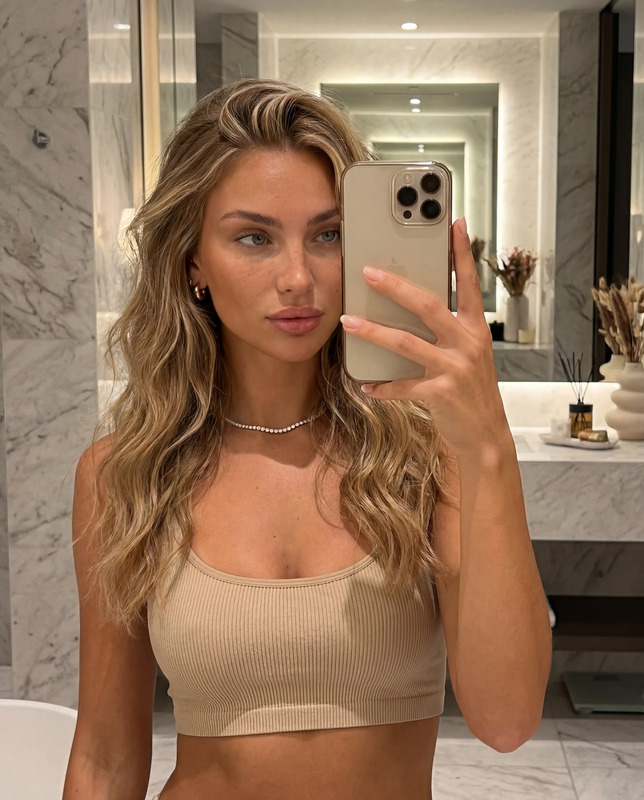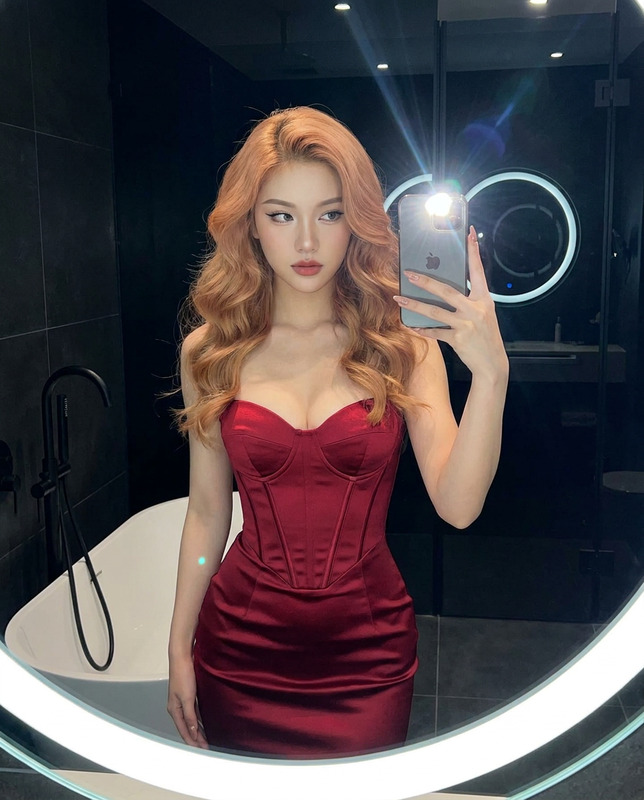
Bathroom Shelfie
- Model
- Nano Banana 2
- Image
- 768 × 1365 px
Prompt
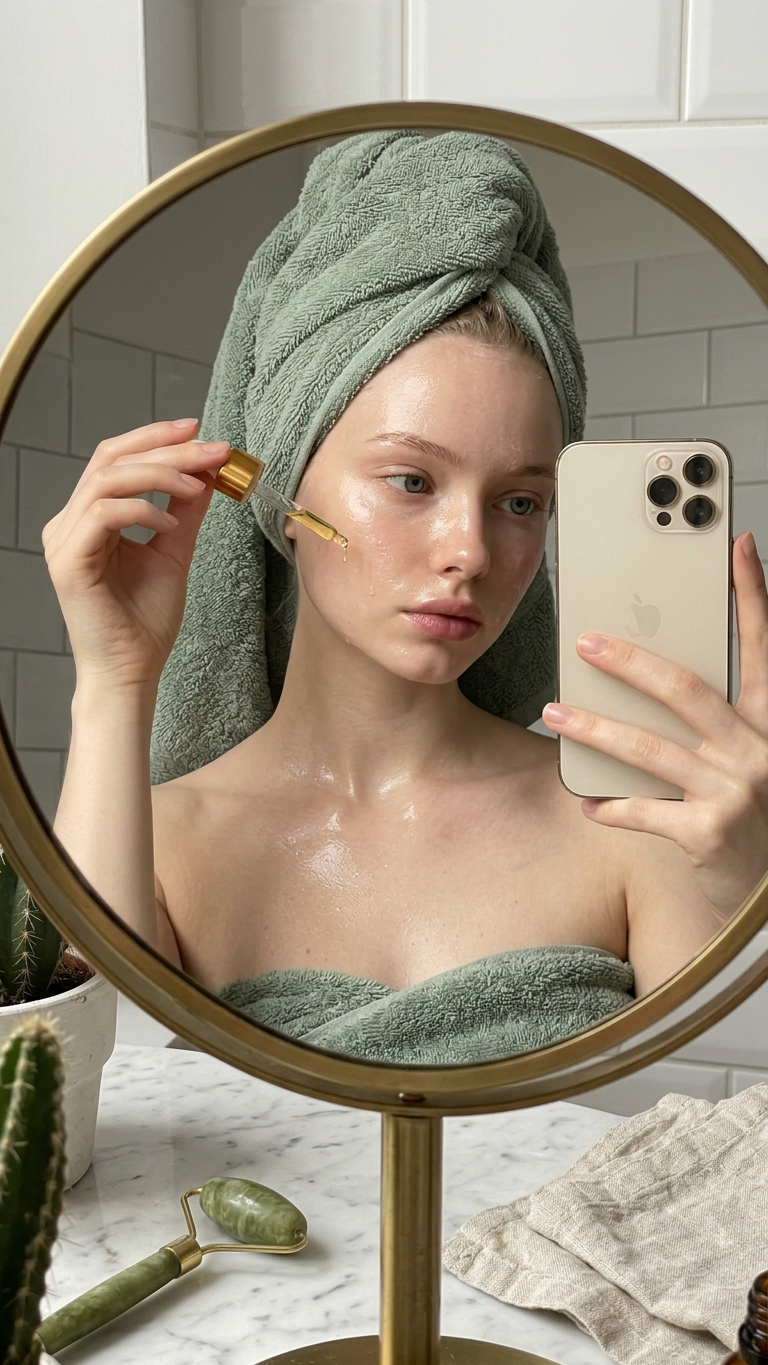
A close-up iPhone selfie of a subject in a softly lit bathroom, reflected in a round mirror with a thin brass frame. Subject wears a plush sage green towel wrap and has damp hair twisted into a loose towel turban. Subject’s skin is freshly cleansed and dewy, with a thin layer of glistening facial oil catching the warm vanity light. Subject holds a small amber glass dropper bottle close to their cheek, one drop suspended at the dropper tip. The marble vanity below the mirror is arranged with a curated collection of skincare—a white ceramic tray holding a jade roller, a small cactus in a speckled pot, and neatly folded face cloths in muted linen. The background is tiled in small white subway tiles with dark grout lines. The iPhone captures the scene through the mirror, the phone visible in the subject’s other hand, a faint reflection creating depth — bathroom shelfie moment, shot on iPhone.
Any aspect ratio
Overview
The "Bathroom Shelfie" is a sophisticated AI Image Editor template designed to elevate mundane bathroom scenes into classy social media visuals. Utilizing the advanced nano-banana-2 model, this template captures the subtle reflections and ambient lighting to make your images pop with aesthetic appeal.
What It Does
This template transforms ordinary selfies into visually compelling narratives. By focusing on the reflections and depth within a bathroom setting, it ensures that every detail—from the hanging drop of serum to the curated vanity—is enhanced. The model captures the subject through a round mirror with warm, cozy lighting and highlights the subtlety of textures like damp hair and the plush towel.
Who It's For
Ideal for beauty enthusiasts, lifestyle bloggers, and home decor influencers seeking to connect with their audience through imagery that combines everyday reality with a polished aesthetic. This template is also perfect for skincare brands wanting to showcase their product use scenarios elegantly.
Summary
With the "Bathroom Shelfie" template, turn your iPhone selfies into engaging visual stories ready for social media or portfolio features. The use of advanced imaging techniques ensures every subtle detail is polished, from the delicate drop of oil to the speckled pot of cactus. For more advanced customization, explore our AI Clothes Changer and AI Photo Relighting tools.
How to Use the Bathroom Shelfie Template
Choose the Template

Customize Your Image

Generate Your Image

Use Cases
Social Media Content
- Instagram selfies
- Pinterest decor pins
E-commerce Marketing
- Skincare product displays
- Bathroom decor listings
Brand Promotions
- Influencer collaborations
- Brand storytelling
Best Practices
Lighting
Ensure adequate soft lighting to reduce shadows and highlight critical details like glistening skin tones.Composition
Maintain a tidy vanity with symmetrical arrangements to direct focus to the central subject.Product Placement
Use visible brand names and ensure the product is at eye level in the reflection for promotion.