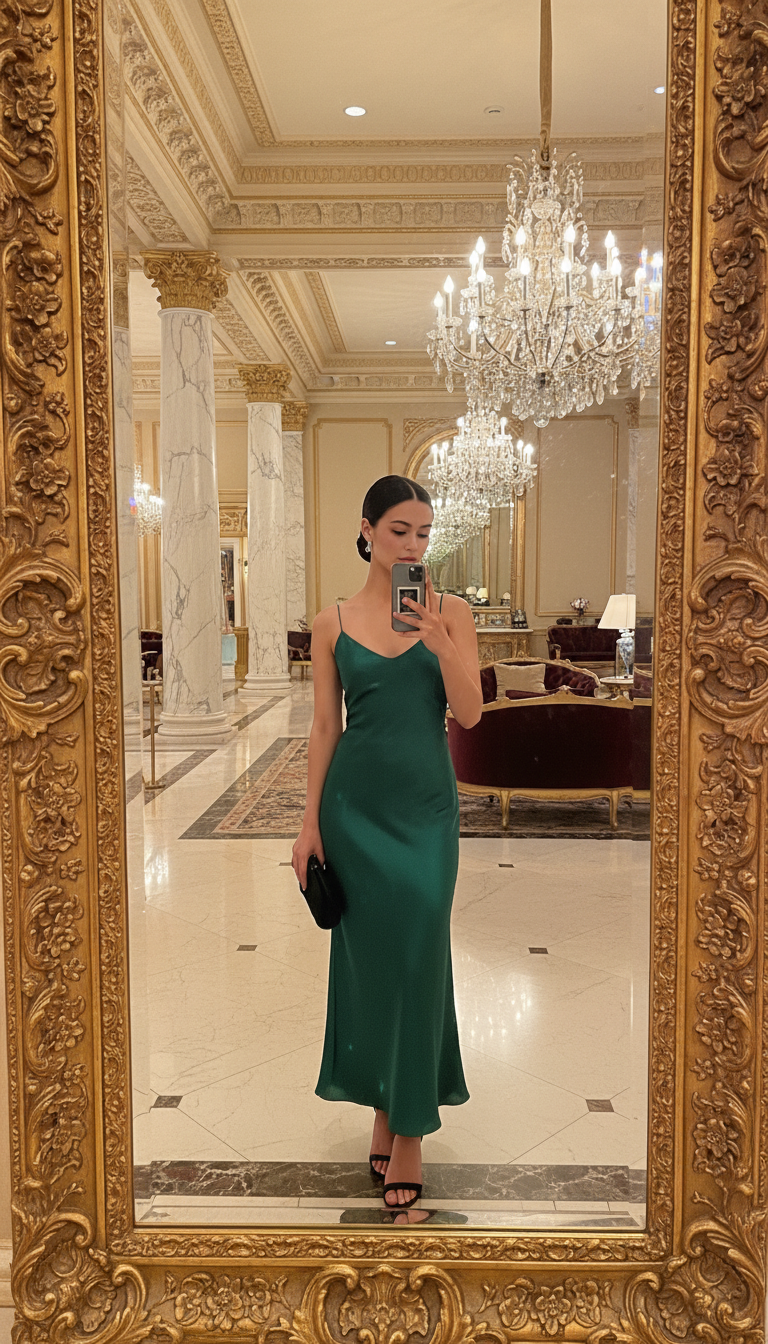
Hotel lobby grand mirror

Hotel lobby grand mirror

ai-image-editor

1 clip
6 uses

Any aspect ratio

Prompt

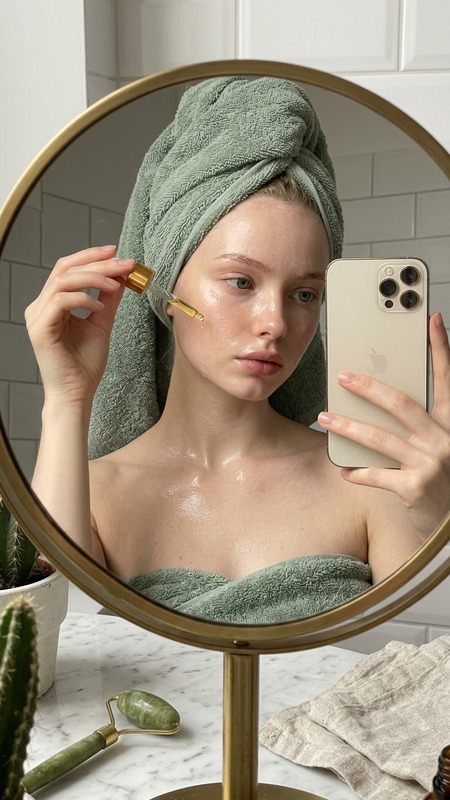
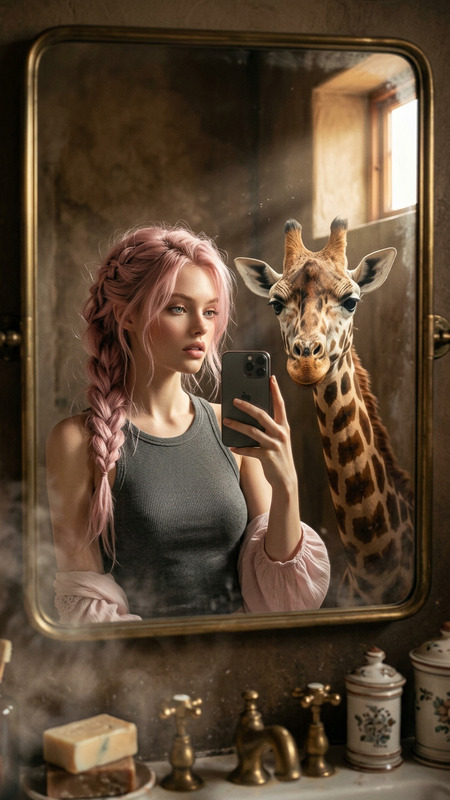
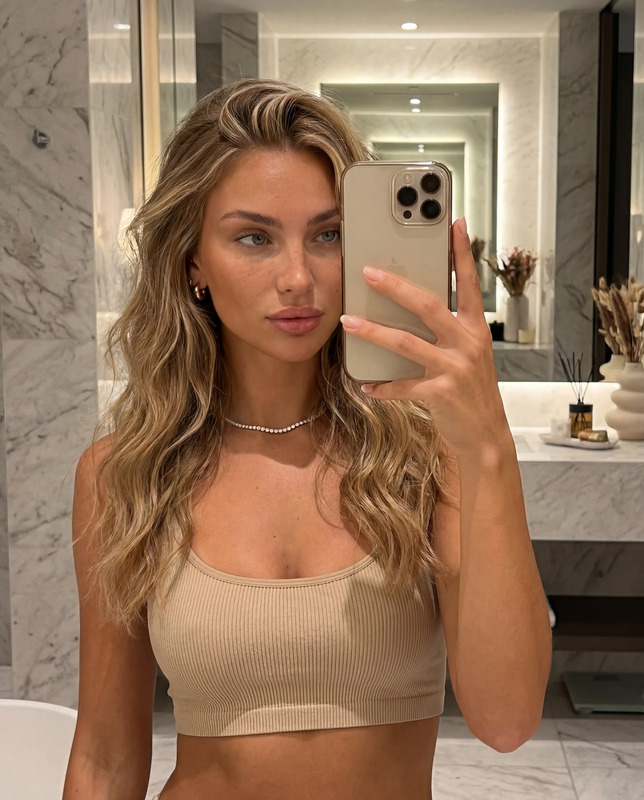
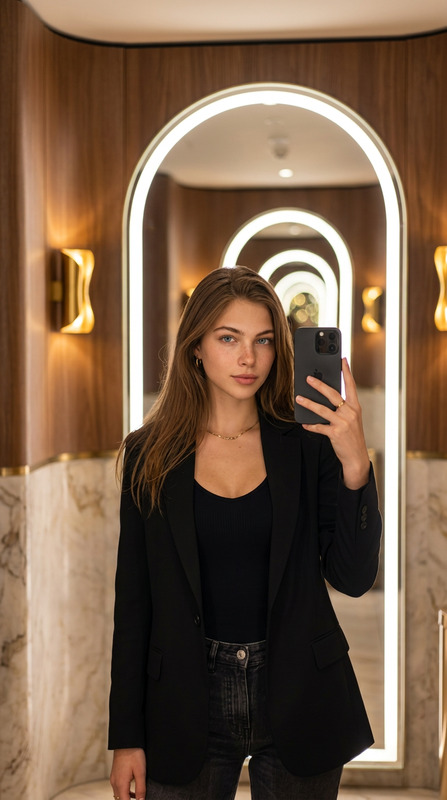
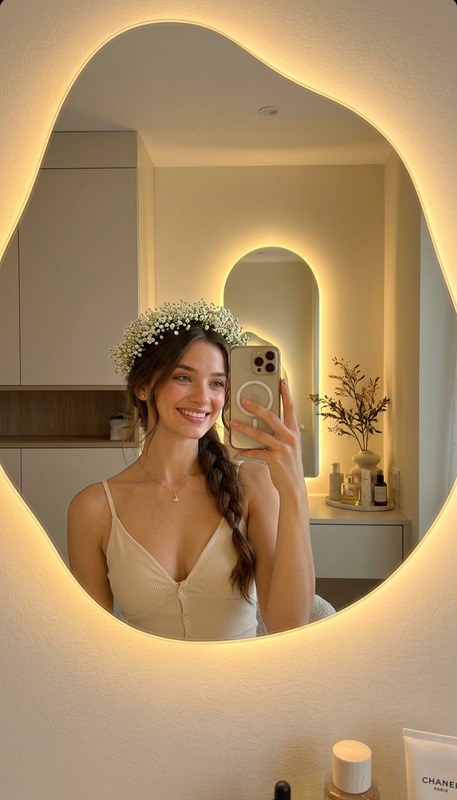
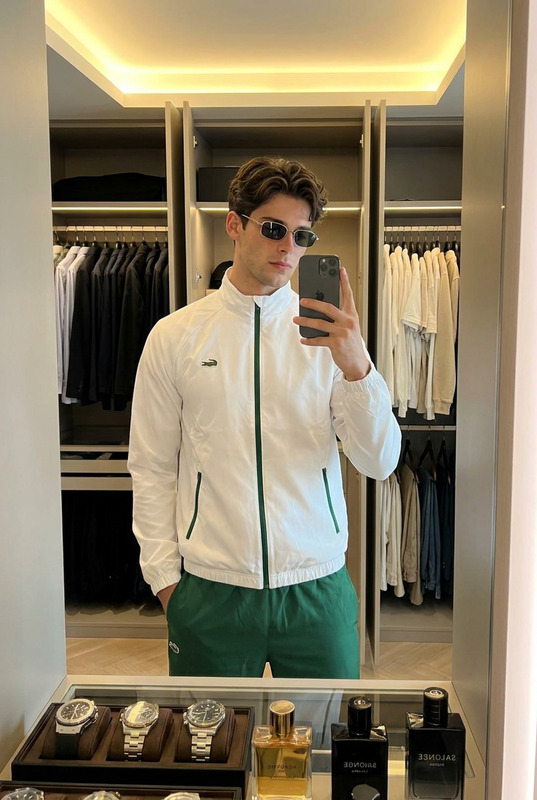
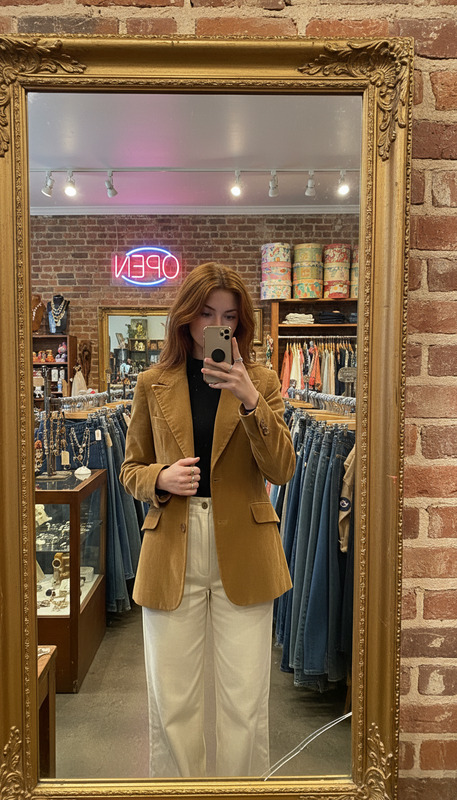
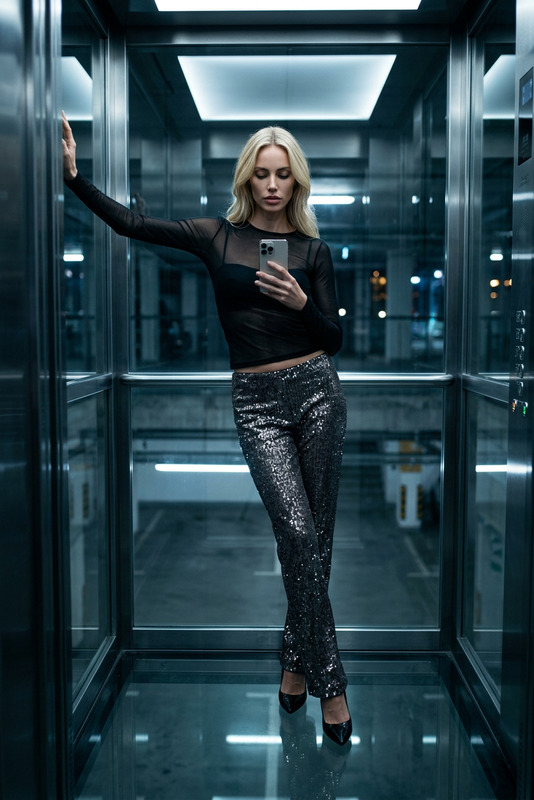
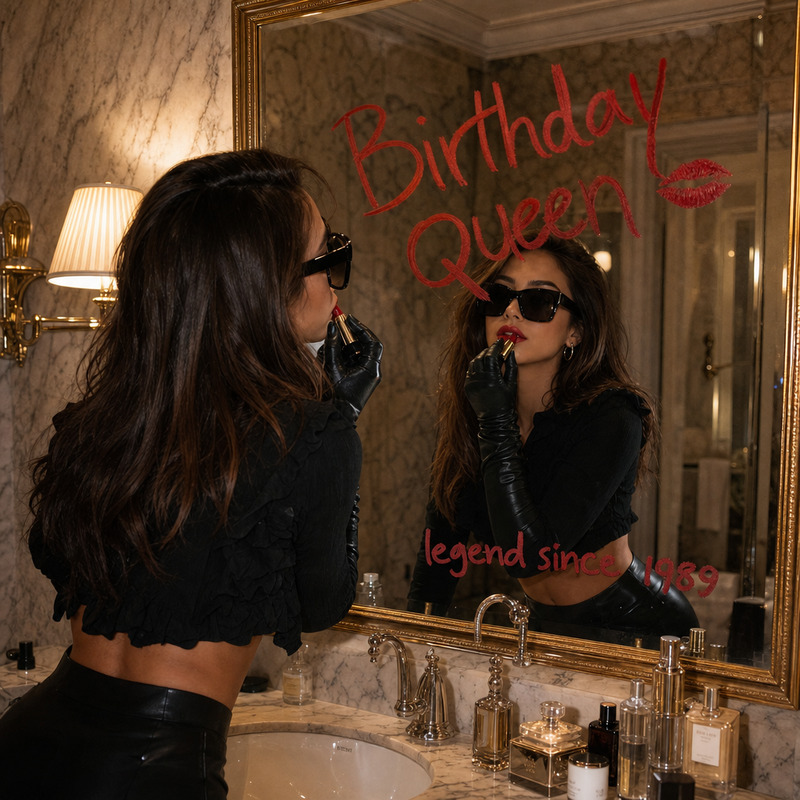
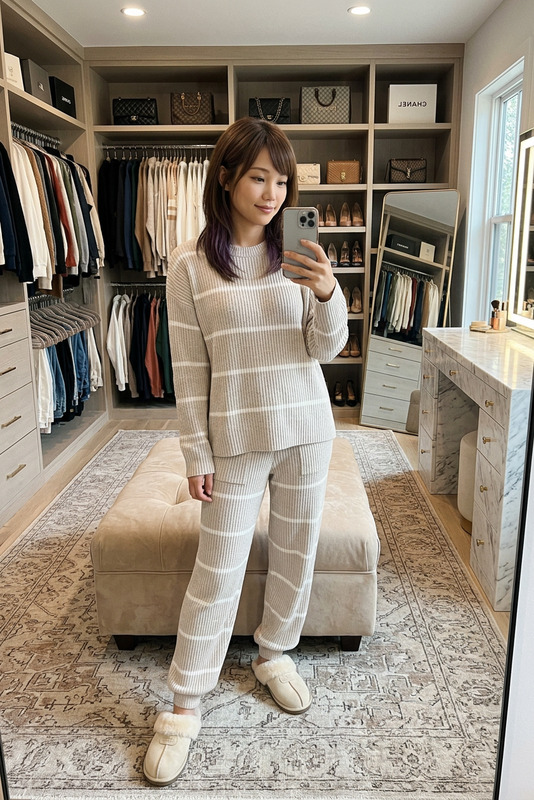
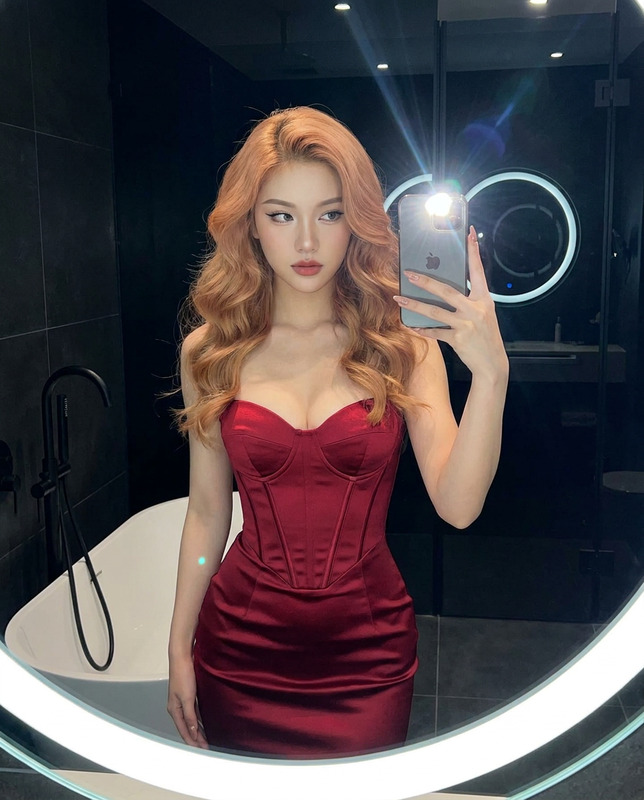
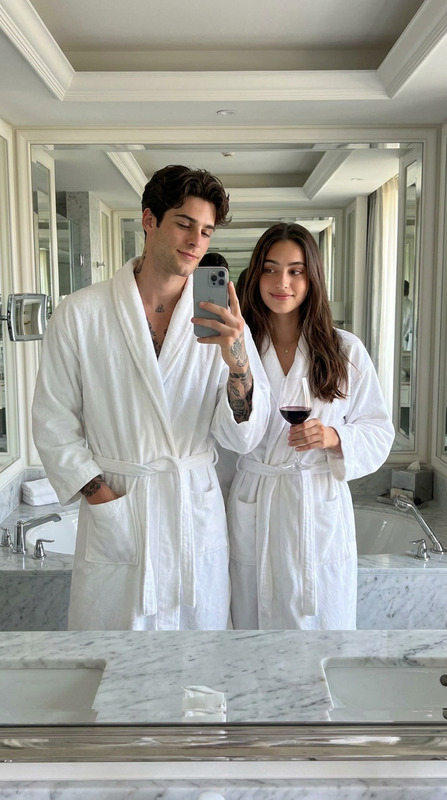
Subject catches their reflection in a massive gilded mirror in a grand hotel lobby, phone raised to chest height with deliberate poise. A floor-length emerald green satin slip dress skims the subject’s frame, paired with strappy black heeled sandals and a tiny black satin clutch held under one arm. Subject’s hair is swept into a polished low chignon, with small diamond stud earrings visible. The lobby behind reflects crystal chandeliers, marble columns, and plush velvet seating in deep burgundy. The mirror’s ornate gold frame fills most of the shot, its baroque scrollwork creating a dramatic border. Warm chandelier light mixes with cool marble reflections, casting the subject in a cinematic glow. The phone screen is faintly visible in the mirror, adding an authentic self-portrait layer — grand hotel mirror moment, shot on iPhone.

AI Image Editor Template: Remixable Photo Editing for Teams, Creators, and Developers

Use this template as a starting point to build your own reusable AI image workflow in Magic Hour. It’s built on the AI Image Editor, so you can quickly transform, clean up, and restyle images with natural language instructions—no manual Photoshop-style work required.


What This Template Is For

This AI Image Editor–based template is ideal for:

  • Marketing & Growth Teams

    • Generate on-brand variations of product shots for ads, landing pages, and A/B tests
    • Remove distractions, clean backgrounds, and localize visuals for different markets
    • Create social-ready images, thumbnails, and campaign concepts in minutes
  • Founders, PMs, and Startup Teams

    • Prototype visuals for new features, product ideas, and pitch decks
    • Keep a consistent visual system without a full in-house design team
    • Standardize how your team edits images with a shared, remixable template
  • Designers & Creators

    • Rapidly explore styles, compositions, and visual directions
    • Automate repetitive retouching, cleanup, and background work
    • Hand off a clear, parameterized workflow to non-design teammates
  • Developers & Technical Users

    • Design a repeatable editing pipeline you can replicate in product flows or content tooling
    • Use the template as a design spec for how images should be transformed
    • Align non-technical collaborators around a single “source of truth” for image edits

What You Can Do With This Template

Because it’s built on the AI Image Editor, you can adapt this template to cover most modern AI photo-editing operations:

The template gives you a repeatable base; you can then plug in these specialized tools as needed throughout your creative workflow.


How to Remix This Template in Magic Hour

You can use this AI Image Editor template as-is, or remix it into your own custom template for your team.

1. Start from the existing template

  • Open this template in Magic Hour
  • Duplicate or remix it to create your own version
  • Rename it to match your use case (e.g., “DTC Product Image Cleanup,” “Founder Headshot Pipeline,” “YouTube Thumbnail System”)

2. Customize the input structure

Decide what users of your template should provide:

  • Core image input
    • A single product photo, founder headshot, UI mockup, or marketing asset
  • Optional reference images
    • Brand reference styles (e.g., example ads or moodboards)
    • Example headshots or avatars you want to match
  • Text instructions
    • Clear prompts describing the transformation (e.g., “clean white background,” “soft studio lighting,” “LinkedIn-appropriate headshot,” “minimalist SaaS hero image”)

Design your template so non-technical teammates only have to drop in assets and a short text brief.

3. Define the edit steps

Using the AI Image Editor, structure your template around a logical sequence of edits. Common sequences:

  • Product image pipeline

    1. Remove clutter or existing background
    2. Add a simple, branded background or shadow
    3. Enhance sharpness and resolution with the AI Image Upscaler
    4. Generate variants for A/B tests or different channels
  • Founder / team headshot pipeline

    1. Clean up background, lighting, and minor imperfections
    2. Apply a consistent style (e.g., studio-lit, neutral backdrop) using AI Headshot Generator as inspiration
    3. Export multiple formats (square for profile, wide for banners, etc.)
  • Thumbnail / social creative pipeline

    1. Extract subject from original background
    2. Replace with high-impact, on-brand background via AI Background Generator
    3. Sharpen and upscale for clarity in feeds
    4. Generate a few stylistic variations for testing

Each step should be understandable to both designers and non-design stakeholders.

4. Add optional branches for advanced users

Build in optional steps that more advanced users can turn on when needed:

This keeps the default flow simple while still supporting power users.

5. Save and share with your team

Once you’ve tuned the flow:

  • Save your version as a shared template
  • Document when and how to use it (e.g., “Run all new product shots through this template before pushing to the site”)
  • Encourage teammates to create “remix” variants for specific channels or campaigns

Combining This Template With Other Magic Hour Tools

To build a more complete content pipeline around this AI Image Editor template, consider chaining it with:

By designing a template around the AI Image Editor and then connecting it to these tools, you get a full-stack visual content system: from raw photos to finished, on-brand assets for web, mobile, social, and product.


When This Template Is a Good Fit

Use or remix this AI Image Editor template if:

  • You need a repeatable, documented way to transform images for your product or brand
  • Multiple collaborators (marketing, design, founders, agencies) must produce visuals consistently
  • You want to experiment rapidly—generate options, test, and standardize what works
  • You care about keeping your outputs on-brand and controlled, not just generating one-off AI art

If you’re building a serious visual pipeline—for ads, product visuals, or ongoing content—this template is designed to be your starting point. Open it in Magic Hour, duplicate it, and tailor the steps to your team’s workflow.

More Like This

Insufficient credits