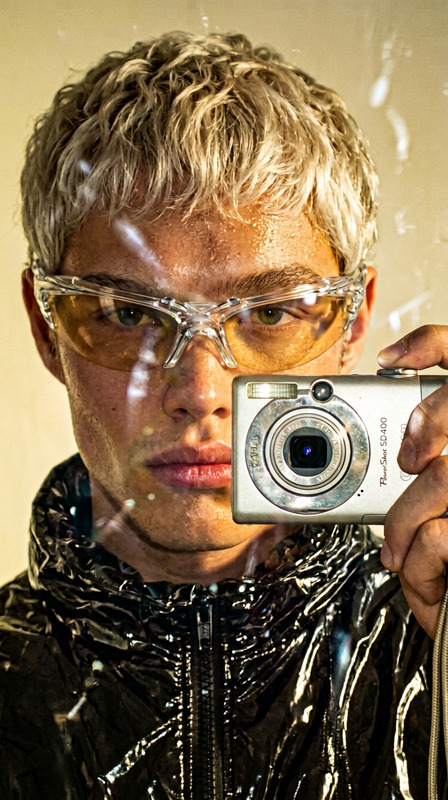
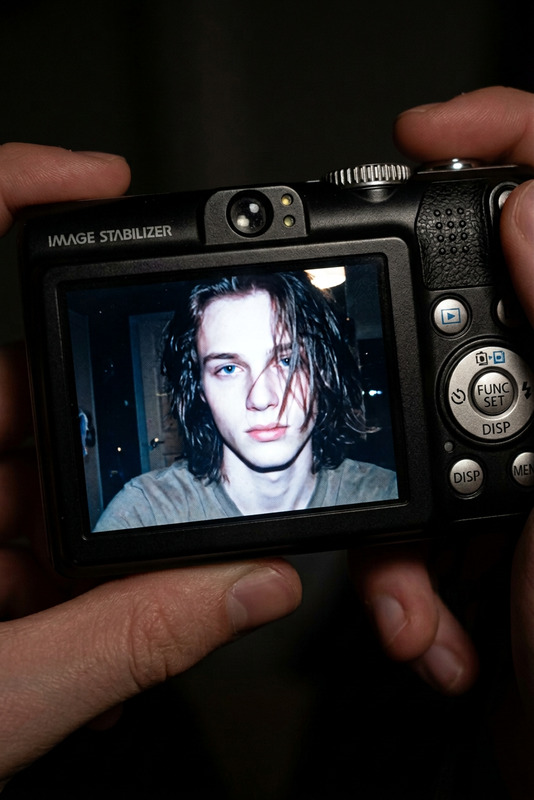
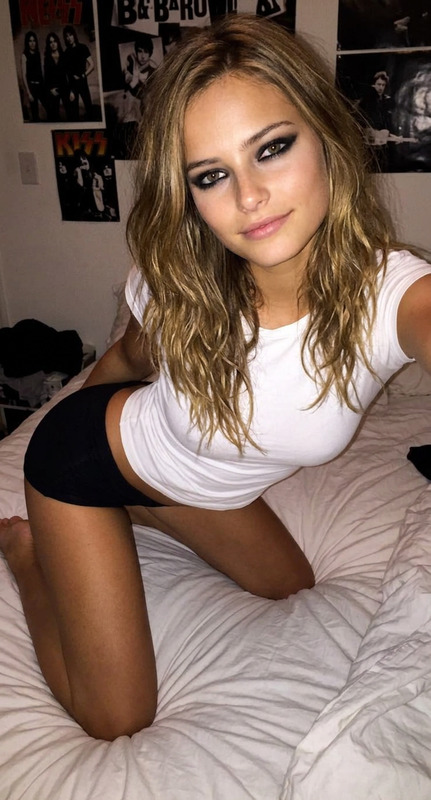
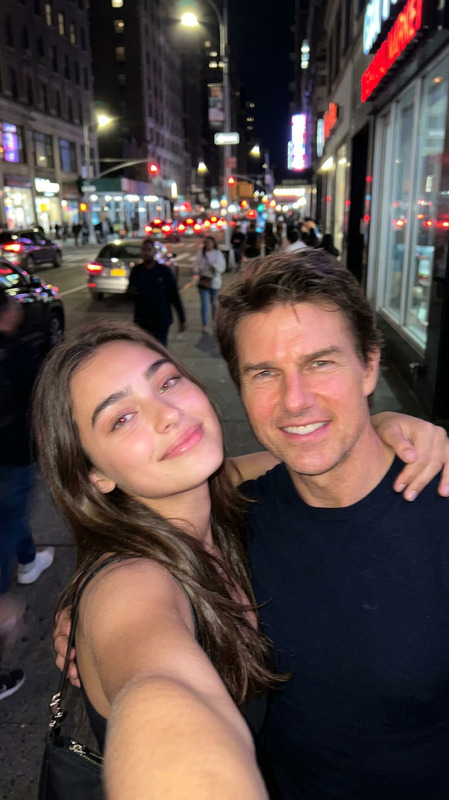
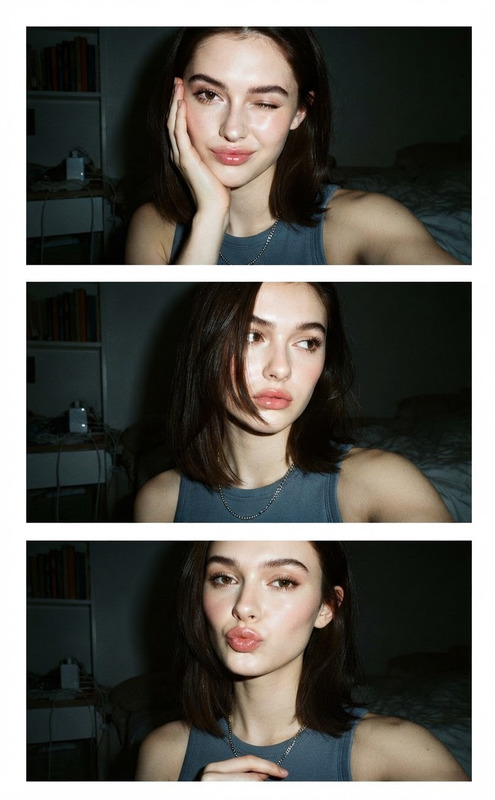
Using the uploaded reference photo, create a standard iPhone selfie with flash. There's no clear subject or framing; it's a sloppy snapshot. The photo has subtle motion blur and is slightly overexposed due to uneven lighting. The angle is awkward, the composition is nonexistent, and the overall effect is extremely mediocre, like a photo taken accidentally while pulling a phone out of a pocket. The girl is sitting on a sofa at night (without lights), wearing the same clothes, accessories, and style as in the original photo. Don't alter her face or facial features.
Any aspect ratio
Overview
The Accidental Flash template produces a casual selfie effect from your uploaded photo. The image appears as if taken hastily with an iPhone flash, featuring awkward angles, slight motion blur, and overexposure. The subject maintains their original clothing and style, resulting in a relatable snapshot aesthetic.
How to
Follow these steps to create your Accidental Flash image.
01
Choose a Photo
Upload a clear photo that you want to transform into an accidental flash selfie.
02
Generate the Image
Click 'Generate' to start processing your image with the saved settings.
03
Review Your Image
Once generated, view and download your image featuring an iPhone flash effect.