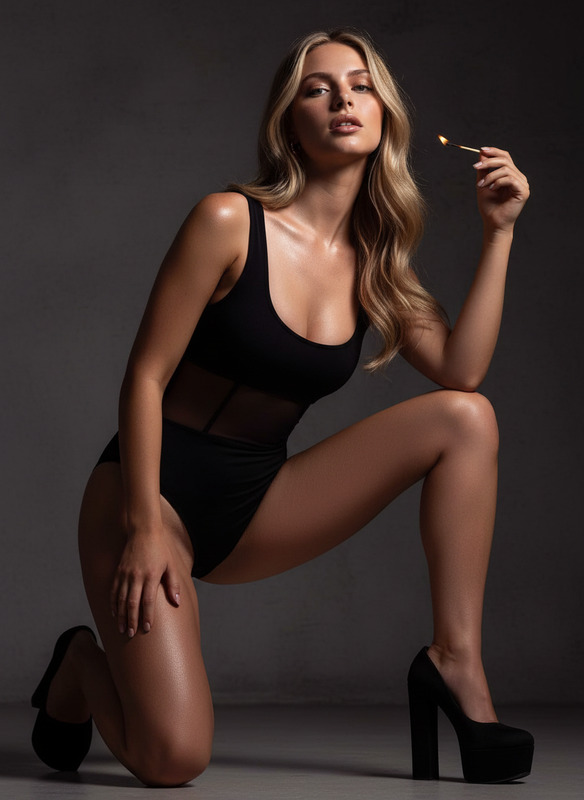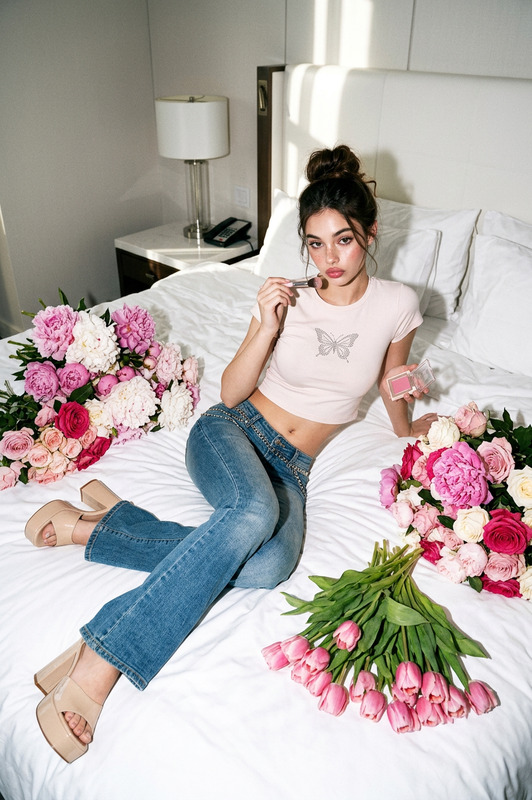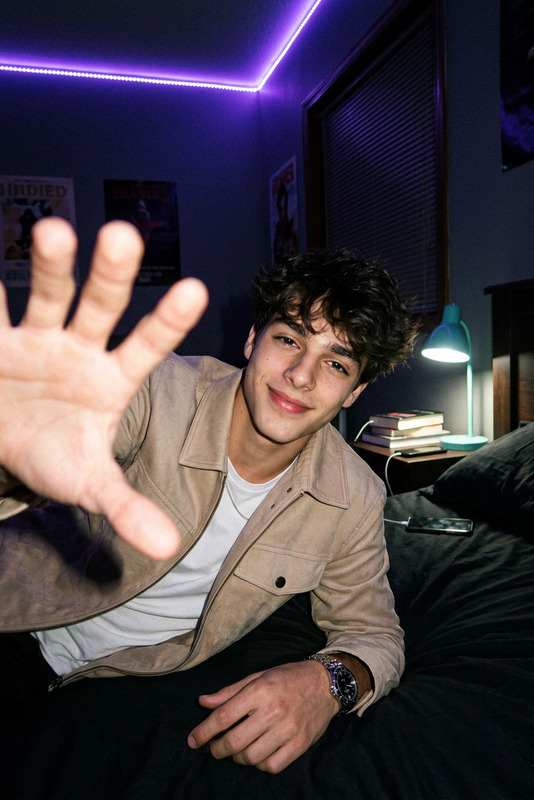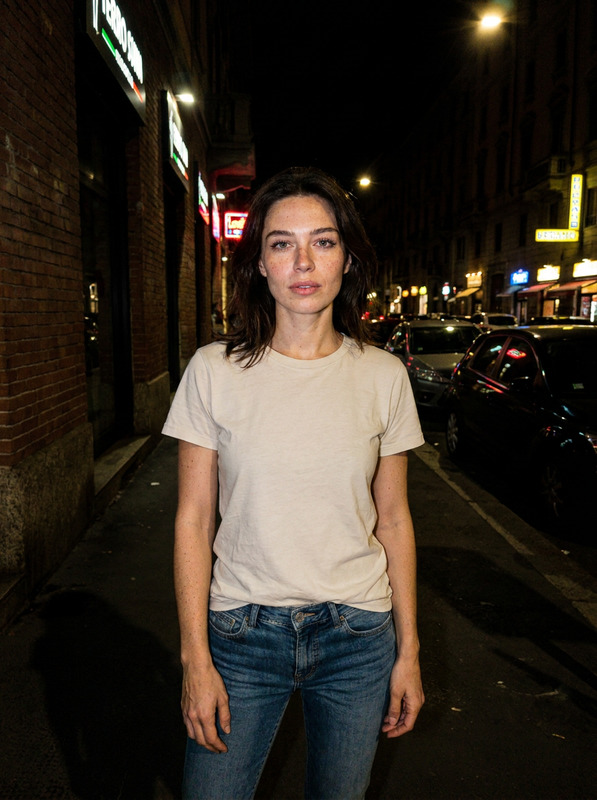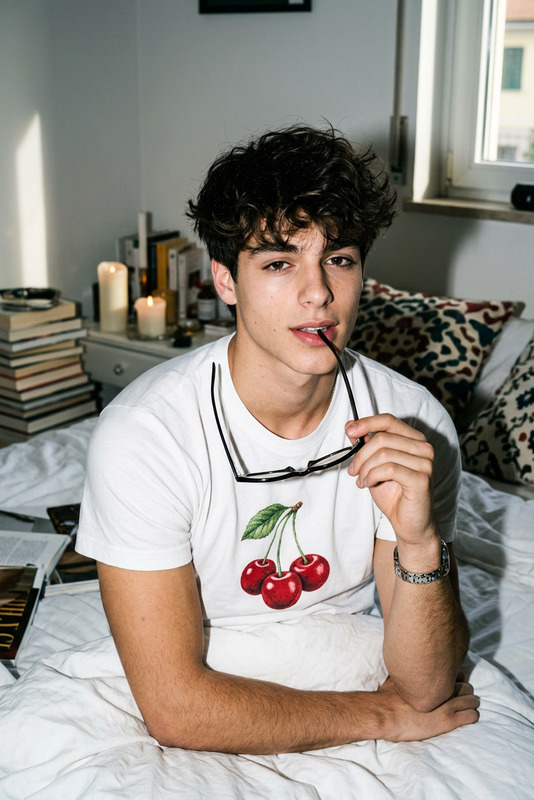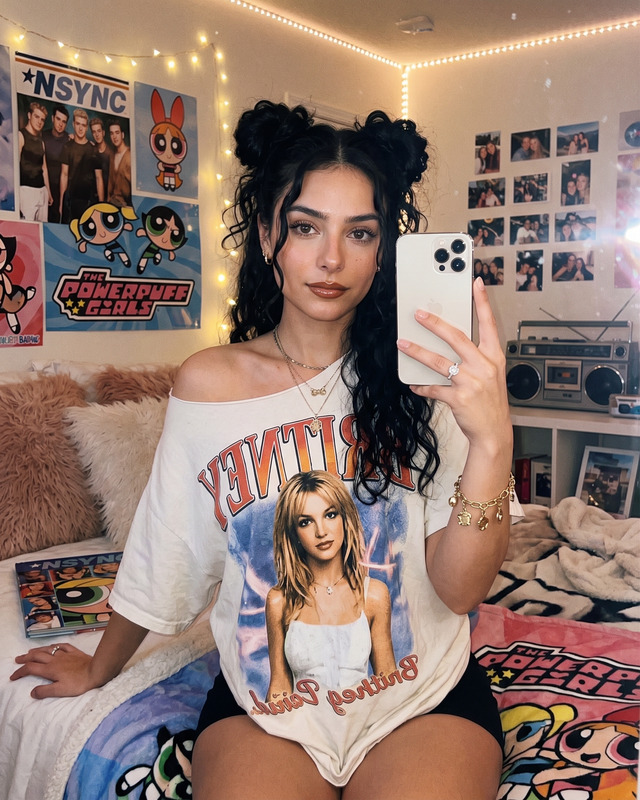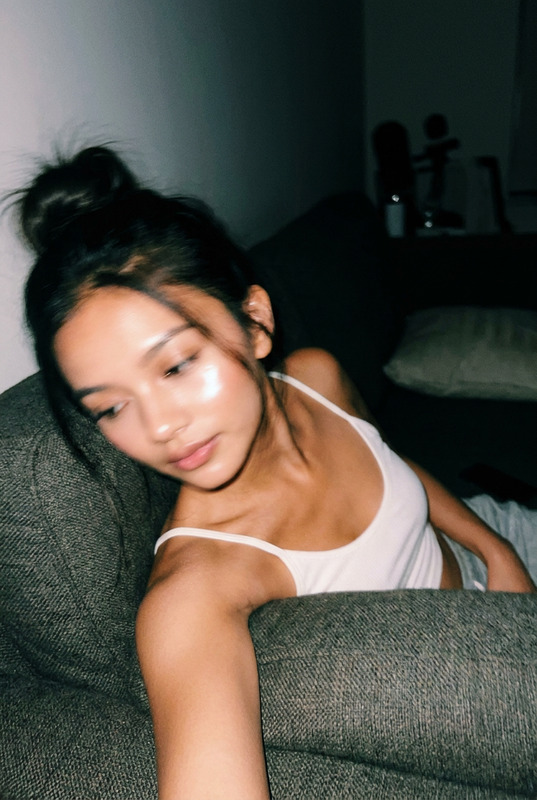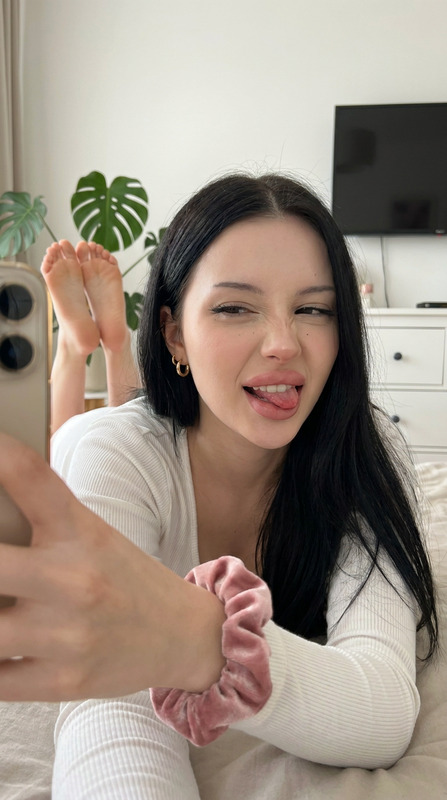
Photoshoot Bedroom
- Model
- Nano Banana 2
- Image
- 752 × 1397 px
Prompt
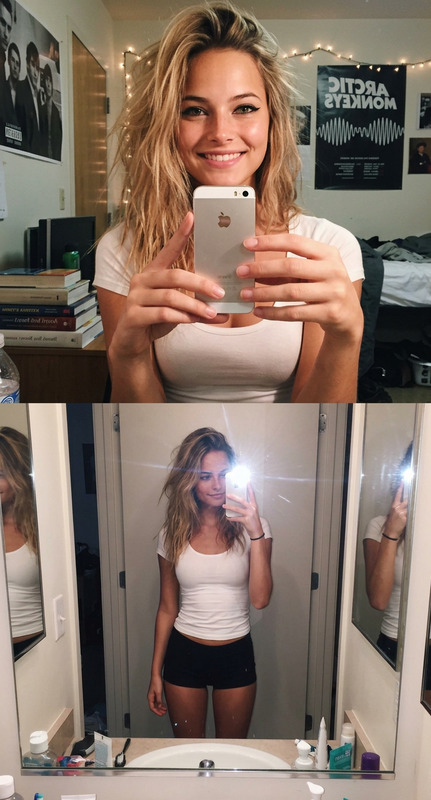
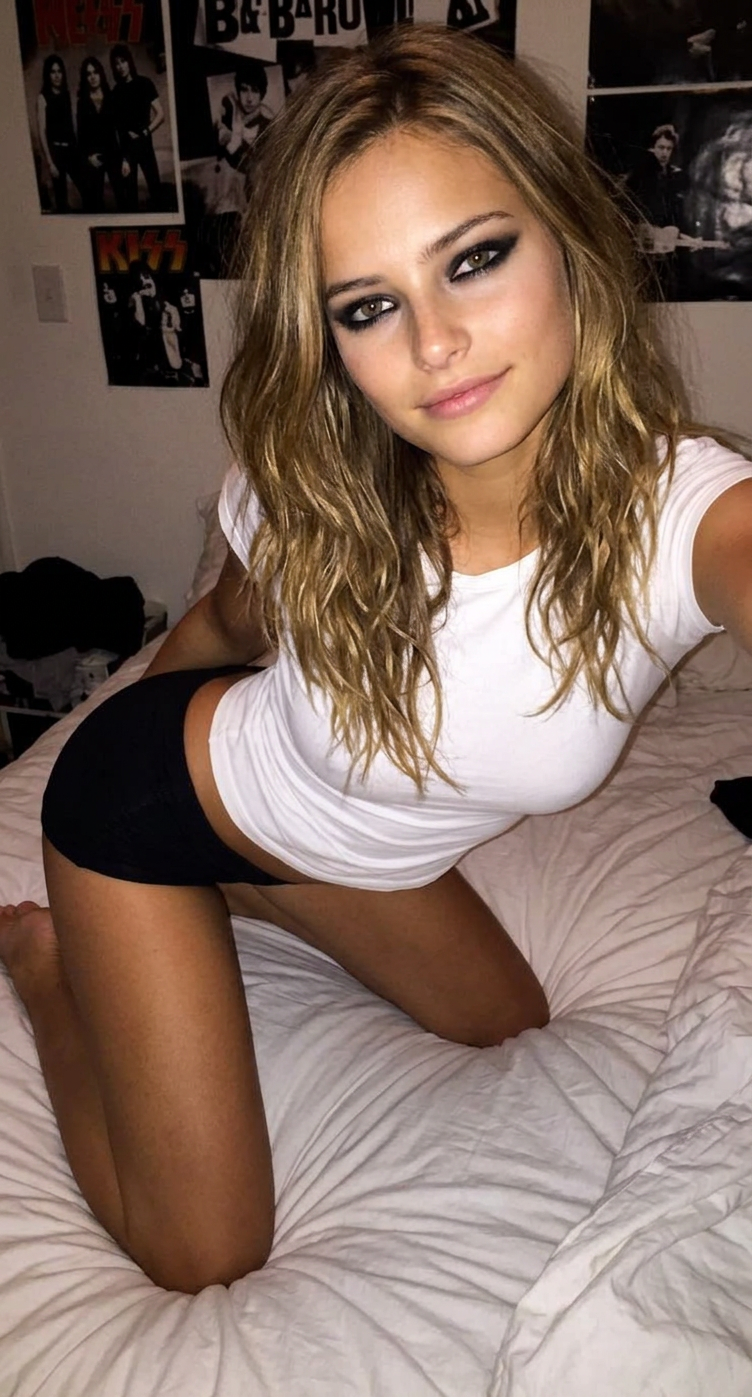
A photo from the early 2010s, taken with an iPhone 5s and flash in a bedroom. She has slightly tousled, tousled hair, bold black eyeliner, and smoky eye makeup. She's wearing a white, tight-fitting top and very short, black, stretchy shorts. She's kneeling on the bed, leaning slightly toward the camera.
Any aspect ratio
Overview
The "Photoshoot Bedroom" template brings the vibe of early 2010s bedroom photoshoots to your fingertips. Leveraging the nano-banana-2 model, it recreates images reminiscent of iPhone 5s photography, complete with flash aesthetics and characteristic fashion trends.
What It Does
This AI Image Editor template allows you to transform ordinary photos into retro-inspired portraits, ideal for nostalgic social media posts or creative projects. It emphasizes early 2010s styling and mood captured through the era's simple yet striking photographic technology.
Who It's For
Whether you're a content creator, artist, or social media enthusiast, this template is perfect for anyone looking to enhance their images with a throwback aesthetic. Fashion bloggers and influencers will particularly appreciate its ability to emphasize retro style elements.
Summary
Rooted in simplicity, the "Photoshoot Bedroom" template provides a straightforward path to achieving a classic look with the AI Image Generator. Ease of use combined with high-quality output makes it an essential tool for any digital creator wishing to add a vintage edge to their image collection.
How to Use
Choose the Template

Customize Your Inputs

Generate and Download

Use Cases
Social Media Aesthetics
Creative Art Projects
Fashion Retrospectives
Best Practices
Select Complementary Colors
Choose colors for your subject's clothes and makeup that enhance the flash photography effect.Maintain Consistent Styling
Ensure hairstyles and outfits are in line with the early 2010s aesthetic for maximum effect.Experiment with Angles
Try different camera angles to capture the right mood and bring depth to the portrait.