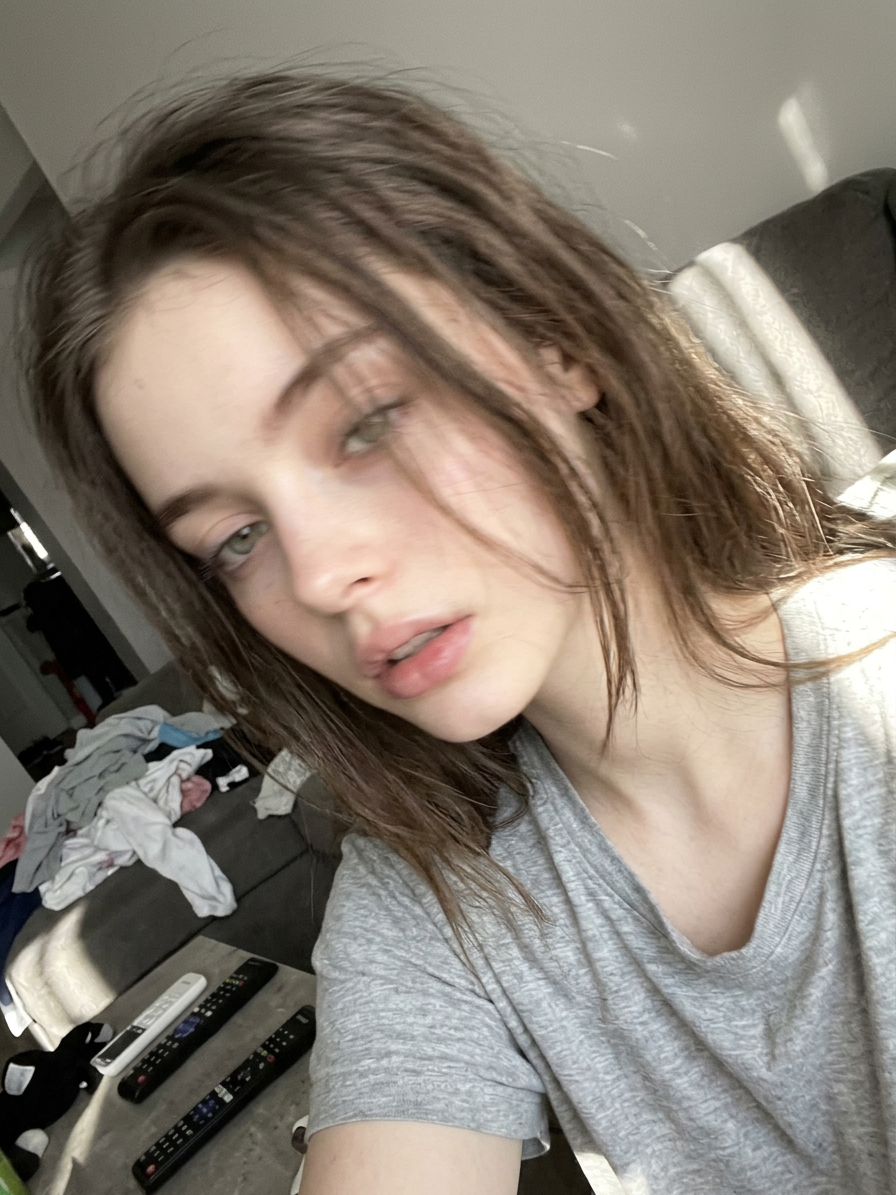
Accidental iPhone Selfie
ai-image-editor
Any aspect ratio
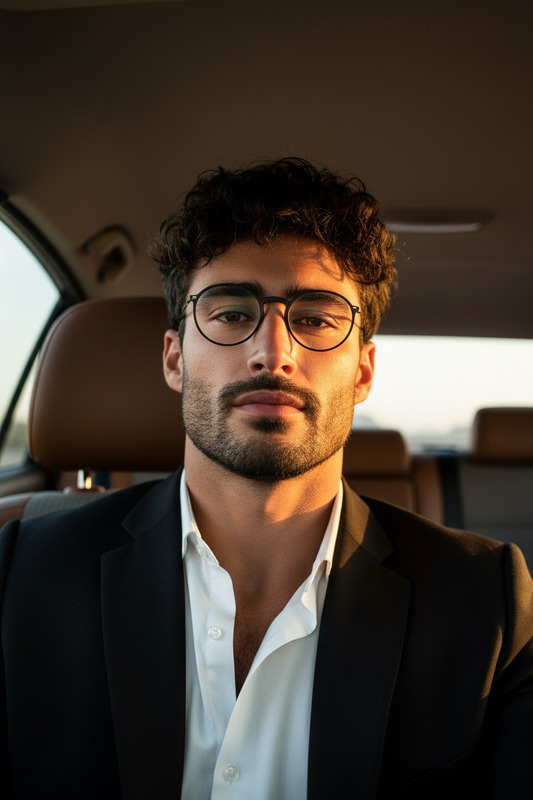
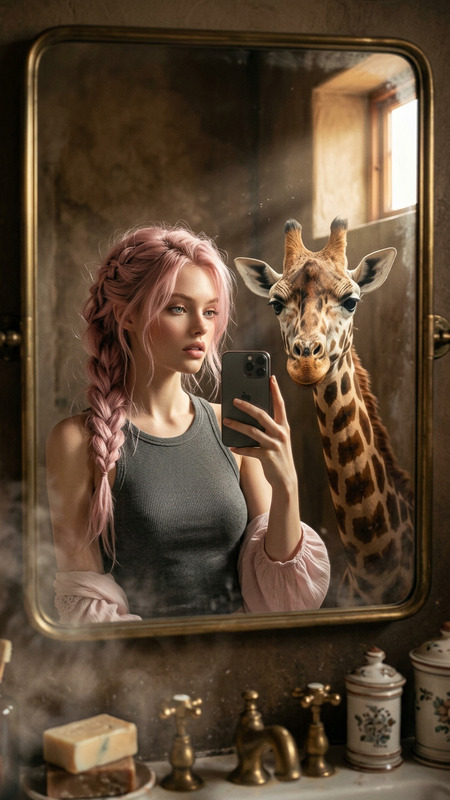
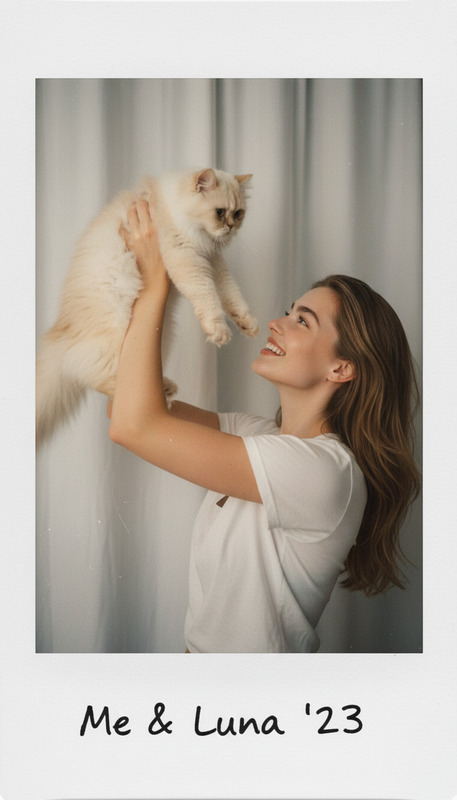
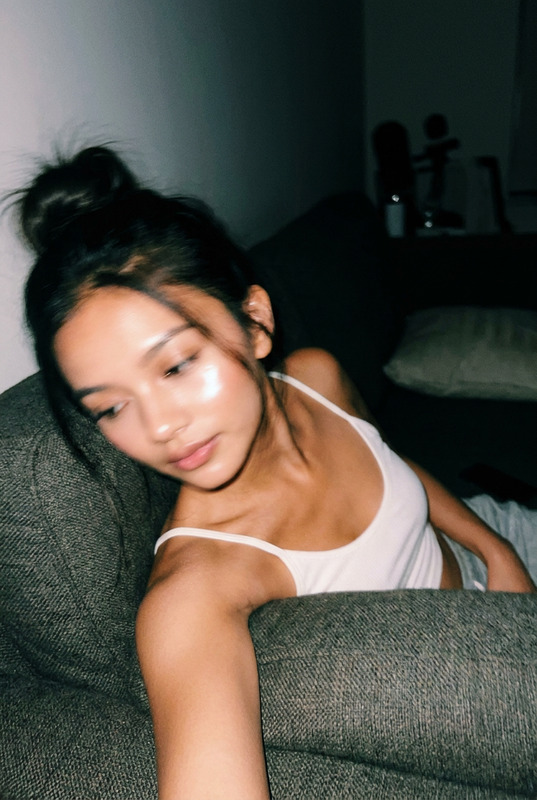
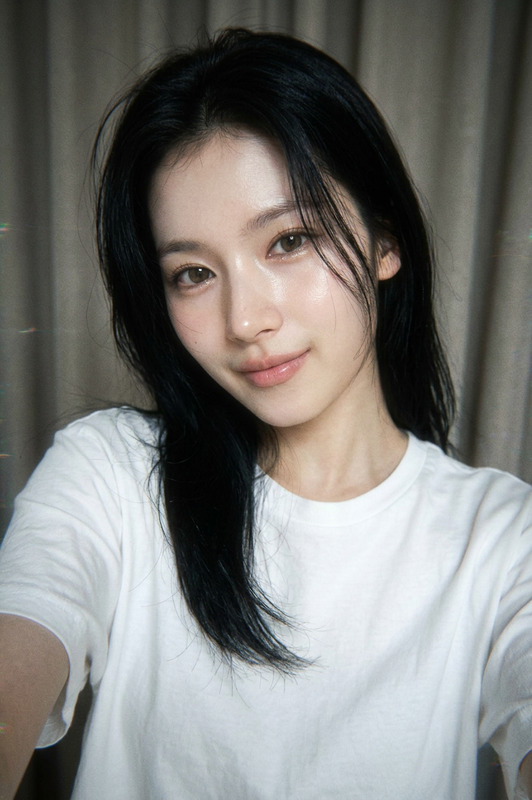
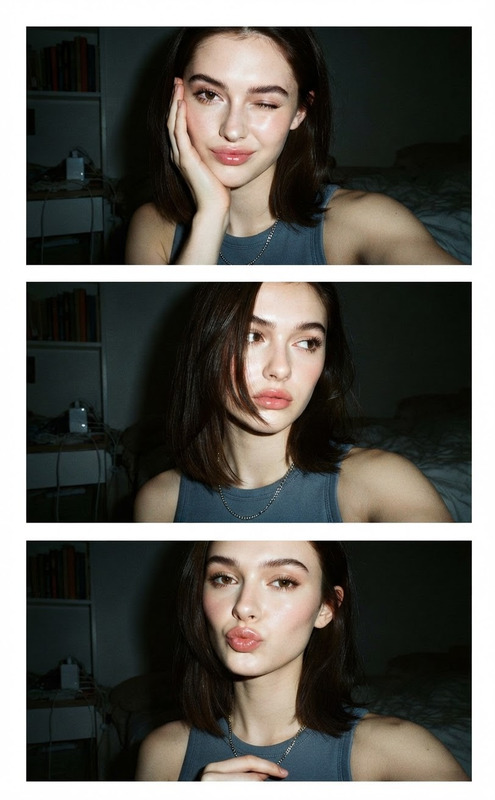
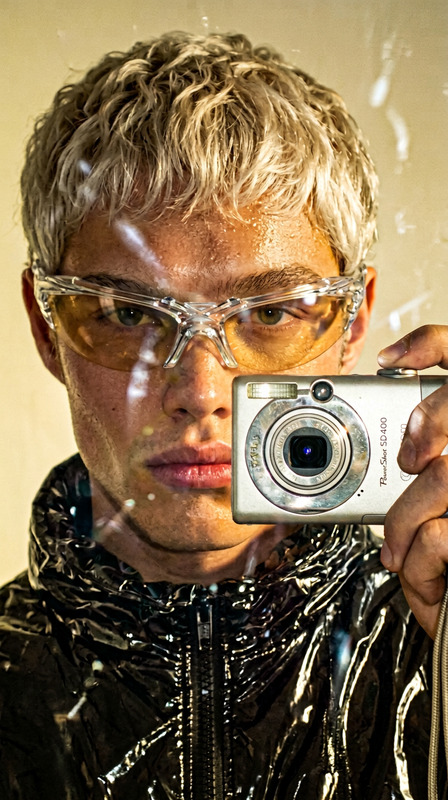
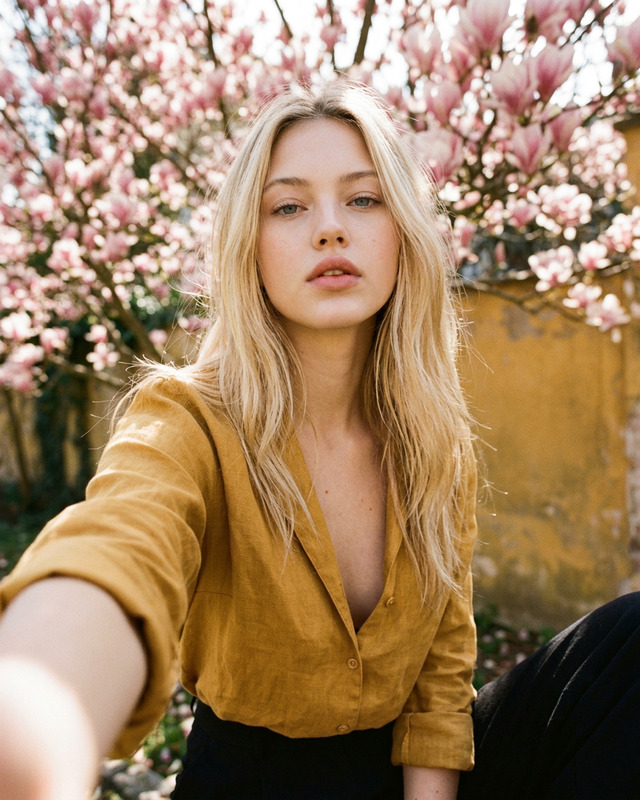
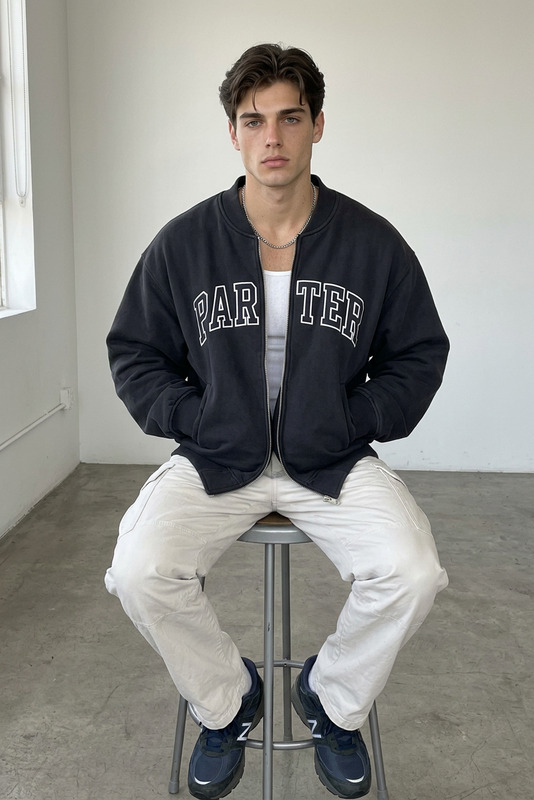
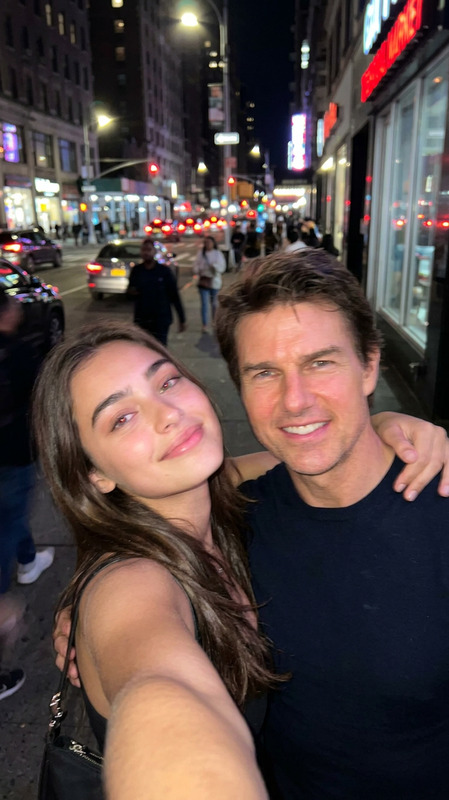
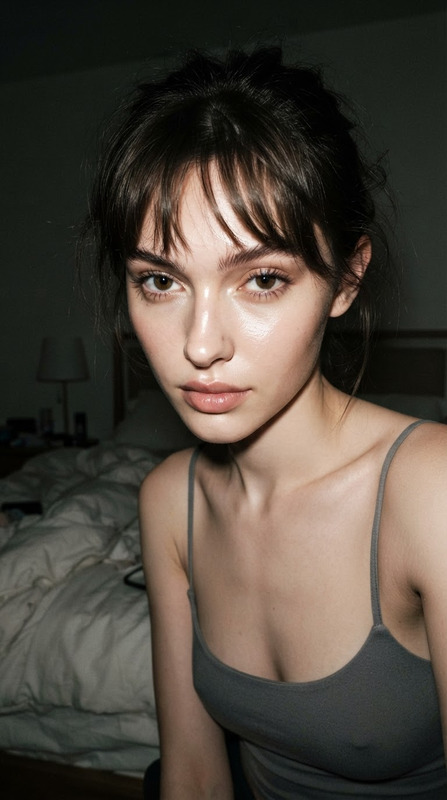
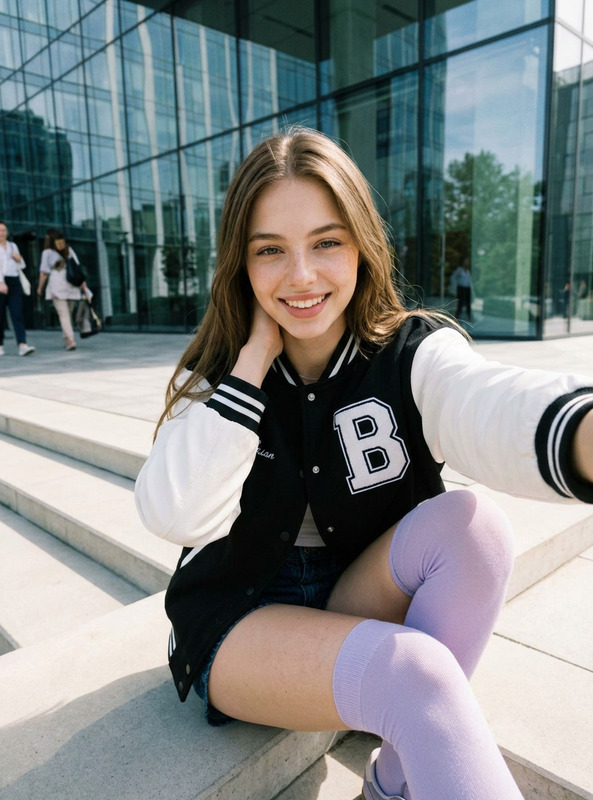
Create a deliberately unremarkable, casual indoor iPhone selfie of the subject while preserving exact facial features. Use uneven lighting with slight overexposure from sunlight, mild motion blur, and soft focus. Frame it awkwardly with poor composition—off-center, partially cropped, and lacking a clear subject. Simulate a careless, accidental snapshot (like taken while pulling the phone from a pocket). Keep the image aggressively mediocre: flat tones, minimal styling, natural noise, and everyday realism.
AI Image Editor Template: Turn Any Photo Into a Polished, On‑Brand Visual in Minutes
Use this template to instantly clean up, enhance, or transform any image with the AI Image Editor. It’s designed for creators, marketers, and builders who need production‑ready visuals fast—without opening Photoshop or learning complex tools.
What You Can Do With This Template
Use this template as a starting point to:
- Remove distracting objects, blemishes, or backgrounds
- Replace backgrounds with clean studio looks or on‑brand scenes
- Adjust or enhance faces, outfits, and lighting for more professional results
- Add or remove elements (text, logos, props, UI mockups, etc.)
- Repurpose one base image into multiple creative variations (for ads, thumbnails, social, product pages)
Behind the scenes, this template uses the AI Image Editor to understand your image, follow your instructions in natural language, and redraw just the parts you want to change.
How to Remix This Template in Magic Hour
You can treat this template as a “recipe” and easily remix it into your own custom version inside Magic Hour:
Start from this template
- Open the template in Magic Hour.
- Upload the image you want to edit (product shot, portrait, social asset, UI screenshot, etc.).
Describe what you want changed, not how to do it
- Use plain language instructions like:
- “Remove the background and replace it with a clean white studio backdrop.”
- “Make the lighting softer and more cinematic, with a warm tone.”
- “Remove the person in the background on the left.”
- “Turn this room into a modern, minimalist office.”
- The AI will handle the actual editing steps.
- Use plain language instructions like:
Iterate quickly
- Generate multiple variations from the same base image.
- Mix different prompts for different use cases: social posts, ad creatives, landing pages, pitch decks, or app store screenshots.
Save your flow as your own template
- Once you have an edit “pattern” you like (e.g., “clean studio product shots” or “LinkedIn-ready headshots”), save it as a template in your Magic Hour workspace.
- Reuse it across new images so your visuals stay consistent and on-brand.
Practical Use Cases for Creators and Teams
This AI Image Editor template is especially useful if you regularly need:
1. Marketing & Growth Assets
- Turn one product photo into many variants for A/B testing
- Generate ad creatives for Meta, Google, TikTok, and X from the same base images
- Create consistent landing page imagery without hiring a retoucher
- Quickly adapt visuals to different campaign themes or seasons
You can combine this with:
- AI Image Generator – to create the initial concept art or product scenes
- Thumbnail Maker – for YouTube or course thumbnails, then refine details with the Image Editor
- AI Meme Generator – to spin off lighter, social‑first variations
2. Product & Startup Teams
- Clean up UI screenshots for pitch decks and landing pages
- Swap device frames, backgrounds, and environments around your app or product
- Generate multiple look‑and‑feel options from one design snapshot
- Quickly localize visuals for different markets by adjusting text, colors, or context
You might also pair this with:
- AI Art Generator or AI Illustration Generator for custom illustrations, then fine‑tune with the Image Editor
- AI Icon Generator for interface icons or branding assets
3. Creator Economy & Personal Branding
- Upgrade casual photos into polished profile images or thumbnails
- Clean and standardize headshots for LinkedIn, personal sites, or speaking bios
- Remove clutter, fix lighting, and adjust backgrounds without manual retouching
You can also explore:
- AI Headshot Generator to generate professional portraits at scale
- AI Selfie Generator for more stylized social content
- AI Face Editor and AI Face Generator for more advanced facial edits or synthetic faces
4. E‑commerce & Catalogs
- Standardize product shots across a large catalog
- Replace inconsistent backgrounds with clean, brand‑aligned ones
- Remove price tags, reflections, and distractions
- Create lifestyle scenes around a single packshot
Combine with:
- AI Clothes Changer to try different outfits or styles
- AI Outfit Generator and AI Fashion Generator for lookbooks and styling concepts
- AI Image Upscaler to boost resolution for print or marketplace requirements
Related Magic Hour Tools You Can Plug Into This Flow
Once you’ve edited your image with this template, you can push it further using other Magic Hour products:
Turn edited images into video
- Image to Video – animate your edited still into short motion clips
- Text to Video – build scenes around your edited images
- AI GIF Generator – convert edits into looping GIFs for social or product pages
- Video Upscaler – sharpen output for high‑res channels
Make faces talk or move
- AI Talking Photo – animate a face from your edited image
- AI Voice Generator and AI Voice Cloner – give your talking photos a custom voice
- Lip Sync Template – sync your edited portraits to any audio track
- Face Swap Video Template or Face Swap (GIF) – port faces from your edited images into other media
Clean, restore, and refine assets
- Image Background Remover or Remove Object From Photo – isolate or clean subjects before or after editing
- AI Remover and Watermark Remover – declutter visuals (for assets you have rights to modify)
- Old Photo Restoration and Photo Colorizer – restore and colorize, then refine with the Image Editor
- Unblur Image and AI Image Upscaler – improve clarity before running more advanced edits
Generate content, then refine with the editor
- AI Photo Generator – create photoreal base images, then tweak details with this template
- Avatar Generator, Full Body Generator, or AI Anime Generator – generate characters, then adjust outfits, backgrounds, or props
- AI Background Generator – create custom backdrops you can composite with your edited photos
- AI QR Code Generator – build scannable, branded codes, then integrate them into edited promotional images
How This Template Fits Into a Real Workflow
A typical high‑leverage workflow for a marketer or startup team might look like:
Generate or source base assets
- Use AI Image Generator, AI Photo Generator, or your own photography.
Edit with this AI Image Editor template
- Clean backgrounds, adjust lighting, remove distractions, and align everything with your brand look.
Scale across formats and channels
- Turn images into short clips with Image to Video.
- Create GIF variations with AI GIF Generator.
- Make YouTube or course graphics with Thumbnail Maker.
- Generate custom covers via Book Cover Generator or Album Cover Generator.
Add motion and voice if needed
- Animate characters with the Animation Template or Animated Characters Generator.
- Add dialogue and narration using AI Talking Photo, AI Voice Generator, and Auto Subtitle Generator.
Advanced: Remixing This Template for Niche Use Cases
You can fork this template into more specialized flows inside Magic Hour by combining it with other tools:
For brand designers and agencies
- Use AI Logo Generator to draft brandmarks, then refine composition, mockups, and environment with the Image Editor.
- Generate pitch‑ready mockups of packaging, signage, or billboards using Architecture Generator or AI Interior Design Generator, then polish details in this template.
For content creators and storytellers
- Build visual worlds with Fantasy Map Generator, Dark Fantasy AI, or Comic Book Generator, then refine panels or scenes.
- Turn portraits into sketches via Photo to Sketch, or into manga with AI Manga Generator, then adjust composition or details.
For social, memes, and experimental formats
- Generate character‑driven content with Superhero Generator, Pokemon Generator, or Disney AI Generator, then edit backgrounds or add props.
- Explore transformations with Gender Swap, AI Face Editor, or AI Tattoo Generator, then finalize details using this template.
Tips for Better Results With the AI Image Editor
Be explicit about the outcome you want
- Instead of “make it better,” try “make the lighting softer and remove clutter in the background.”
- Specify style or setting: “studio lighting,” “minimalist background,” “office environment,” “natural daylight.”
Work from higher‑quality sources when possible
- Start with the highest‑resolution image you have. If needed, use Unblur Image or AI Image Upscaler first.
Reuse successful prompts as your own internal standard
- Once you find a prompt + template combo that fits your brand, save it in Magic Hour and share it across your team so everyone creates consistent visuals.
Who This Template Is For
This AI Image Editor template is optimized for:
- Growth and performance marketers who need fresh, testable creatives weekly
- Startup founders and product teams who want polished visuals without a full design team
- Content creators, educators, and course builders who regularly ship visual content
- Studios and agencies looking to standardize and speed up image‑editing workflows
If your work depends on shipping clear, high‑quality visuals quickly, this template gives you a repeatable, remixable foundation inside Magic Hour. Combine it with other Magic Hour tools as needed to go from raw idea to production‑ready images, videos, and campaigns in a single ecosystem.