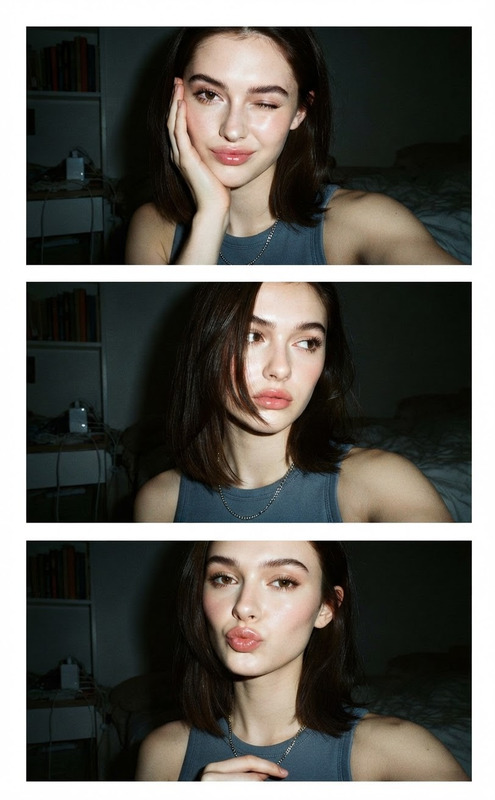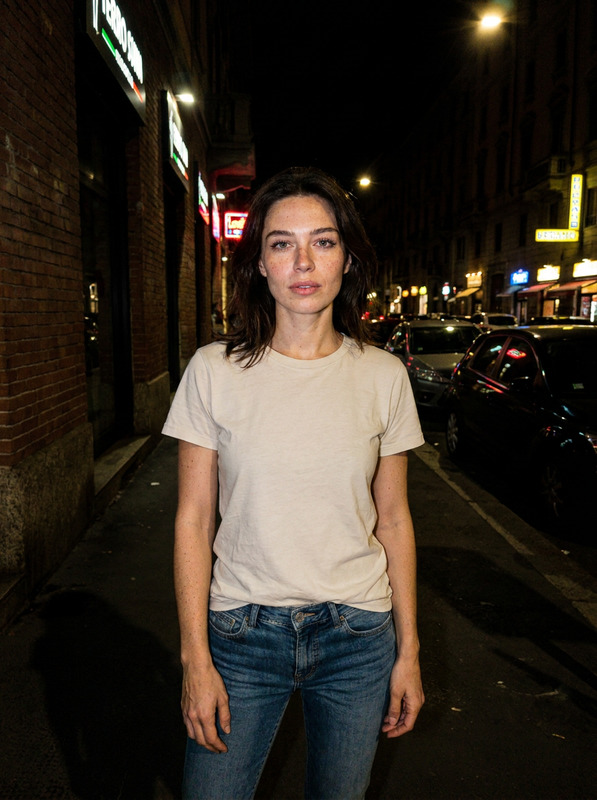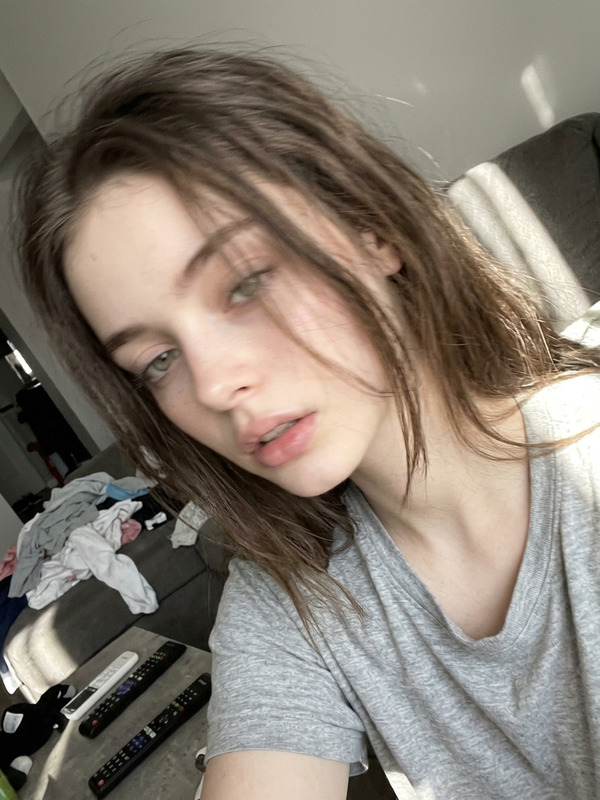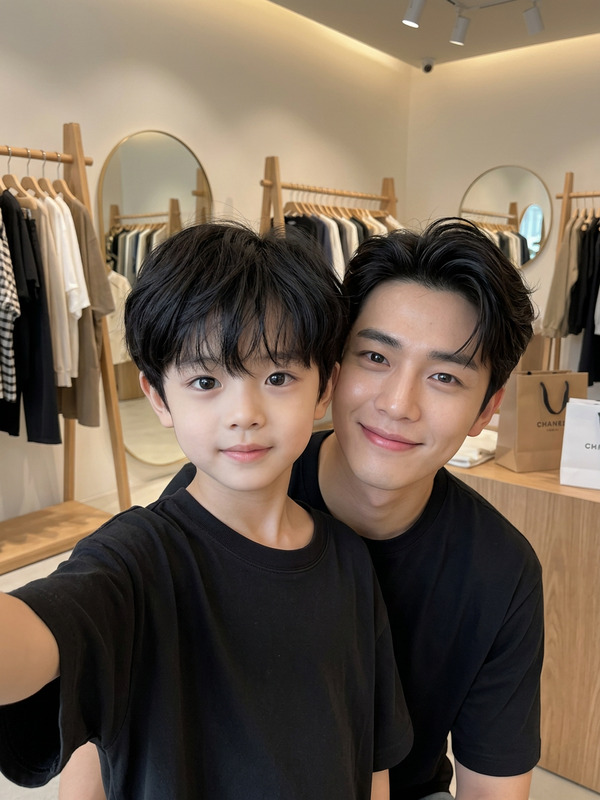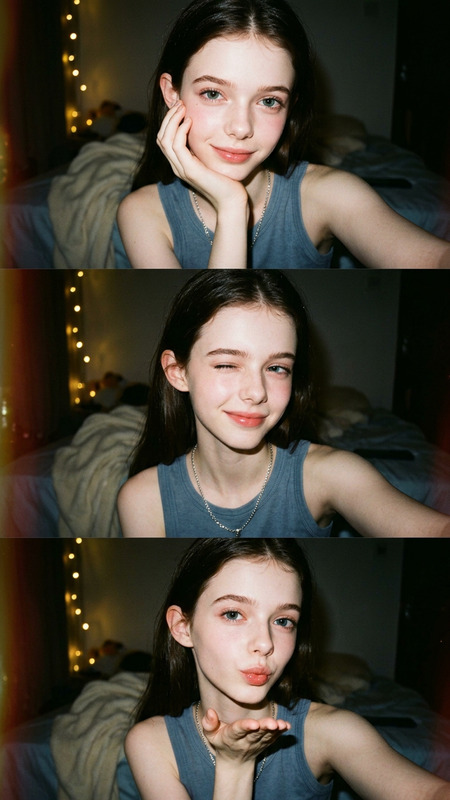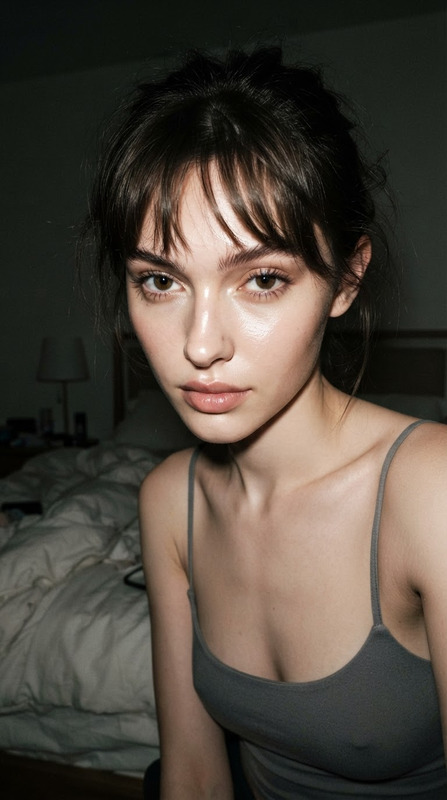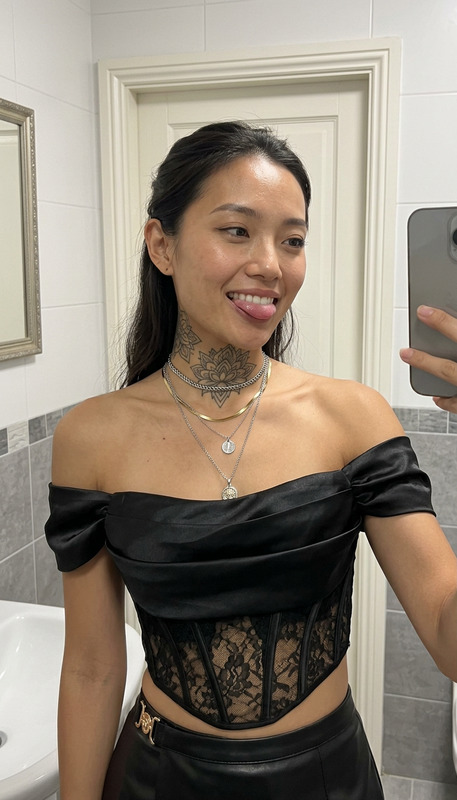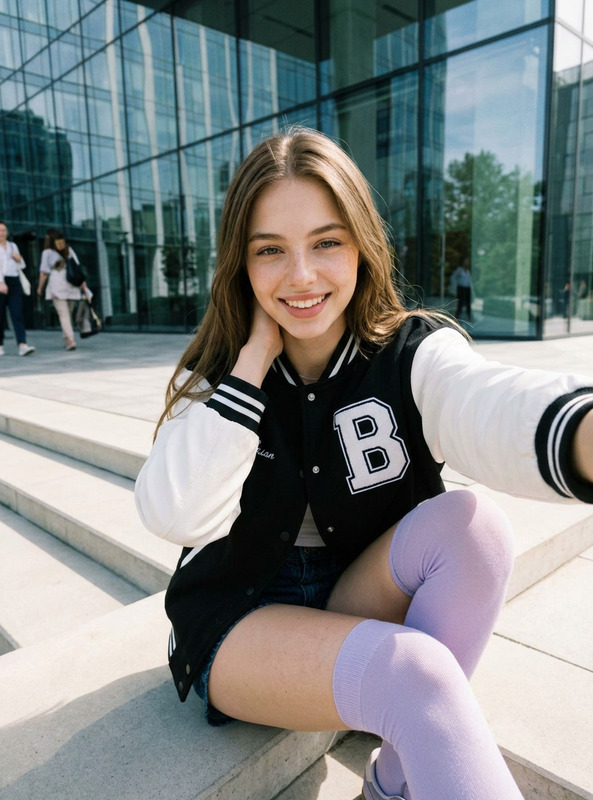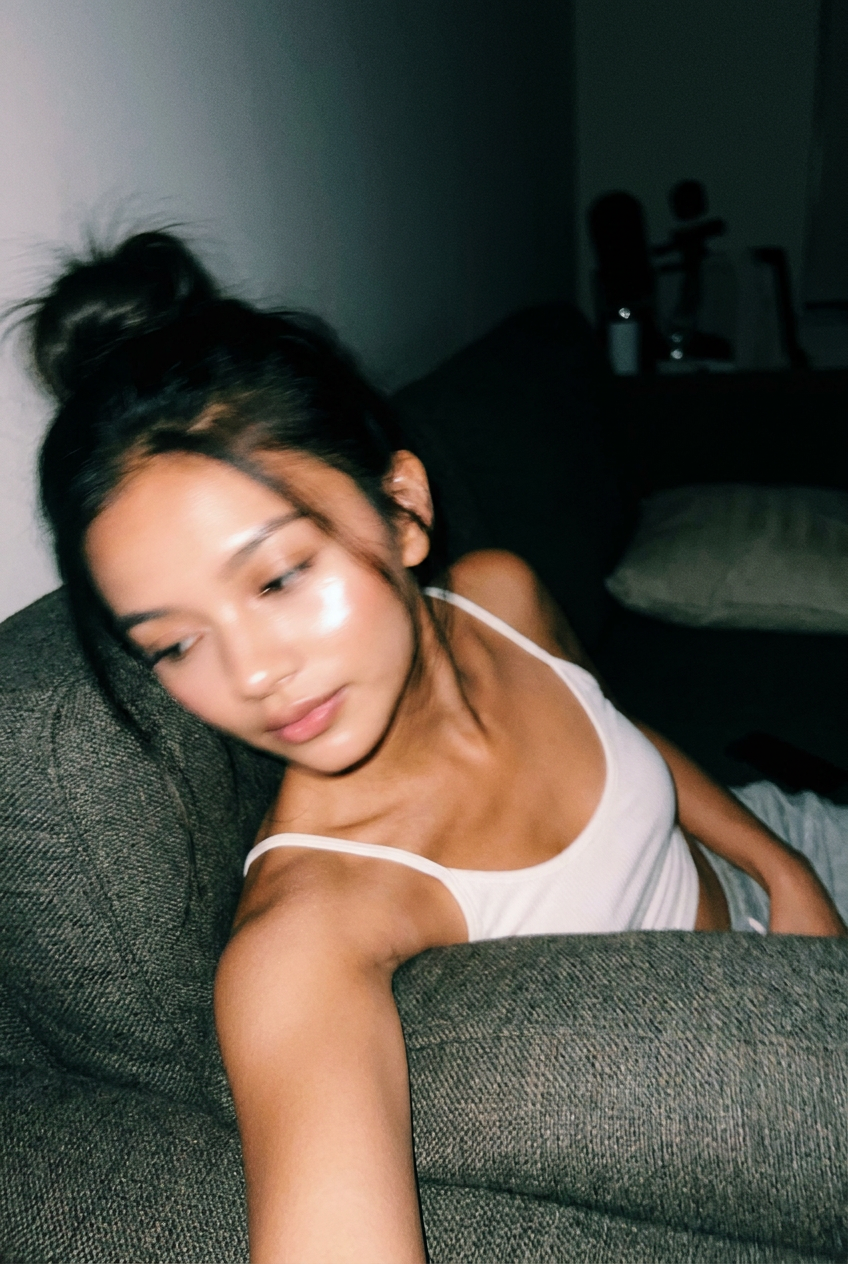
Pocket Shot
- Model
- Nano Banana Pro
- Image
- 848 × 1264 px
Prompt
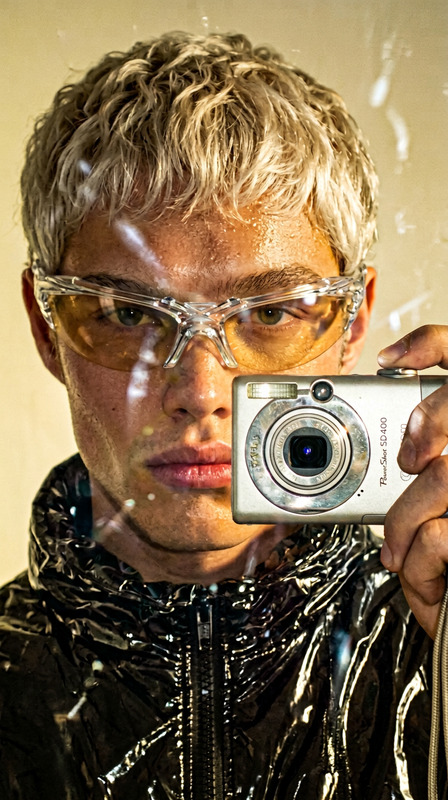
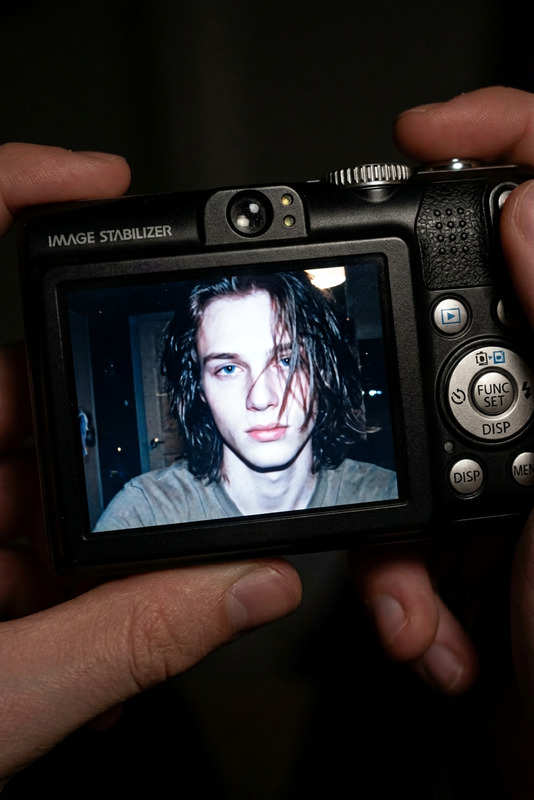
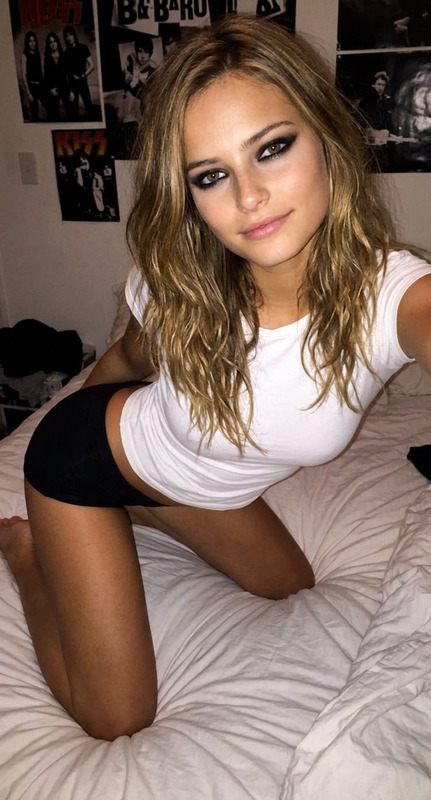
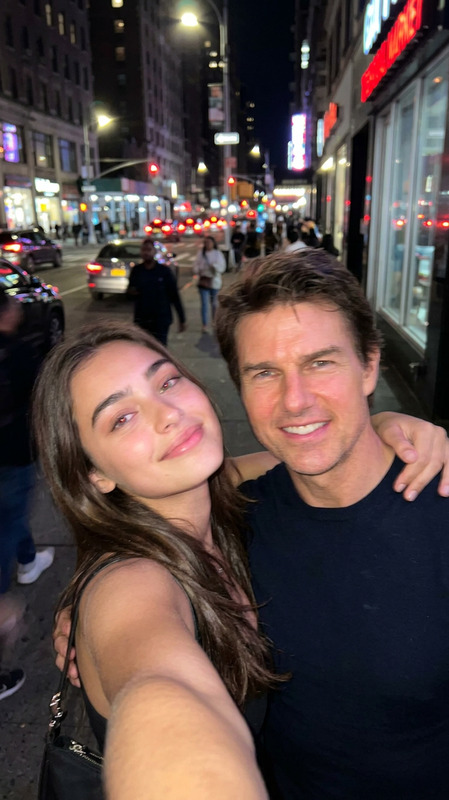
Using the uploaded reference photo, create a standard iPhone selfie with flash. There's no clear subject or framing; it's a sloppy snapshot. The photo has subtle motion blur and is slightly overexposed due to uneven lighting. The angle is awkward, the composition is nonexistent, and the overall effect is extremely mediocre, like a photo taken accidentally while pulling a phone out of a pocket. The girl is sitting on a sofa at night (without lights), wearing the same clothes, accessories, and style as in the original photo. Don't alter her face or facial features.
Any aspect ratio
Overview
The Pocket Shot template leverages the capabilities of the AI Image Editor to recreate the raw authenticity of accidental smartphone photography. Utilizing the advanced nano-banana-pro model, this tool produces a snapshot reminiscent of pulling your phone out of your pocket, complete with the imperfect charm of poor lighting and awkward angles.
What It Does
The Pocket Shot template processes your reference photo to generate an iPhone-style selfie, capturing the imperfections of a hasty street-style shot. It purposefully preserves the wardrobe and accessories of the subject without altering facial features, ensuring the end result is recognizable yet convincingly candid. Intended effects like motion blur and overexposure characterize the typical "pocket shot" feel.
Who It's For
This template is ideal for creators seeking to emulate an authentic, spontaneous photo style, popular in vlog and street photography aesthetic trends. Marketing professionals and social media influencers can use this to add a relatable, uncurated vibe to their content, drawing viewers into the everyday, unpolished moments.
Summary
By offering a realistic simulation of the accidental selfie, the Pocket Shot template combines the power of the AI Image Editor with an interface that's easy to navigate. See how it integrates with other features like AI Image Upscaler for enhanced resolution or explore the creative potential with the AI Talking Photo for animated character storytelling.
How to Use Pocket Shot
Select the Pocket Shot Template

Customize with Your Photo

Generate and Download

Use Cases
Vlog Content
- Adds authenticity to vlogs
- Enhances viewer engagement through relatability
Social Media Posts
- Appeal to younger audiences
- Blend with street photography styles
Marketing Material
- Humanizes brand image
- Encourages consumer trust
Best Practices
Match the Lighting
Try to ensure your uploaded photo reflects similar low-light conditions for a realistic output.Maintain Consistency
Keep the subject's clothing and accessories aligned to retain authenticity within your project.Leverage Complementary Tools
Enhance your image with the Gender Swap or pair with the AI Product Photography for diverse application.