Teal Call
- Model
- Nano Banana 2
- Image
- 768 × 1365 px
Prompt
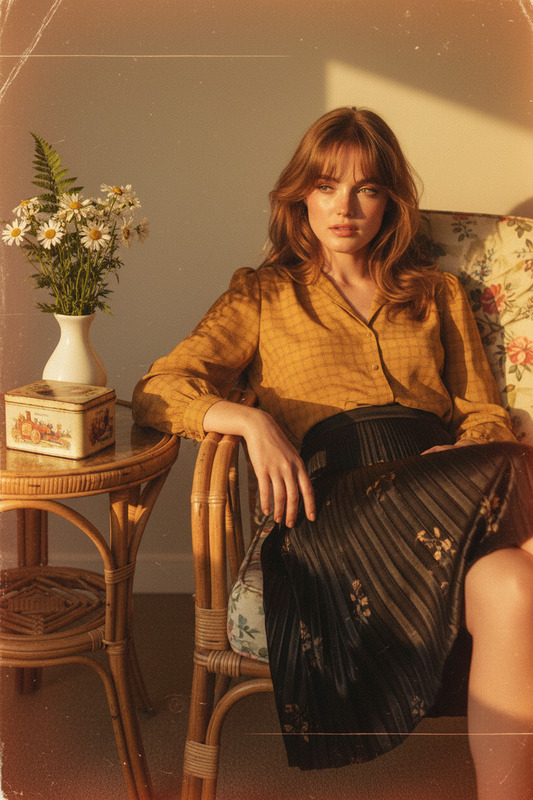
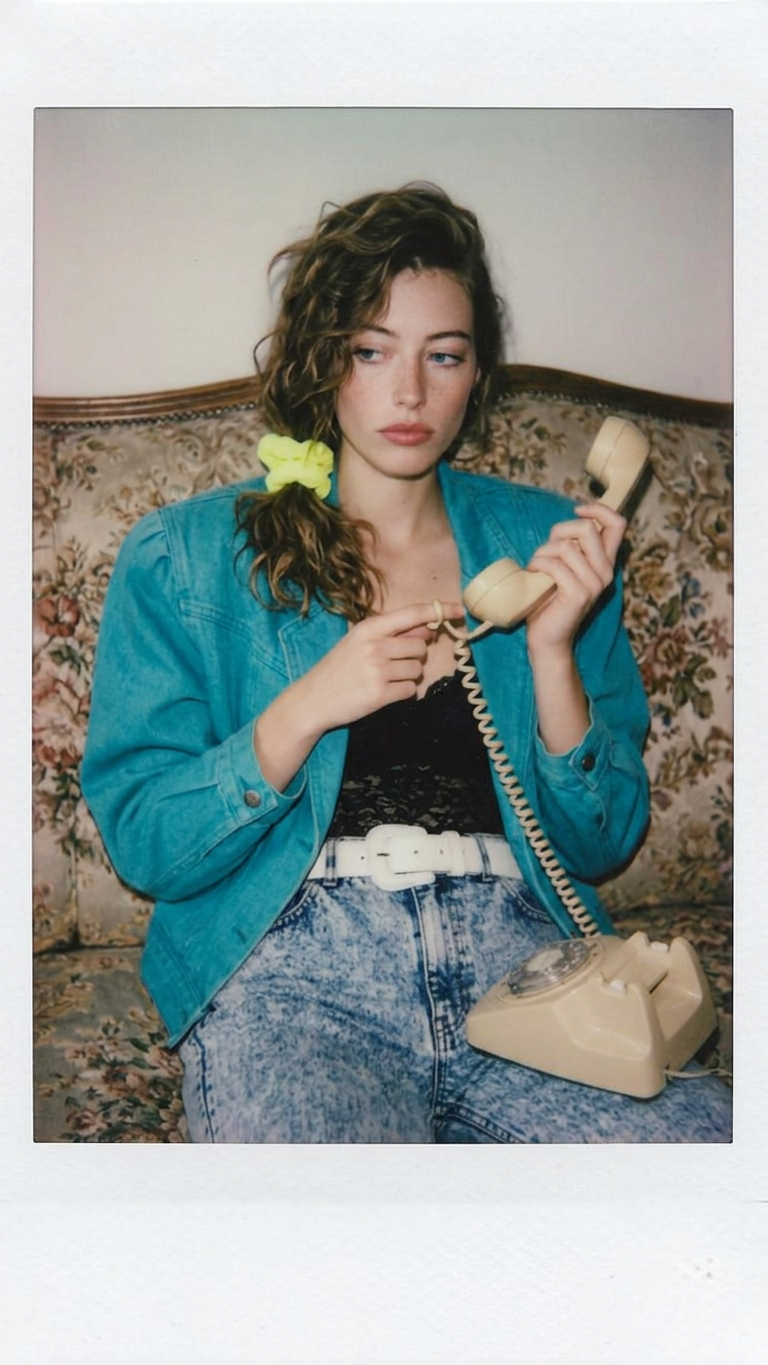
A shot captured with a vintage Polaroid camera, giving it a soft focus and slightly muted, nostalgic colors. The woman has a side-swept perm, tied up loosely on one side with a neon yellow scrunchie. She wears a black lace top under a bright teal denim jacket with padded shoulders, paired with high-waisted acid-wash jeans and a chunky white belt. She’s sitting on an old floral-patterned sofa in a living room, holding the receiver of a beige, corded rotary phone and twisting the cord around her finger, looking contemplative
Any aspect ratio
Overview
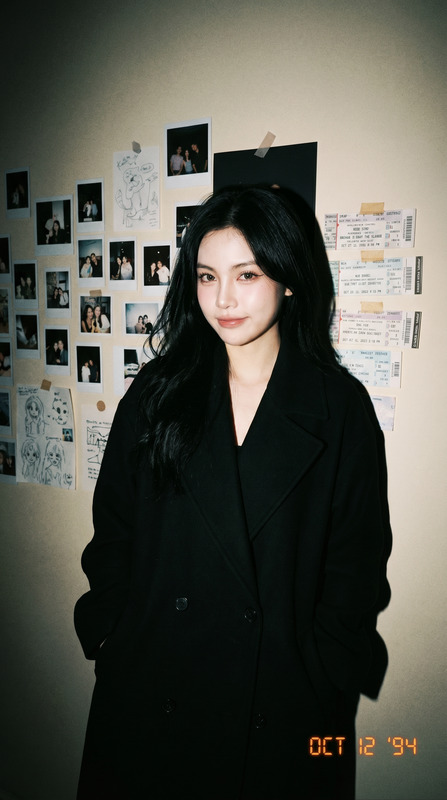
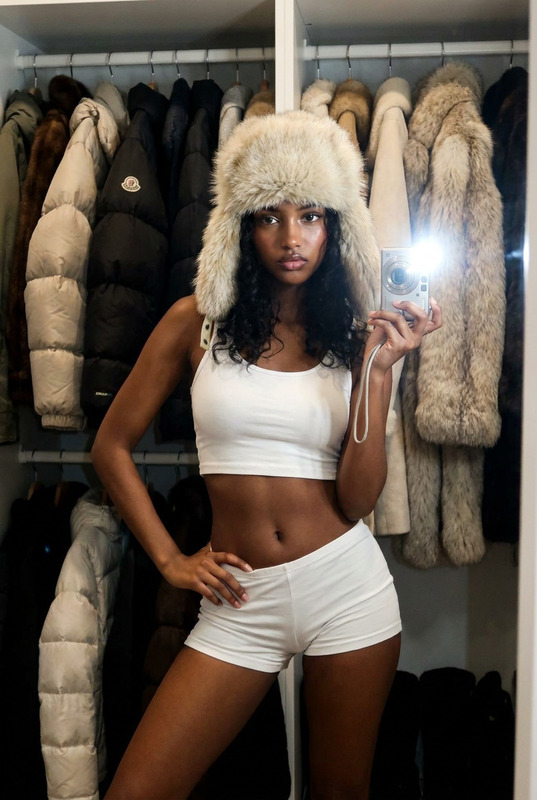
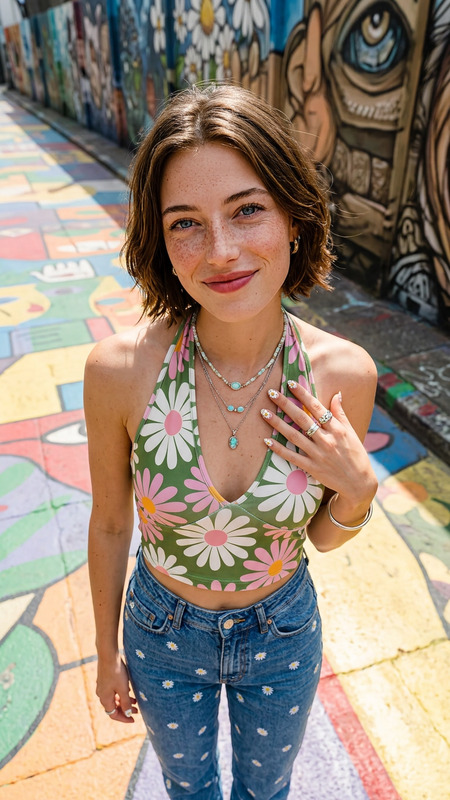
The Teal Call template transforms your images into a nostalgic scene straight from a vintage Polaroid camera. By applying muted colors and a soft focus, your photo captures the elegance of the past with modern AI technology.
What It Does
This template allows you to create stylish images by emulating a retro aesthetic. Ideal for both personal and commercial projects, it brings a unique charm to your visuals. Use it alongside our AI Image Upscaler for enhanced resolution without losing the vintage touch.
Who It's For
Whether you're a content creator, marketer, or photographer, the Teal Call template is perfect for anyone looking to add a whisper of the past to their imagery. This template works excellently with designers who wish to integrate retro styles in their projects.
Combine this with other creative tools like the AI Talking Photo to add dynamic elements to your nostalgic designs.
Summary
The Teal Call template is your gateway to creating captivatingly nostalgic images. Utilize this tool to effortlessly capture the essence of the late 20th century. Expand the impact of your visuals by integrating with the AI Image Generator.
How To
Choose Your Template

Customize Your Image

Generate and Download

Use Cases
Social Media Content
- Posts on retro-themed Instagram accounts
- Vintage-style Facebook banners
Marketing Materials
- Nostalgic product advertisements
- Stylized newsletter images
Artistic Projects
- Graphic design projects
- Digital photography exhibitions
Best Practices
Select High-Quality Source Images
Ensure your image is of high quality to produce the best results. Pair with AI Image Upscaler if necessary.Experiment with Styles
Try different retro elements to see what fits your vision best.Optimize Color Balance
Use the AI tools to fine-tune color contrast and brightness for the perfect vintage look.