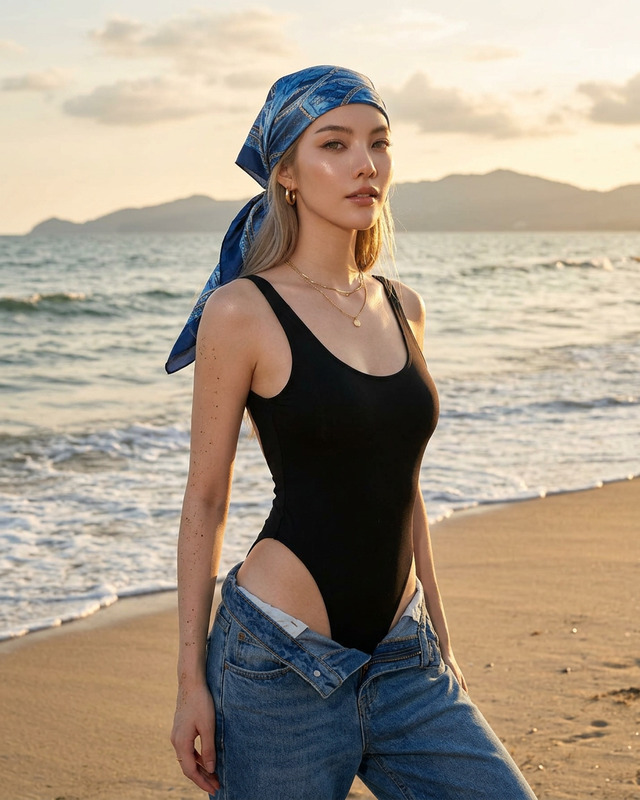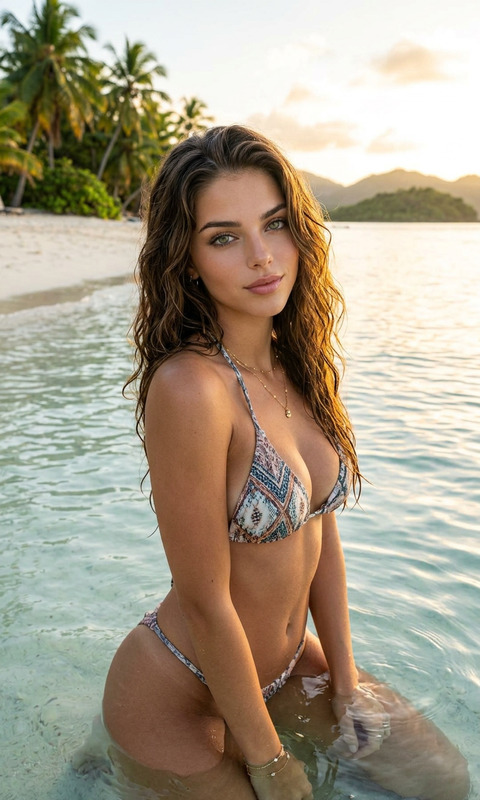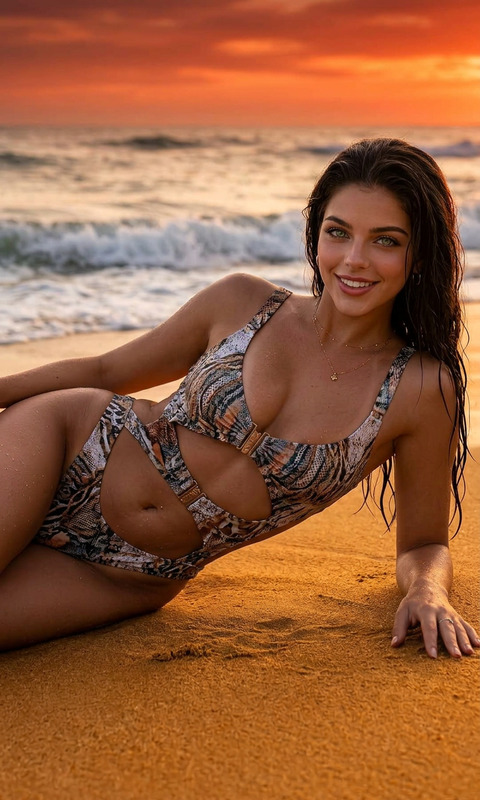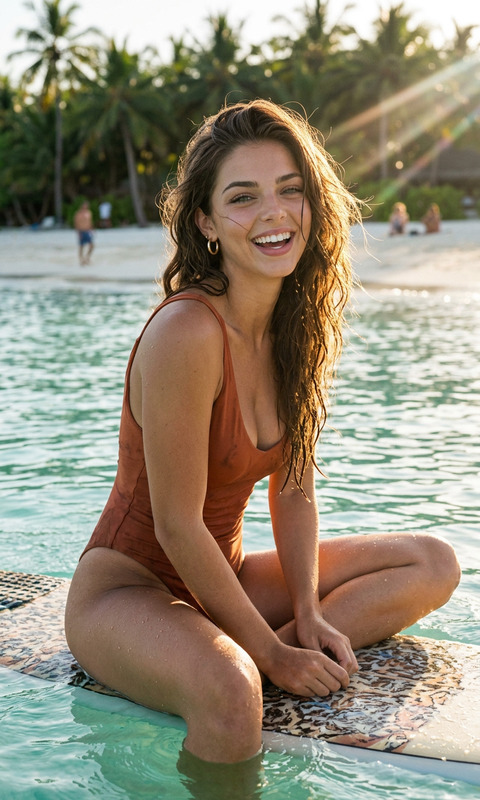
Golden Hour
- Model
- Nano Banana 2
- Image
- 800 × 1333 px
Prompt
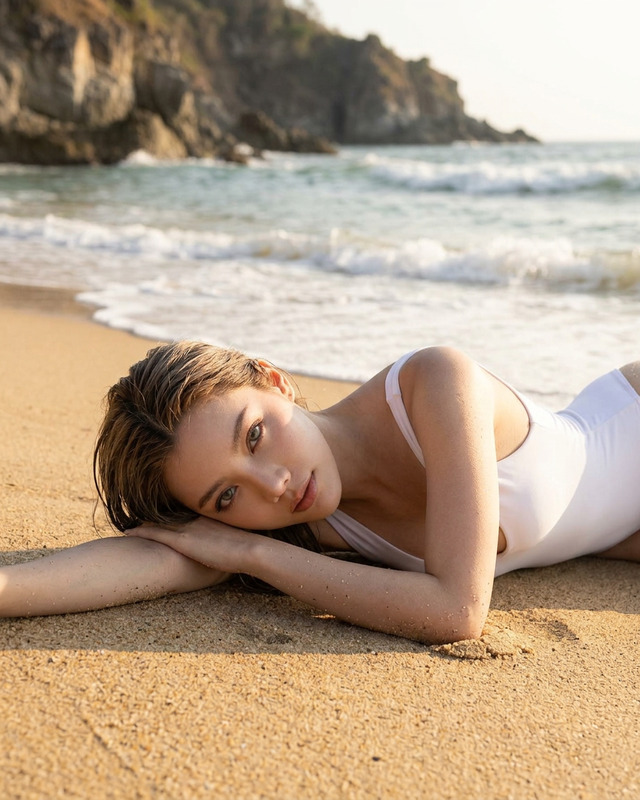
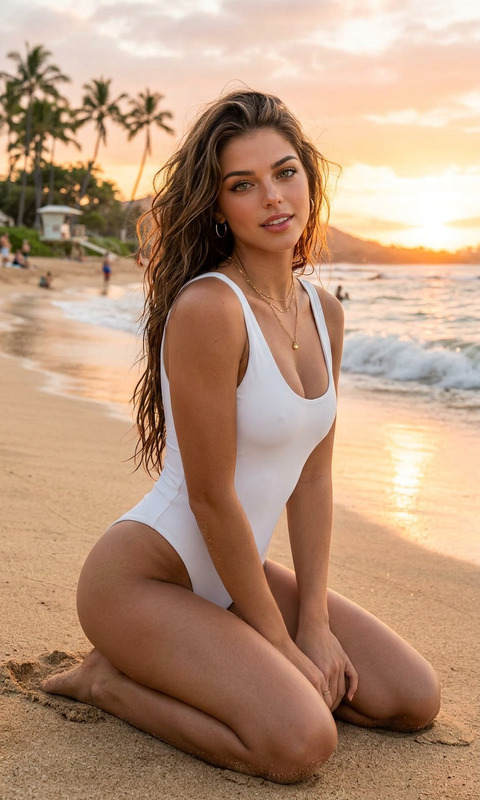
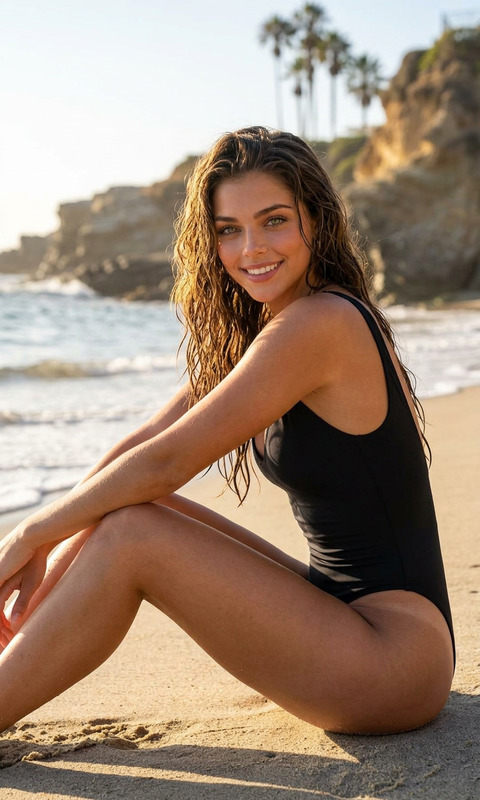
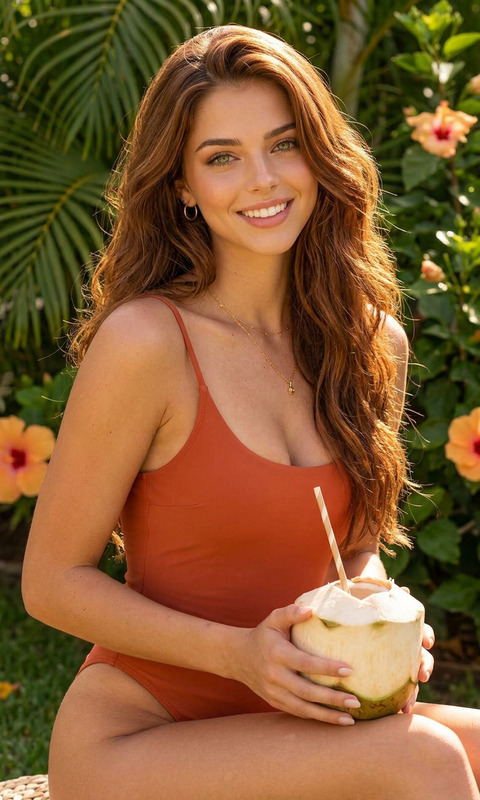
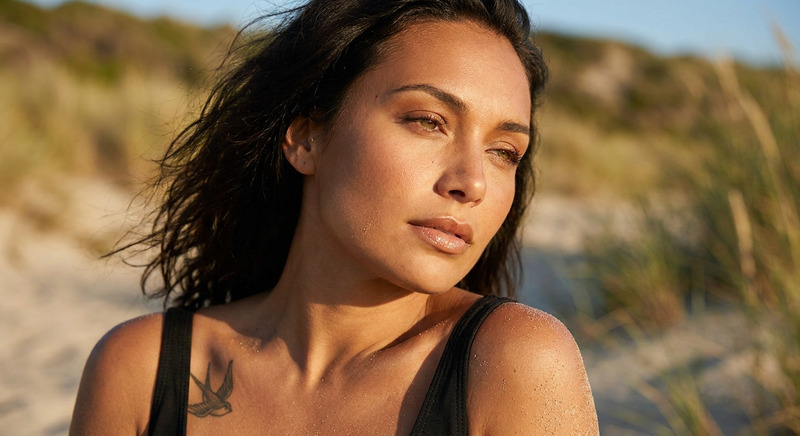
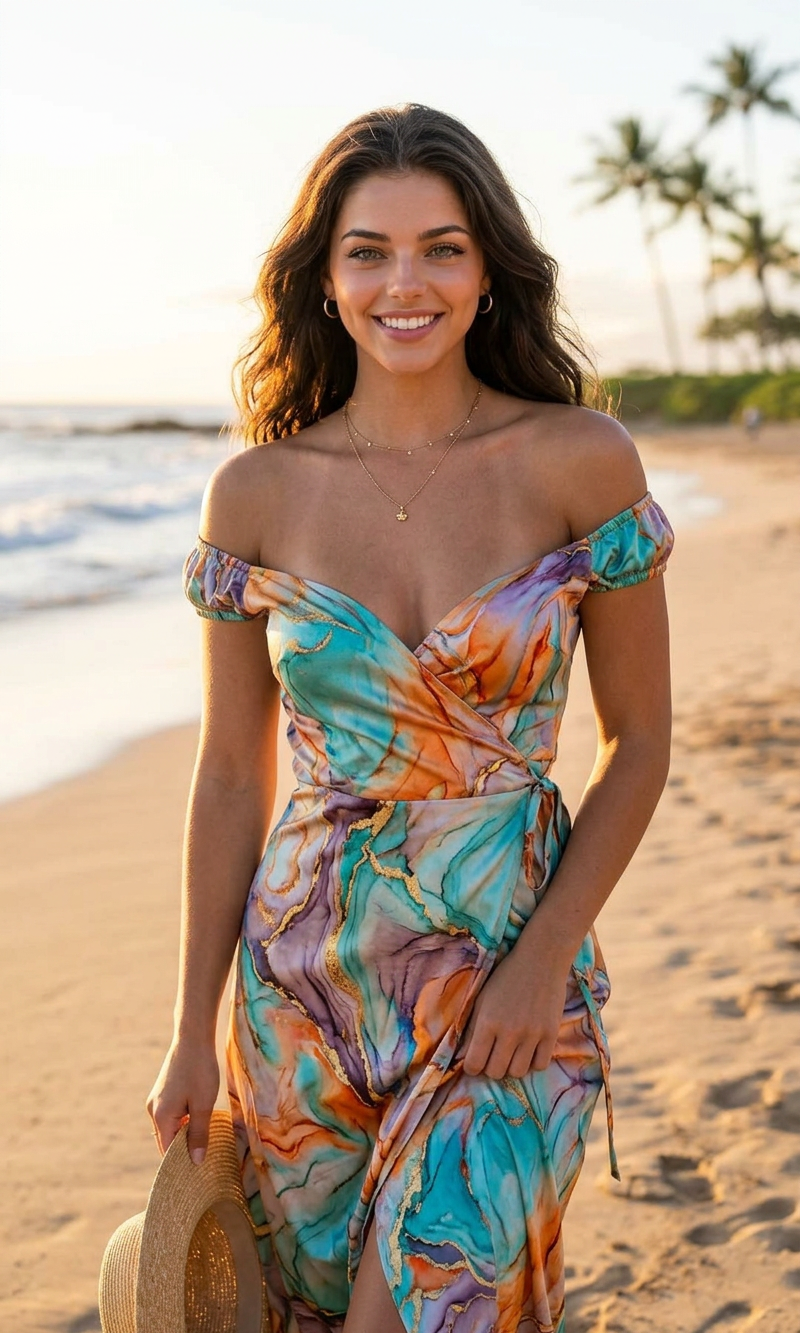
A cinematic fashion portrait of a beautiful woman standing on the shoreline during golden hour sunset, looking back over her shoulder with a confident soft smile. She wears a silky colorful marble-pattern mini dress with flowing abstract swirls of orange, teal, red, blue, and white. Her hair is styled in a sleek low bun, with elegant gold jewelry and glowing sun-kissed skin. Calm ocean water reflects the warm pastel sunset sky, with distant dark islands and soft waves in the background. Shot in a luxury travel editorial style, shallow depth of field, ultra realistic, natural lighting, 85mm lens, high detail, warm tones, beach photography, Vogue-inspired aesthetic, cinematic composition, soft highlights, 4K
Any aspect ratio
Overview
The Golden Hour AI Image Editor template captures the ethereal beauty of sunset moments. Inspired by a cinematic fashion aesthetic, this template lets you create high-detail, ultra-realistic images that reflect a luxury travel editorial vibe. Designed with the nano-banana-2 model, it offers stunning 4K visuals that embody warmth and sophistication.
What It Does
The Golden Hour template transforms photographs into cinematic, fashion-forward images that evoke the warm, soothing ambiance of sunset. Featuring advanced editing tools, it enhances skin tones and textures, accentuates jewelry and clothing details, and fills each image with rich, warm tones. Utilize this template to achieve a Vogue-inspired aesthetic with high detail and natural lighting.
Who It's For
This template is ideal for photographers, fashion brands, and creative professionals seeking to add a touch of golden elegance to their portfolios. Whether you're working on an editorial spread or creating content for luxury travel promotions, this tool delivers eye-catching results effortlessly. It perfectly complements other tools like the AI Image Editor and AI Photo Relighting for comprehensive image enhancement.
Summary
Utilize the Golden Hour template to bring out stunning, fashion-centric visuals. This AI Image Editor tool is crafted to reflect sophistication and elegance, enhancing your imagery with a warm, editorial flair. Beyond just an editing tool, it's an invitation to create vivid memories in photographic form, suitable for professionals aiming for high-quality productions. Explore more with tools like the AI Image Generator for creating diverse and compelling visual content.
How to Use
Choose the Template

Customize Your Image

Generate Your Image

Use Cases
Fashion Editorials
- Vogue-inspired fashion shoots
- Luxury brand imagery
- Lookbooks and marketing materials
Travel Photography
- Travel blogs
- Tourism ads
- Luxury resort promotions
Social Media Content
- Influencer campaigns
- Brand collaborations
- Personal portfolios
Best Practices
Focus on Lighting
Pay attention to the lighting in the original image for better results. This template works best with images taken in natural lighting conditions.Utilize Detailed Prompts
Craft detailed prompts to guide the AI in applying specific stylistic elements, maintaining realism and focus.Combine with Other Tools
Enhance your final images by using them with AI Video Generator for dynamic fashion showcases or with the AI GIF Generator for engaging animations.