Power Lace
- Model
- Nano Banana Pro
- Image
- 1024 × 1024 px
Prompt
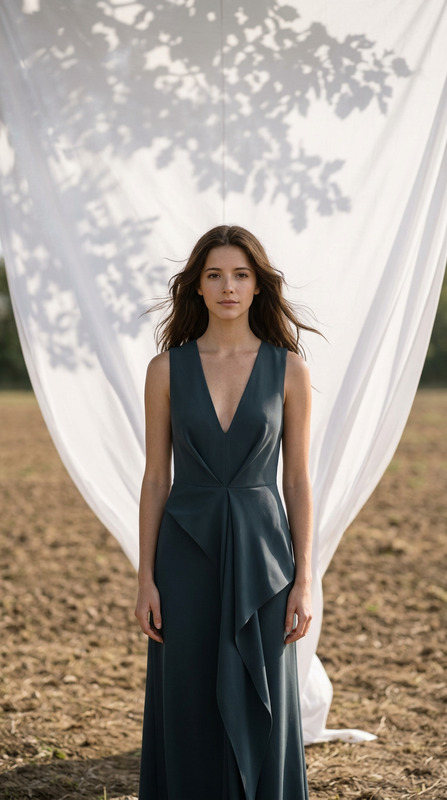
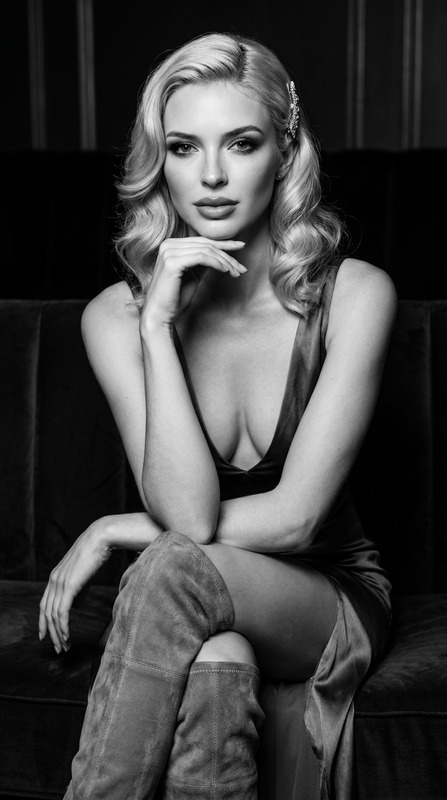
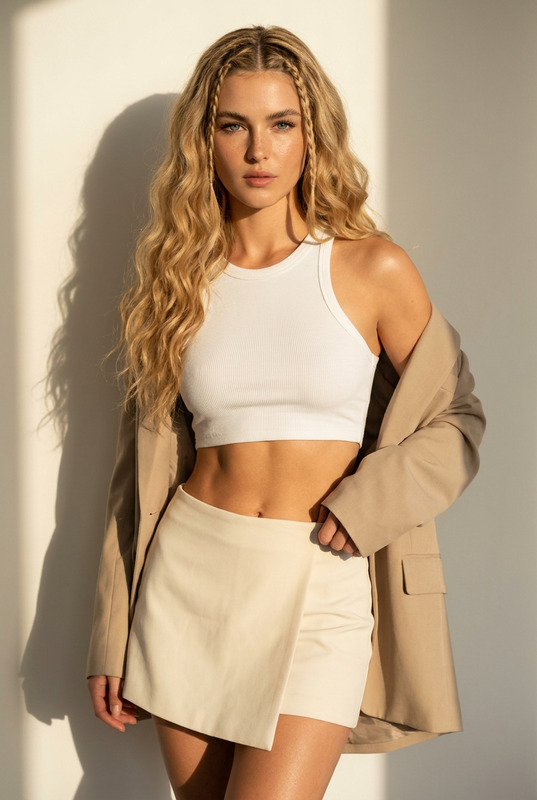
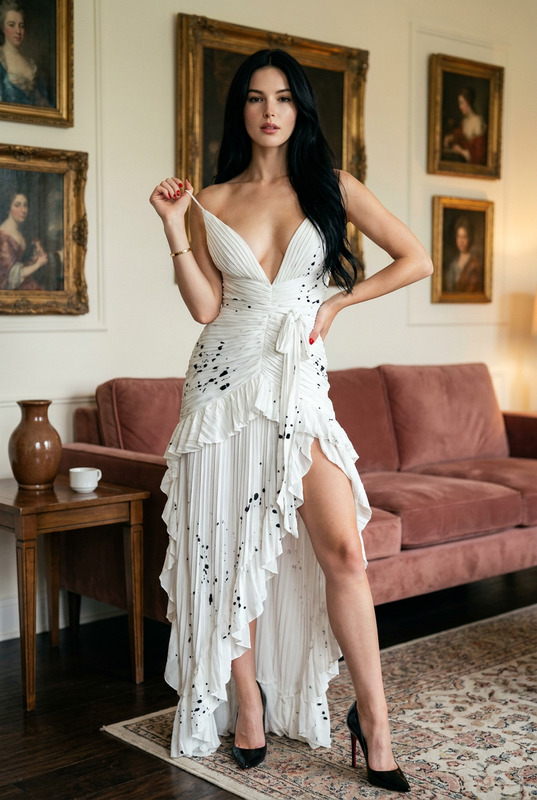
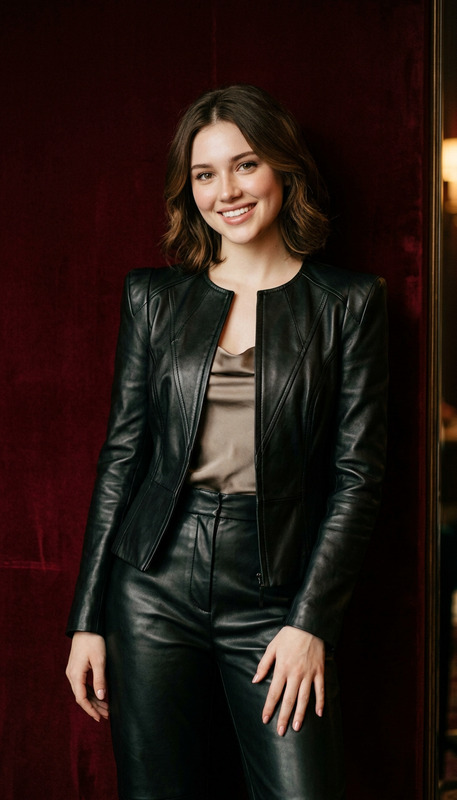
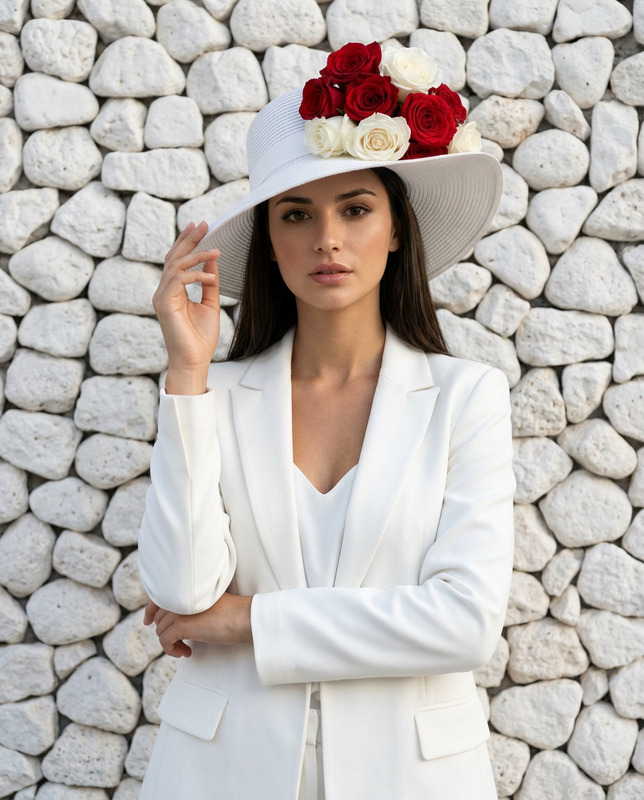
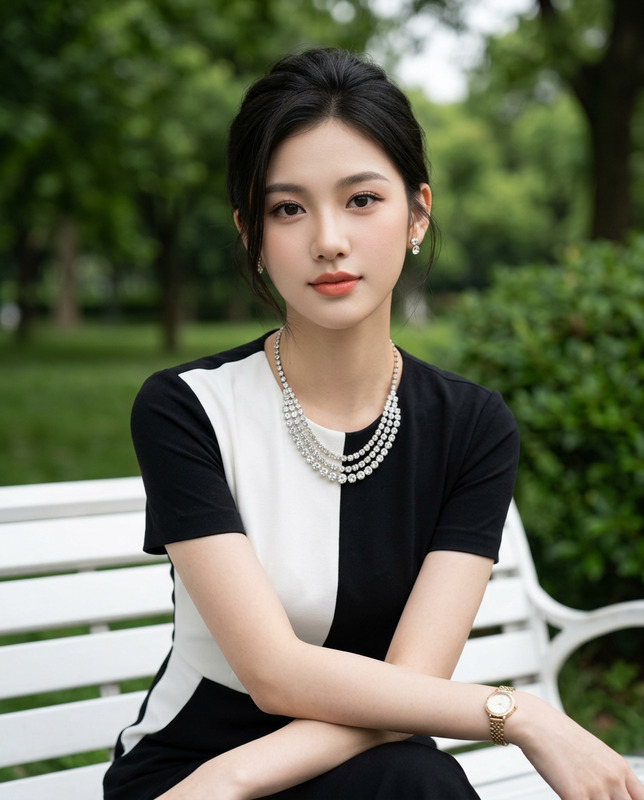
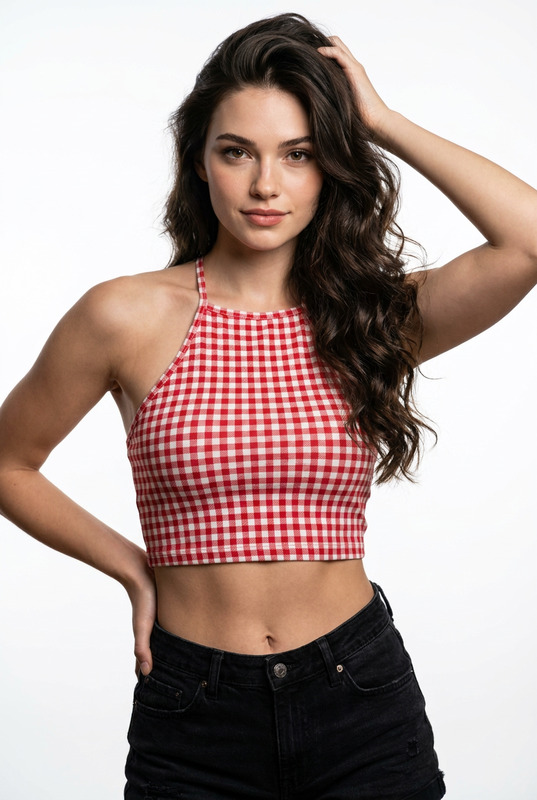
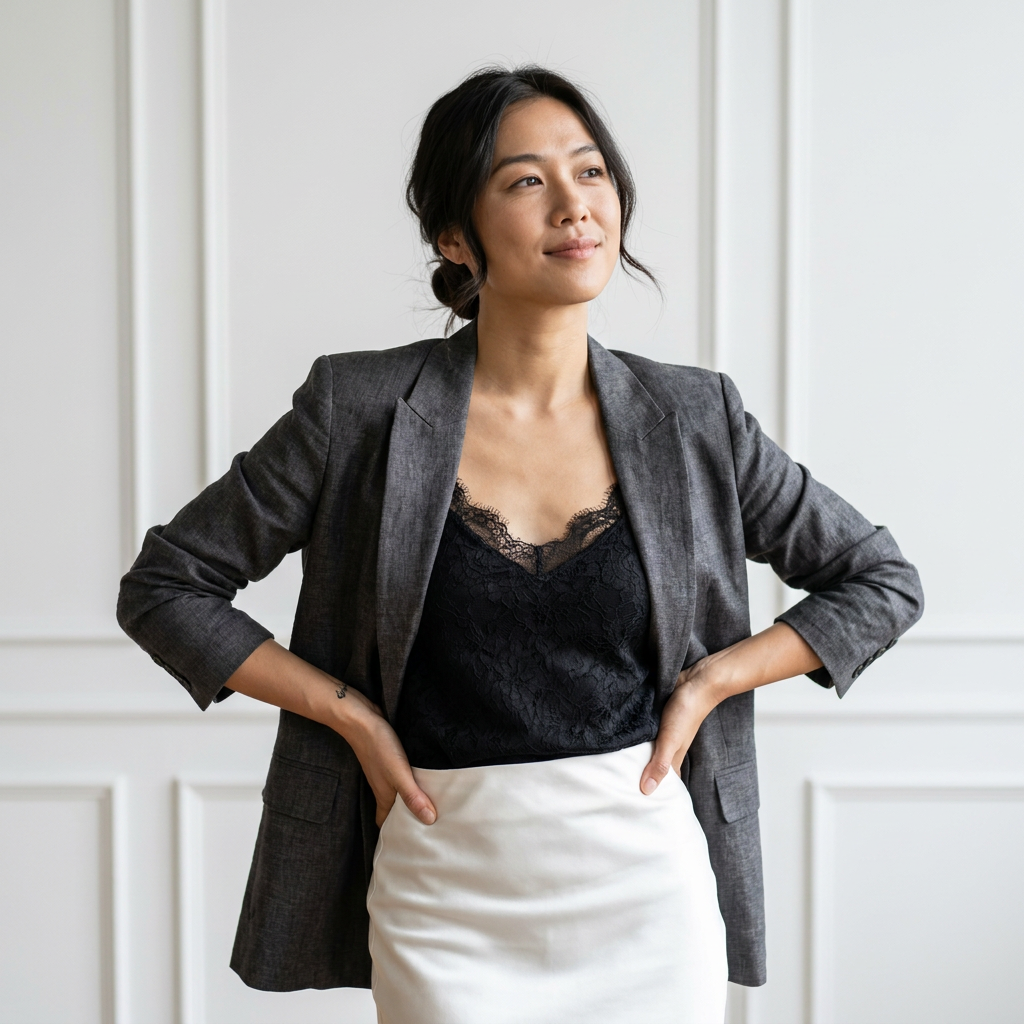
Use my reference image only to preserve the subject's facial identity, hairstyle, and natural facial proportions. Do not alter the face in any way.Ultra-photorealistic editorial portrait of the exact same woman from the reference image. Preserve the exact facial features, skin tone, eye shape, eyebrows, nose, lips, expression, and natural skin texture with visible pores and realistic imperfections.She has dark hair styled in a loose low bun with soft wispy strands framing her face. Soft natural makeup with defined eyes, subtle highlighter, and nude-pink lips. She looks slightly upward and to the side with a calm, confident expression and a gentle head tilt.Outfit: A structured charcoal-grey textured linen blazer with notched lapels and three-quarter sleeves, worn open over an elegant black lace camisole with delicate floral detailing. A high-waisted white satin pencil skirt completes the sophisticated editorial styling.Pose: Confident power pose with both hands resting naturally on her hips, elbows relaxed, body angled slightly toward the camera, torso upright. A small tattoo is visible on her left forearm.Environment: Minimal luxury studio with a clean white paneled wall featuring subtle vertical molding.Lighting: Soft natural daylight from the front-left, producing gentle shadows and realistic highlights on the face and clothing.Camera: Sony A7R V, 85mm f/1.4, shallow depth of field, creamy bokeh, HDR, ultra-sharp focus, realistic fabric texture, Vogue editorial photography, 8K, photorealistic.Negative prompt: deformed face, altered identity, plastic skin, over-smoothed skin, bad anatomy, extra fingers, blurry, cartoon, illustration, watermark, text, logo.
Any aspect ratio
Overview
The Power Lace template is your go-to solution for crafting ultra-realistic editorial portraits with meticulously preserved facial details. Tailored to enhance natural beauty without altering identity, this AI Image Editor ensures every photograph captures authenticity and sophistication.
What It Does
This AI Image Editor template utilizes the nano-banana-pro model to transform your reference images into magazine-ready editorials. It maintains the subject's facial identity and natural features while introducing high-fashion attire and a luxurious studio setting to every portrait.
Who It's For
Power Lace is perfect for photographers, creative directors, and agencies looking to produce high-quality, photorealistic portraits for editorial work. Whether you're in fashion, media, or working with product launch campaigns, this template offers the precision and detail needed for standout publications.
Summary
Capitalize on the Power Lace's capabilities to deliver stunning, detailed portraits that respect and highlight your subject's natural character. With refined settings for professional outputs, it aligns well with AI Image Upscaler for superior quality enhancements.
How to Use
Choose Your Template

Customize Your Inputs

Generate Your Image

Use Cases
Editorial Fashion Photography
- Vogue-style magazine covers
- Fashion catalogues
Model Portfolios
- Headshots with personality
- Stylized full-body shots
Luxury Branding
- High-end product features
- Brand ambassadors
Best Practices
Maintain Originality
Use images that have strong, recognizable features to ensure the subject's identity is preserved accurately.Light and Texture
Manipulate lighting conditions to match the mood you want to convey, ensuring soft highlights and detailed textures.Pair with Image Upscaling
Use with the AI Image Upscaler for enhanced detail and clarity in large formats.