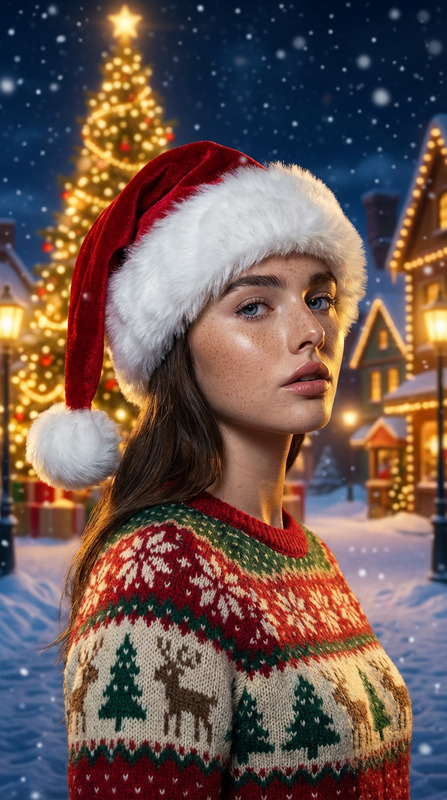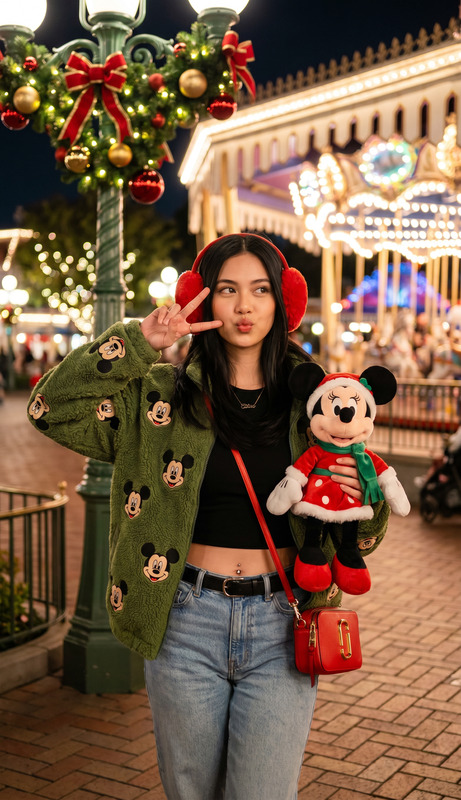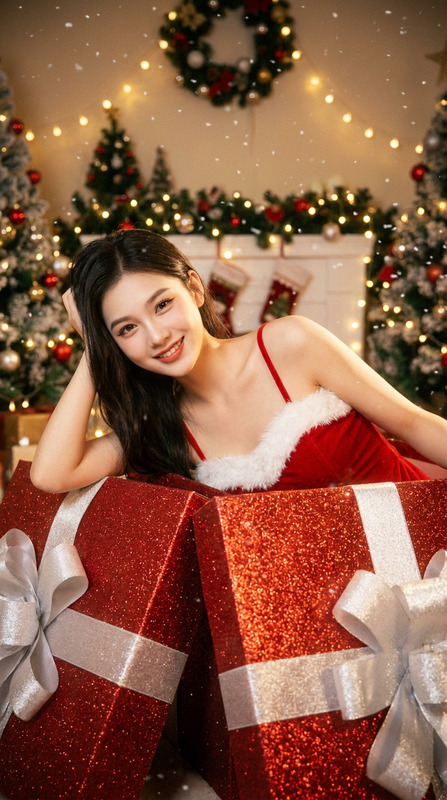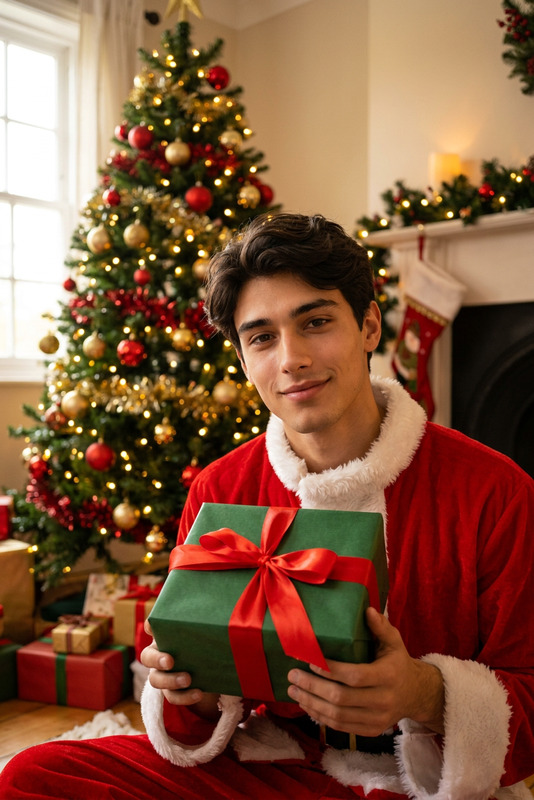
Christmas Collage Generation
- Model
- Nano Banana 2
- Image
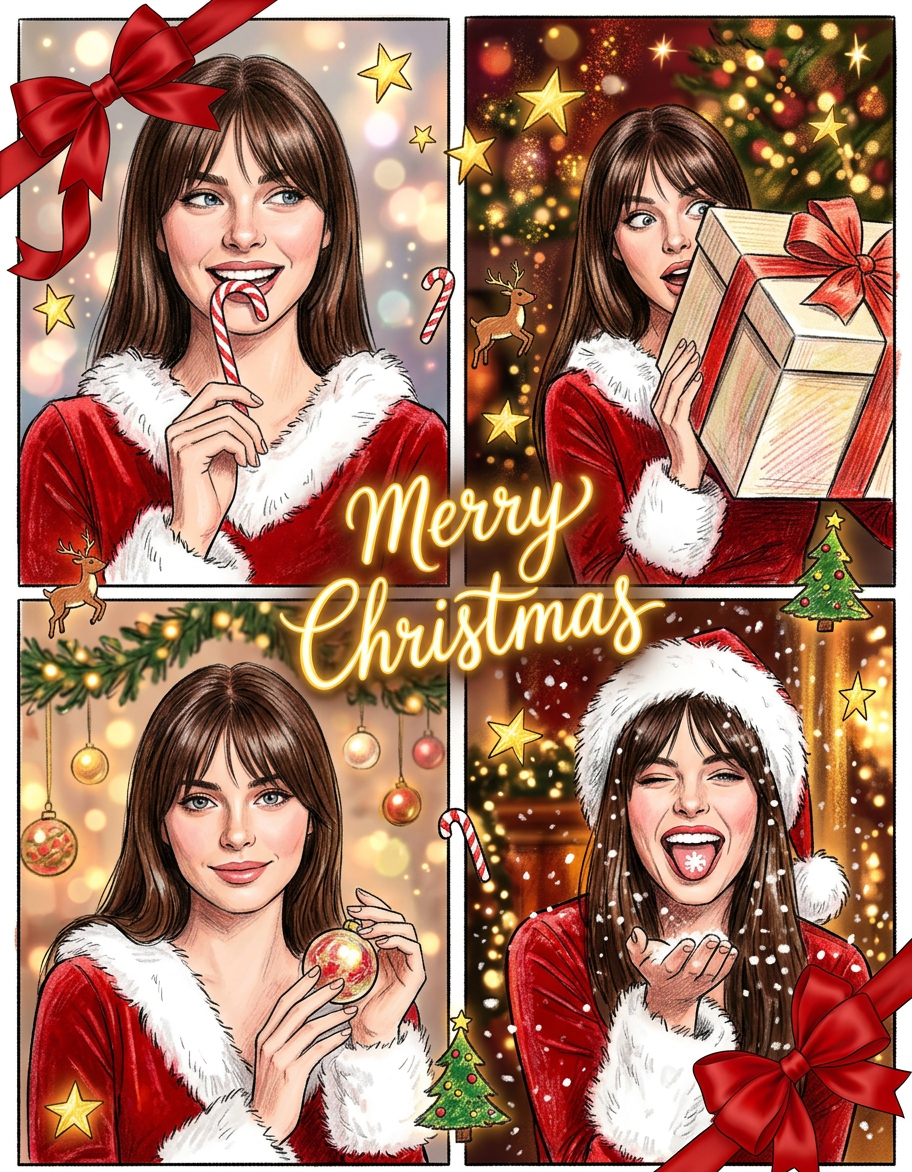
- 912 × 1172 px
Prompt
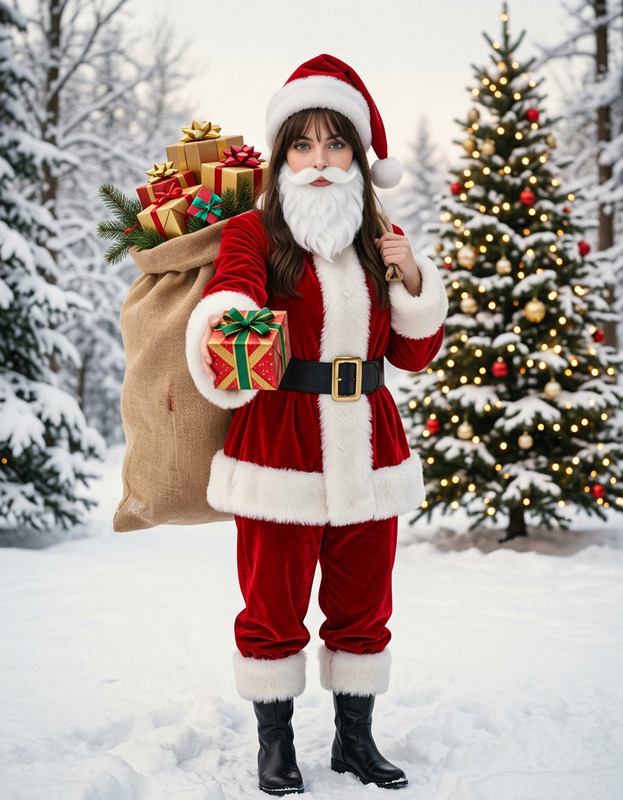
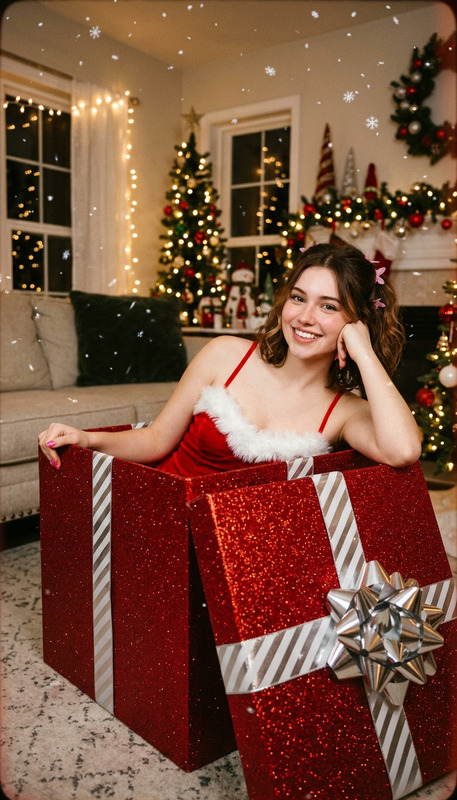
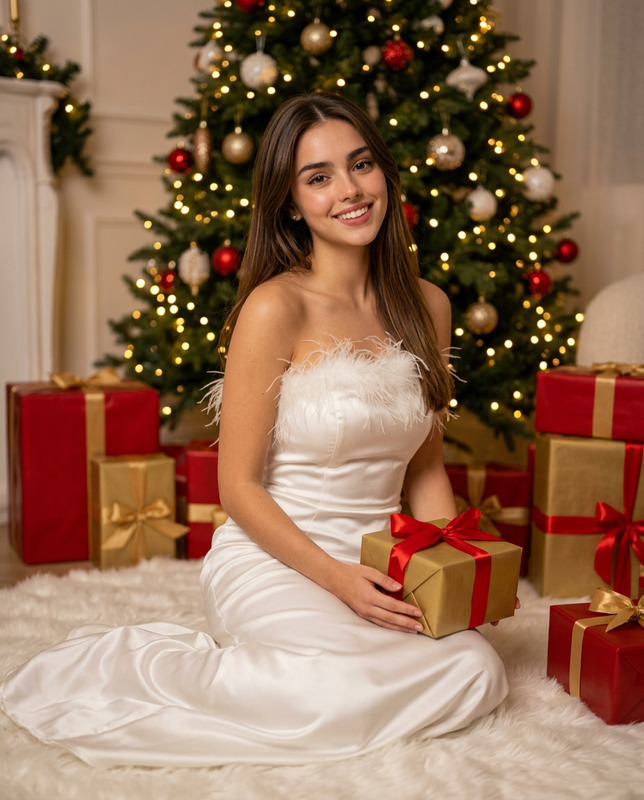
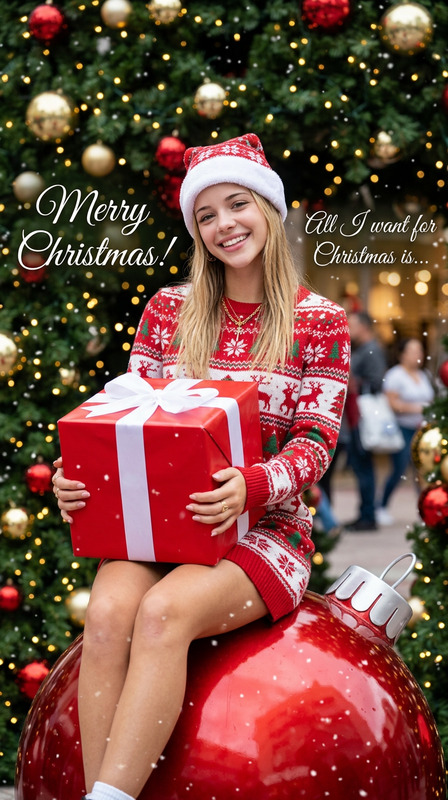
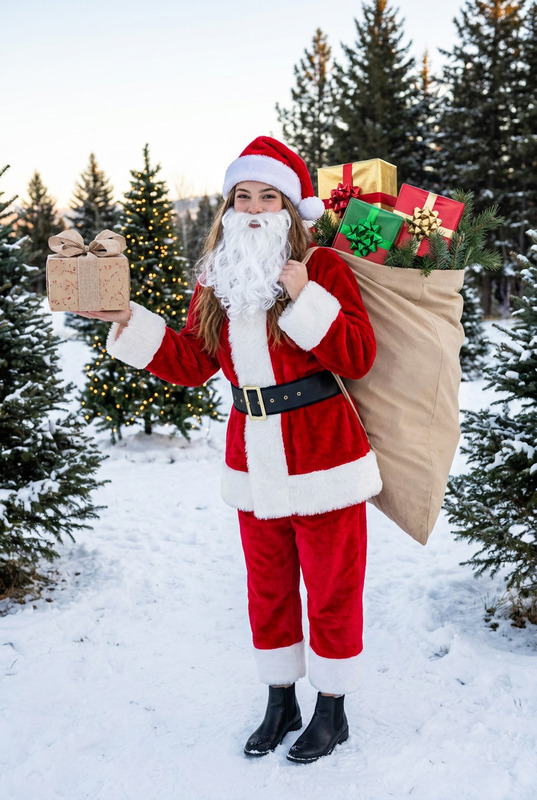
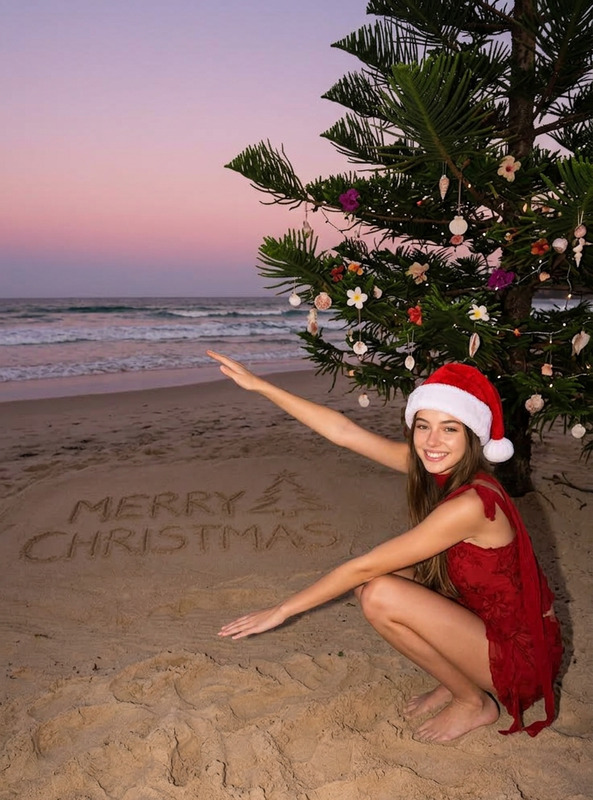
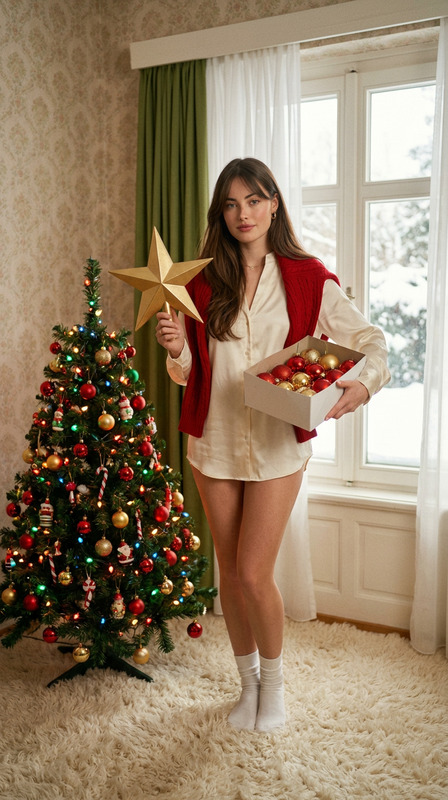
Generate a vivid four - frame Christmas photoshoot collage. Use the provided image as a reference for style and composition, featuring the person in the image. The overall style is a fun, hand - drawn Christmas look with sketched festive details. The whole collage should have aesthetic silk red bows with ribbons at the top - left and bottom - right corners. In the middle, display a prominent "Merry Christmas" title in a glowing, golden handwritten font. The person in all four frames should wear a trendy and contemporary red velvet Christmas outfit trimmed with white faux fur.Frame 1 (Top Left): A close - up of the person with a happy and refined expression, gently holding a candy cane to their mouth. The background has soft, magical bokeh Christmas lights.Frame 2 (Top Right): A lively, high - fashion shot of the person playfully peeping out from behind a large, beautifully wrapped Christmas gift box, showing a mischievous or surprised look. The background consists of richer, blurred sparkling Christmas lights and faint tree branches.Frame 3 (Bottom Left): A gentle and elegant close - up of the person looking straight at the camera with a warm and welcoming smile, delicately holding a shiny, festive ornament. The background is a soft, warm - toned Christmas scene with delicate garland and glowing ornaments.Frame 4 (Bottom Right): A dynamic, funny, and stylish shot of the person, maybe winking or laughing loudly, playfully interacting with artificial snow falling around them or catching a snowflake on their tongue. The background has rich, warm Christmas lighting with a deep, luxurious holiday glow. Make sure the trendy Christmas outfit and the warm, vivid, blurry Christmas light background are consistent throughout all four frames to convey strong holiday spirit.
Any aspect ratio
Overview
Create captivating holiday visuals with our Christmas Collage Generation template, part of our versatile AI Image Editor. Designed using the advanced Nano-Banana-2 model, this tool transforms any image into a festive, four-frame collage. It delivers a hand-drawn Christmas aesthetic, complete with sketched festive details.
What It Does
This AI Image Editor template crafts a vivid Christmas photoshoot collage from your provided image. Each of the four frames captures unique holiday moments: from candy-cane close-ups to playful scenes with gift boxes and artificial snow. Consistent elements like red velvet outfits and glowing Christmas lights amplify the festive spirit across the collage.
Who It's For
If you're a content creator looking to produce engaging holiday content, this template is tailored for you. Ideal for social media influencers, eCommerce platforms, and anyone in need of festive marketing creatives, it combines sophisticated style with a personal touch. Fashion photographers and digital marketers will especially appreciate its customizable elements.
Summary
This Christmas Collage Generation template seamlessly turns your photos into a hand-crafted style holiday collage. Shine a spotlight on your personality with fun, festive scenes that include all the staple decorations of the season. Leverage the AI Image Generator features to ensure your visuals remain high-quality and consistent across channels.
How-To
Choose Your Template

Customize Your Collage

Generate and Download

Use Cases
Social Media Content
- Consistency across frames maintains engagement
- Fun, lively scenes attract likes and shares
Ecommerce Promotions
- Highlight seasonal product features
- Use collage style to showcase multiple angles
Email Campaign Imagery
- Catch attention in crowded inboxes
- Convey a strong festive message
Best Practices
Maintain Consistency
Ensure the festive outfit and light background are uniform across all frames for a cohesive look.Optimize for Platform
Tailor your collage dimensions to suit specific platforms, like Instagram or email newsletters, ensuring seamless integration.Utilize High-Resolution Images
Start with high-quality images to enable clear and crisp collage outputs. Leverage the AI Image Upscaler if needed.