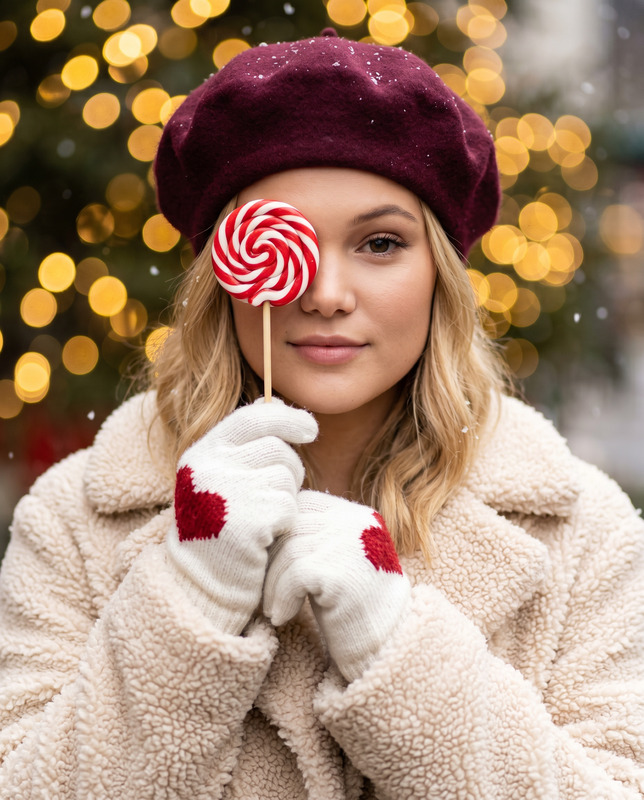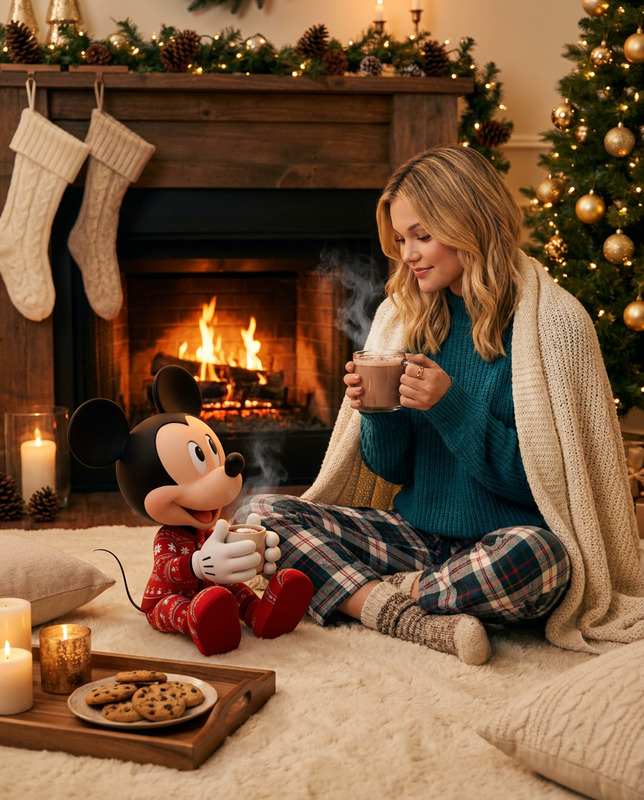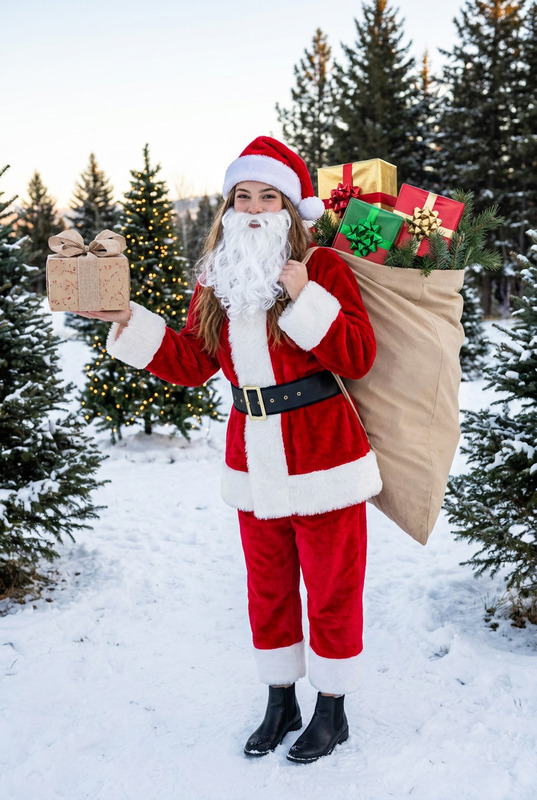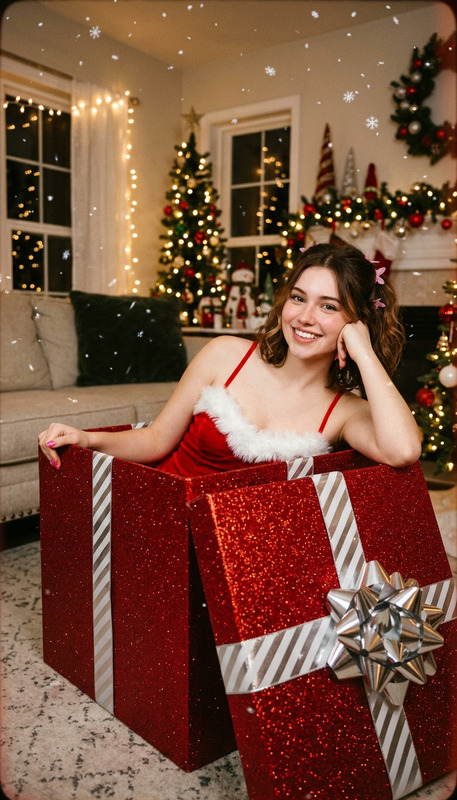
Golden Holiday Moments
- Model
- Nano Banana 2
- Image
- 928 × 1152 px
Prompt
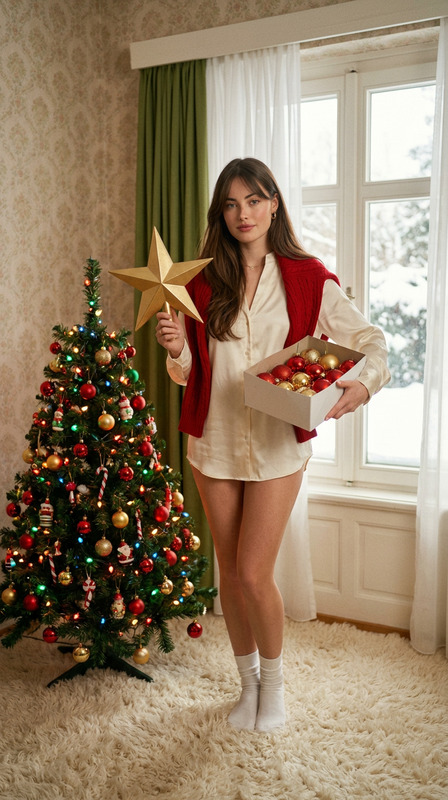
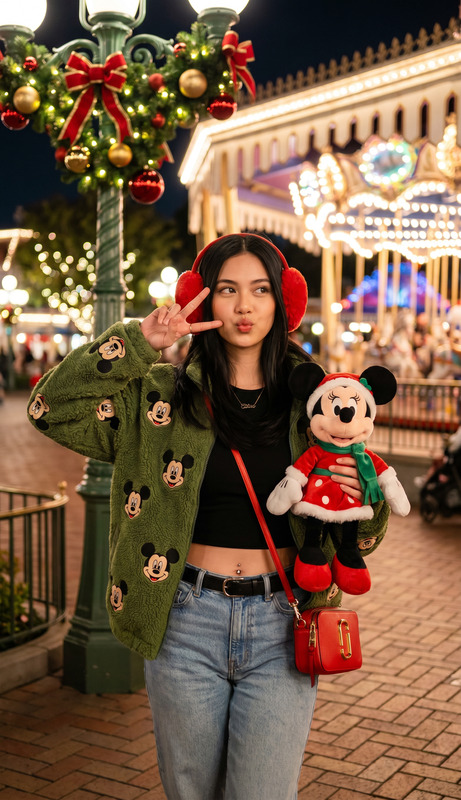
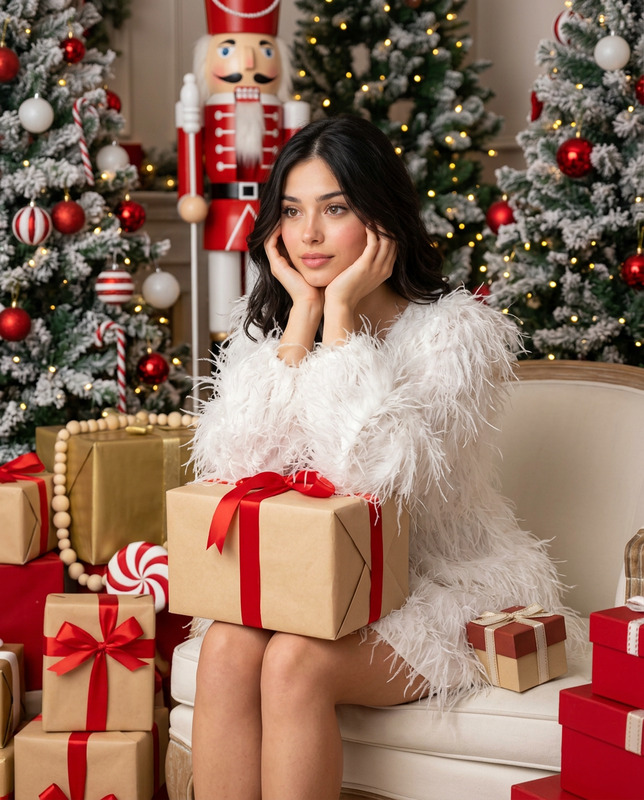
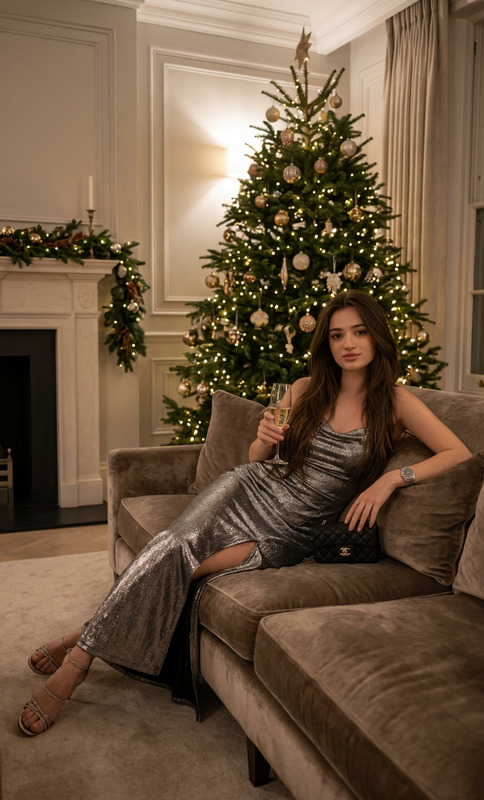
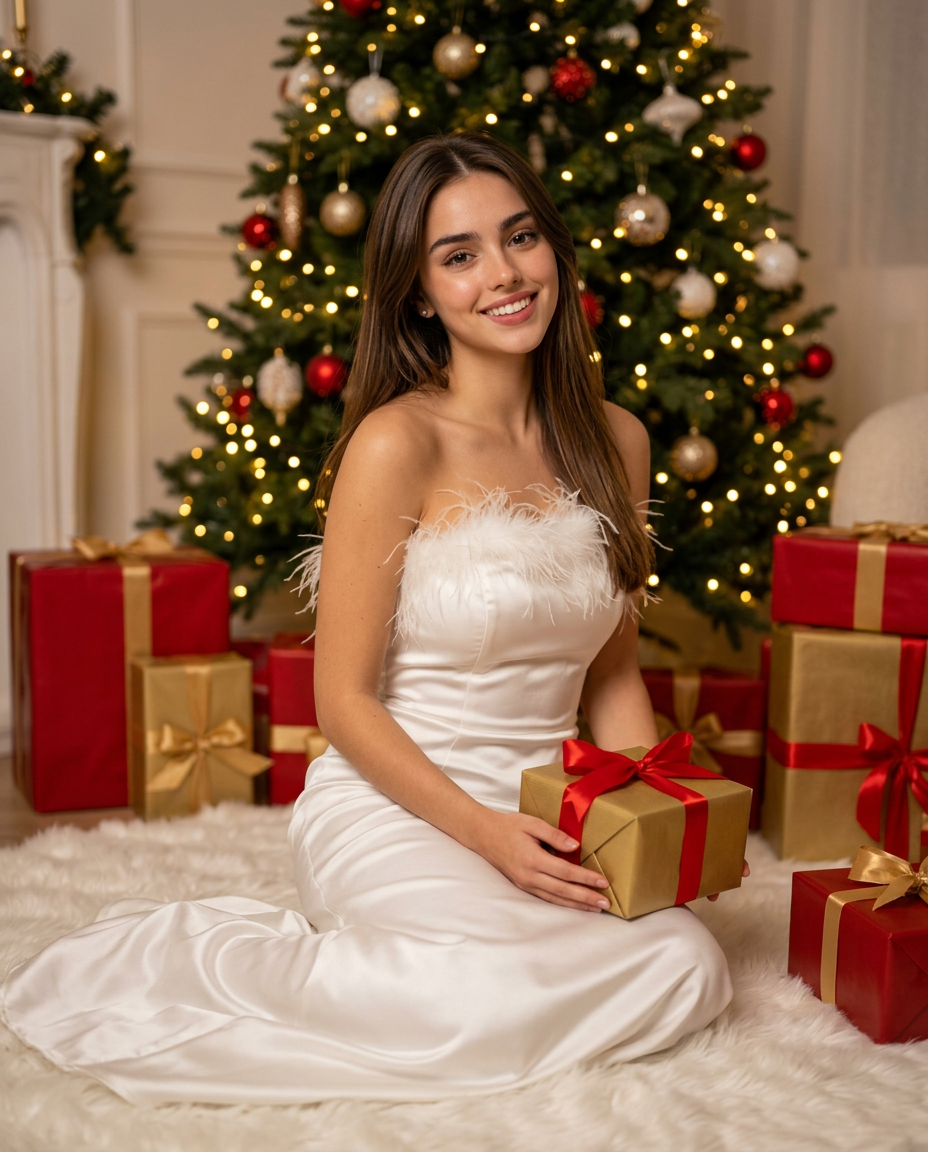
Using the uploaded image only as a face and body reference, generate a photorealistic Christmas lifestyle portrait. Preserve the person’s real facial structure, skin tone, proportions, and natural features without altering identity. Do not copy pose, background, or exact lighting from the reference image—only the person’s physical characteristics. Create a festive studio scene where the subject is seated on a soft carpet in front of a decorated Christmas tree. The subject faces the camera with a warm, gentle smile and relaxed posture, conveying elegance and holiday warmth. Hair is long, smooth, and neatly styled, falling naturally over the shoulders. Makeup is refined and natural, with soft highlights and realistic skin texture. The subject wears a strapless white satin gown with a fitted silhouette and subtle feather detailing along the neckline, styled in an elegant and luxurious manner. The fabric appears smooth and softly reflective. The subject holds a gold-wrapped gift box with a satin ribbon, surrounded by additional red and gold Christmas presents placed neatly around the scene. The Christmas tree in the background is decorated with red and gold ornaments and warm white fairy lights, softly blurred to create a cozy bokeh effect. Lighting is warm, soft, and professionally balanced, with gentle shadows and natural highlights. Photography style: elegant Christmas editorial lifestyle photography, ultra-realistic. Camera look: 50–85mm lens, shallow depth of field, subject sharply in focus. Mood: cozy, festive, refined, luxurious. Aspect ratio: 4:5. Image quality: high-definition, realistic textures, natural proportions.
Any aspect ratio
Overview
The Golden Holiday Moments template offers a unique opportunity to transform basic photos into stunning Christmas lifestyle portraits. Utilizing the AI Image Editor model nano-banana-2, it ensures high-fidelity portrayals while maintaining the subject’s unique features. This tool captures the festive spirit, with elegant and luxurious details that make images ready for editorial standards.
What It Does
Focused on enhancing your uploaded images, the Golden Holiday Moments template uses AI to generate a photorealistic Christmas scene. By preserving original facial structures and skin tones, it meticulously crafts an elegant holiday setting with a refined gown and a cozy Christmas tree backdrop. The template avoids duplicating the pose and lighting of the reference image, creating a fresh and personalized composition.
Who It's For
This template is ideal for photographers, digital artists, and content creators aiming to produce high-quality seasonal images. It offers a polished look for professionals working on holiday campaigns or product ads, content for social media, or personalized family portraits. It is also a valuable tool for ecommerce platforms looking to enhance listing visuals with holiday themes.
Summary
Capture the elegance of the holiday season with the Golden Holiday Moments template. High-definition and realistic, it accentuates natural beauty and festive elegance through the expert use of AI. Whether for personal or commercial use, it presents the ideal solution for creating stunning, festive images that convey warmth and luxury, catering to both professional and casual creators alike.
How-To
Choose Golden Holiday Moments

Customize Your Inputs

Generate Your Image

Use Cases
Ecommerce Holiday Campaigns
- Boosts visual appeal of holiday product listings
- Creates a festive shopping experience
Personalized Holiday Greetings
- Add a personal touch to greetings
- Share memorable, festive moments easily
Editorial Photography
- Suitable for fashion and lifestyle spreads
- Captures warm, festive moods
Best Practices
Select High-Quality Reference Images
To achieve the best outcome, use clear and well-lit images as references. This ensures the AI can accurately capture facial details and proportions.Focus on Styling Consistency
Maintain consistency in clothing and accessory details within the scene to enhance the overall festive and elegant aesthetic.Experiment with Composition
Adjust the framing of your reference image to maximize focal clarity and depth, aligned with the template's recommended 4:5 aspect ratio.