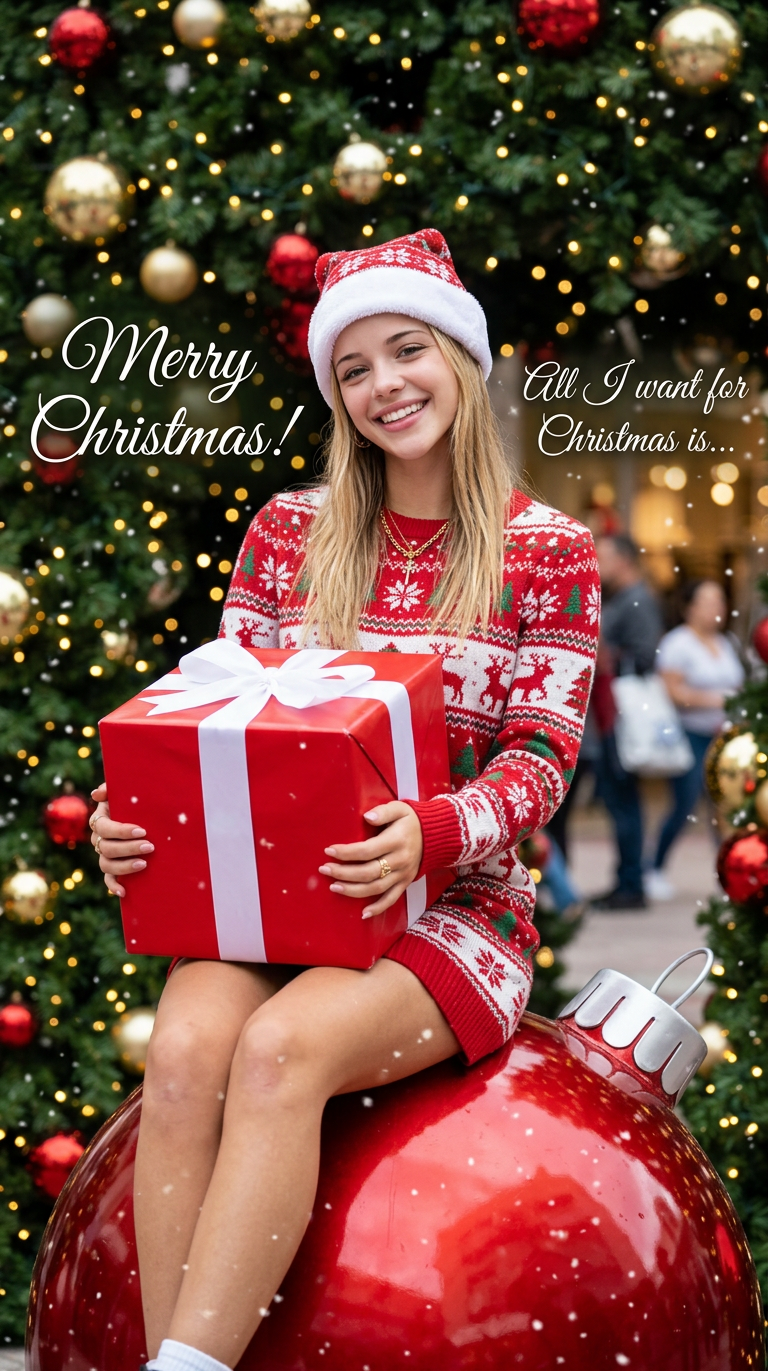
Christmas Gift
- Model
- Nano Banana 2
- Image
- 768 × 1371 px
Prompt
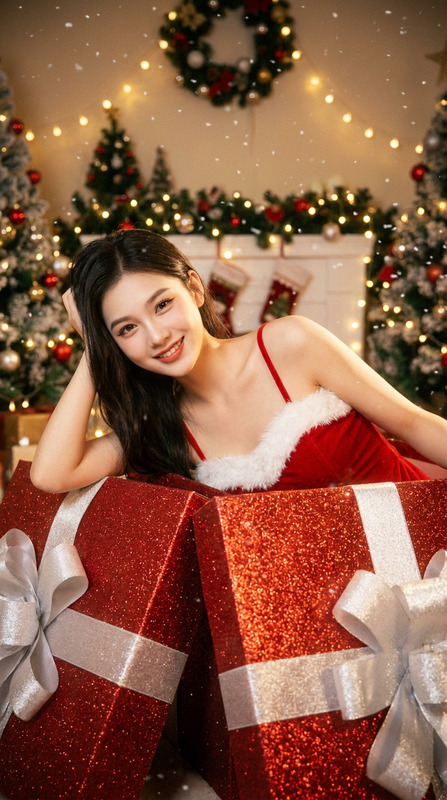
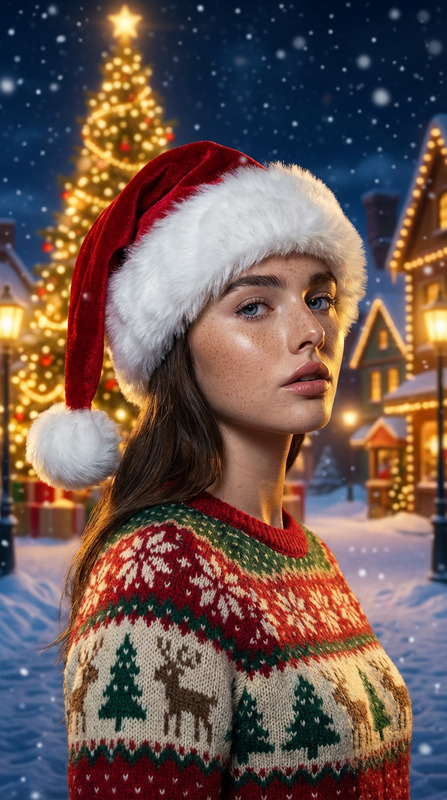
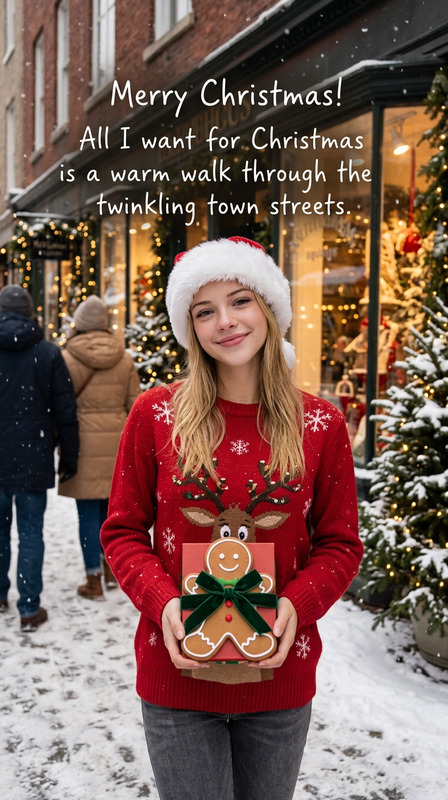
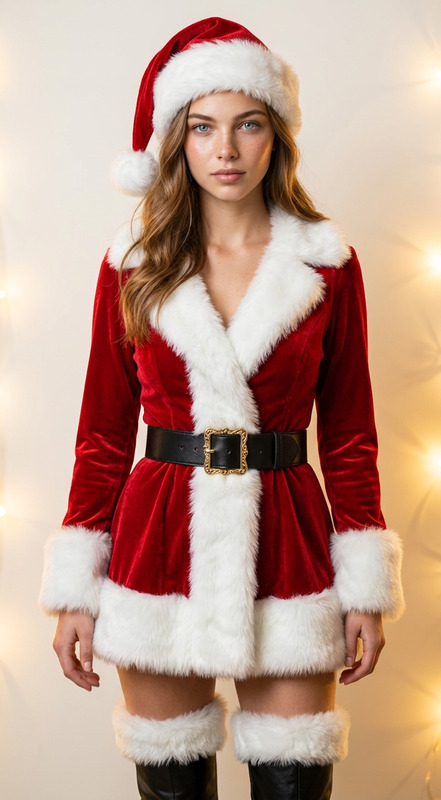
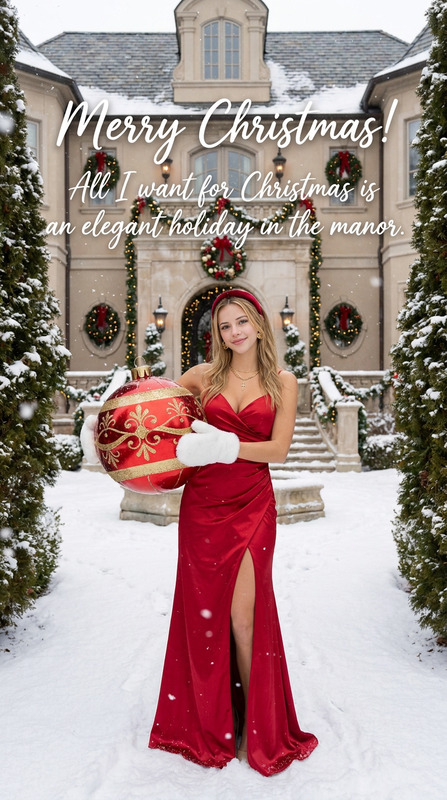
Reference the subject in the input image, transform the scene into a vibrant Christmas-themed setting; replace the subject’s current attire with a red-and-white festive Christmas sweater dress and a Santa hat; have the subject hold a large red gift box tied with a white ribbon, seated on a giant shiny red Christmas ornament; set the background with Christmas tree foliage and warm bokeh lights, add "Merry Christmas!" and "All I want for Christmas is..." text overlays along with snowflake decorations throughout the scene, create a lively and joyful holiday atmosphere, hyper-detailed, photorealistic visual effect
Any aspect ratio
Overview
The Christmas Gift template transforms ordinary images into festive holiday scenes. Using the capabilities of the AI Image Editor and powered by the nano-banana-2 model, this template beautifully morphs attire, scenery, and elements to convey the spirit of Christmas.
What It Does
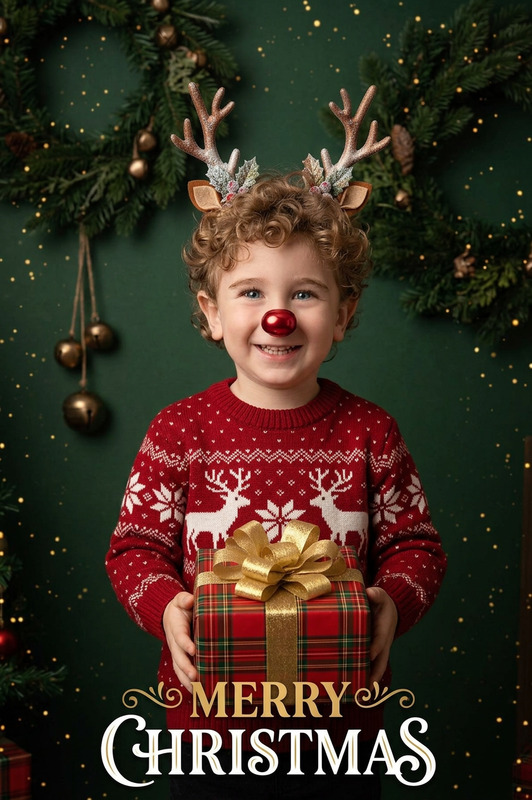
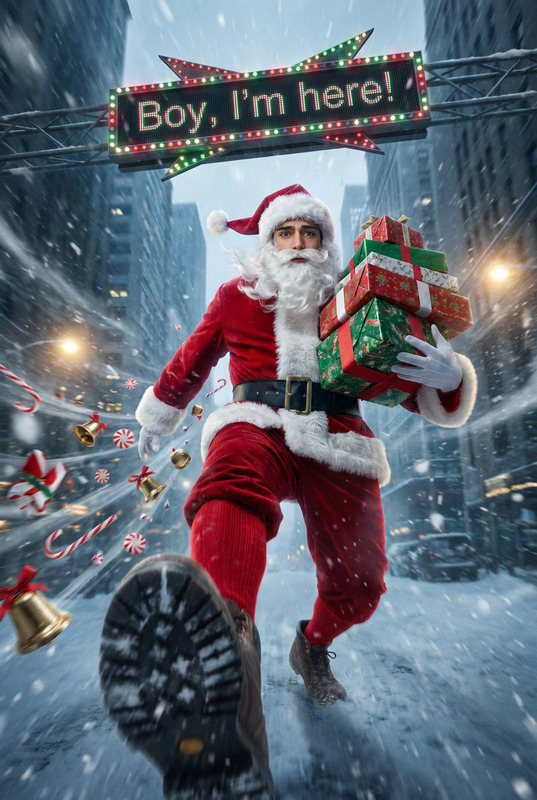
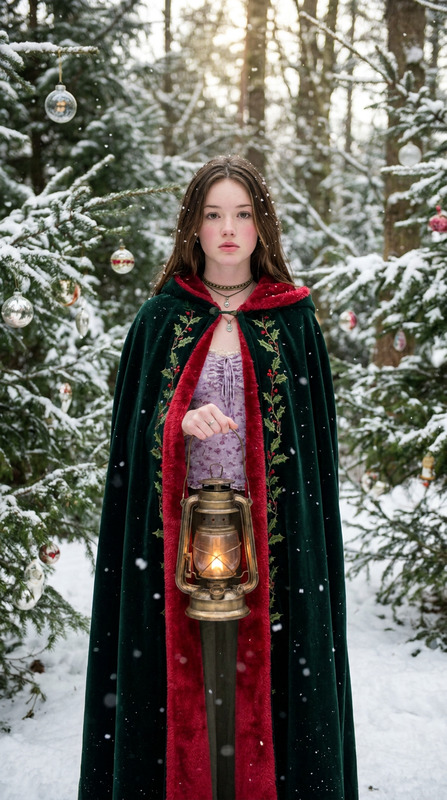
This template is designed to take any input image and apply a Christmas-themed transformation. It changes the subject's clothing to a red-and-white Christmas sweater dress and adds a Santa hat. The subject is placed holding a large red gift box on a giant Christmas ornament. Additional festive elements include a background of Christmas tree foliage, warm lights, and snowflake decorations. Text overlays like "Merry Christmas!" are also included, offering a complete and immersive holiday visual effect.
Who It's For
This template is perfect for creators, marketers, and enthusiasts looking to add a Christmas spirit to their imagery. Whether you're crafting social media content, digital holiday cards, or festive marketing materials, this template will make your visuals stand out. It complements workflows that already use tools like the AI Talking Photo or the Face Swap GIF for adding dynamic elements to holiday greetings.
Summary
The Christmas Gift template is an ideal choice for those seeking an engaging way to celebrate the holiday season through images. With its capabilities to dress up your subjects and enhance scenes with festive decorations, this tool ensures your content resonates with the joy of Christmas.
How To
Choose Your Template

Customize the Scene

Generate Your Holiday Image

Use Cases
Holiday Cards
Social Media Posts
Marketing Visuals
Best Practices
Choose High-Quality Images
For the best output, start with images that are clear and well-lit. This ensures that the details in the photorealistic transformation are fully realized.Experiment with Text Overlays
Try different text messages and sizes to see which best compliments your image and fits the occasion.Integrate with Other Tools
Combine this with other enhancements like the AI Image Upscaler for sharper, more defined results.