Beach Christmas
- Model
- Nano Banana 2
- Image
- 880 × 1187 px
Prompt
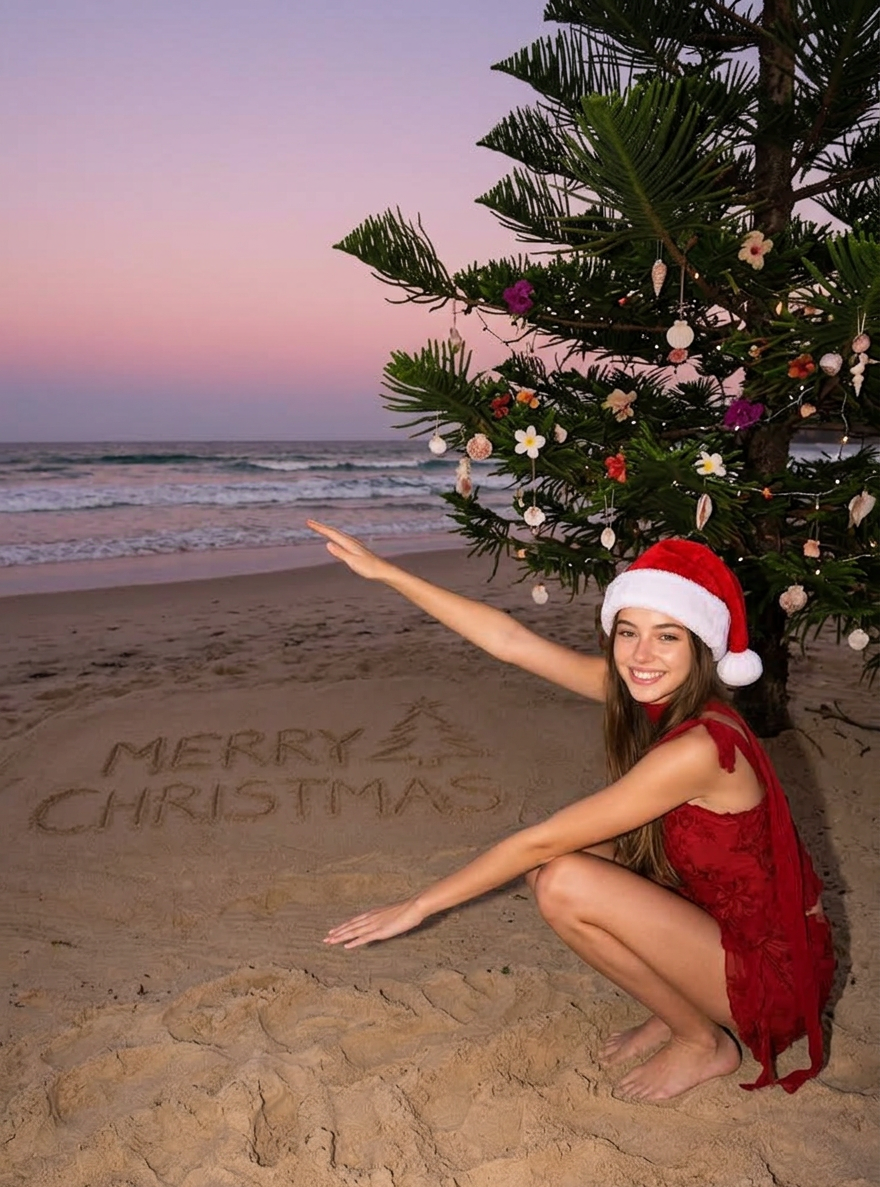
Refer to the reference image and maintain the consistency of the main subject: the reference image's character retains unchanged facial expressions, gender, race, hairstyle, and hair color, with clothing kept original but supplemented by a Christmas hat. Position the character in the lower right corner of the frame (upper body), posed as follows: squatting sideways, facing left, with both hands stretched out to the left—right arm above, left arm below—at a 120-degree extension angle, smiling and looking toward the camera. Set the scene at dusk on a beach, featuring a gradient sky in pink and purple hues, gently surging waves rolling onto the shore. On the left side of the beach, there is handwritten "MERRY CHRISTMAS" text and a simple hand-drawn Christmas tree. Behind the character stands a large pine Christmas tree decorated with shells, tropical flowers, and strung with colored lights. The shot is a close-up of the character, taken from a slightly low angle, with the visual focus on the character’s face. Rendered in a realistic photographic style, rich in color with a retro tone, captured using flash photography, maintaining the original photo size, and emphasizing a sense of realism, low-angle perspective, and natural sand textures.
Any aspect ratio
Overview
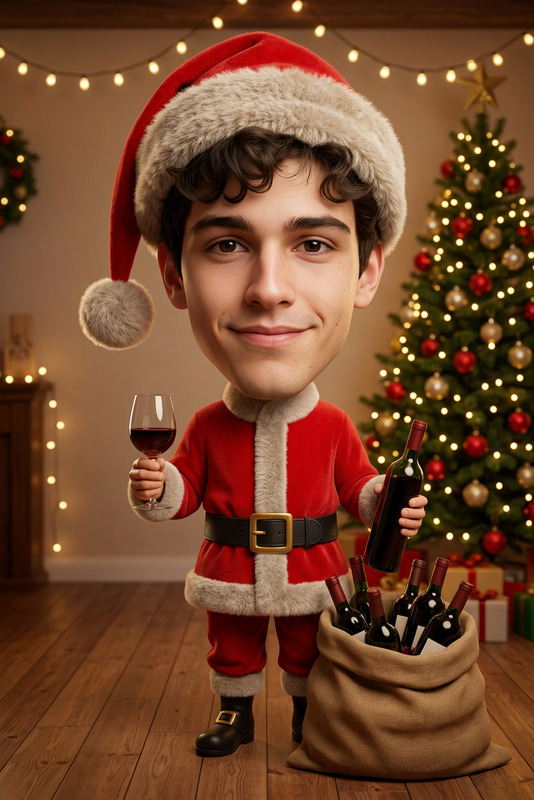
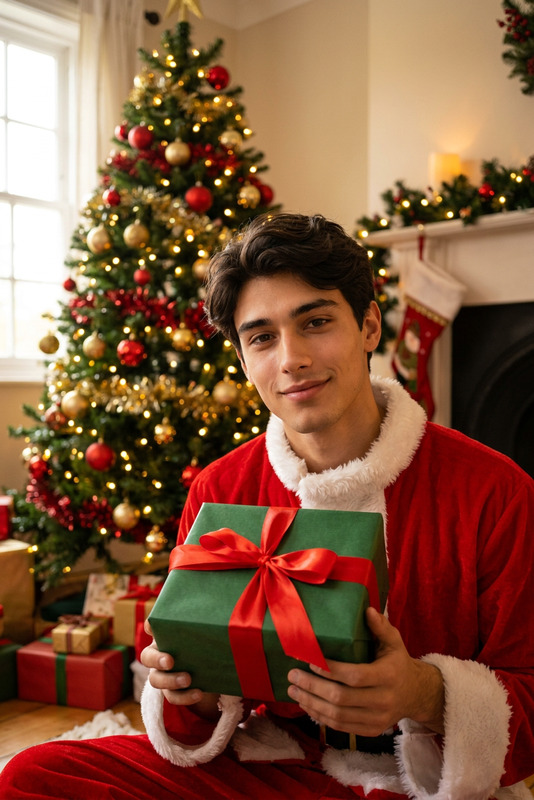
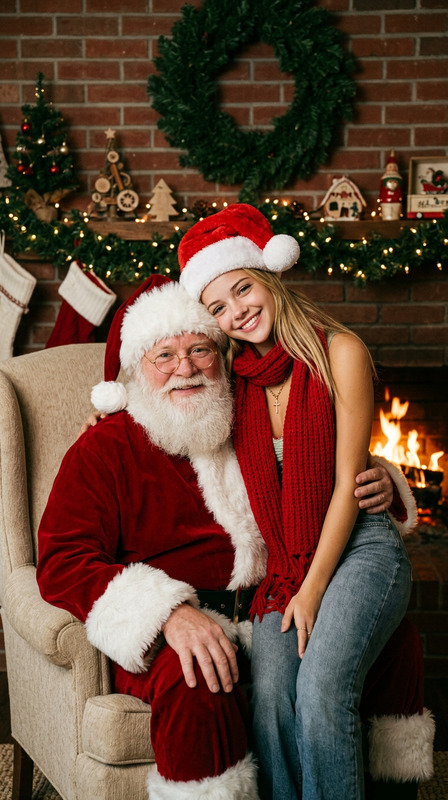
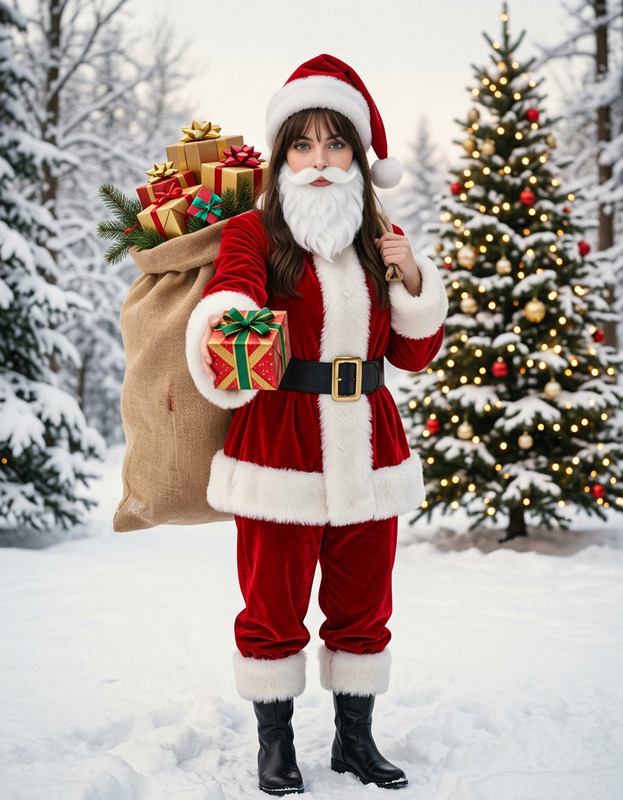
The Beach Christmas template is an innovative tool designed for creating festive holiday images with an artistic twist. Using the AI Image Editor powered by the nano-banana-2 model, this template allows users to transform standard images into vibrant, Christmas-themed visuals set against a stunning beach backdrop.
What It Does
This template overlays festive elements onto a given reference image, ensuring the main subject's essential features remain consistent. A Christmas hat is added to the main character, placed on a tropical beach at dusk. The scene includes a decorated Christmas tree and the words 'MERRY CHRISTMAS' hand-drawn in the sand. The final output captures high realism with a retro tone, utilizing AI Image Generator magic to enhance holiday imagery with rich colors and textures.
Who It's For
This template is ideal for content creators, marketers, and individuals seeking to craft unique holiday greetings that incorporate a beach flair. Whether you are a social media influencer or a photographer looking to add seasonal charm to your portfolio, this tool offers a creative blend of traditional and tropical Christmas aesthetics.
Summary
Creating an eye-catching Christmas image is made simple with the Beach Christmas template. Leveraging the Photo Colorizer alongside this tool, you can achieve vivid color enhancements while maintaining the template's distinct artistic direction. The template provides a quick way to spread festive cheer with customized, scene-specific imagery that appeals across multiple platforms.
How To
Choose Your Template

Customize Your Image

Generate Your Image

Use Cases
Social Media Greetings
- Perfect for Instagram stories and posts
- Engage followers with unique holiday designs
Personalized Holiday Cards
- Stand out with photo cards featuring tropical settings
- Add personal messages to your cards
Marketing Campaigns
- Ideal for travel agency promotions
- Enhance shopping ads with a festive touch
Best Practices
Reference Image Quality
Ensure your reference image is of high resolution to achieve the best effect and maintain a clear focus on the subject.Balance Elements
When adding elements like text or additional props, keep the composition balanced to prevent visual clutter.Test Lighting Settings
Experiment with different lighting options within the template to see what provides the best mood for your scene.