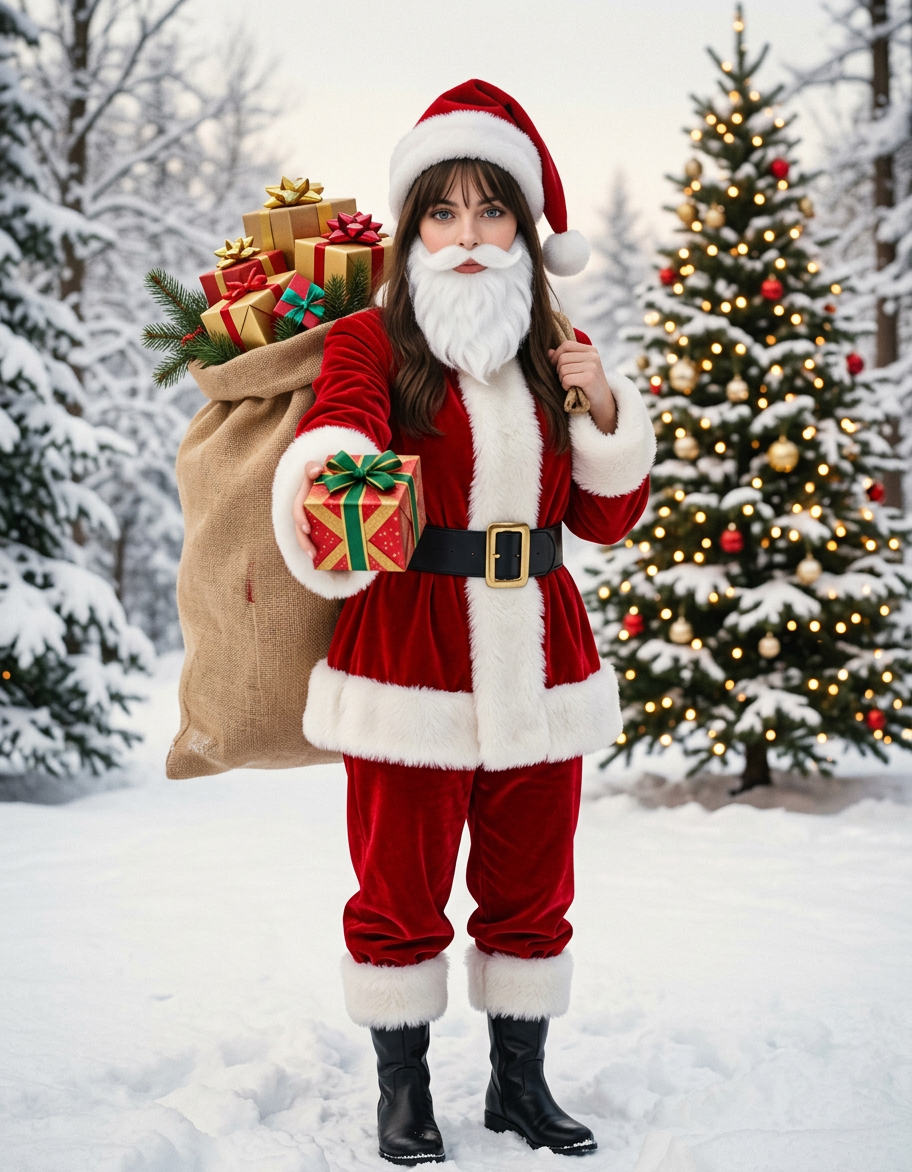
Santa Gift Bearer
- Model
- Nano Banana 2
- Image
- 912 × 1172 px
Prompt
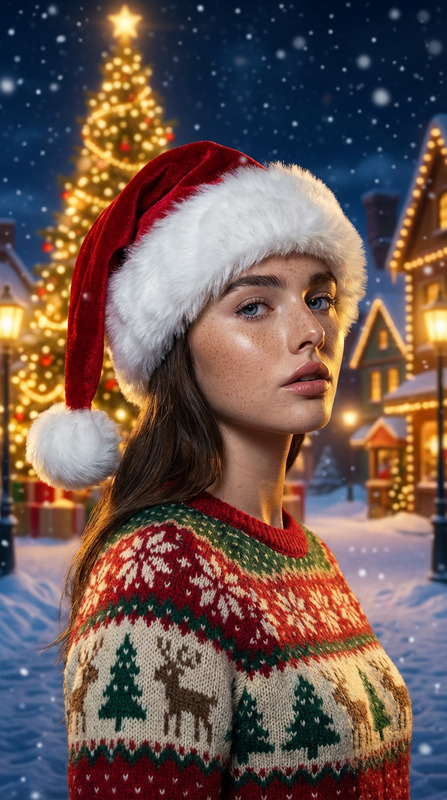
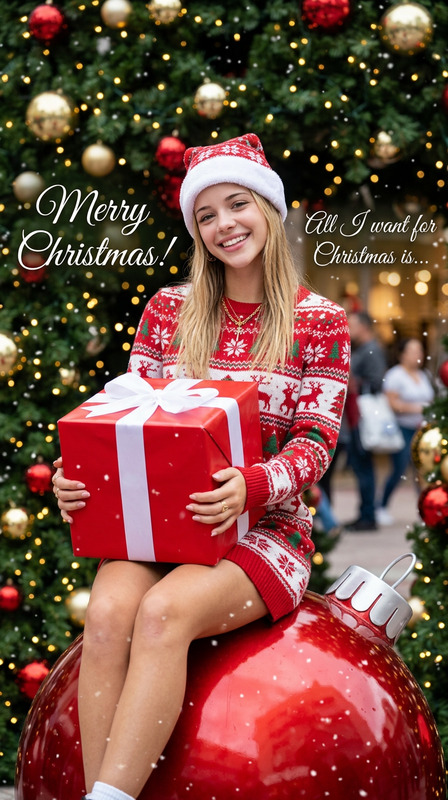
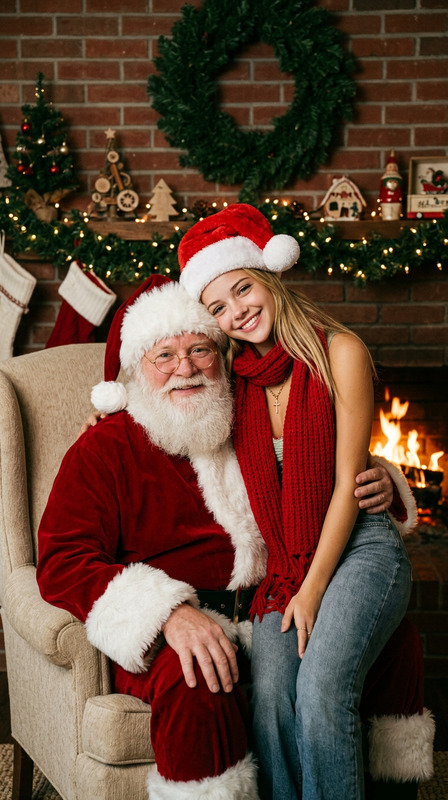
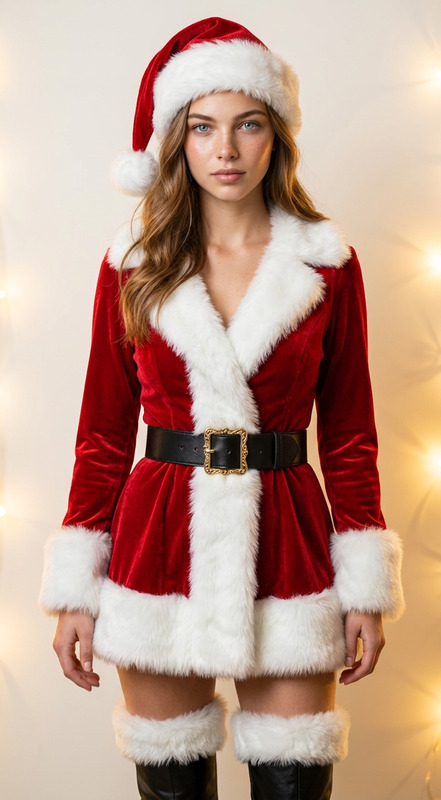
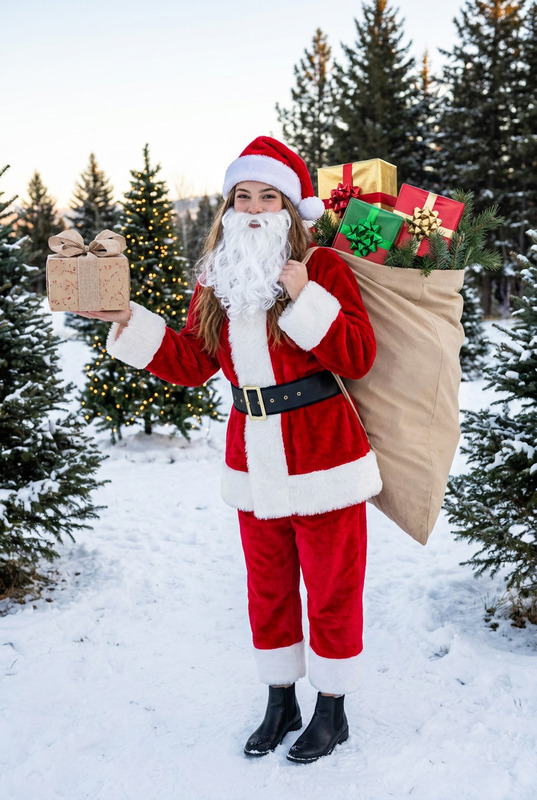
Modify the reference image to maintain consistency of the main subject, keeping facial features and hairstyle unchanged. Transform the subject into a figure wearing a red Christmas suit: a coat adorned with plush edges, featuring thick white plush trim on the collar, cuffs, and hem; paired with red trousers accented by white plush-edged cuffs. A wide black belt with a golden buckle cinches the waist, complemented by black ankle boots. The subject dons a white fake Santa Claus beard and a red Christmas hat that leaves the original hairstyle visible. Pose: The figure carries an oversized beige bag on their back—larger than the subject itself—filled with elaborately packaged gift boxes (in hues like gold and red) topped with colorful bows, and decorated with pine branches. The key pose shows the right hand holding a gift box, extending it toward the camera. Scene: A winter snowscape with snow-covered ground, distant snow-laden trees, and a Christmas tree strung with warm lights. Set in the early morning, the shot captures the full body of the character with an iPhone-style casual aesthetic, rich colors, a retro tone, and retains the original image dimensions.
Any aspect ratio
Overview
The "Santa Gift Bearer" is a specialized AI Image Editor template that brings festive flair to your images using the nano-banana-2 model. With a focus on preserving the subject's core features, this template transforms your images into delightful holiday scenes. Featuring a red Christmas suit and a wintry background, the template is perfect for creating personalized, vibrant holiday cards or social media posts.
What It Does
This template modifies a reference image to transform its subject into a Christmas figure. Key elements include a Santa suit with plush accents, a Santa hat, a white beard, and an oversized gift bag. It maintains consistency of the subject's facial features and hairstyle, embedding them into a festive winter scene complete with snow and a Christmas tree. The composition is enhanced by a rich color palette and a retro tone.
Who It's For
Ideal for photographers, digital artists, and content creators looking to add a festive twist to their imagery. It suits anyone interested in producing unique holiday-themed content with little effort. Whether crafting personalized greeting cards or enhancing an advertising campaign, this template is perfect for leveraging the power of AI in the art of AI Image Editing.
Summary
The "Santa Gift Bearer" template is a creative powerhouse for generating holiday-themed images with an iPhone-style aesthetic. Retain essential subject characteristics while beautifully dressing them in a Santa outfit, set against a picturesque winter backdrop. This tool is invaluable for AI Talking Photos, helping you embrace the holiday spirit with every pixel.
How To Structure
Choose Your Template

Customize Your Image

Generate Your Creation

Use Cases
Holiday Cards Design
- Easy joy-filled greeting designs
- Stand out with customized graphics
Social Media Festivities
- Create attention-grabbing posts
- Increase engagement with themed content
Promotional Content
- Boost seasonal campaigns
- Deliver visually cohesive messages
Best Practices
Select Reference Images Carefully
Choose images that clearly show the subject's face and hairstyle to ensure a high-quality transformation.Emphasize Lighting
Ensure your base image has good lighting to capture the winter snowscape effectively.Maintain Consistency
For batch processing, ensure that all base images have similar features for a cohesive outcome in seasonal projects.