Night Blizzard Snowboarding
- Model
- Nano Banana 2
- Image
- 843 × 1264 px
Prompt
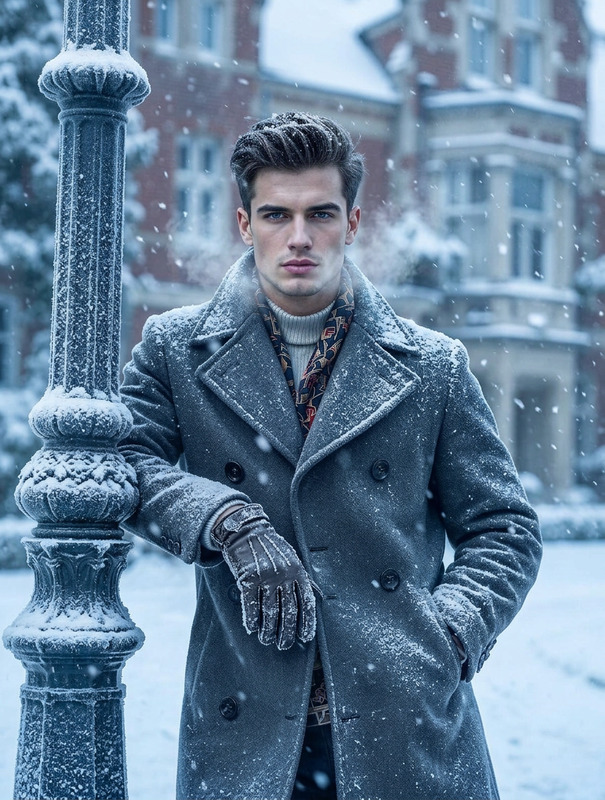
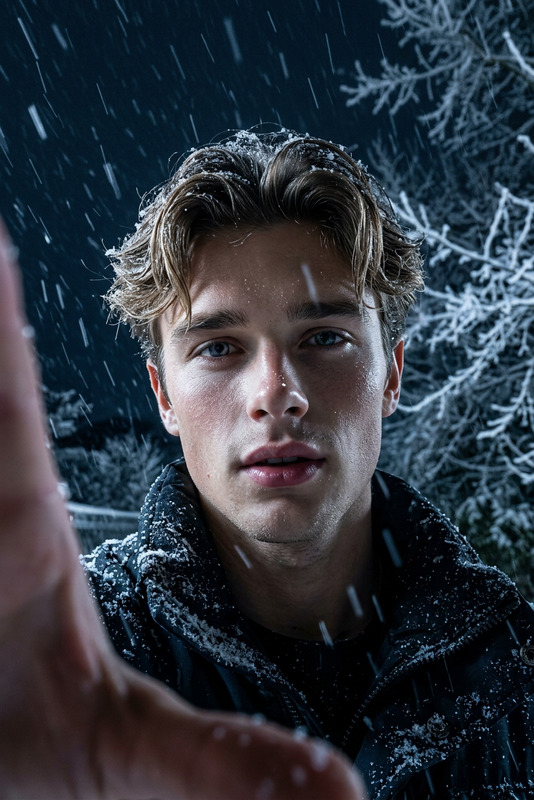
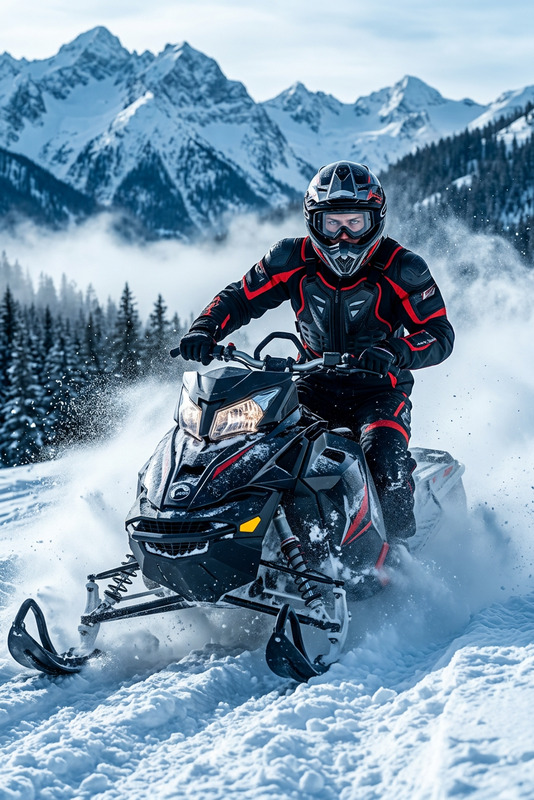
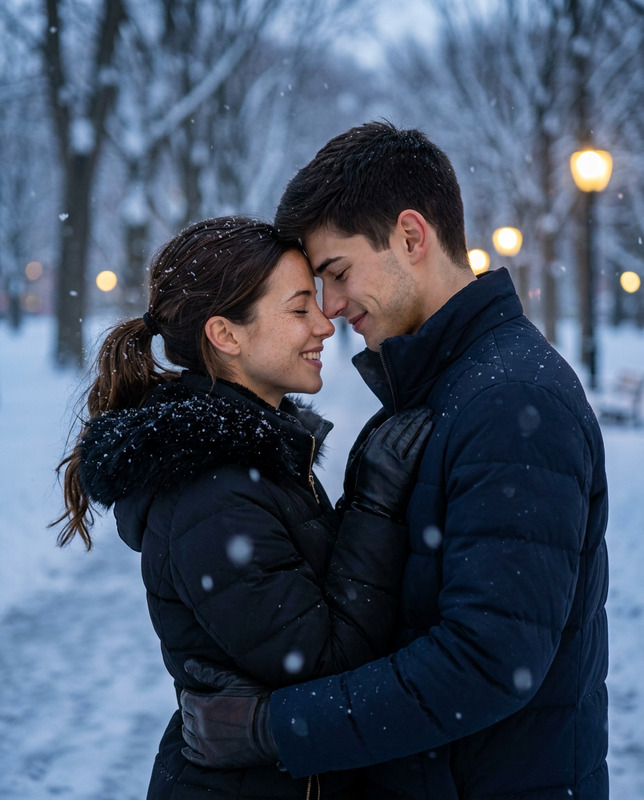
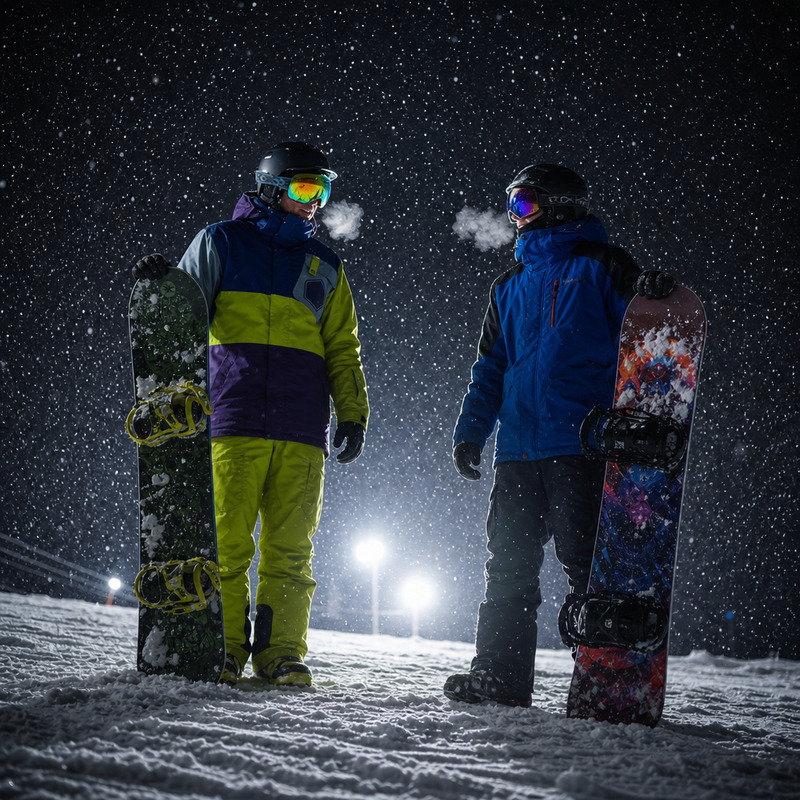
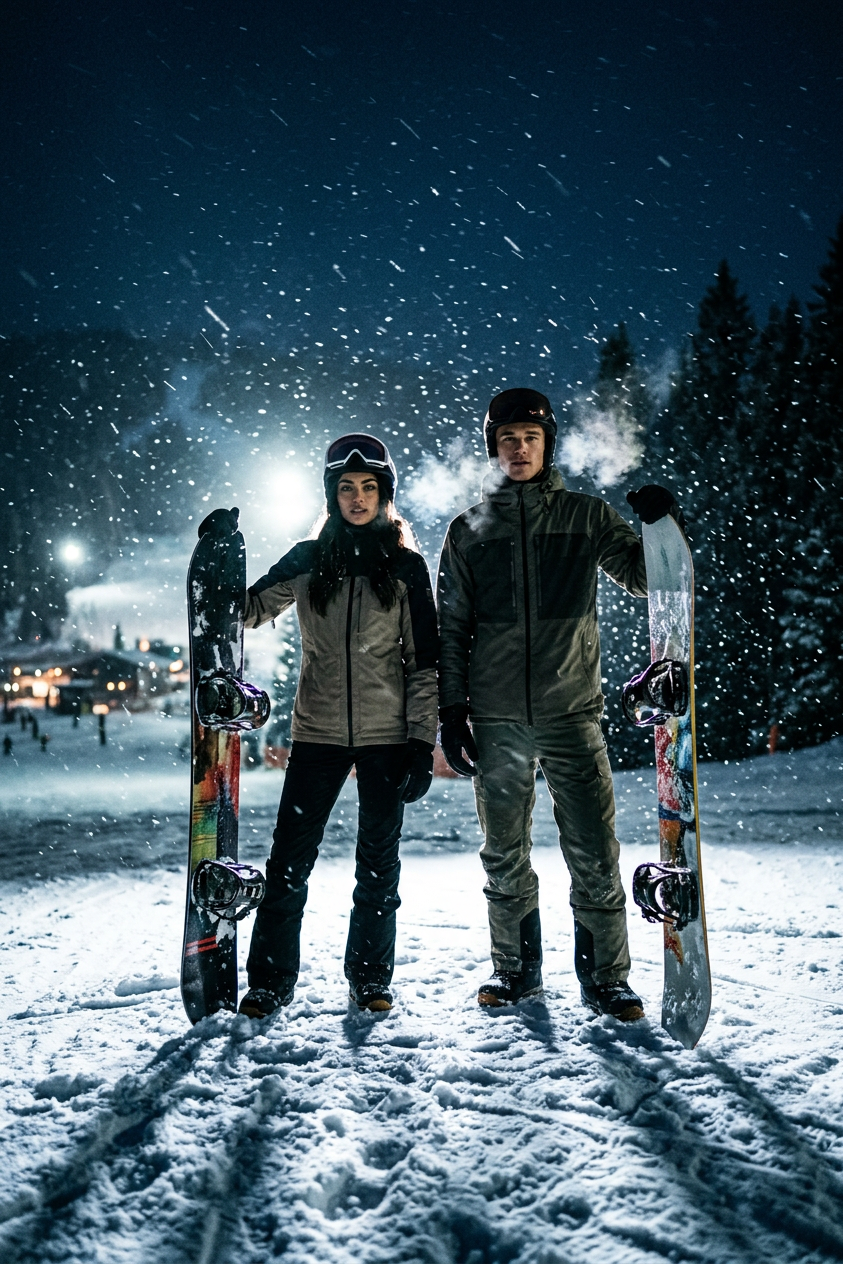
Create a highly realistic cinematic night-time snowboarding scene featuring two snowboarders standing in heavy falling snow on a mountain slope. The environment is dark and atmospheric, illuminated by strong backlighting from powerful floodlights or ski resort lamps positioned behind the subjects, creating dramatic silhouettes, rim lighting, and glowing snow particles suspended in the air. Both snowboarders are dressed in detailed winter gear with realistic fabric textures, insulation layers, gloves, goggles, and boots. Their snowboard designs are colorful and distinct, with visible wear, scratches, and glossy reflections from the lights. The boards rest on the snow as the riders stand in a relaxed but ready posture, facing slightly toward the camera or angled into the wind. Heavy snowfall is actively falling across the entire scene, with wind-driven snow streaks adding motion and depth. Cold breath is visible from both subjects, dissipating quickly into the freezing air. The snow surface is textured and uneven, with footprints and board marks subtly visible. Lighting is cinematic and high-contrast: strong backlight creates glowing halos around the snowboarders and highlights the snowflakes, while the front remains softly shadowed for depth. The overall palette is cold and moody, dominated by deep blues, icy whites, and subtle warm highlights from distant lights. Camera style is ultra-realistic, shot with a cinematic lens look (35mm–50mm equivalent), shallow-to-medium depth of field, crisp focus on subjects, and atmospheric background falloff. Subtle film grain enhances realism. The mood is intense, adventurous, and immersive, capturing the stillness before action in extreme winter conditions.
Any aspect ratio
Overview
Transform your visual content with the "Night Blizzard Snowboarding" AI Image Editor template, powered by the nano-banana-2 model. This tool allows you to create a stunning nighttime snowboarding scene defined by dynamic lighting and atmospheric depth, perfect for capturing the thrill of winter sports in cinematic quality.
What It Does
This AI Image Editor template allows you to produce high-definition images showcasing snowboarding action during a night blizzard. By leveraging sophisticated AI Image Editor capabilities, it simulates complex lighting environments and detailed textures, down to the shadowing on winter gear and snowflakes glistening in floodlight.
Who It's For
Ideal for photographers, videographers, and content creators seeking to enhance their winter sports imagery, this template unlocks a new level of detail and atmosphere. It also benefits marketing professionals looking for compelling visuals in campaigns that feature products like winter sports equipment or outdoor adventure gear.
Summary
The "Night Blizzard Snowboarding" template combines the power of AI with advanced lighting effects to deliver immersive and realistic snowboarding scenes. This is achieved through collaboration with tools like the AI Image Upscaler, ensuring that details remain crisp and lifelike even when images are enlarged.
How to Use
Choose Template

Customize Scene

Generate Image

Use Cases
Winter Sports Campaigns
- Highlight product functionalities
- Showcase extreme condition wearability
Photography Enhancements
- Add unique seasonal elements
- Enhance existing work with dramatic lighting
Content for Social Media
- Stand out in a crowded feed
- Communicate mood and environment instantly
Best Practices
Optimize Lighting
Experiment with different lighting setups in the template to see how it enhances the scene's atmosphere. Subtle changes in contrast can dramatically alter the mood.Detail Focus
Pay attention to small details like fabric textures and snowflake reflection by using the AI Image Editor to adjust these elements for better realism.Coordinate Gear Colors
Use complementary colors for snowboard designs and outfits to make the scene visually appealing, keeping in mind the cold and warm tones highlighted by the lighting.