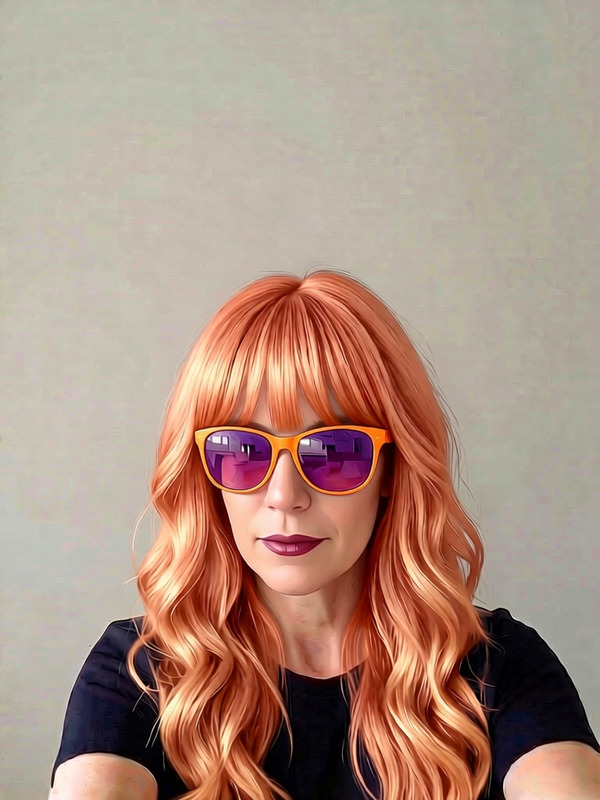
Retro Fashion Doll

Retro Fashion Doll

AI Image Editor
1 image
0 uses

Any aspect ratio

Prompt

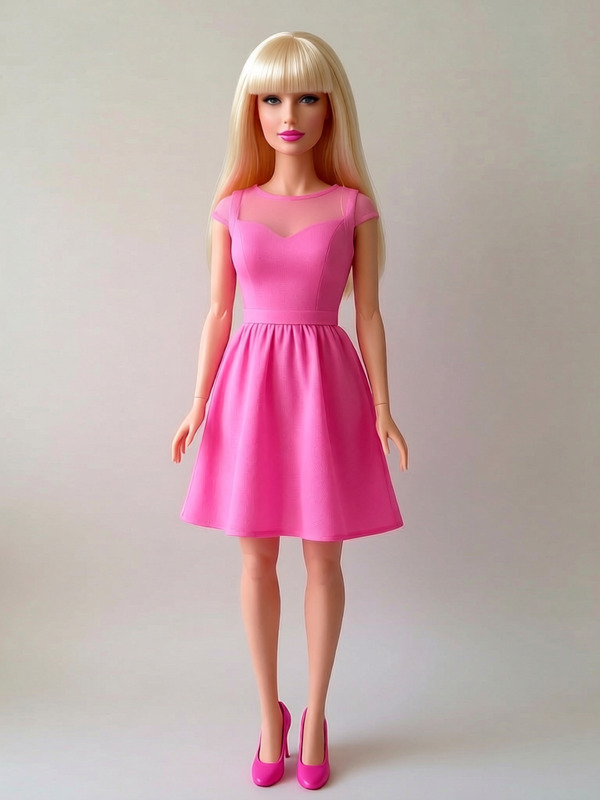
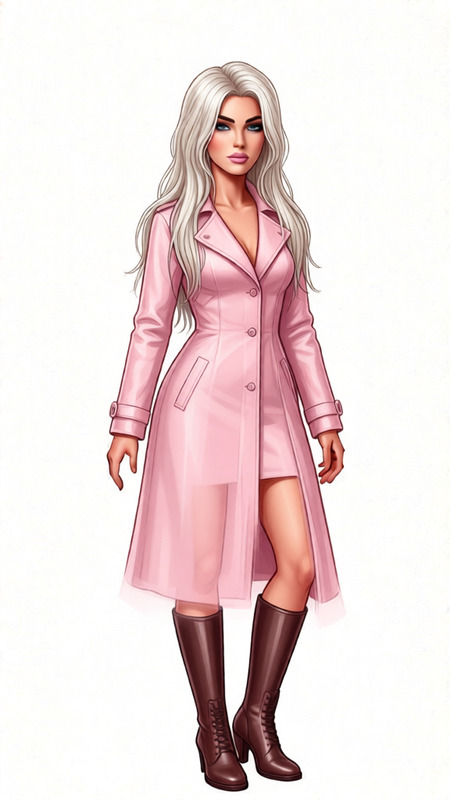
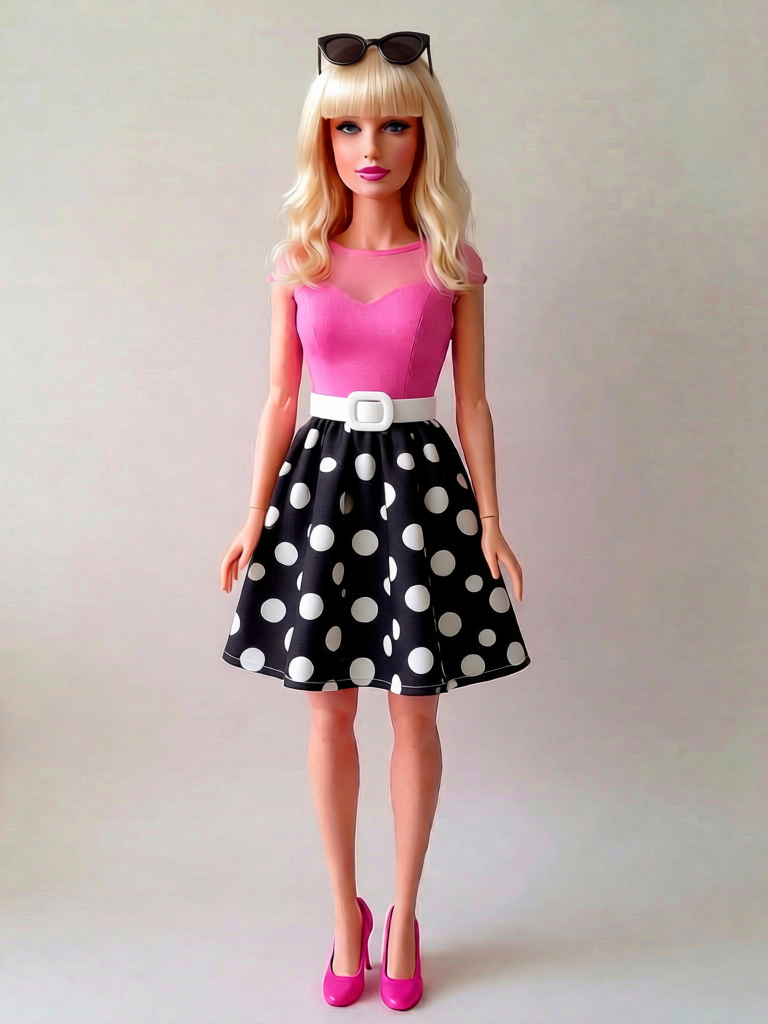
Add a white belt to waist of dress. Add sunglasses to top of her head

Tags

styles

Overview

The Retro Fashion Doll template brings the charm of vintage fashion to your fingertips. Utilizing the AI Image Editor powered by qwen-edit, this tool allows you to add quirky accessories like white belts and sunglasses to your fashion dolls' images, infusing them with a retro vibe.

What It Does

With this template, you can modify images to include retro fashion elements. The built-in model, qwen-edit, provides precise edits to add a white belt around the waist of a dress and place sunglasses atop the doll's head. This makes it perfect for styling images that need a vintage uplift.

Who It's For

This template is designed for fashion enthusiasts, vintage style lovers, and anyone in the creative industry looking to add a retro touch to their images. It's also ideal for e-commerce platforms that want to showcase retro-inspired clothing lines.

Summary

The Retro Fashion Doll template in the AI Image Editor is your go-to tool for adding chic retro-style elements to fashion images. From personal projects to professional portfolios, this template offers endless possibilities for creative expression.

How to Use

    01

    Choose the Template

    Start by navigating to the AI Image Editor section and select the Retro Fashion Doll template from the list of available options.
    02

    Customize Your Image

    Input your image and adjust the prompt settings to add a white belt and sunglasses, as specified in the template's instructions.
    03

    Generate Your Edited Image

    Once you've added your desired modifications, click 'Generate' to process the image. Then, download the edited file to your device.

Use Cases

🛍️

Fashion E-commerce

Enhance product images with a retro style to attract customers looking for vintage-inspired fashion.
  • Ideal for lookbooks
  • Perfect for product catalogs
🎨

Creative Projects

Add vintage flair to your creative projects, whether personal or professional.
  • Great for mood boards
  • Suitable for storytelling visuals
📱

Social Media Content

Boost your social media posts by using retro elements to stand out from the crowd.
  • Engage followers with unique styles
  • Create eye-catching posts

Best Practices

  • Select High-Quality Images

    For the best results, use high-resolution images to ensure the details, like belts and sunglasses, appear sharp and clear.
  • Consider Image Composition

    Make sure the position of the belt and sunglasses complements the overall design and aesthetics of the image.
  • Mix and Match Styles

    Don't hesitate to combine elements from different eras for a unique and personalized retro look.
Frequently asked questions

The Retro Fashion Doll template supports various formats, including JPEG, PNG, and TIFF.

Currently, the template does not support saving settings, but you can manually document your custom settings for reuse.

There is no specific limit, but performance may vary based on file size and system capabilities.

The qwen-edit model provides high accuracy in adding accessories, ensuring they look natural and visually appealing.

More Like This

Lace
21
Lace
Rachel Green - Blue Denim Overalls over Black Tee (2)
6
Rachel Green - Blue Denim Overalls over Black Tee (2)
Red Evening Gown
3
Red Evening Gown
Blonde Doll Portrait
AI Image Editor · Add a translucent silver cape
NEW
AI Image Editor · Add a translucent silver cape
AI Image Editor · Change the white dress to a ca
NEW
AI Image Editor · Change the white dress to a ca
Outfit catalog
Outfit catalog
Genie - Blue Cloud Tail with Gold Wrist Bands (
5
Genie - Blue Cloud Tail with Gold Wrist Bands (
Redhead Sunglasses Style
2
Redhead Sunglasses Style
Pink Dress Fashion Doll
AI Image Editor · Change the dress to tailored b
NEW
AI Image Editor · Change the dress to tailored b
AI Image Editor · Change the outfit to a cream t
NEW
AI Image Editor · Change the outfit to a cream t

AI Image Editor