Tattoo hands
- Model
- GPT Image 2
- Image
- 1024 × 1024 px
Prompt
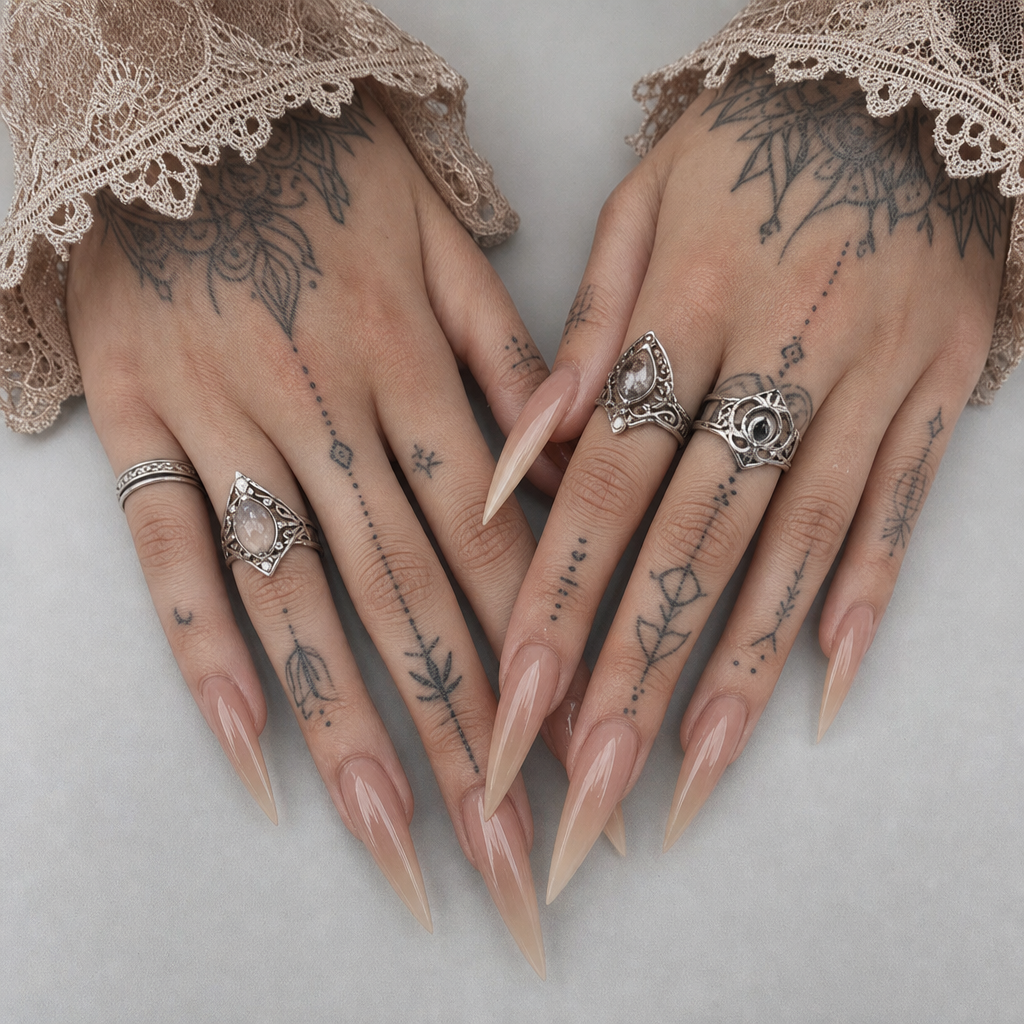
An overhead close-up shot captures the hands of an individual with light skin tone, showcasing long stiletto-shaped acrylic nails. The nails are a gradient of dusty pink, transitioning to beige tips, emphasizing an elongated and dramatic shape. The hands have visible tattoos, including intricate linework and geometric designs. Silver rings adorn fingers on both hands, adding a metallic contrast to the natural hues. The person's sleeves have a lace edge detail, contributing a delicate texture against the boldness of the nails. Lighting is soft and diffused, reducing shadows and lending the image a flat, almost clinical aesthetic. The color palette is predominantly neutral with beige, pink, and silver tones. The composition centers the hands against a plain, light gray backdrop, enhancing focus on the nail art and tattoos. The image is sharp with fine details on the skin and fabric textures, creating a bold and edgy atmosphere. HEX VALUES: ["#dddddd", "#ad8e80", "#bb9b8a", "#d4d3d3", "#9e8276", "#90766b", "#caab98", "#e9e9e8", "#816960", "#c9c8c8", "#6f5b53", "#121212"]
Any aspect ratio
Overview
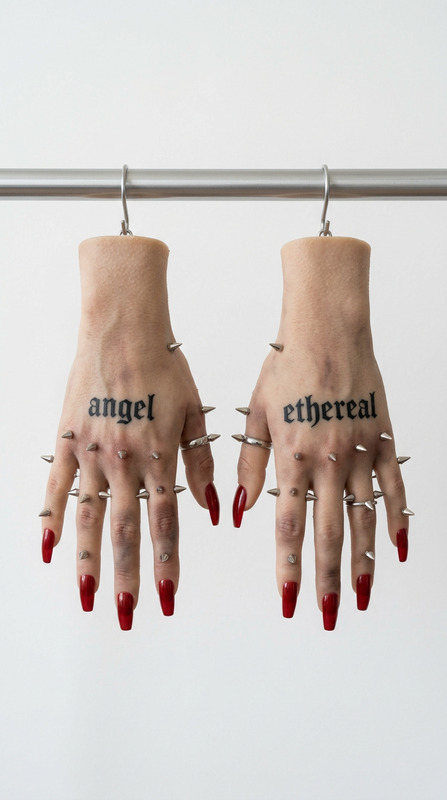
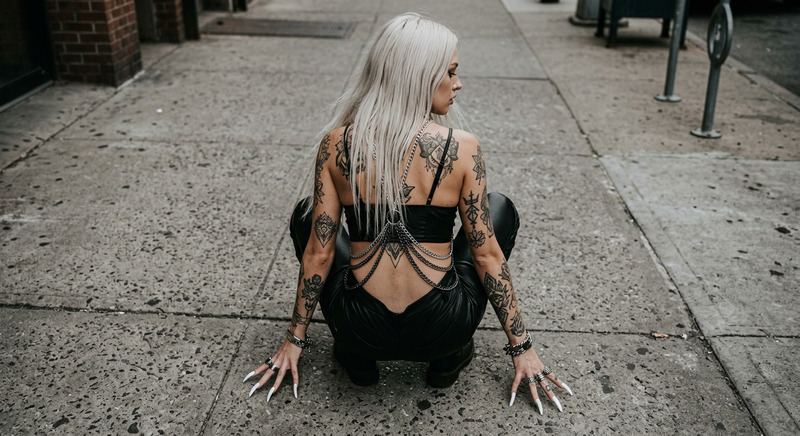
The "Tattoo Hands" template uses the capabilities of AI Image Editor to craft a visually striking image featuring heavily tattooed and artistically manicured hands. This template highlights the detail and intricacy of both nail and tattoo art, making it ideal for those wanting to emphasize personal or client creativity in body art and design.
What It Does
With this template, you can transform image inputs into detailed representations of hands that embody both elegance and a punk edge. It enhances the aesthetic of manicure details and tattoo artwork while preserving the texture of skin and fabric. The model gpt-image-2 processes the image to achieve a refined and sharp output that accentuates each design element.
Who It's For
This template is perfect for tattoo artists, nail technicians, and fashion photographers needing high-quality, close-up shots for portfolios, marketing materials, or social media. It's also an excellent choice for digital artists wanting to explore creative expressions of their work through a detailed AI-generated medium.
Summary
The "Tattoo Hands" template stands out for its capacity to deliver highly detailed and aesthetically pleasing images. It achieves this through advanced AI processing, perfect for creatives seeking to enhance their visual storytelling. Whether for showcasing new tattoo designs or highlighting unique nail art, this tool is tailored to meet the demands of artistic detailing.
How to Use
Find the Template

Customize Your Inputs

Generate the Image

Use Cases
Tattoo Artist's Portfolio
- Capture intricate tattoo details.
- High-definition images for professional use.
Nail Salon Promotions
- Highlight unique nail designs.
- Appeal to potential clients with artistic imagery.
Fashion Photography
- Incorporate edgy, artistic elements.
- Complement fashion pieces with detailed hand shots.
Best Practices
Focus on Detail
Ensure your image inputs are high-resolution to capture the full extent of details such as tattoo lines and nail shape.Optimize Lighting
Use the diffused lighting option to minimize shadows and emphasize the features of the hands.Select Neutral Backgrounds
Choose a simple background to not distract from the focal elements of tattoos and nail art.