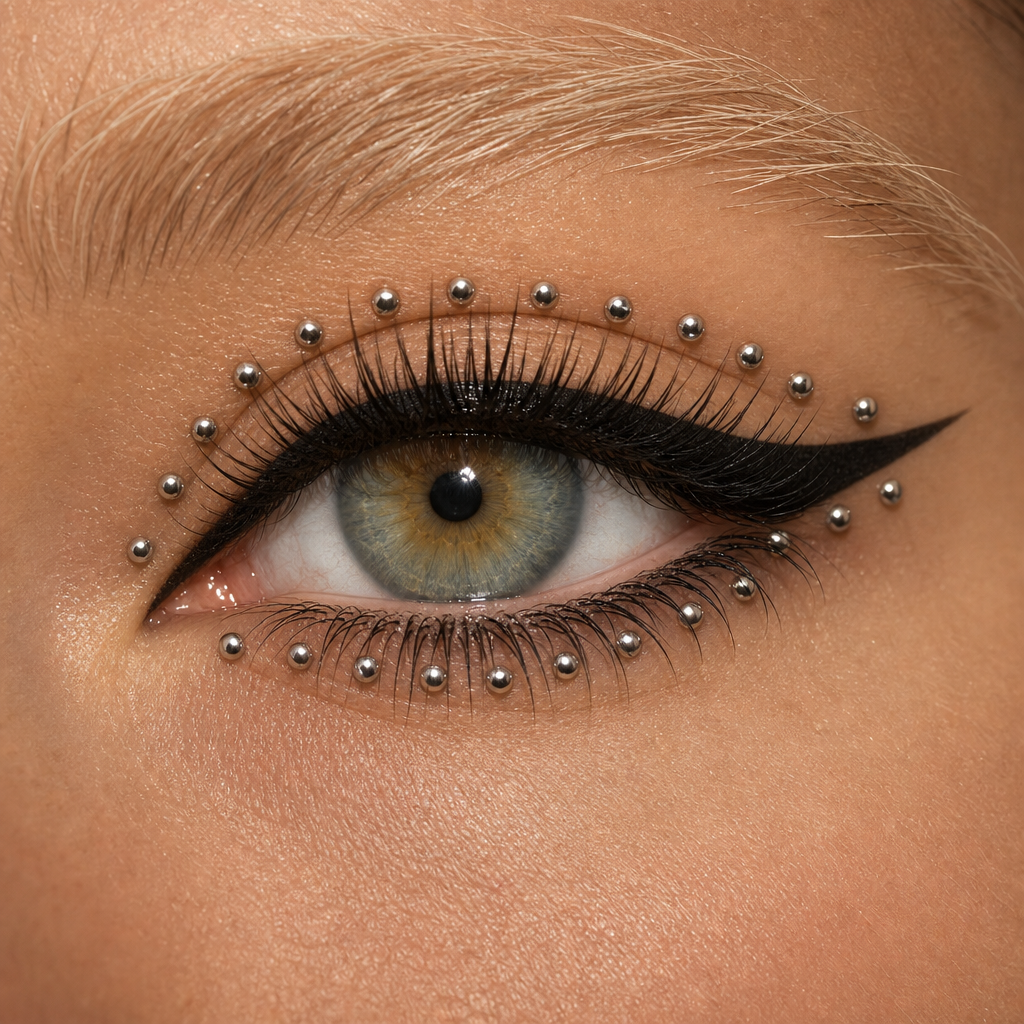
Eyes with rhinestones
- Model
- GPT Image 2
- Image
- 1024 × 1024 px
Prompt
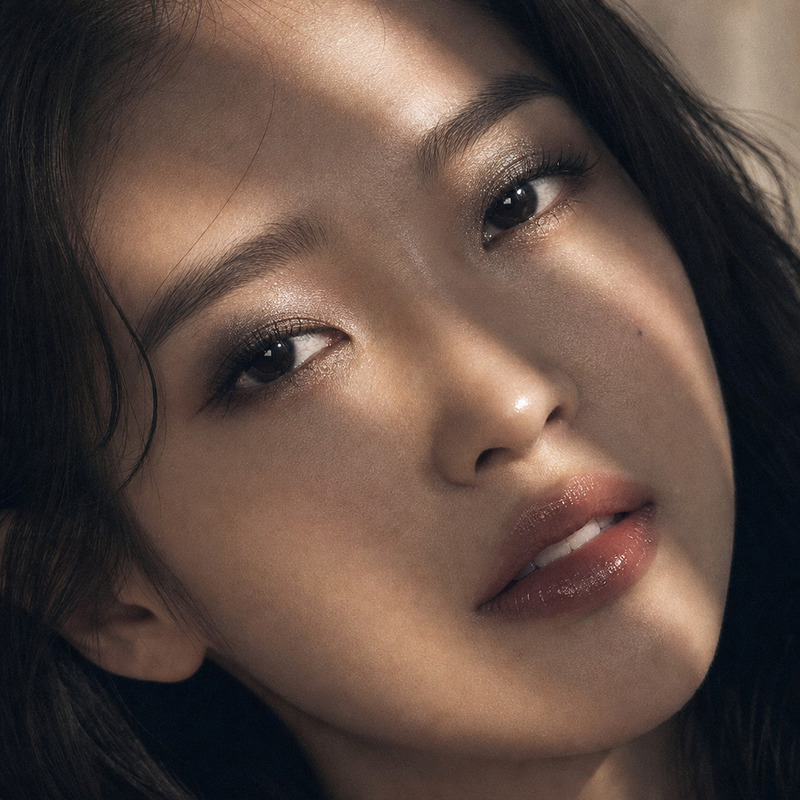
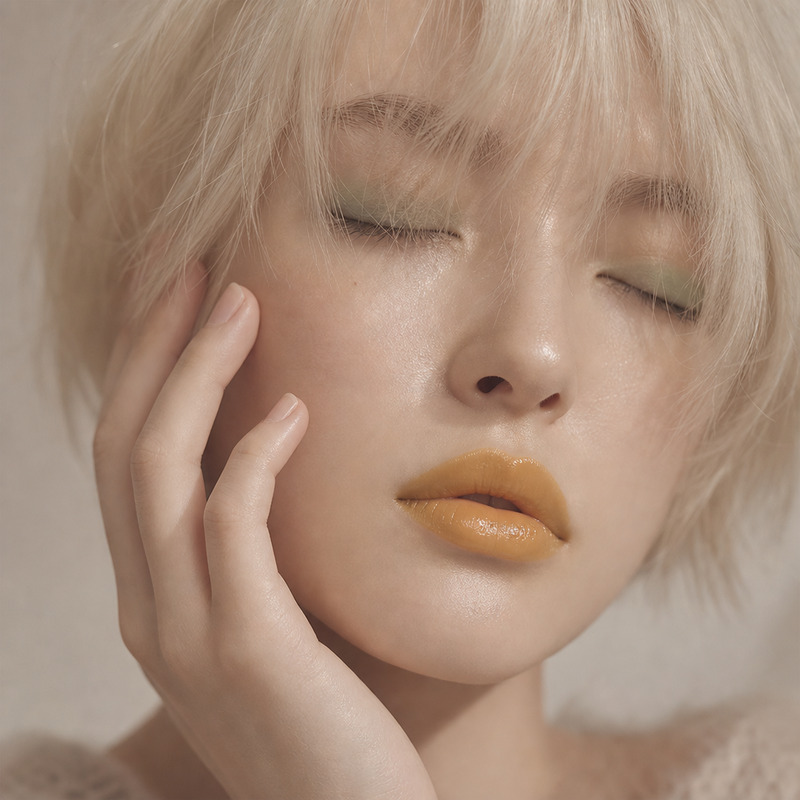
A close-up shot captures an eye of a light-skinned person, framed by bold makeup featuring silver ball studs around the eyelid. The eye is accentuated with heavy black eyeliner forming a dramatic wing, creating a bold and avant-garde look with a layering effect on the lashes. Pale blonde eyebrows, with visible individual strands, frame the top of the image, complementing the warm skin tones around the eye. The image has a shallow depth of field, focusing on the lashes and eye area with a smooth and even texture. The soft lighting creates a natural and even illumination, highlighting the contrast between the matte black eyeliner and the glossy silver accents, giving the overall image a striking and contemporary fashion-focused atmosphere. HEX VALUES: ["#bf8f6a", "#b28460", "#cd9b75", "#a87955", "#eabb92", "#dbaa83", "#6d4c33", "#f6cca4", "#9d6e4d", "#7b583e", "#20170a", "#3a2c1b", "#8e6243", "#53402d"]
Any aspect ratio
Overview
Transform your images with the "Eyes with Rhinestones" template, a feature of our AI Image Editor. This template utilizes the gpt-image-2 model to produce a captivating close-up of an eye enhanced with bold and contemporary makeup. Ideal for those looking to elevate their fashion photography or add an artistic touch to their projects.
What It Does
This template provides a detailed visual of a light-skinned person's eye featuring avant-garde makeup. It skillfully combines heavy black eyeliner with silver ball studs, highlighting the eyelashes and creating a striking image with defined texture and depth. The model focuses on delivering a smooth texture with precise illumination, enhancing the distinct contrasts and visual appeal.
Who It's For
The "Eyes with Rhinestones" template is perfect for fashion photographers, beauty editors, and artists who want to push the boundaries of conventional eye makeup photography. It is equally useful for digital marketers in need of impactful visuals for ad campaigns, particularly those involving products like cosmetics or eye accessories.
Summary
Utilize the power of AI to capture mesmerizing eye details with the "Eyes with Rhinestones" template. This artistic tool from our AI Image Editor suite ensures your images stand out by enhancing the focus and texture around the eye area, delivering fashion-forward results.
How-To
Choose the Template

Customize Your Image

Generate and Download

Use Cases
Fashion Photography
- Add meticulous detail to eye makeup shots
- Create unique visuals for fashion magazines
Beauty Campaigns
- Highlight eye makeup products effectively
- Engage audiences with striking image features
Art Projects
- Experiment with bold visual designs
- Blend traditional and modern makeup concepts
Best Practices
Match Lighting Conditions
When customizing your image, strive to match the lighting conditions described in the prompt for the most natural results.Focus on Eyebrow Detail
Leverage the tool’s capability to highlight individual strands and textures for realistic brow renders.Complement with Other Tools
Consider using the AI Clothes Changer to extend your fashion theme beyond makeup into wardrobe creativity.