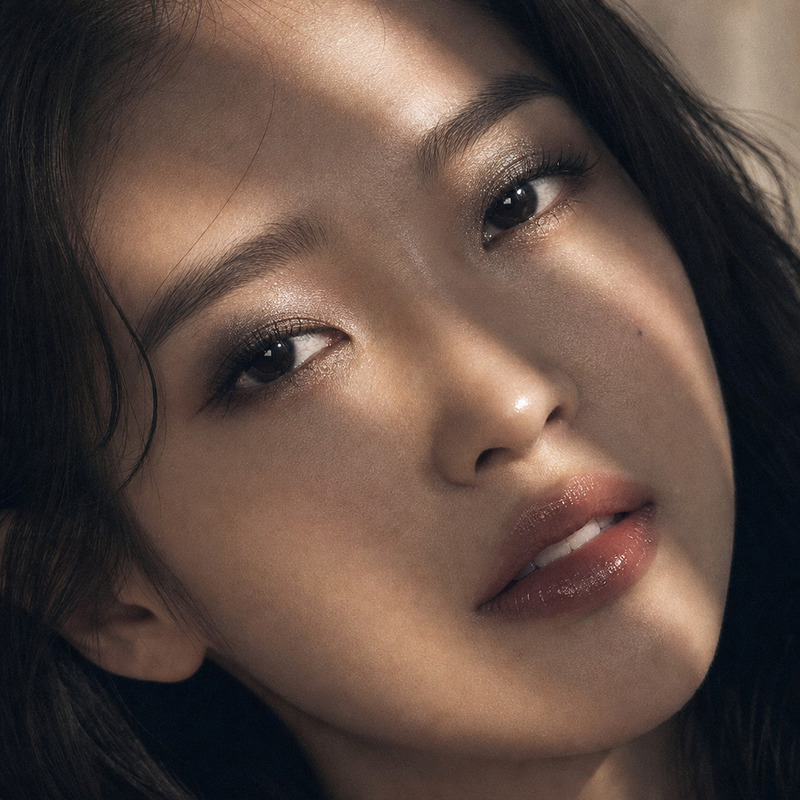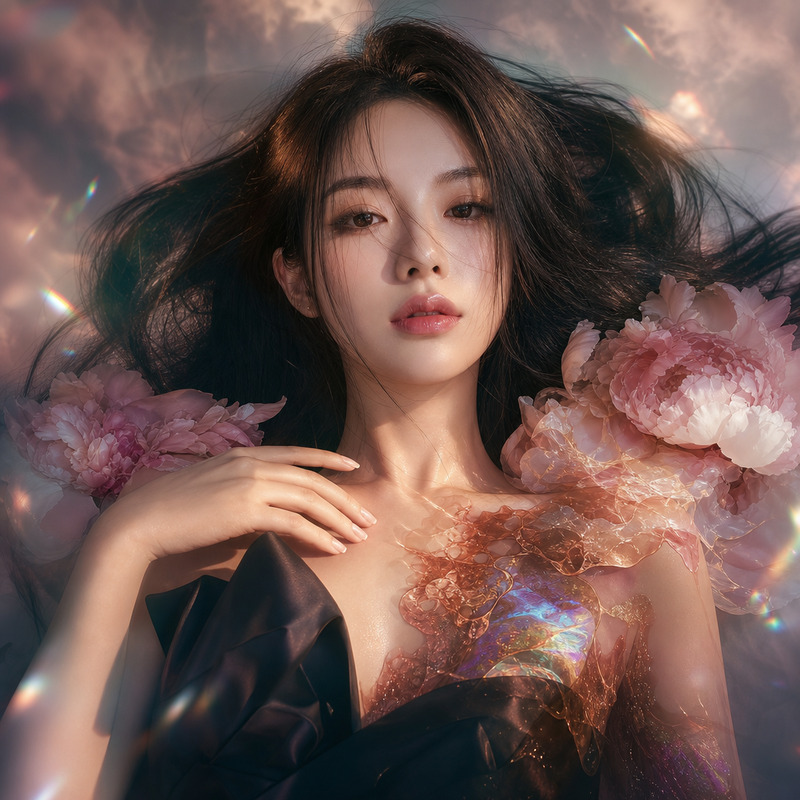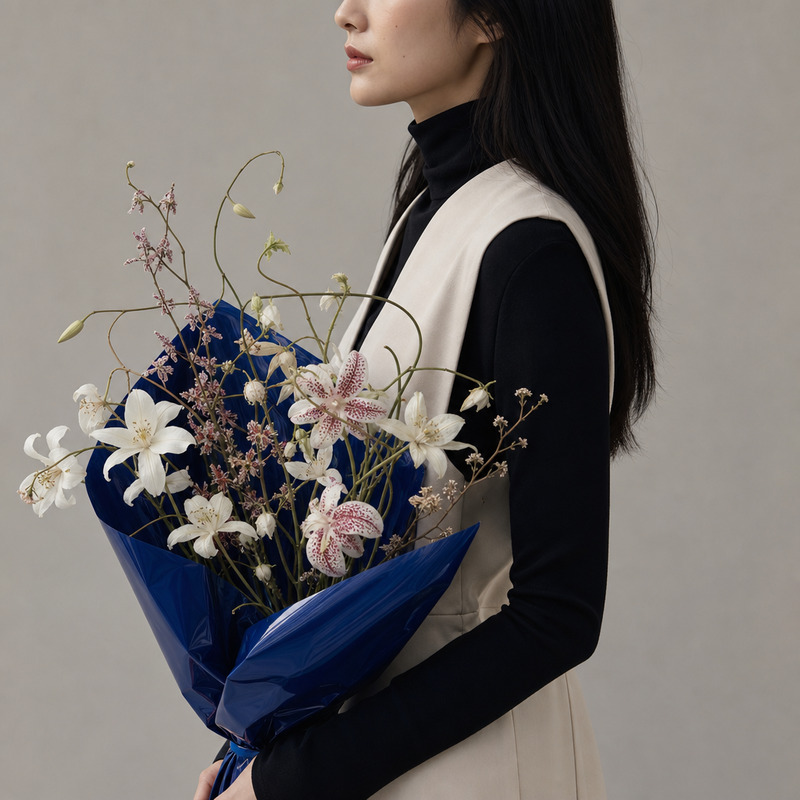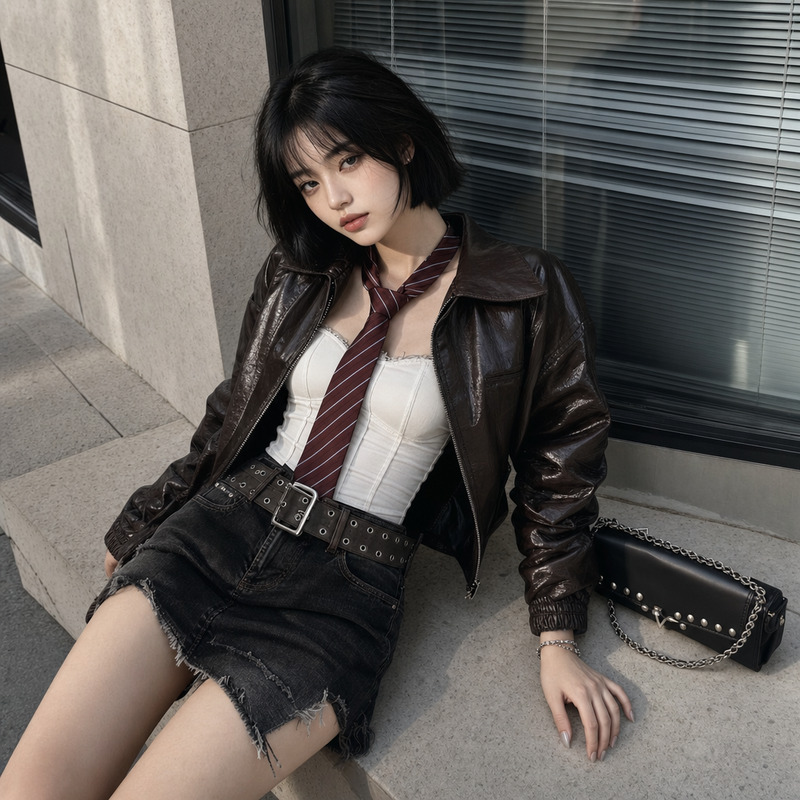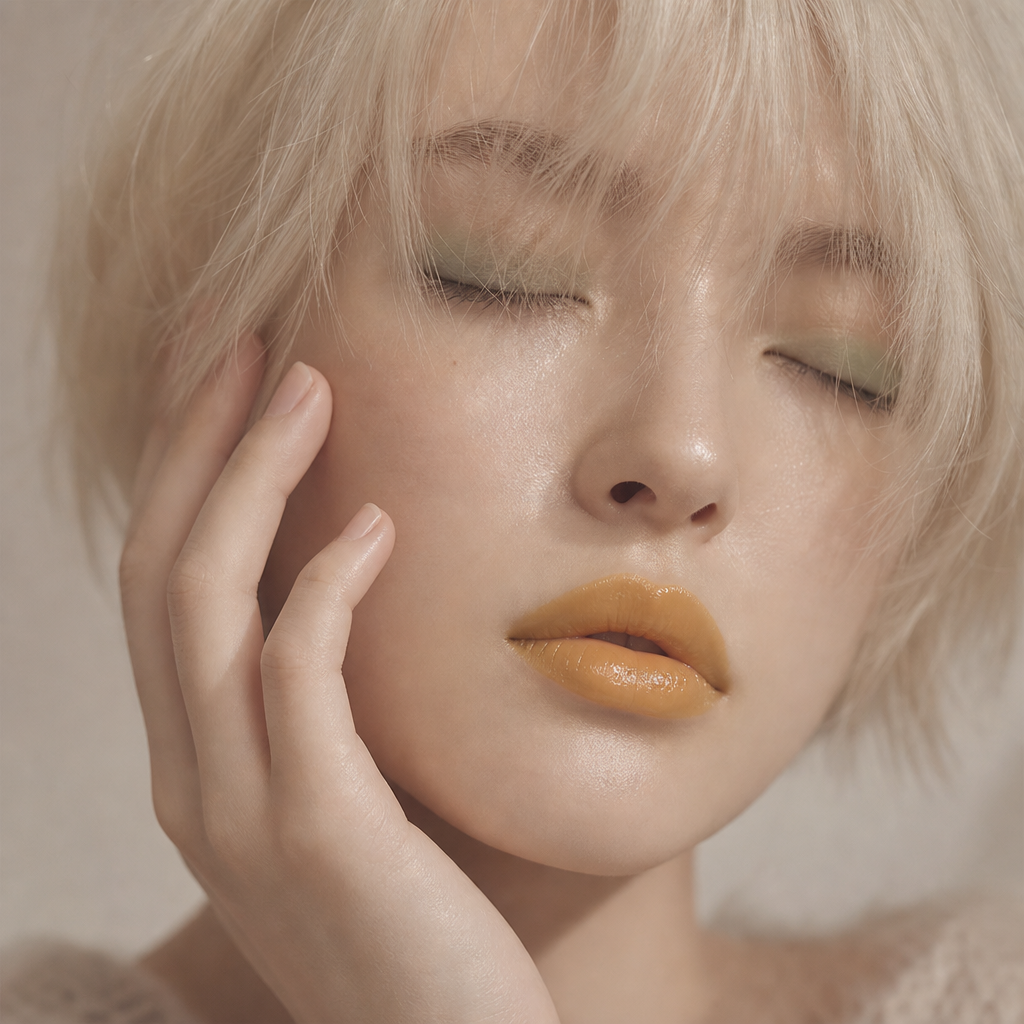
Transparent makeup
- Model
- GPT Image 2
- Image
- 1024 × 1024 px
Prompt
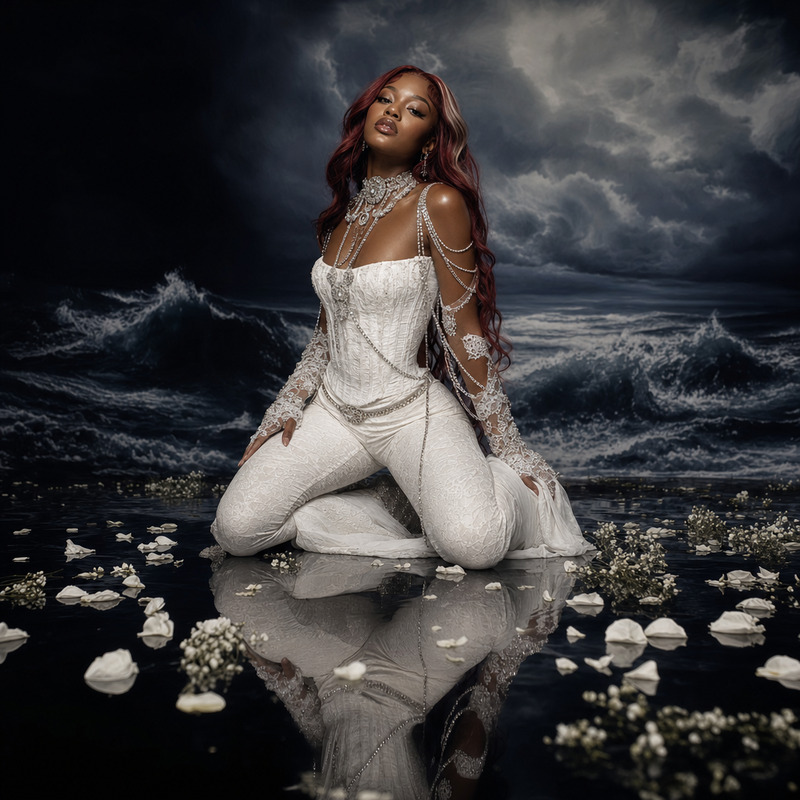
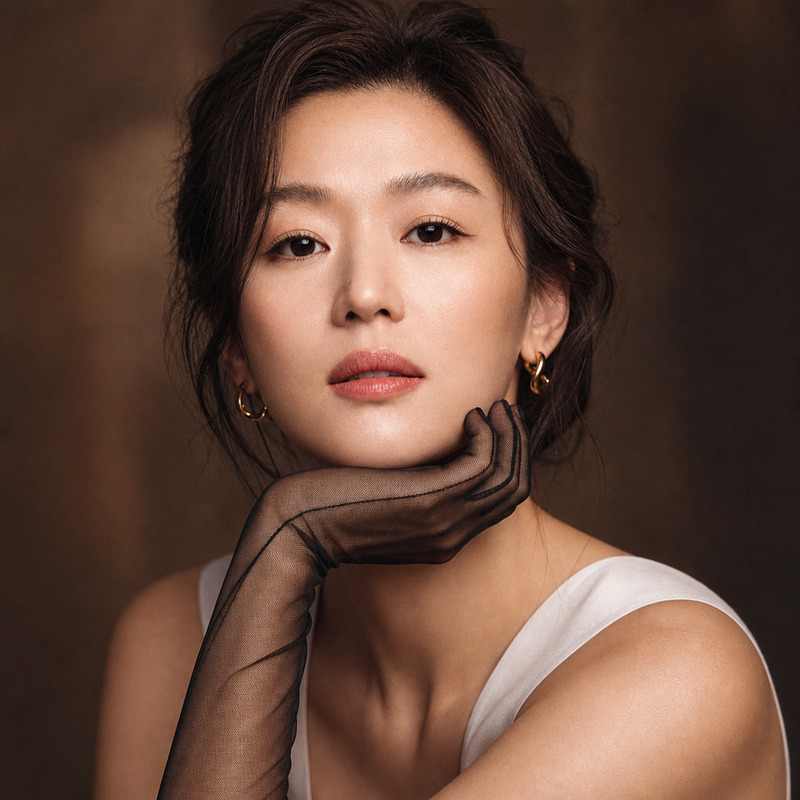
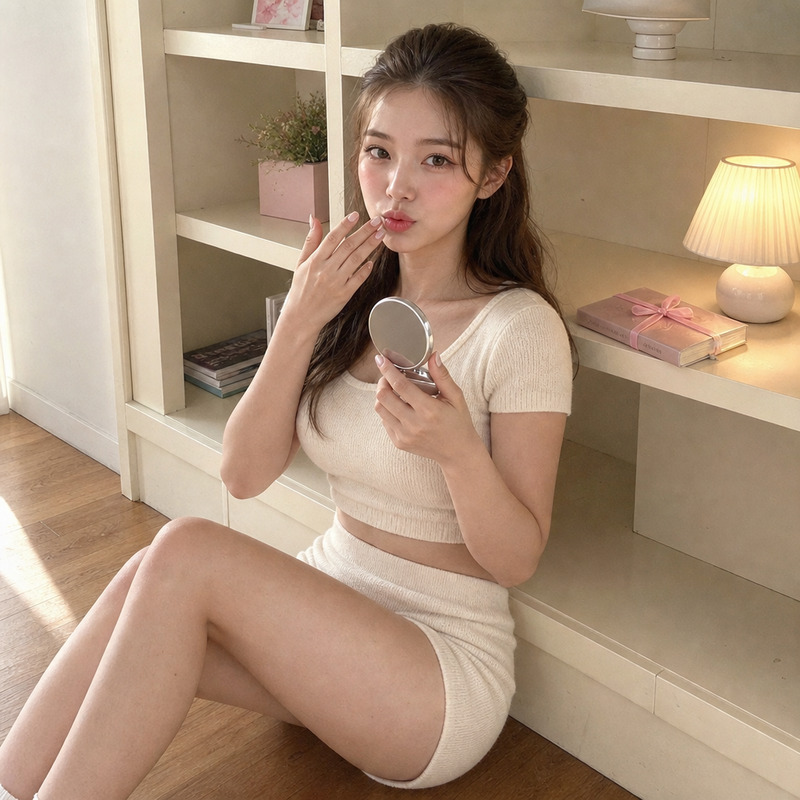
A close-up shot captures a young Caucasian woman with closed eyes, framed slightly off-center with a focus on her face. Her short, platinum blonde hair falls in an uneven fringe over her forehead. She has smooth, pale skin with a glossy, dewy texture, and wears distinctive mustard-yellow glossy lipstick. Her facial features are soft, with a faint green eyeshadow accenting her eyelids. Her left hand lightly touches her face, showcasing short, natural nails. The image has a soft quality with a slightly blurred effect, featuring a muted pastel color palette dominated by pale yellows, pinks, and off-whites. Captured in diffused, natural light, it creates a serene and dreamy atmosphere, likely taken with a medium-length lens that minimizes distortion. The overall mood is modern and avant-garde, with a soft, artistic aesthetic. HEX VALUES: ["#c7ae9c", "#ceb7a4", "#c0a593", "#d5c1ae", "#b99d8a", "#decbba", "#b0927e", "#a58571", "#9a7861", "#e9d8ca", "#8b6751"]
Any aspect ratio
Overview
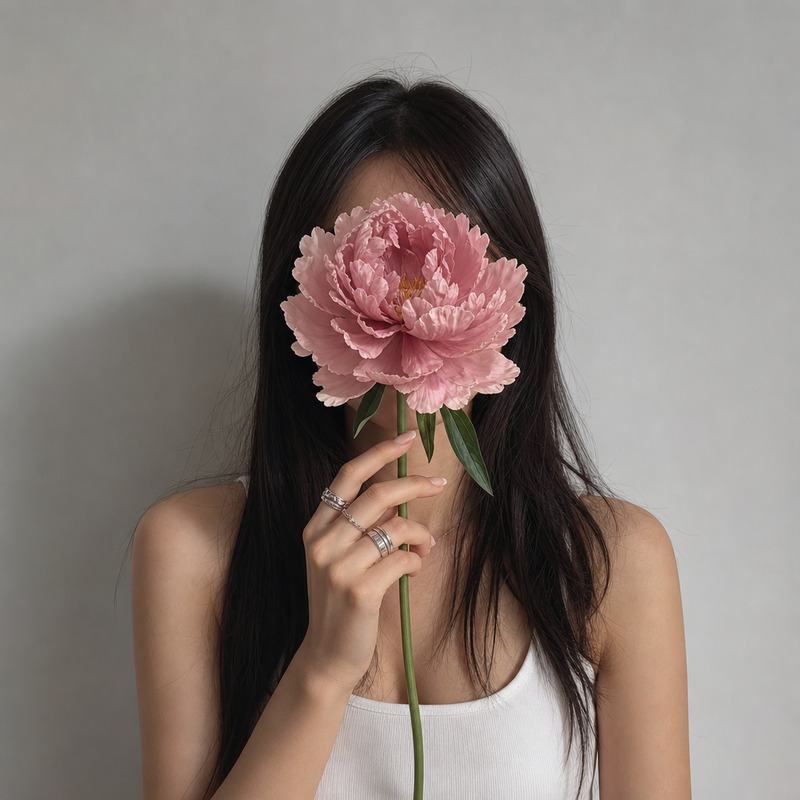
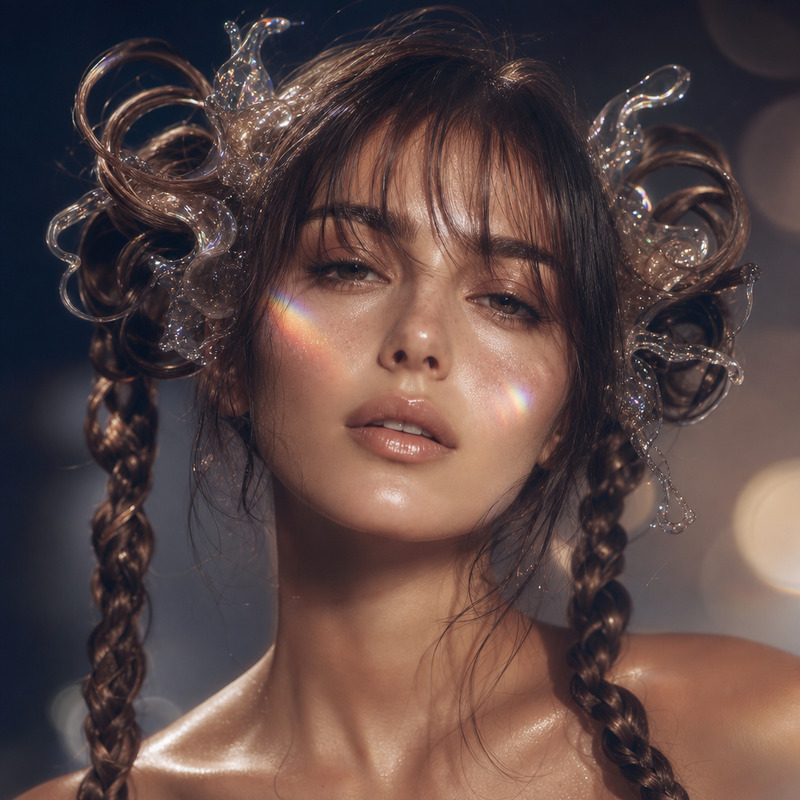
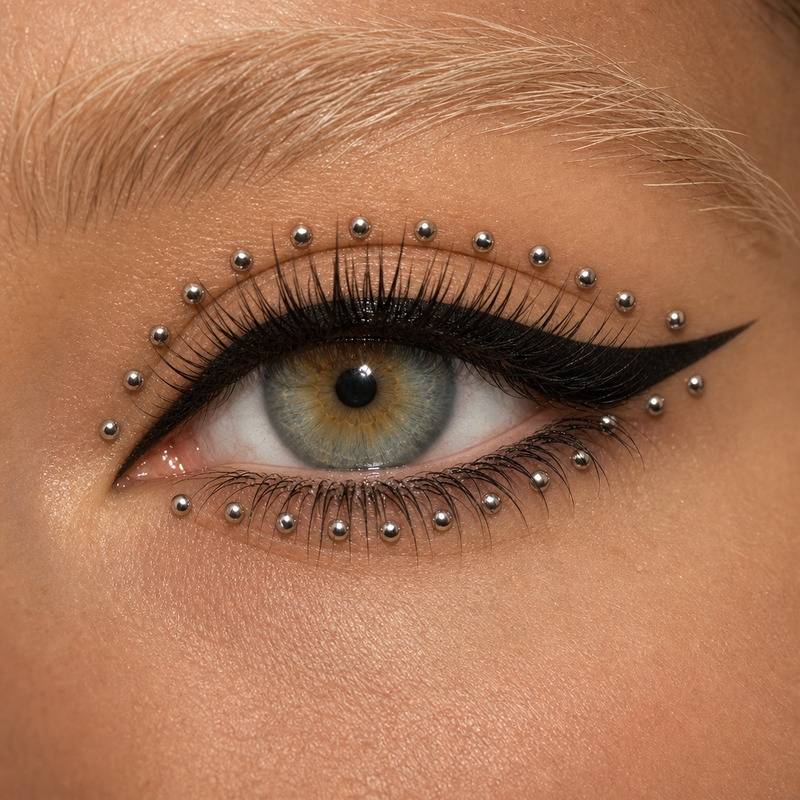
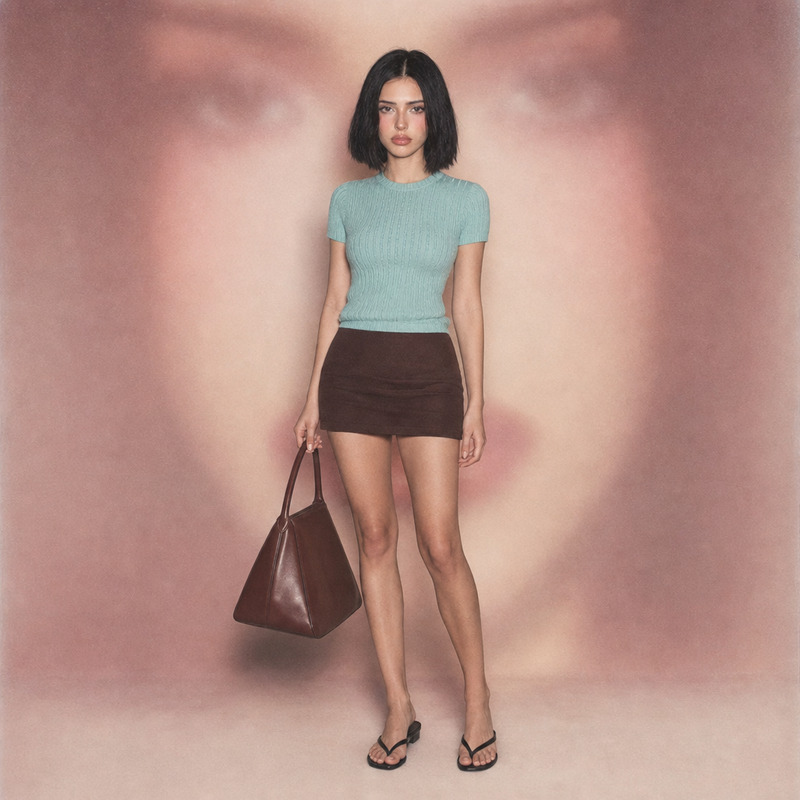
The Transparent Makeup template offers a modern approach to enhance and modify portrait images using the AI Image Editor. With the advanced capabilities of the gpt-image-2 model, this tool allows you to transform portraits with subtle but impactful edits, using a specific style emphasizing natural light and muted pastel tones.
What it Does
This template breathes new life into images by focusing on the details. The AI alters and enhances features such as hair, skin texture, and makeup while maintaining a natural and artistic look. It combines this with elements like airy composition and sophisticated color grading, ensuring each image conveys a serene and dreamy aesthetic. Perfect for creating standout styles that are distinctly modern and avant-garde.
Who It's For
Ideal for photographers, digital artists, and social media influencers looking to refine their image outputs. This template is particularly useful for those interested in creating artistic, editorial-like images without losing the realism of soft facial details. Additionally, creators focused on the fashion and beauty industry will find its features highly beneficial for generating striking visual content.
Summary
The Transparent Makeup template utilizes natural light and soft, pastel colors to create compelling visual aesthetics. It is an excellent choice for those who aim to edit images with distinctive styles, boosting the appeal without overshadowing the original essence. Explore more with our AI Image Generator for broader creative applications.
How to Use
Choose the Template

Customize Your Image

Generate the Edited Image

Use Cases
Editorial Photography
- Enhance facial features
- Control color palette
- Refine textures
Social Media Content
- Increase engagement
- Unified aesthetic
- Standout images
Marketing Campaigns
- Consistent branding
- Eye-catching visuals
- Professional quality
Best Practices
Prioritize Natural Light
When capturing images, use diffused natural light to achieve the light and airy effect inherent to this template.Maintain a Soft Touch
Make subtle edits to ensure the natural features are accentuated without overpowering the photo.Utilize Color Theory
Utilize muted, pastel shades within the provided hex values to maintain the cohesive visual aesthetic.