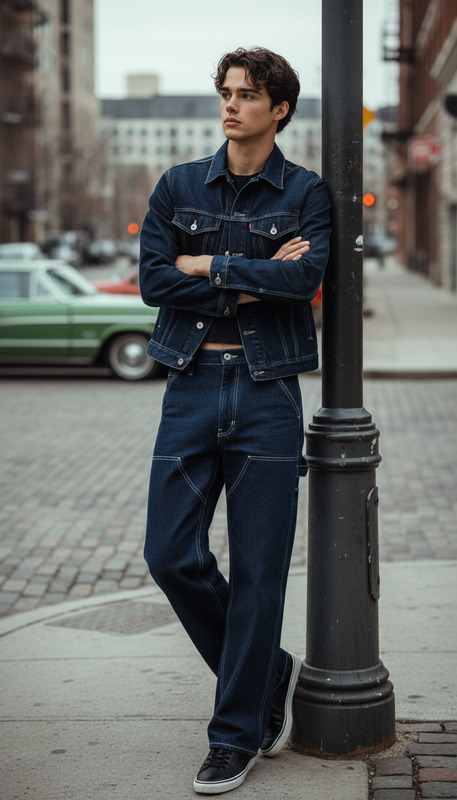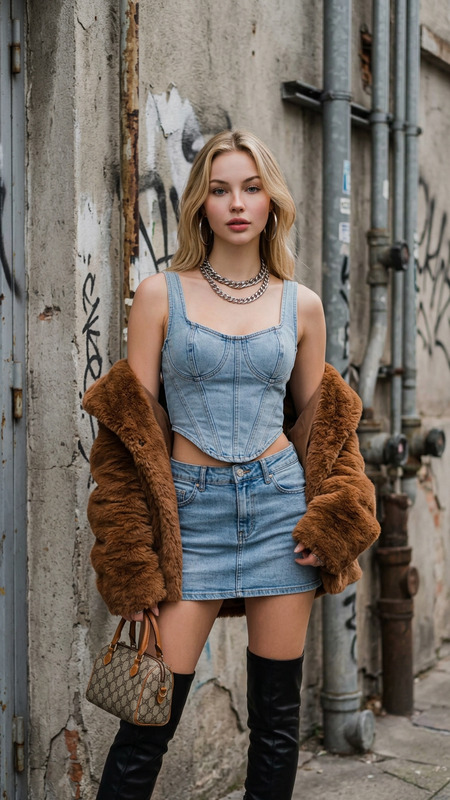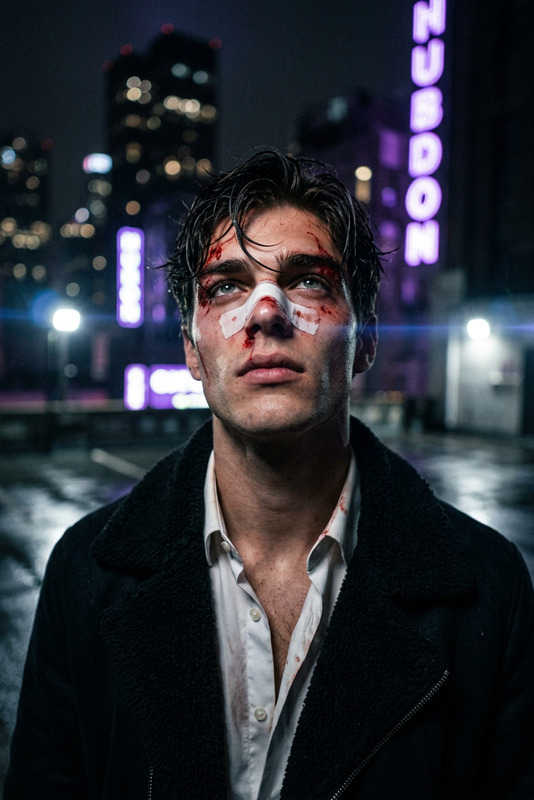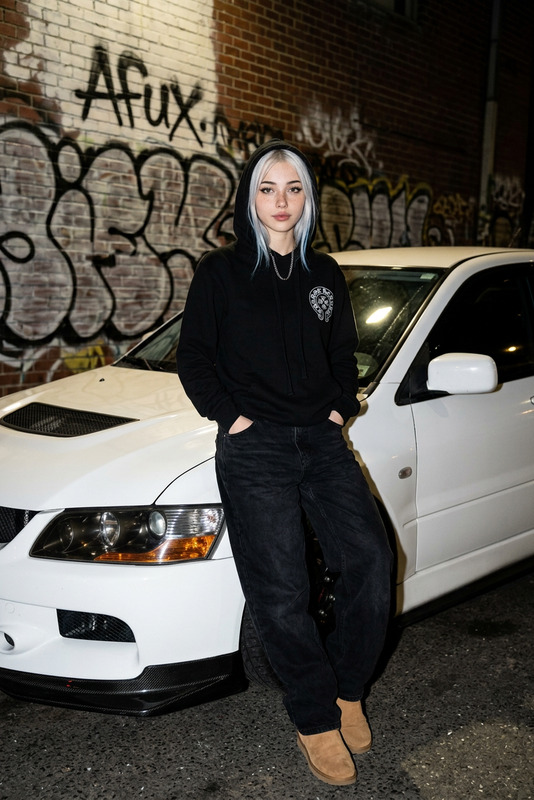
Street style
- Model
- Nano Banana 2
- Image
- 1408 × 768 px
Prompt
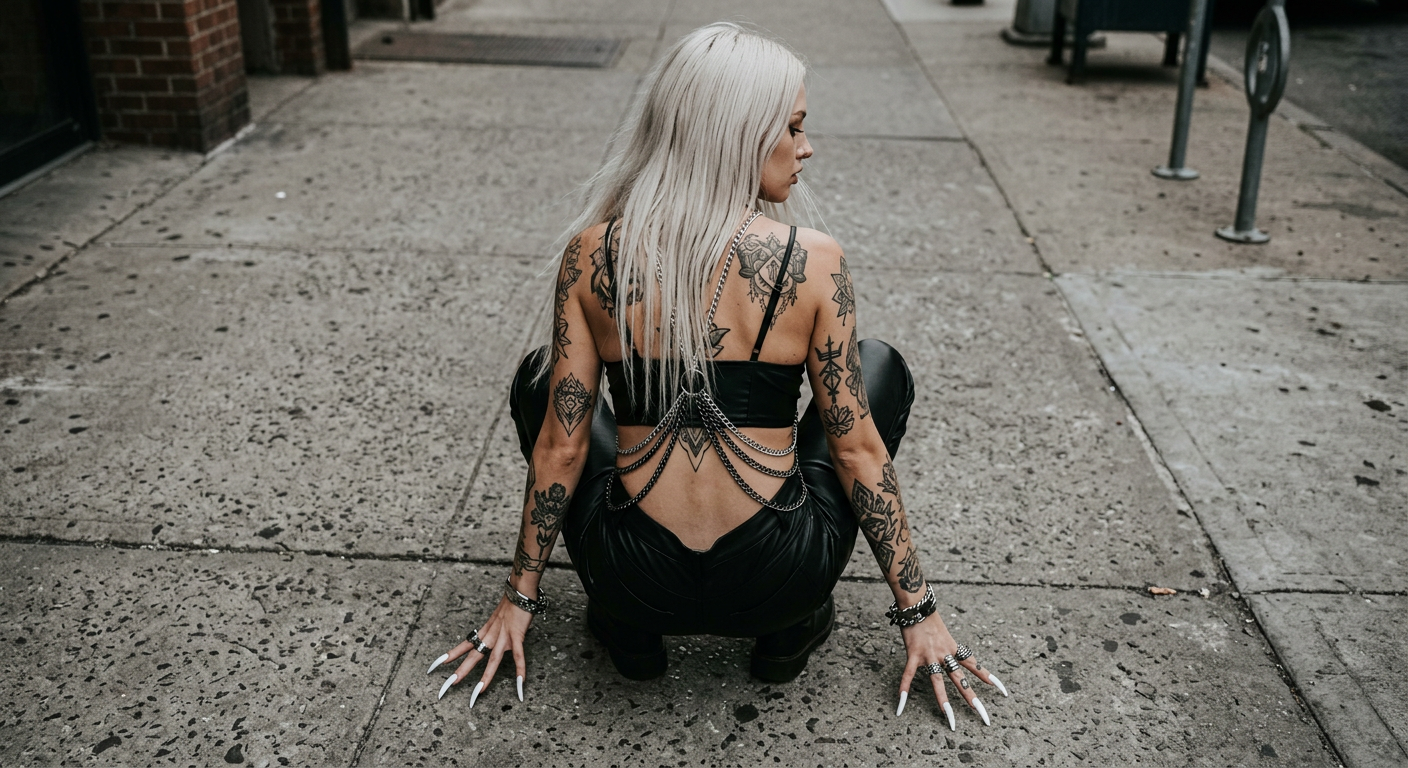
A high-angle shot captures a light-skinned individual, possibly female, crouched on a concrete sidewalk. She has long, straight platinum blonde hair flowing around her, and her back, covered in intricate tattoos, is notably exposed. She wears black leather pants and a chain around her torso. Her hands are stretched forward, adorned with exaggerated, white, claw-like nails, resting on the pavement. The gray, textured concrete provides a stark, urban background. Lighting is soft and diffused, creating a subdued atmosphere. The color palette consists mainly of muted grays and pale tones, lending a gritty, urban feel. The capture conveys an edgy, avant-garde mood, suggestive of street fashion photography. HEX VALUES: ["#9096a0", "#999fa9", "#868c94", "#797f87", "#6c737a", "#0d0d0f", "#5f646a", "#756256", "#bcb4ab", "#8d786b", "#ae998a", "#332f2e", "#5c4b41", "#4d5055"]
Any aspect ratio
Overview
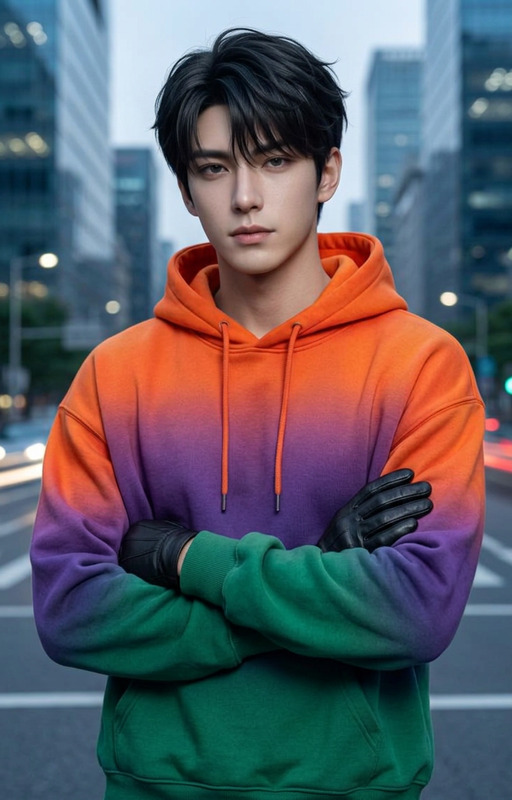
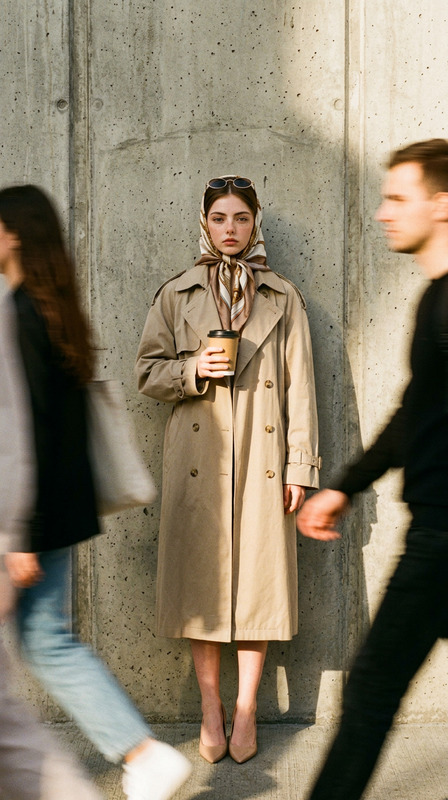
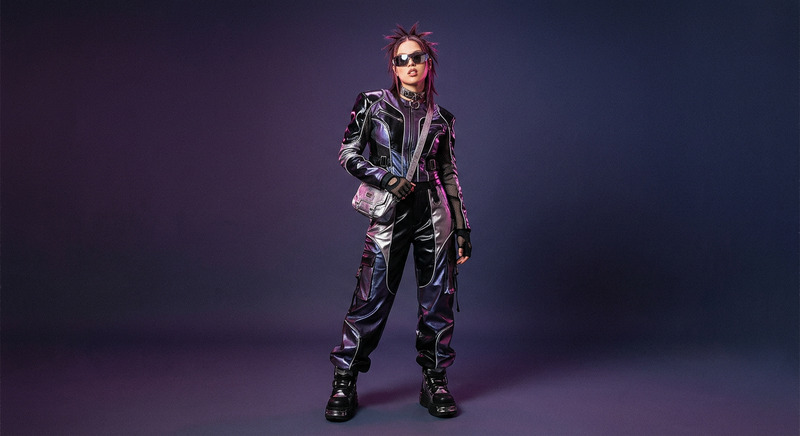
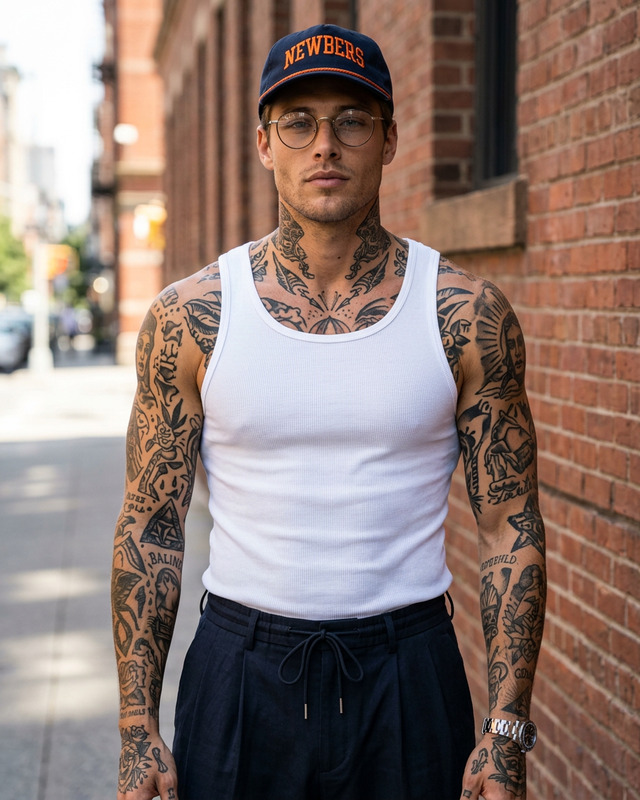
Step into the edgy world of street fashion with our AI Image Editor template, Street Style. This template leverages the power of the nano-banana-2 model to deliver high-quality images that capture the gritty and avant-garde essence of urban fashion photography. It's an ideal choice for fashion designers, photographers, and social media influencers looking to make a bold statement with their visuals.
What It Does
The Street Style template allows you to transform any image into a high-angle street fashion photograph, complete with a muted gray color palette and a soft, diffused lighting atmosphere. With options to edit elements such as hair length, clothing style, and background textures, this tool is perfect for creating striking images with a distinct urban feel. The template is compatible with various file formats, making it versatile for multiple applications.
Who It's For
This template is crafted for fashion enthusiasts, photographers, and content creators who wish to experiment with street style visuals. Whether you are preparing a brand campaign, enriching a fashion blog, or enhancing your portfolio, this tool can be a valuable asset. It meets the demands of professionals seeking to push creative boundaries in their digital media content.
Summary
Utilize the Street Style template to create imagery that speaks volumes in the world of fashion and beyond. With rich customization options and an easy-to-navigate interface, this template empowers users to craft images that are both visually compelling and deeply resonant with contemporary street fashion aesthetics. Explore its features alongside the Face Swap tool for a comprehensive editing suite.
How-To

Customize Your Settings

Generate Your Image

Use Cases
Fashion Photography
- Enhance brand campaigns
- Create portfolio pieces
- Design eye-catching social media content
Social Media Influencing
- Boost engagement rates
- Appeal to a trend-forward audience
Blog and Content Creation
- Support thematic blog posts
- Attract a fashion-savvy readership
Best Practices
Align with Visual Brand Identity
Ensure that the edited images align with your overall brand aesthetic for greater consistency.Utilize High-Resolution Inputs
Start with high-quality images to maintain clarity and detail after editing.Explore Multiple Outputs
Experiment with different styles and settings to discover unique angles and expressions.