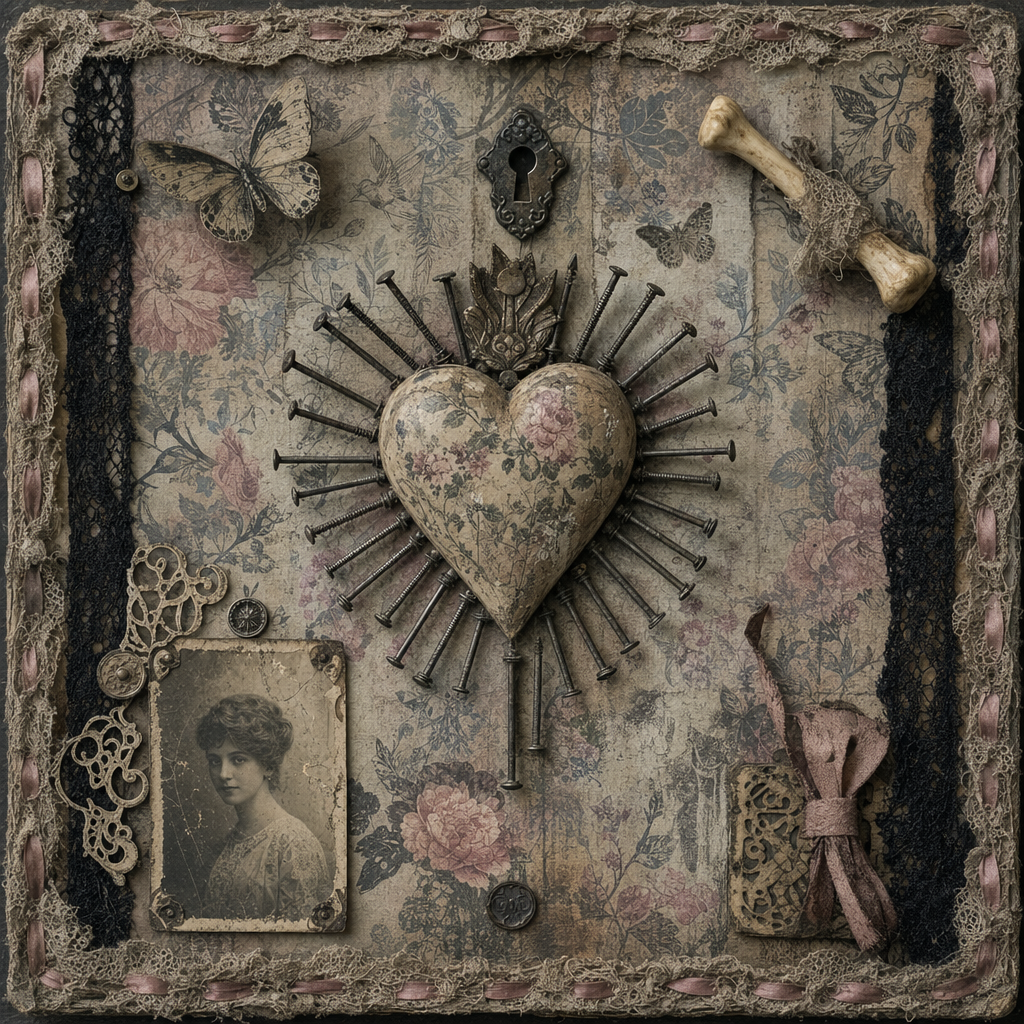
Aesthetic diary
- Model
- GPT Image 2
- Image
- 1024 × 1024 px
Prompt
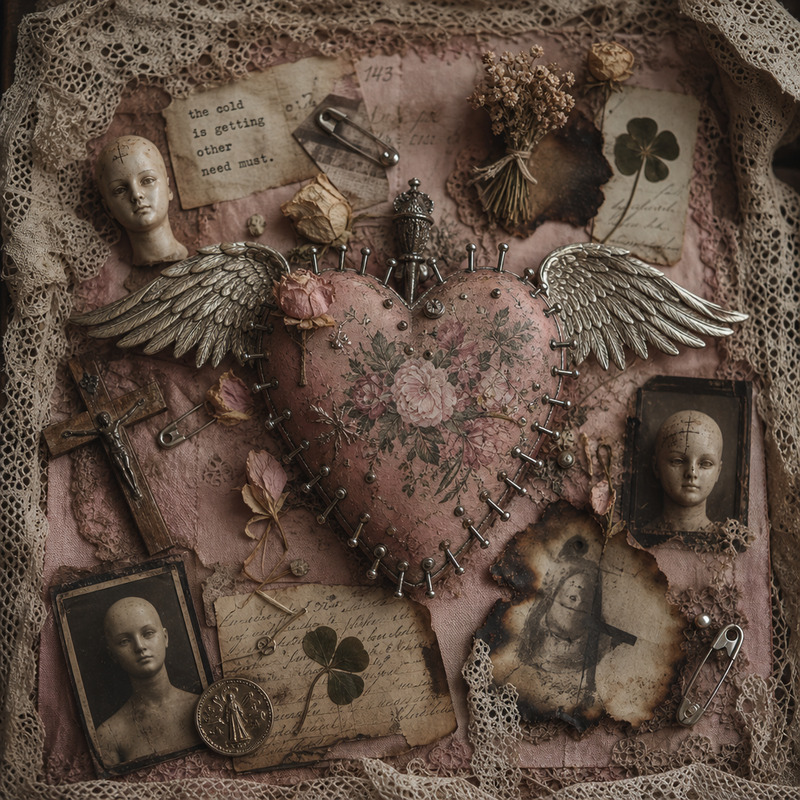
A straight-on view of a mixed-media artwork featuring a weathered, vintage aesthetic. At the center, a heart-shaped object with a floral pattern acts as a focal point, surrounded by an array of metallic nails radiating outward, suggesting a sunburst or radiant motif. Decorative elements include a small ivory-like bone, black lace ribbons, paper cutouts of a butterfly, and a partial sepia-toned photograph depicting a young Caucasian woman. The background is a faded floral wallpaper in muted tones of pink, blue, and taupe, with subtle prints of leaves and butterflies. The entire piece is bordered with a distressed lace fabric, accented with pink ribbon weaves. Light sources appear diffused, rendering a soft, even light across the scene with no harsh shadows. Overall, the color palette combines dusty pastels with aged metallics and black accents. The image, likely a digital photograph, captures the textures with a high level of detail, revealing surface marks and material imperfections. The mood is nostalgic and melancholic. HEX VALUES: ["#817b6d", "#8d887a", "#756f61", "#6a6355", "#9a9587", "#b1aea3", "#a6a195", "#bdbbb2", "#5e5649", "#4f493e", "#413b2f", "#070705", "#2d2a20", "#c9c9c1", "#1b1912"]
Any aspect ratio
Overview
The Aesthetic Diary template is a versatile tool within the AI Image Editor, designed to transform and elevate your mixed-media artwork projects. Utilizing the gpt-image-2 model, this template focuses on crafting images with a distinct vintage aesthetic appeal, featuring detailed textures and nostalgic motifs.
What It Does
This template produces an intricately detailed artwork by taking your imagery and applying elements like vintage hearts, floral patterns, and sepia-toned photographs, all under a radiant motif. The metallic and lace accents add depth, while faded wallpapers set a timeless backdrop. It offers a high level of detail, capturing the final artwork's nostalgic and melancholic mood.
Who It's For
Perfect for creators seeking a blend of traditional and digital artistry, this template is ideal for designers, artists, and photographers who aim to produce vintage-style art pieces. Whether you're working on a personal art project or professional design, the AI Image Editor helps achieve a seamless integration of mixed media components.
Summary
By leveraging the advanced capabilities of the gpt-image-2 model, this template offers a unique way to create art that resonates with a classic and worn charm. The subtle use of color and texture transforms ordinary images into pieces that tell a story of nostalgia and depth.
How to Use
Choose the Aesthetic Diary Template

Customize Your Inputs
#817b6d and #b1aea3.
Generate and Download

Use Cases
Art Projects
- Vintage-themed exhibitions
- Personalized art prints
- Nostalgic photo collages
Graphic Design
- Album covers
- Event posters
- Social media graphics
Photography Enhancement
- Retro photography effects
- Creative photo manipulation
- Gallery pieces
Best Practices
Leverage High-Resolution Images
For best results, use high-resolution images. This ensures that the detailed textures and elements of the artwork stand out distinctly.Experiment with Color Combinations
Utilize the suggested HEX values to maintain a consistent vintage aesthetic. Try combining contrasting yet complementary tones for an enhanced visual effect.Use Subtle Elements
Keep decorative elements like lace and florals subtle to avoid overwhelming the main subject of your artwork.