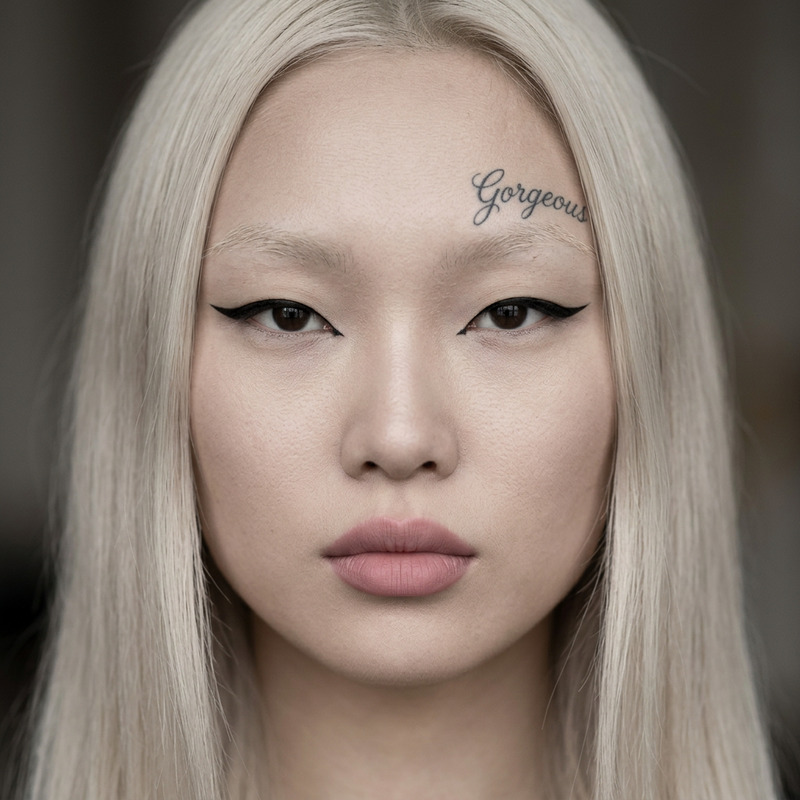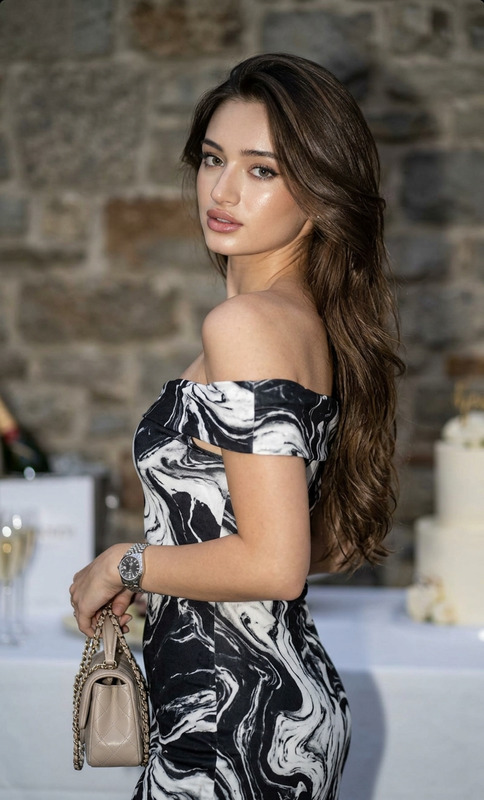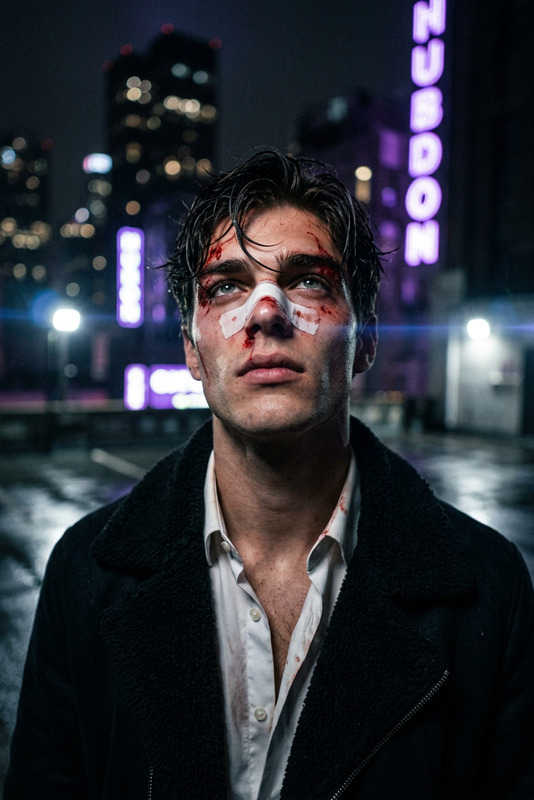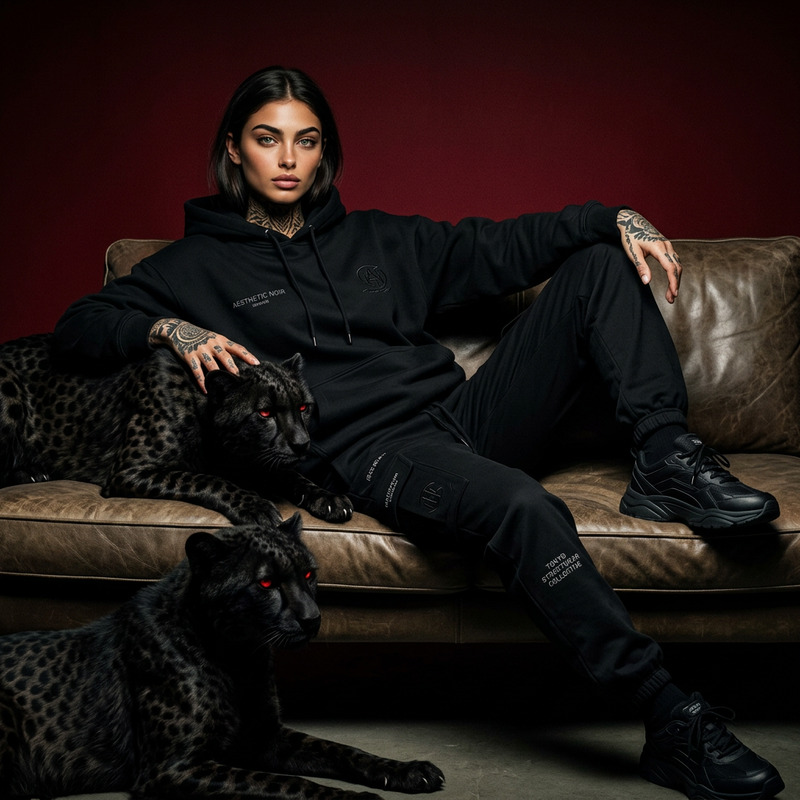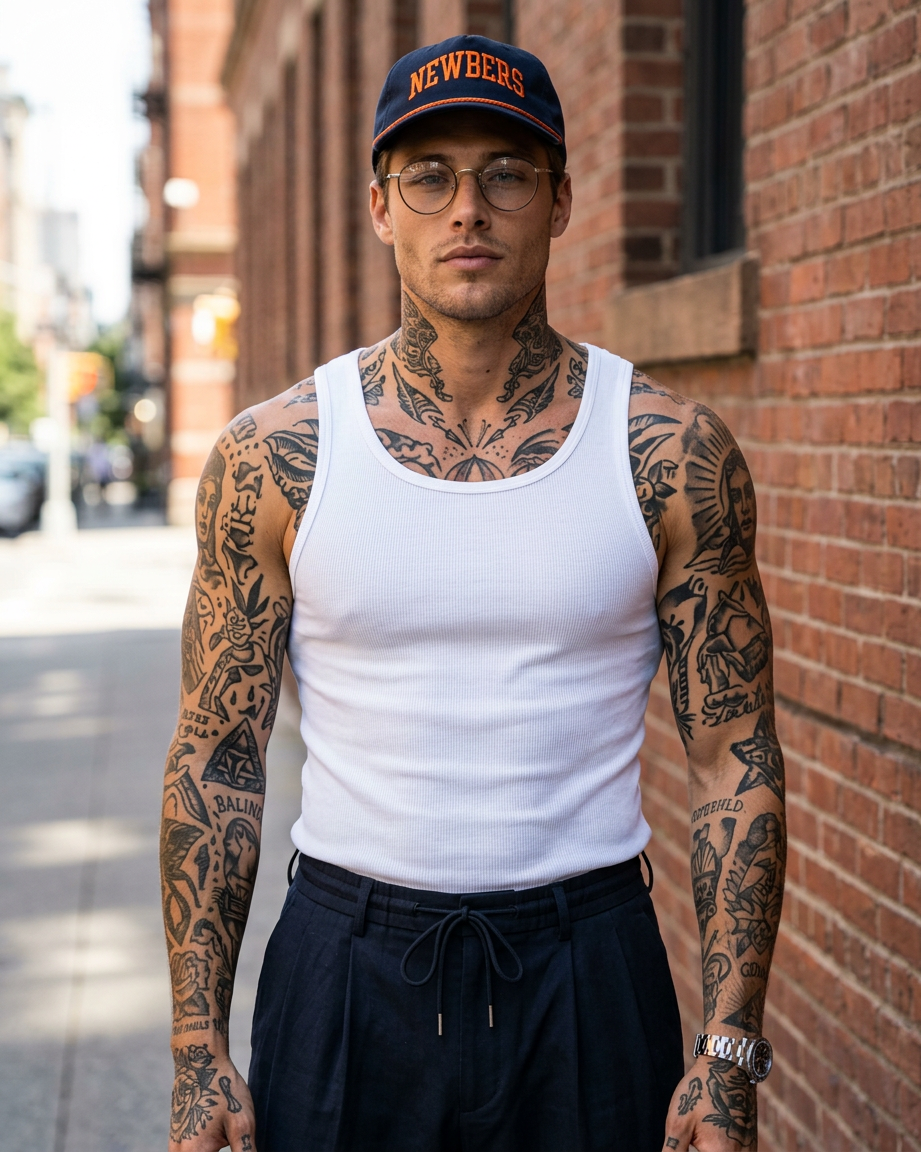
Urban Ink Editorial
- Model
- Nano Banana 2
- Image
- 921 × 1152 px
Prompt
A contemporary editorial portrait featuring the subject standing confidently on a sunlit urban sidewalk against a weathered brick wall with vintage iron-paned windows. The subject is covered in intricate traditional black-ink tattoos across the arms, neck, and visible upper body, featuring classic motifs such as anchors, panthers, snakes, diving helmets, and other timeless Americana-inspired designs. They wear a fitted white ribbed tank top paired with dark pleated trousers with subtle drawstring detailing, blending modern tailoring with rugged street style. Accessories include a navy cap with bold orange embroidery, clear round-frame glasses, a silver chain necklace with a cross pendant, a sleek metal-band watch, and understated hoop earrings, all rendered with realistic material textures. With arms crossed naturally across the chest and a calm, self-assured expression, the subject projects effortless confidence without appearing posed. Warm golden-hour sunlight softly illuminates the scene, enhancing realistic skin texture, detailed tattoo work, rich fabric textures, and weathered brick surfaces. The earthy color palette of warm browns, muted reds, navy, charcoal, and crisp white creates a gritty yet refined atmosphere that merges vintage biker culture with contemporary luxury fashion editorial aesthetics. Captured at eye level on a full-frame camera with an 85mm lens, featuring natural depth of field, subtle film grain, cinematic color grading, and ultra-photorealistic 8K detail.
Any aspect ratio
Overview
The Urban Ink Editorial template in the AI Image Editor toolbox is ideal for crafting edgy and sophisticated portrait imagery. Leveraging the nano-banana-2 model, it transforms an ordinary photograph into an editorial masterpiece filled with intricate tattoo details and stylish urban apparel.
What It Does
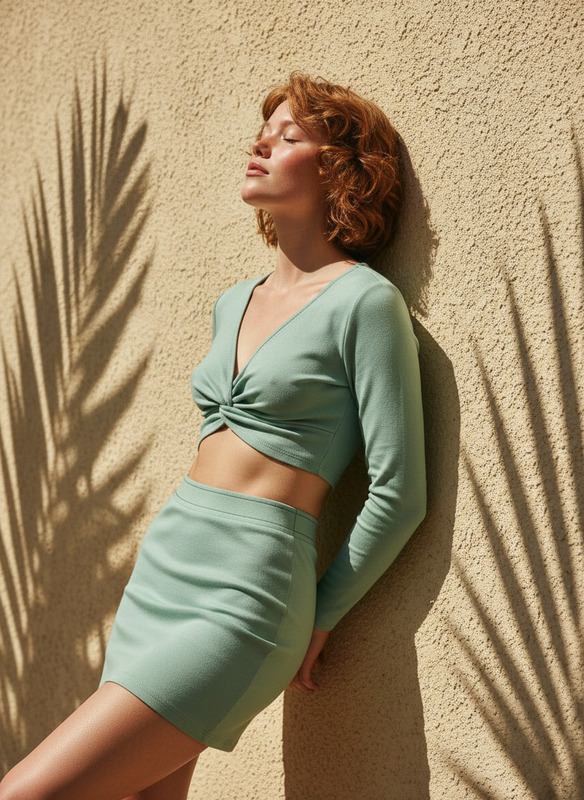
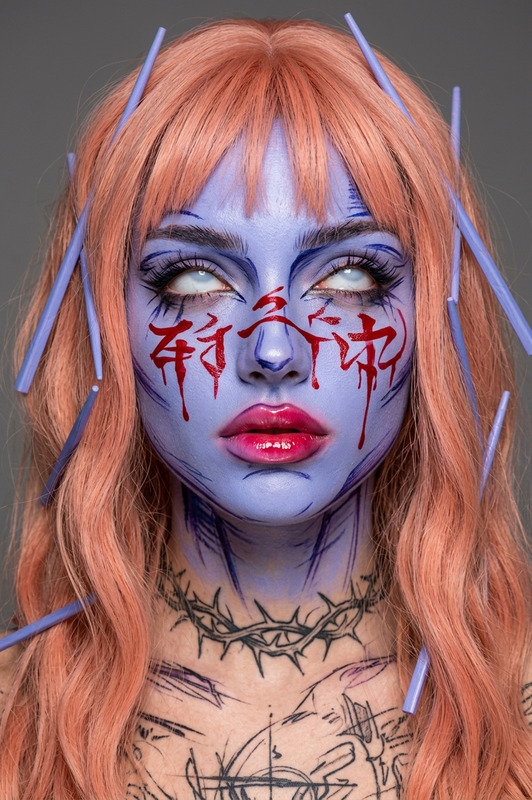
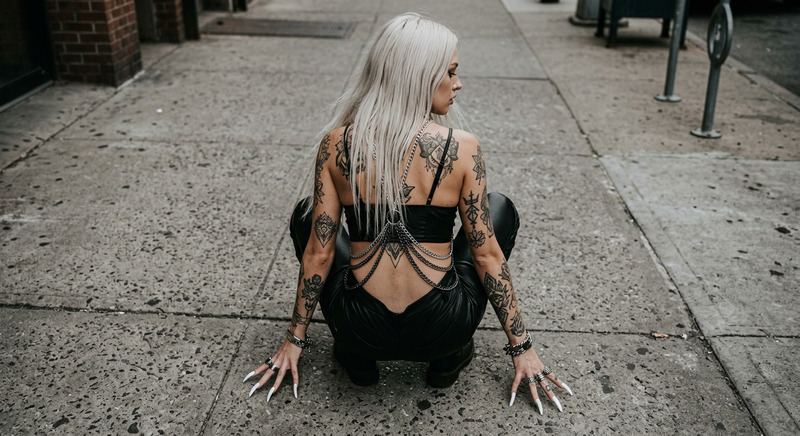
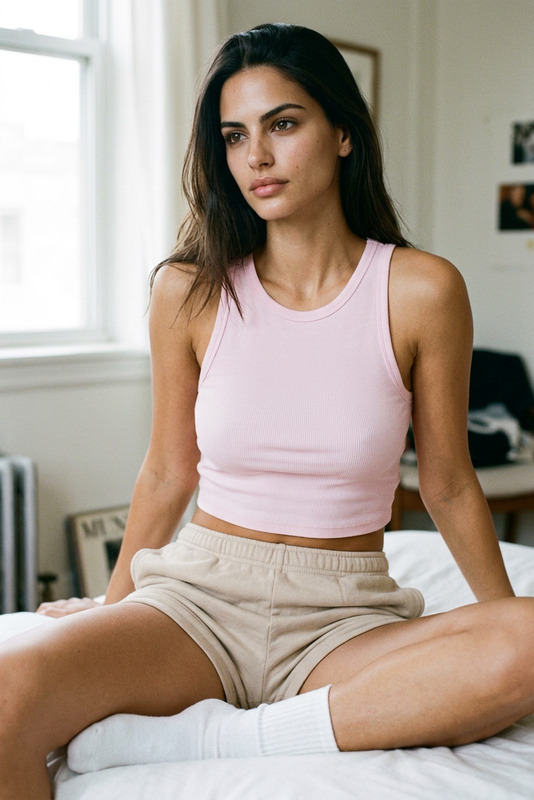
This template creates a striking editorial portrait featuring a subject adorned with traditional tattoos and modern fashion against an urban backdrop. It captures realistic skin textures and fabric details using advanced AI rendering techniques, producing images with lifelike materials and an authentic cinematic look.
Who It's For
Designed for fashion photographers, editorial designers, and digital artists, the Urban Ink Editorial template elevates ordinary photos into high-fashion editorials. It's an excellent fit for professionals seeking to develop content for product demo videos or stylized AI product photography.
Summary
With its focus on modern urban style and traditional ink art, this template bridges classic tattoo artistry with contemporary fashion. It offers refined control over details like fabric texture and lighting, useful for projects in commercial videography and art direction that demand both grit and sophistication.
How to Use It
Choosing the Template

Customizing Your Image

Generating the Final Image

Use Cases
Fashion Editorials
- Create visually stunning models with unique tattoo art.
- Add style-defining accessories that pop.
Lifestyle Advertising
- Showcase clothing with authentic street style appeal.
- Feature products in gritty yet sophisticated settings.
Artistic Portraiture
- Craft personalized portraits with intricate tattoo designs.
- Introduce a blend of modern and vintage styles.
Best Practices
Choose the Right Image
Select images with ample natural lighting and minimal background distractions for the best output.Enhance Tattoos
Carefully adjust tattoo details to match the complexion and lighting for the most realistic results.Mind the Accessories
Make sure the accessories complement the subject's style and enhance them with realistic textures.