Astrologer
- Model
- GPT Image 2
- Image
- 1024 × 1024 px
Prompt
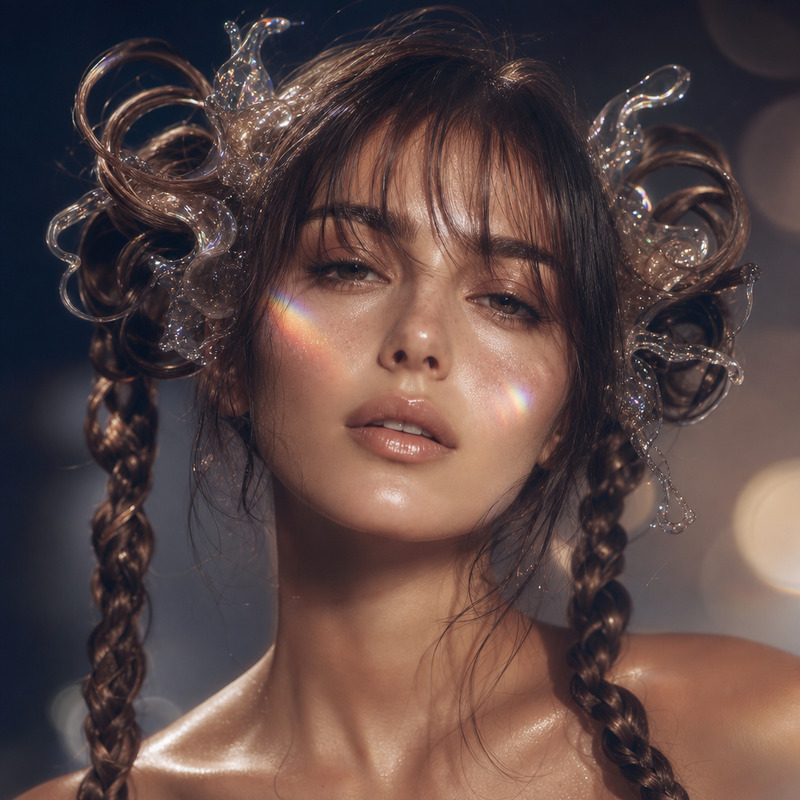
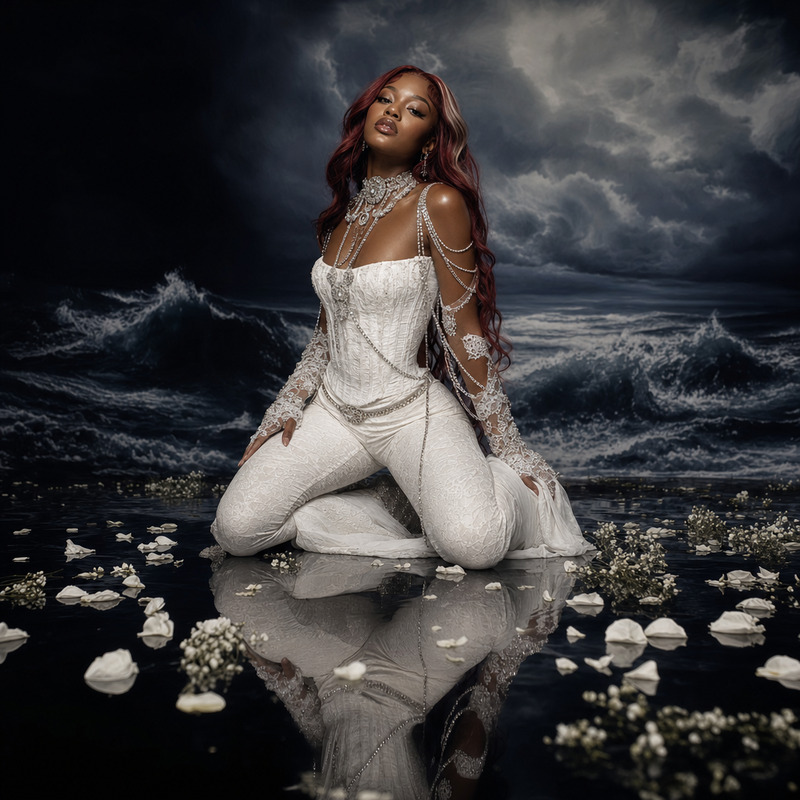
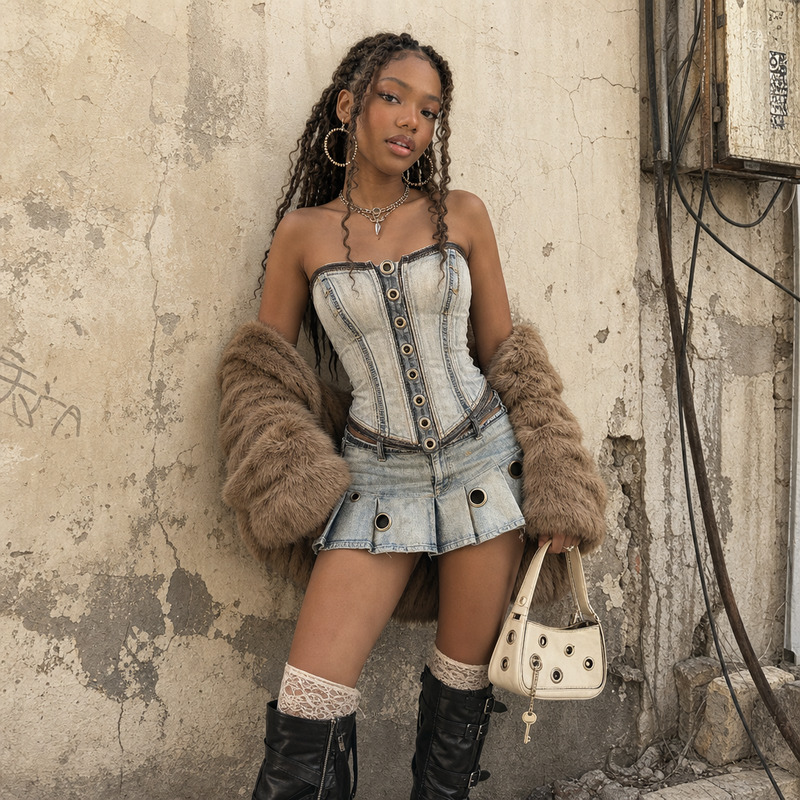
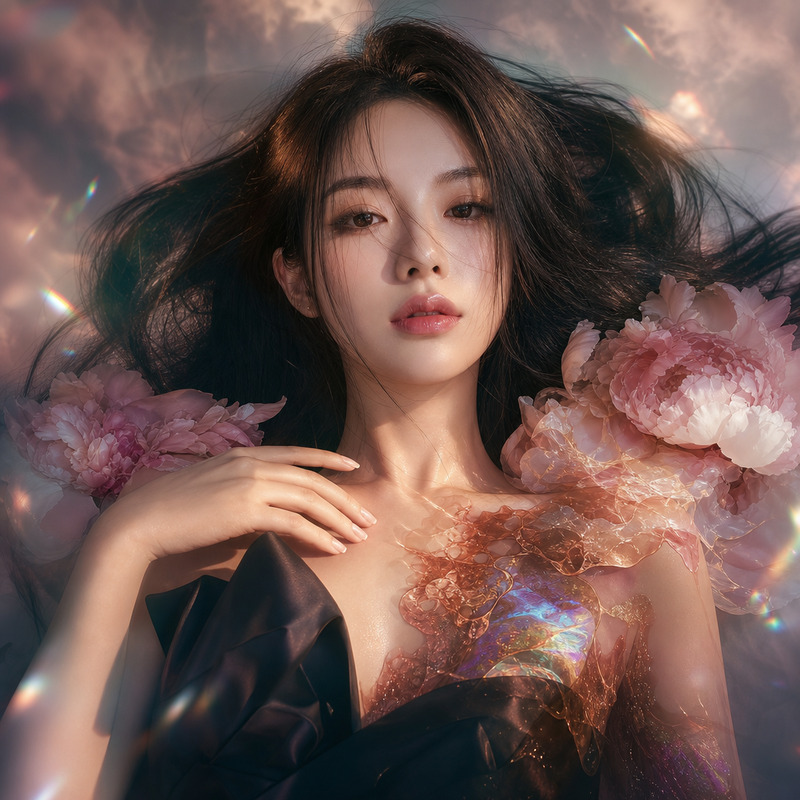
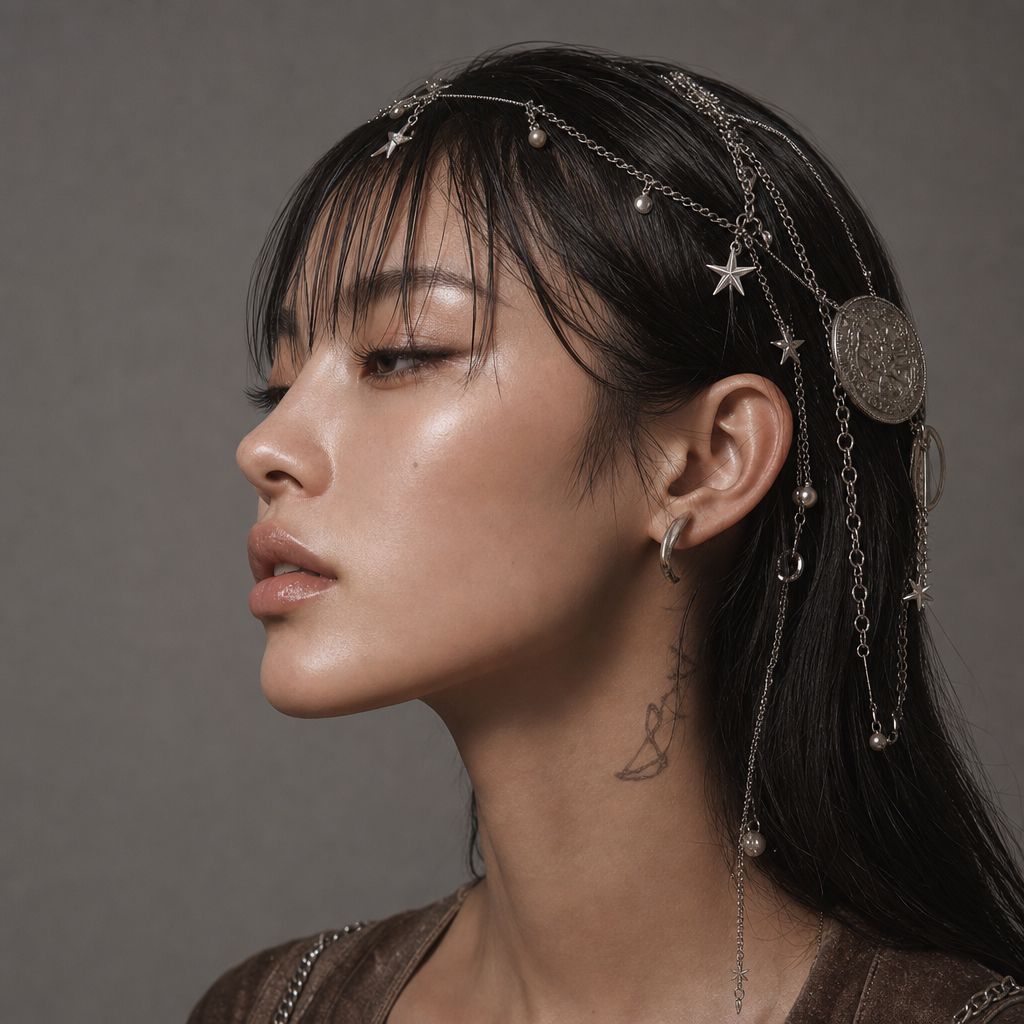
A close-up profile shot of a young East Asian woman showcases intricate styling against a neutral background. Her sleek black hair is decorated with ornate silver chains and adorned with metallic charms including star shapes, pearls, and medallions. A prominent chain crosses her forehead, leading to a large coin-like accessory on one side. The skin texture appears smooth and luminous, with a subtle sheen. She wears a simple silver hoop earring and a brown top, glimpsed from the front. A faint tattoo is visible on her neck. The photo, captured with a digital camera, has a soft, diffuse lighting, highlighting the metallic hair accessories. The color palette is composed of silver, black, brown, and warm skin tones, generating a minimalist, avant-garde aesthetic focusing on the interplay of textures and metallic elements. HEX VALUES: ["#5a5d5e", "#0d0d0c", "#4f4f4e", "#bb9987", "#a78879", "#1f1e1c", "#434240", "#332f2d", "#9a7969", "#594239", "#85695a", "#6d594e", "#c0a79e", "#7d7673"]
Any aspect ratio
Overview
Discover the power of the AI Image Editor template designed to bring your vision of intricate styling to life. Our Astrologer template is ideal for creating stunning close-up profile shots showcasing meticulous detail and avant-garde aesthetics.
This template utilizes the gpt-image-2 model to enhance the elegance and complexity of your images, focusing on textures and metallic elements.
What It Does
The Astrologer template focuses on creating a high-quality, detailed image that highlights intricate styling against a neutral backdrop. It accentuates metallic elements such as silver chains and charms, against sleek black hair and luminous skin, resulting in an exquisite visual experience.
You can further explore the creative possibilities by integrating products like the AI Image Generator to diversify your image styles or the Photo Colorizer for enhanced color manipulation.
Who It's For
This template is perfect for photographers, digital artists, and creative professionals looking to create sophisticated, profile-focused images with intricate styling. Whether you're working on fashion projects, promotional materials, or personal art, the Astrologer template offers the finesse and detail you need.
Summary
The Astrologer template in the AI Image Editor suite provides the tools to craft beautifully detailed profile shots with a focus on metallic textures and a minimalist aesthetic. Perfect for emphasizing elegance and sophistication, this template brings your creative visions to life with precision.
For additional editing needs, you can also explore the AI Face Editor to refine facial details or the AI Profile Picture Generator for broader applications.
How to Use
Choose Your Template

Customize Inputs

Generate Your Image

Use Cases
Fashion Editorials
- Highlight intricate accessories like hair chains and charms
- Focus on skin texture and lighting for a professional look
Digital Art Projects
- Incorporate metallic textures and avant-garde styling
- Use for cover art or promotional graphics
Advertising and Marketing
- Focus on refined details and aesthetic appeal
- Ideal for social media campaigns and print ads
Best Practices
Focus on Textures
Emphasize the interplay of metallic textures against neutral backgrounds for an elegant look.Optimize Lighting
Ensure that the lighting highlights the metallic elements, adding depth and sophistication.Color Consistency
Maintain a consistent color palette to harmonize the image, drawing attention to key features.