Ballet shoes
- Model
- Nano Banana 2
- Image
- 768 × 1376 px
Prompt
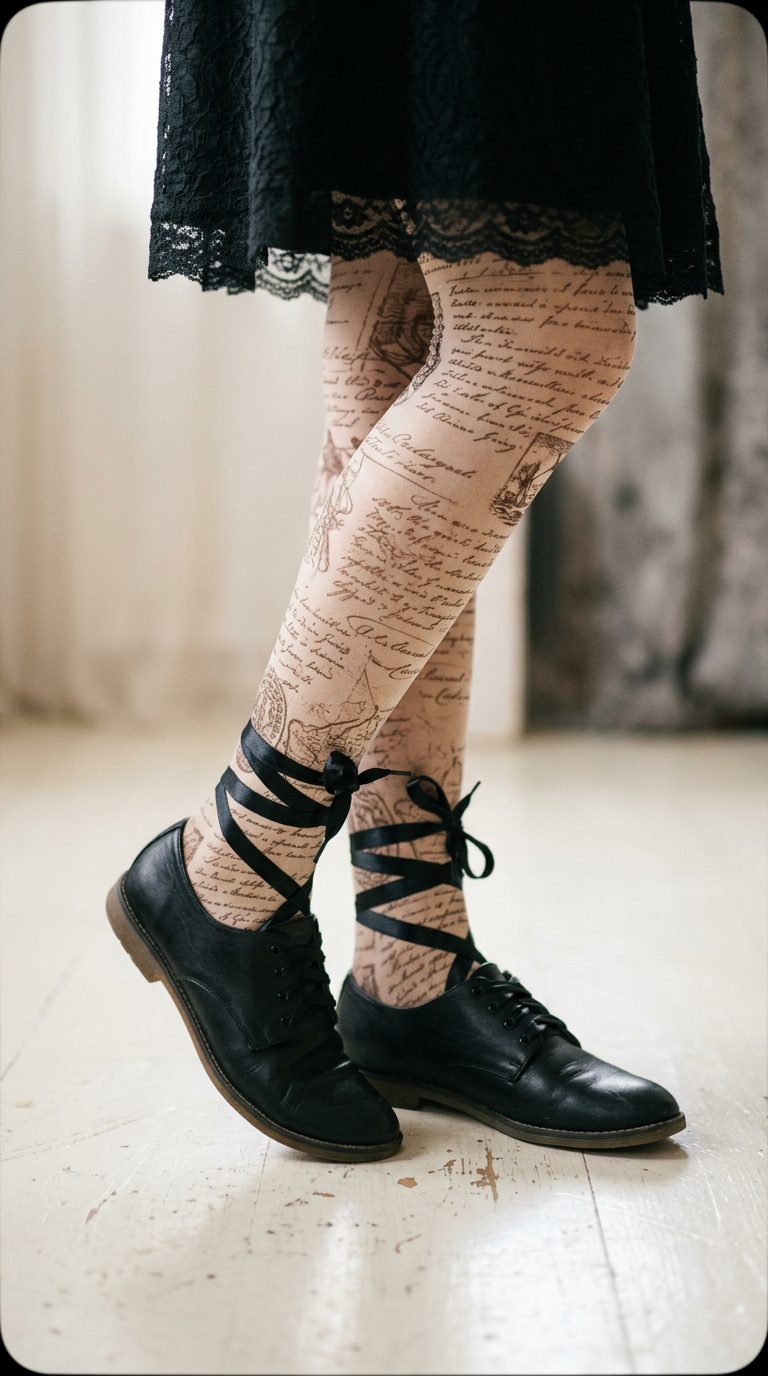
A close-up shot of a person's legs wearing black lace-up shoes and decorative tights with a cursive design. The individual, likely a young adult, is dressed in a black skirt with lace details. The textured stockings feature a sepia-toned pattern resembling old writings or maps. The shoes are flat-soled with a shiny black ribbon wrapped around the legs. The background is a pale, smooth surface, and lighting is soft and diffuse, creating a gentle shadow under the feet. The frame has a slight vignette effect with rounded corners, adding a dreamy, vintage feel to the composition. HEX VALUES: ["#eeece8", "#faf9f7", "#2a2a2b", "#181819", "#e3dfdb", "#d9d2cc", "#0b0b0c", "#3b3a3c", "#545454", "#716f6e", "#8f8884", "#a7a19d", "#d4c0b3", "#bcbbba", "#c2ac9f"]
Any aspect ratio
Overview
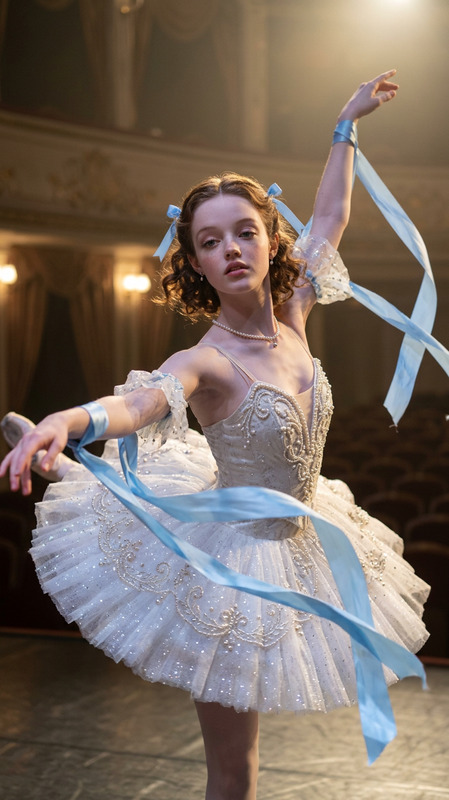
Capture the elegance and detail of ballet fashion with the Ballet Shoes template. This AI Image Editor, using the nano-banana-2 model, helps you create vintage-inspired imagery with elements like sepia-tone textures and romantic vignettes. Ideal for photographers and designers aiming for a timeless aesthetic.
What It Does
This template provides a stylized, close-up image focusing on fashion elements like lace-up shoes and decorative tights. It allows you to transform a simple outfit into a dreamy and artistic composition. The use of subtle lighting and framing techniques, such as the vignette effect, enhances this classic look. It's perfect for anyone wanting to delve into creative digital expressions.
Who It's For
The Ballet Shoes template is designed for creative professionals such as fashion photographers, graphic designers, and anyone interested in artistic editing. Whether you're creating digital art or designing a vintage-themed project, this template will add a touch of elegance and sophistication. You can also explore other AI Image Editor products for diverse creative projects.
Summary
With the Ballet Shoes template, leverage the power of nano-banana-2 to craft intricate and detailed images that resonate with a feeling of nostalgia. Adjust the features like soft shadows, lace textures, and ribbon details to fit your specific visual needs. This template serves as an entry point to more complex image editing tasks facilitated by AI Image Upscaler tools for enhancing quality.
How to Use
Choose the Template

Customize Your Design

Generate and Download

Use Cases
Fashion Editorials
- Detailed shoe designs
- Sepia-tone patterns
- Vintage aesthetic
Art Projects
- Creative compositions
- Soft lighting effects
Marketing Materials
- Elegant product displays
- Attention-grabbing ads
Social Media Posts
- Thoughtful and artistic posts
- Engaging vintage themes
Best Practices
Optimize Color Use
Choose HEX values that enhance the soft, vintage quality. Make sure to explore the dynamic interplay of light and shadow.Focus on Details
Pay attention to the textures and patterns on the tights and shoes to maintain a cohesive and compelling image.Experiment with Angles
Try different angles in your compositions to emphasize the elegance of the ballet theme.