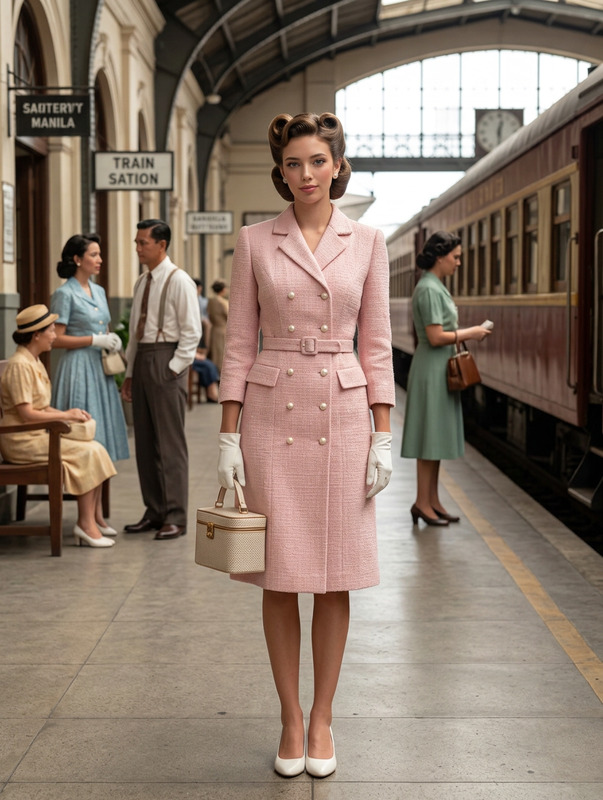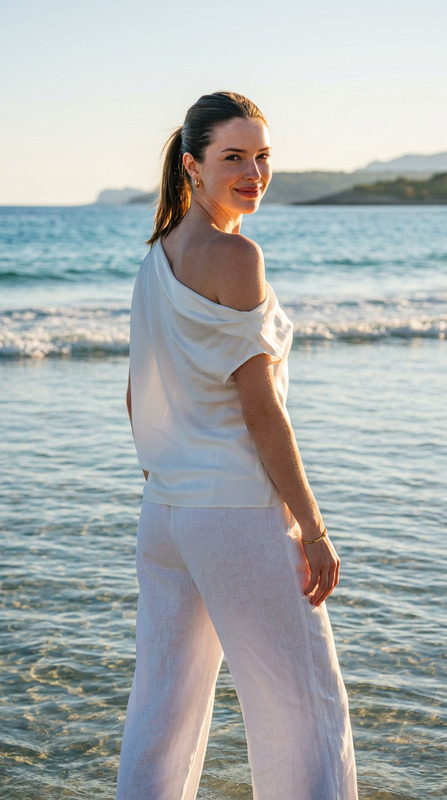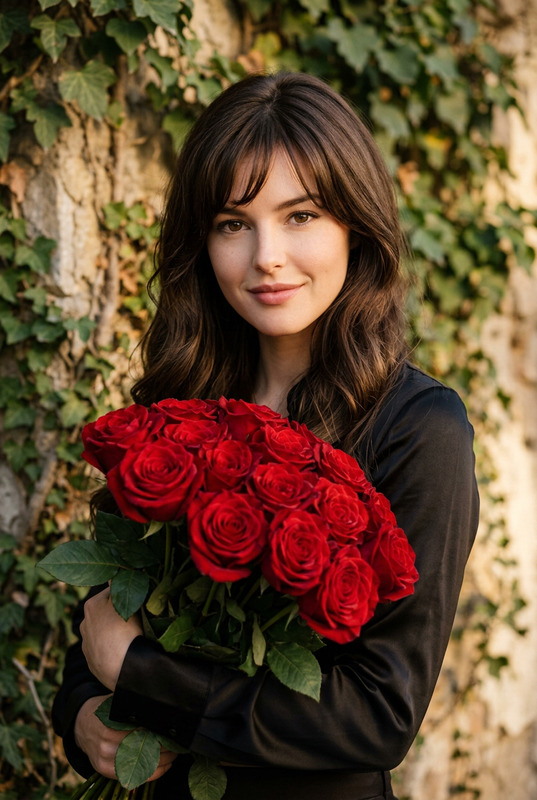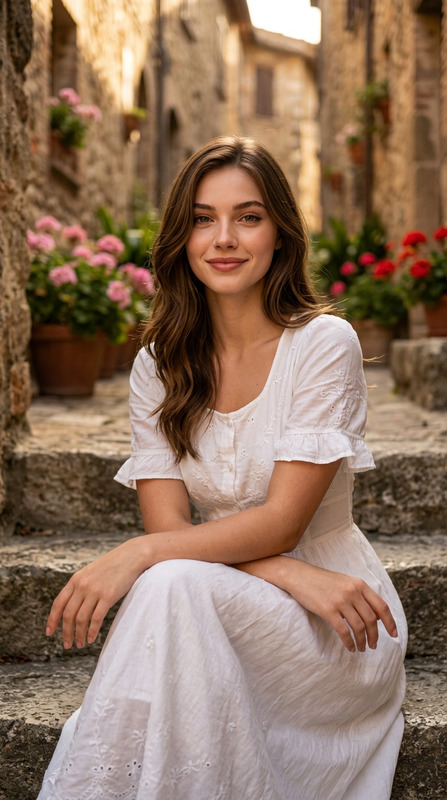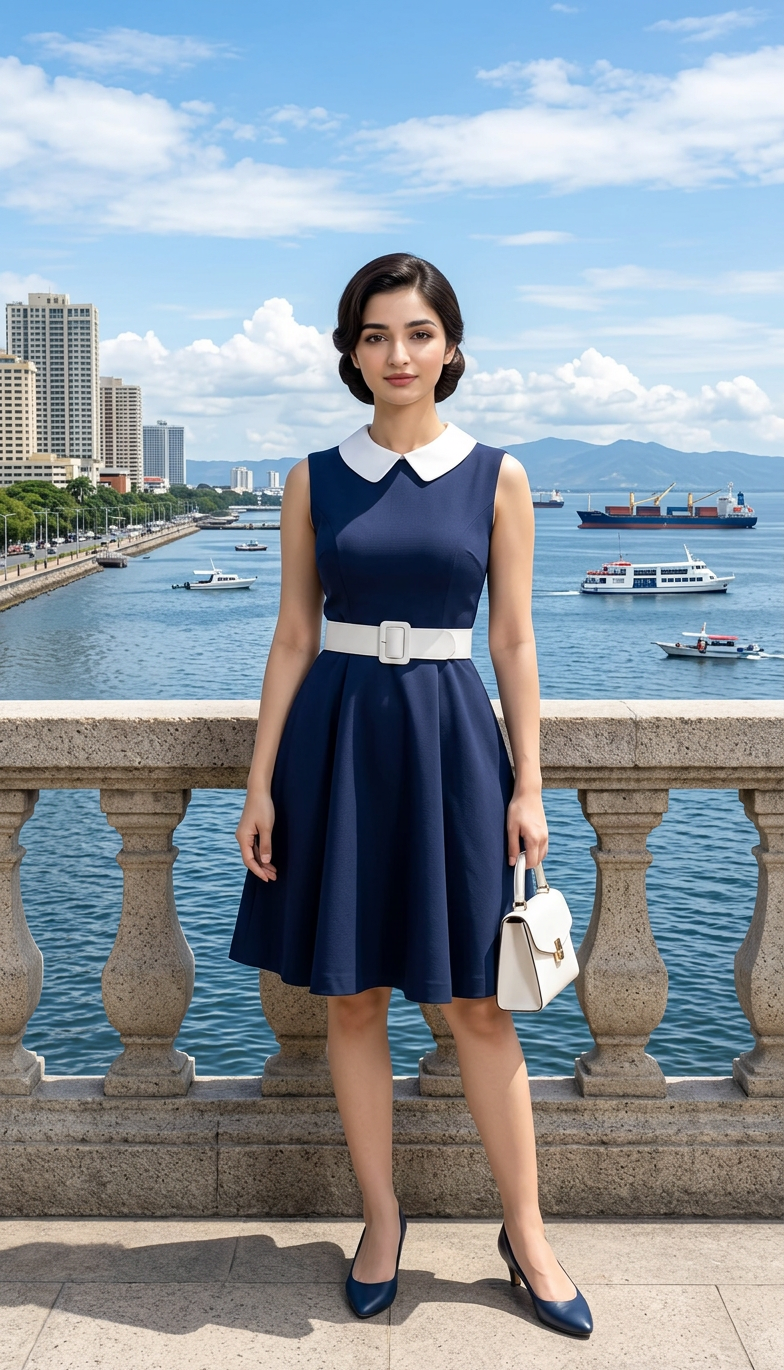
Manila Bay Elegance
- Model
- Nano Banana 2
- Image
- 784 × 1370 px
Prompt
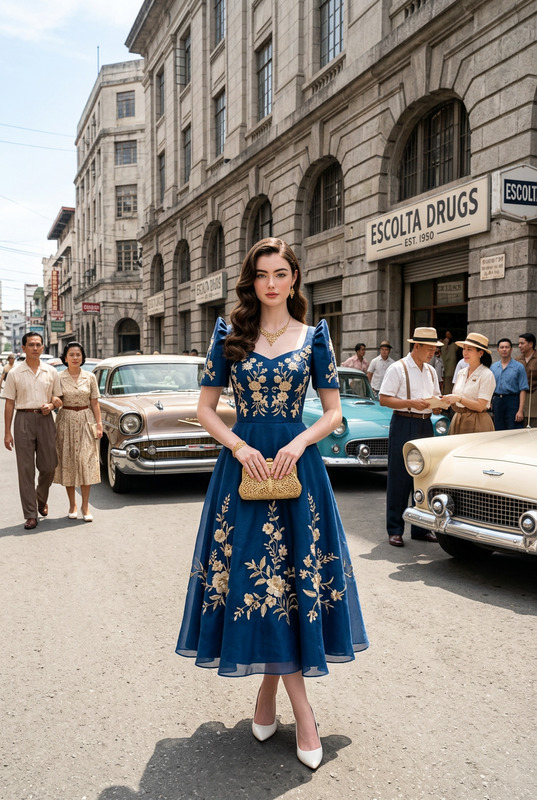
A full-body portrait. A Filipino model with an immaculate, luminous complexion and a classic ‘chignon’ bun. She wears a navy blue faille fit-and-flare dress with a subtle texture and white collar detail, a wide white leather belt, blue heels, and a structured, small white handbag. She is standing confidently in front of a perfectly sharp, high-definition vista of Manila Bay, with clear, detailed ships and a defined coastline visible. Shot with a Canon R5, 35mm lens. f/14, 1/250s, ISO 160. Bright, vivid natural daylight. Maintain 100% facial feature accuracy. Negative Prompt (low quality, worst quality:1.4), (bad anatomy), (inaccurate face), (distorted features), bokeh, blurred background, shallow depth of field, soft focus, out of focus background, cinematic blur, depth blur, messy skin, pores, wrinkles, imperfections, acne, pimples, blemishes, airbrushed look, plastic skin, mask-like appearance, smooth filter, heavy makeup, unnatural skin texture, grainy skin, oversaturated colors, harsh shadows, unnatural lighting.
Any aspect ratio
Overview
The "Manila Bay Elegance" template is designed to deliver stunning full-body portraits using the precision of the AI Image Editor. Leveraging the power of the nano-banana-2 model, this template provides exquisite detail and vivid imagery, capturing the beauty of subjects in front of one of the Philippines' most iconic vistas.
What It Does
This template uses advanced AI tools to craft detailed portraits set against the backdrop of Manila Bay. It ensures 100% facial feature accuracy and employs specific camera settings to achieve the high-definition quality. The template retouches images subtly, maintaining natural features while highlighting the subject's elegance with clarity and precision.
Who It's For
The "Manila Bay Elegance" template is ideal for photographers, designers, and content creators who need high-quality portraits with a stunning scenic background. Whether you're working on fashion campaigns, engaged in ecommerce advertisements, or creating content for social media, this template offers the tools needed to produce standout imagery.
Summary
With detailed camera settings and a focus on maintaining natural beauty, the "Manila Bay Elegance" template offers a unique blend of style and precision. This AI Image Editor template ensures that your portraits convey both elegance and authenticity, perfect for a variety of professional and creative applications.
How-To
Choose the Template

Customize Your Inputs

Generate and Save

Use Cases
Fashion Marketing
Personal Branding
Social Media Content
Best Practices
Maintain Photographic Realism
Stick to realistic adjustments in post-processing to ensure portraits retain their natural appeal.Leverage Natural Light
Utilize the daylight settings to keep the portrait naturally lit, enhancing both the subject and background.Focus on Detail
Pay special attention to keeping facial details crisp and accurate, as specified in the template prompt.