1950s Manila Station
- Model
- Nano Banana 2
- Image
- 896 × 1189 px
Prompt
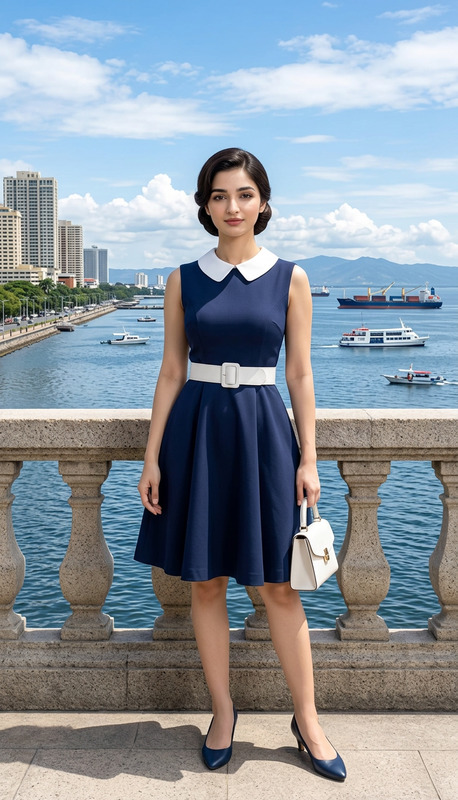
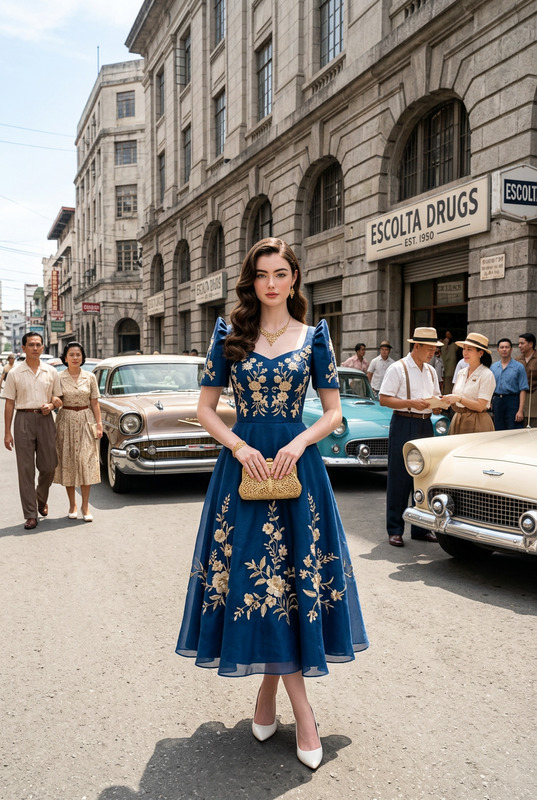
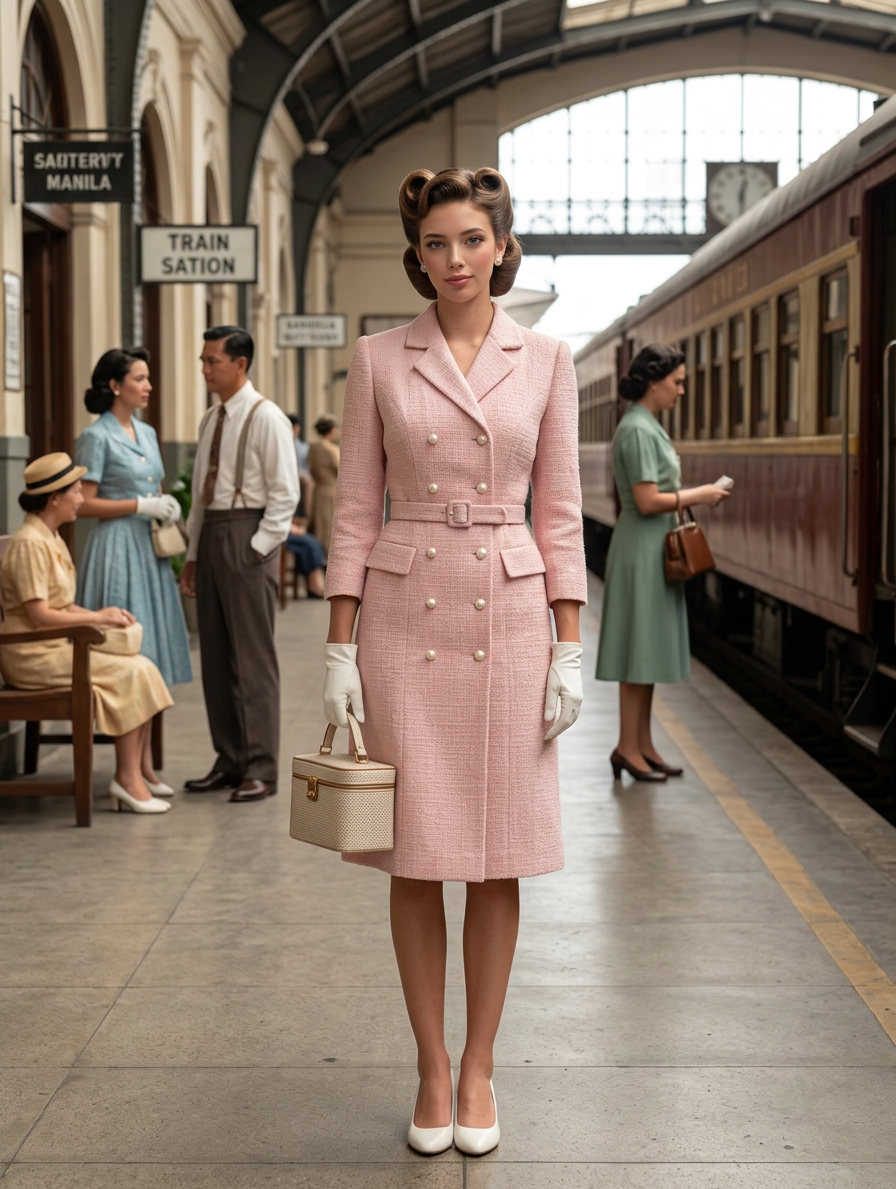
A full-body 1950s cinematic shot. A flawless Filipina woman with soft, defined victory rolls. She is wearing a tailored, double-breasted tweed suit-dress in a light pastel pink, with pearl buttons and a matching belt, white gloves, and small, white pumps, carrying a structured vanity bag. The setting is a sharply defined, brightly lit vintage train station in Manila, with clear, detailed train cars and visible, distinct passengers. Shot with a Sony A7R V, 35mm lens. f/11, 1/160s, ISO 160. Natural light with high visibility. Maintain 100% facial feature accuracy. Negative Prompt (low quality, worst quality:1.4), (bad anatomy), (inaccurate face), (distorted features), bokeh, blurred background, shallow depth of field, soft focus, out of focus background, cinematic blur, depth blur, messy skin, pores, wrinkles, imperfections, acne, pimples, blemishes, airbrushed look, plastic skin, mask-like appearance, smooth filter, heavy makeup, unnatural skin texture, grainy skin, oversaturated colors, harsh shadows, unnatural lighting.
Any aspect ratio
Overview
Step back in time with the '1950s Manila Station' AI Image Editor template, where nostalgia meets precision. Perfectly capturing a mid-century cinematic feel, this template is anchored in facial detail and style accuracy. Utilizing the AI Image Editor capabilities, it helps evoke a vivid portrayal of 1950s Manila with a focus on elegance and authenticity.
What It Does
This template transforms any image into a scene reminiscent of a 1950s film set in Manila, enhancing your photos with realistic period details and attire. It leverages the advanced potential of the AI Image Generator to render meticulous elements like vintage fashion, traditional decor, and clear facial features. Your subjects look like they stepped right out of a classic movie, all while preserving high-quality realism.
Who It's For
Photographers and designers with a penchant for vintage styles will find this template indispensable. It's also ideal for marketing professionals and filmmakers seeking authentic period visuals. Whether you are creating content for mood boards or recreating historical scenarios, this tool provides the nuanced details necessary for success.
Summary
Offering the perfect blend of style and substance, the '1950s Manila Station' AI Image Editor template helps creators infuse images with the rich narrative of a bygone era. Utilizing the AI Photo Relighting features, creators can ensure that the lighting and ambiance stay true to the era while maintaining crisp and vibrant visuals.
How To Use
Select the Template

Customize Your Image

Generate Your Image

Use Cases
Historical Photography Projects
- Authentic period attire and settings
- Accurate facial and feature rendering
Marketing and Advertising
- Vintage aesthetics appeal
- Eye-catching visuals for print and digital ads
Cinematic Film Production
- Detailed backdrops to elevate scenes
- Visually consistent with historical narratives
Best Practices
Focus on Detail
Utilize high-resolution images to maximize the efficiency of the template and ensure the finer details, like facial features and textures, are preserved.Leverage Lighting Adjustments
Make use of the inbuilt AI Photo Relighting to capture the correct lighting conditions typical of the era.Iterate for Perfection
Experiment with different prompts and settings to achieve the desired vintage look, ensuring all elements harmonize for authenticity.