Golden Hour Beach
- Model
- Nano Banana 2
- Image
- 768 × 1376 px
Prompt
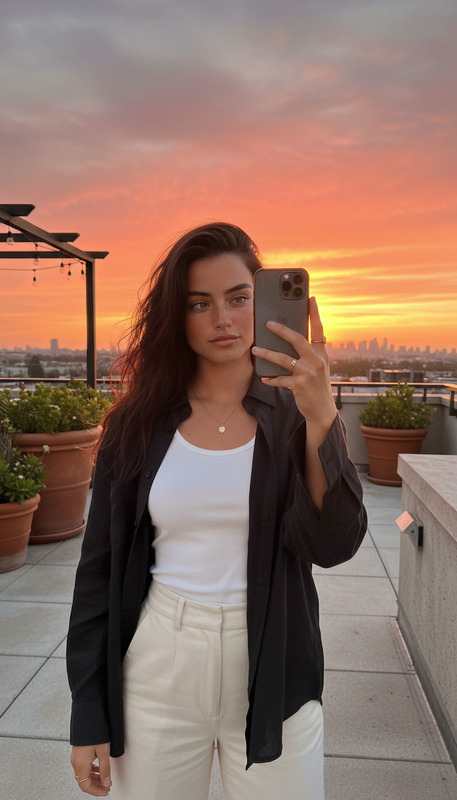
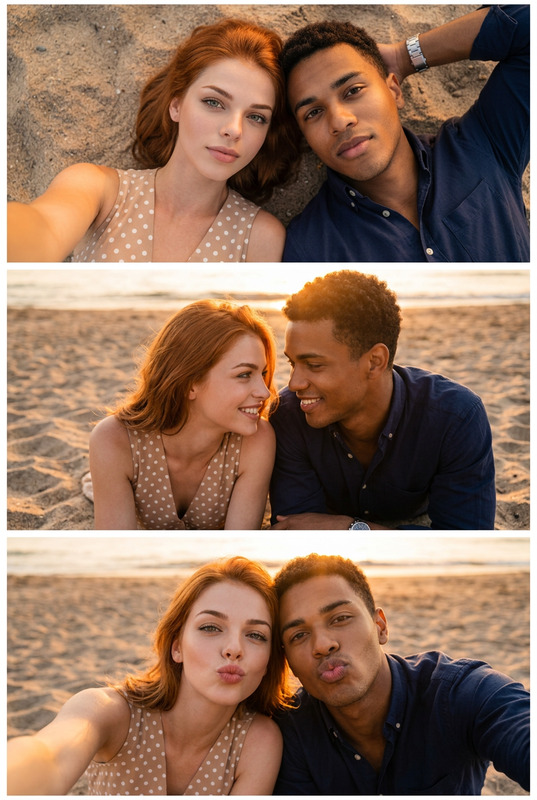
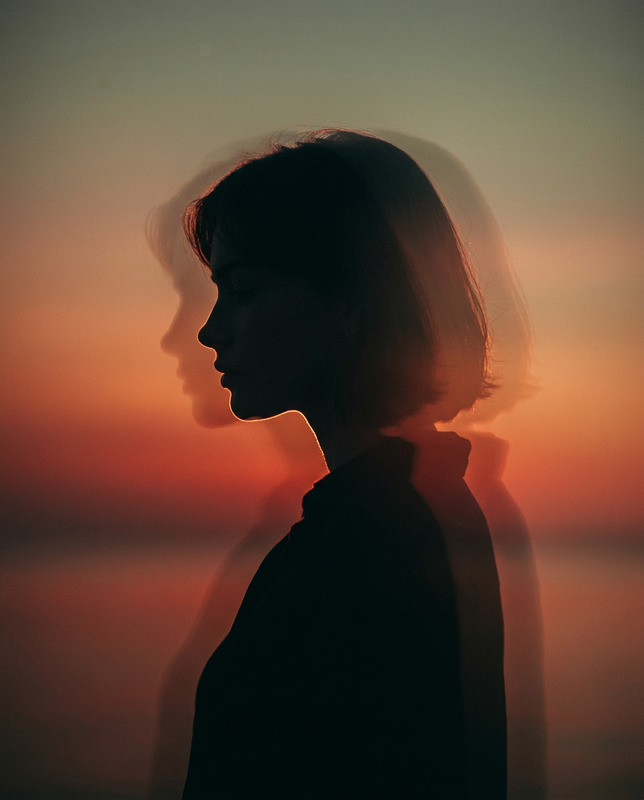
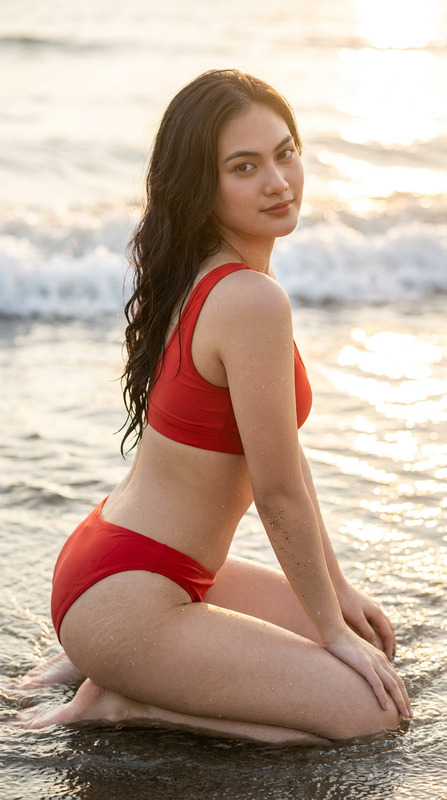
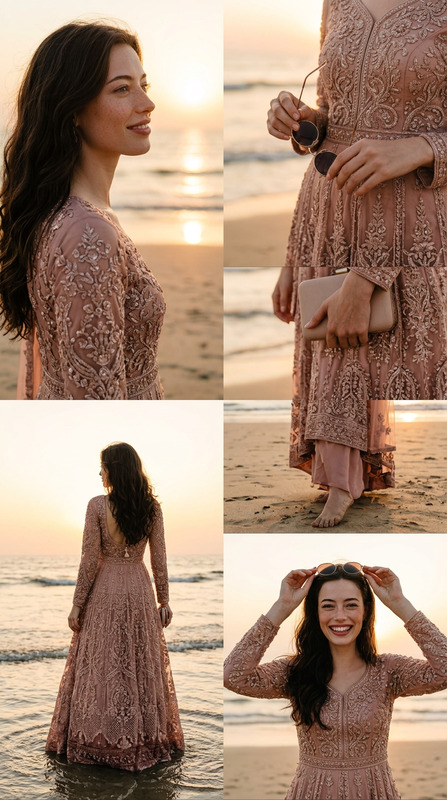
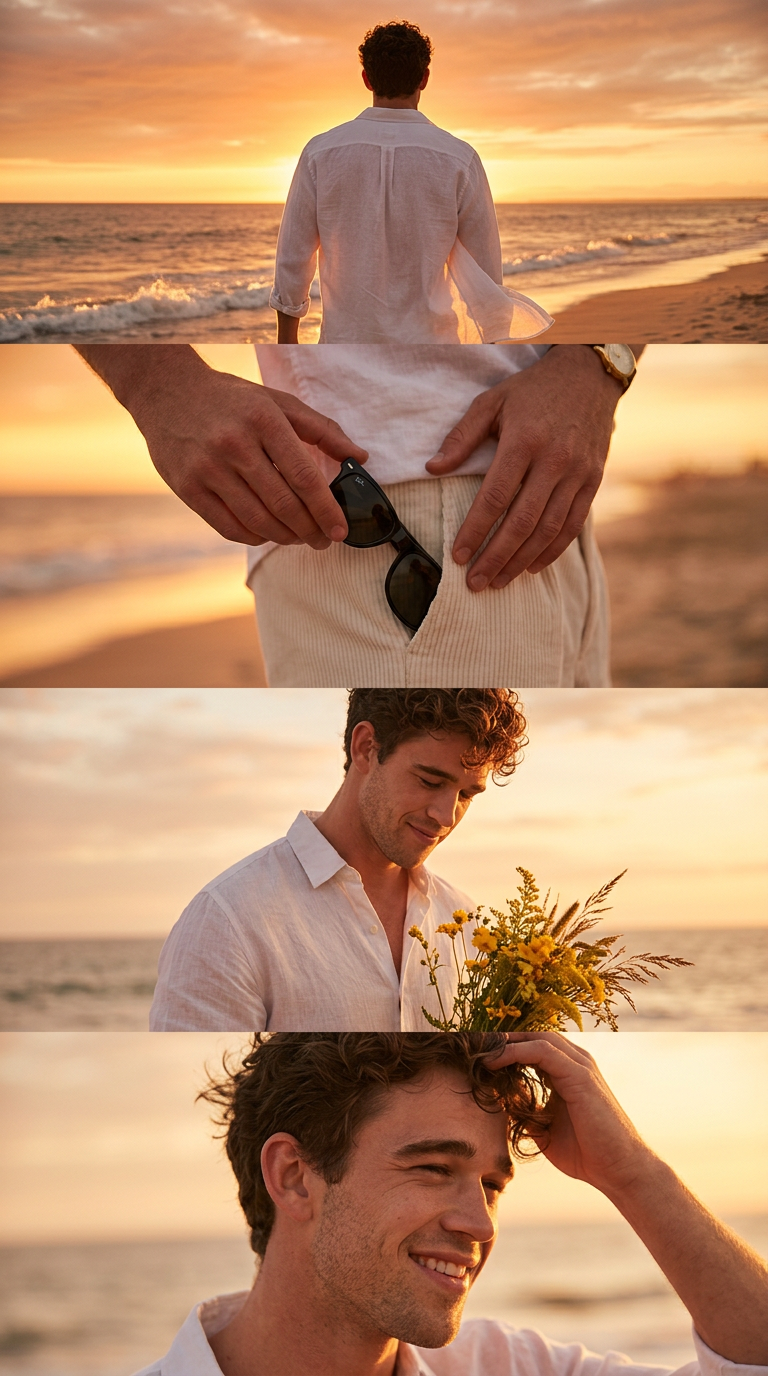
Create a vertical 4K frame (2160×3840) divided into four cinematic horizontal strips. Use the exact same face as the reference (100% identical).Overall mood: warm, emotional, nostalgic. Color palette: golden-orange beach sunset tones, soft glowing rim-light, gentle haze.Image 1 : Rear shot of the character standing on a beach during golden hour. Loose white shirt glowing in sunlight, wind lifting the fabric. Vast sunset sky and glowing horizon.Photo 2: close-up shot of hand holding black sunglasses near shorts pocket, cinematic focus blur background.Image3: Medium shot holding a bouquet of yellow wildflowers and , looking down with a faint emotional smile.Photo 4: candid pose touching hair while smiling slightly, warm sunlight on face, soft breeze effect.Ratio 9:16.
Any aspect ratio
Overview
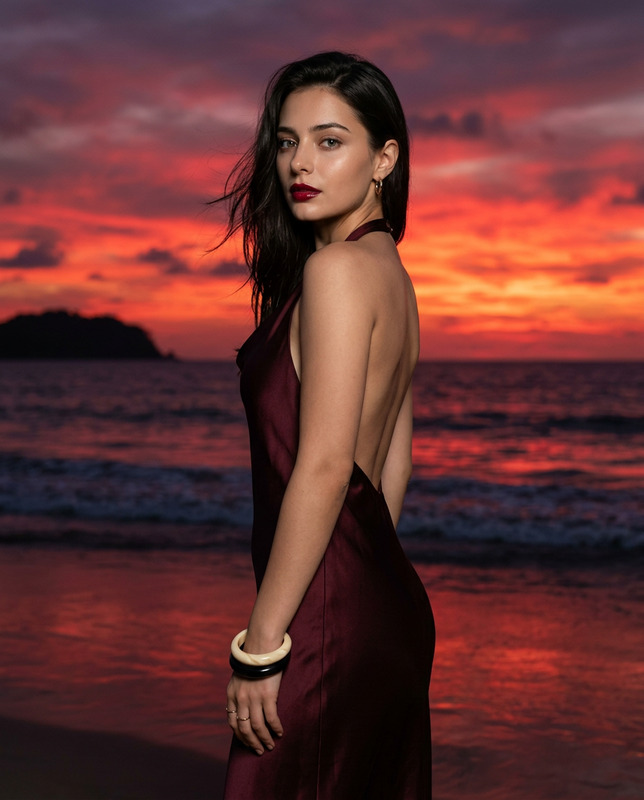
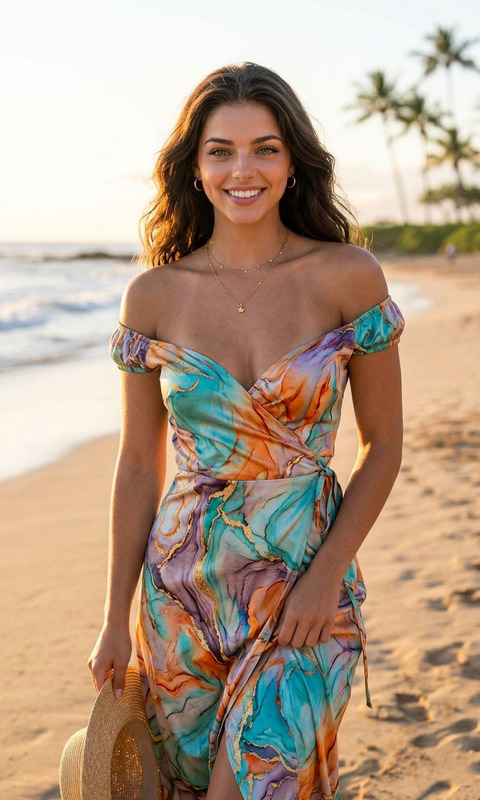
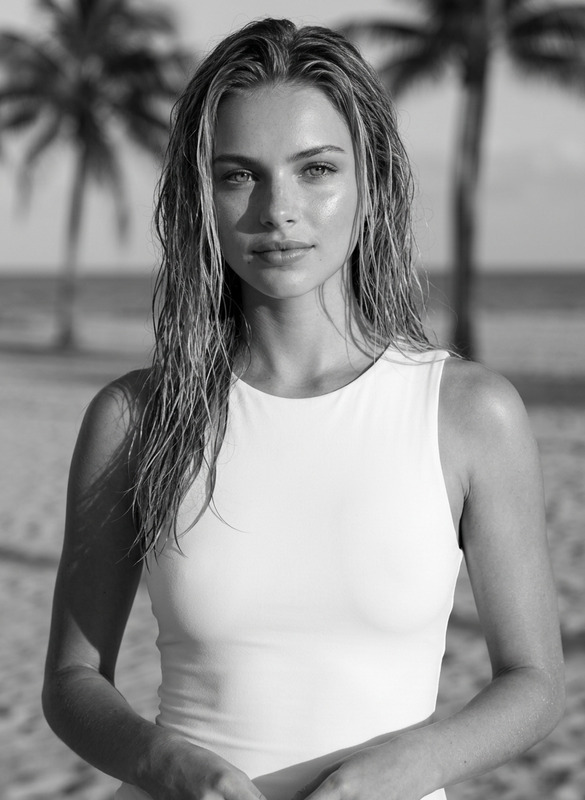
The "Golden Hour Beach" template in the AI Image Editor category takes your beach moments and transforms them into an evocative sequence of images. By leveraging the power of the nano-banana-2 model, this template crafts a four-image story that embodies warmth, nostalgia, and a serene coastal ambiance.
What It Does
This template creates a sequence of four 4K images, each sliced into cinematic segments, capturing both scenic and intimate moments. The images use consistent characters while focusing on a golden-orange beach sunset palette. Each shot captures unique aspects, from a rear beach shot to a delicate flower bouquet, ensuring emotional depth and visual appeal.
Who It's For
"Golden Hour Beach" is perfect for photographers, social media influencers looking for aesthetically pleasing content, and creative professionals wanting to capture the emotional essence of beach scenes. It's also suited for marketers designing Social Media Ads and other visual storytelling projects.
Summary
Capture the essence of a breathtaking beach scene with the "Golden Hour Beach" template. Through the use of AI, it edits characters seamlessly across shots while maintaining a warm and cohesive color palette. This template elevates your images, ensuring consistency in style and emotion across all elements.
How To
Choose the Template

Customize Your Inputs

Generate Your Sequence

Use Cases
Creating Emotive Campaigns
- Marketing visuals that tell a story
- Engagement-focused social media content
Content for Influencers
- Aesthetic consistency in posts
- Enhancing personal brand visuals
Personal Photography Projects
- Documenting memorable vacations
- Crafting photo books
Best Practices
Use Consistent References
Ensure the initial reference face image is clear and matches the intended emotion across all images for consistent storytelling.Focus on Lighting
Harness the template's golden-hour effects to enhance mood by choosing moments with optimal backlighting and soft shadows.Consider Color Harmony
Maintain a warm and cohesive color palette in all inputs to emphasize the nostalgic and emotional undertones of the scene.