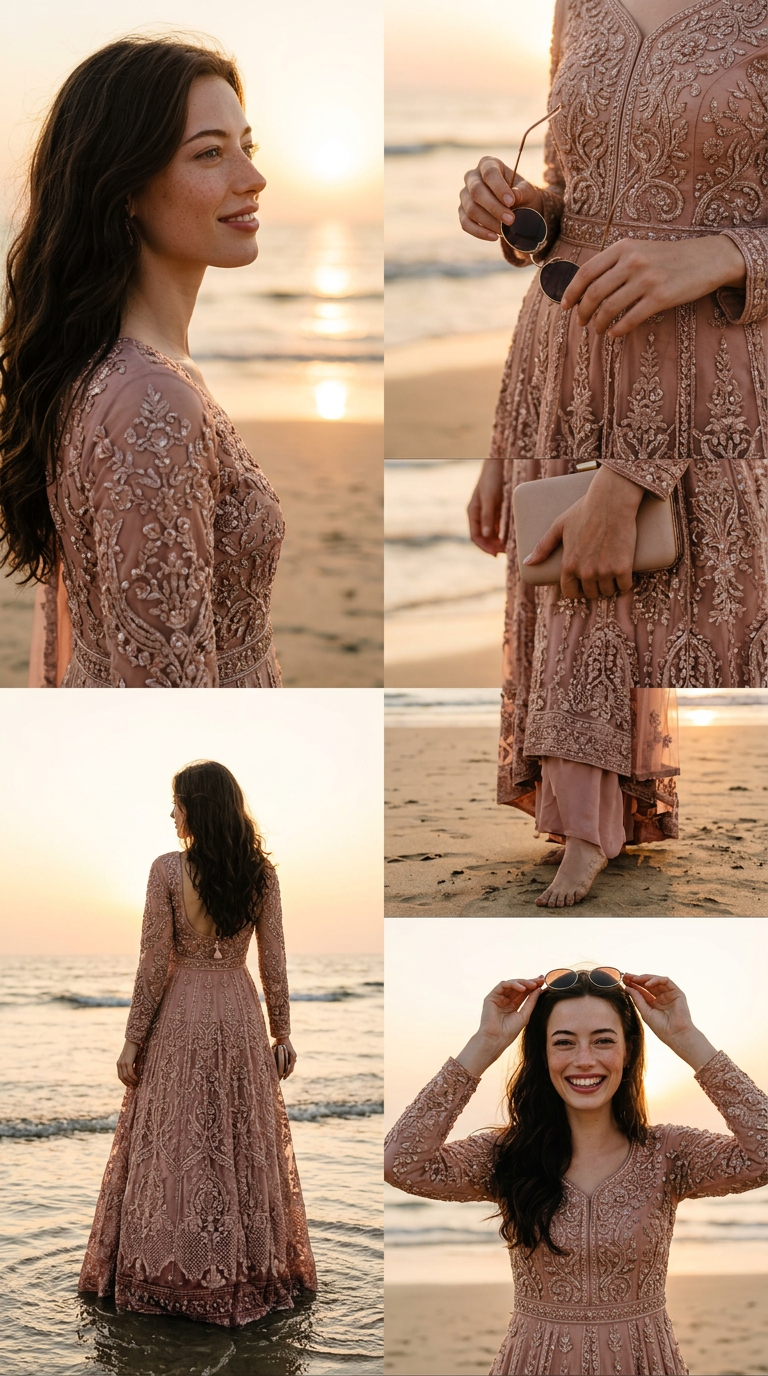
Golden Beach Story
- Model
- Nano Banana 2
- Image
- 768 × 1376 px
Prompt
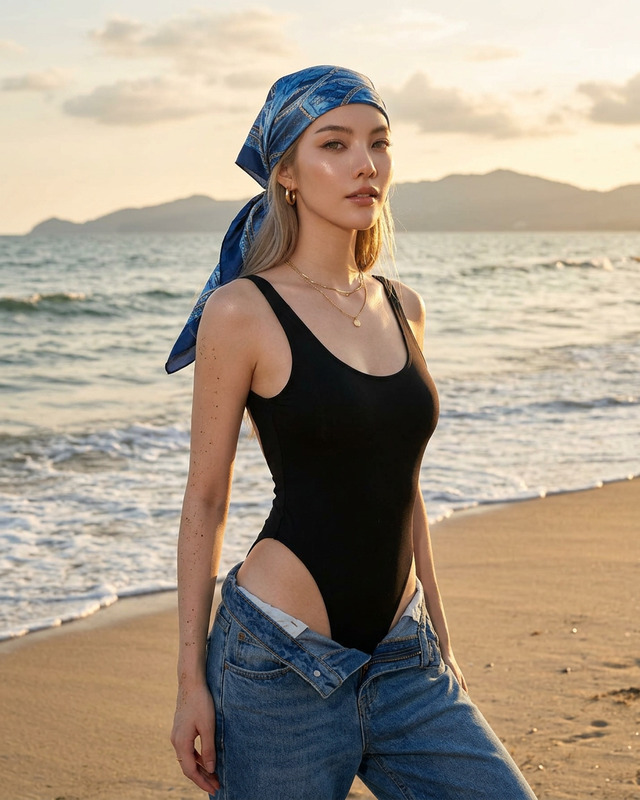
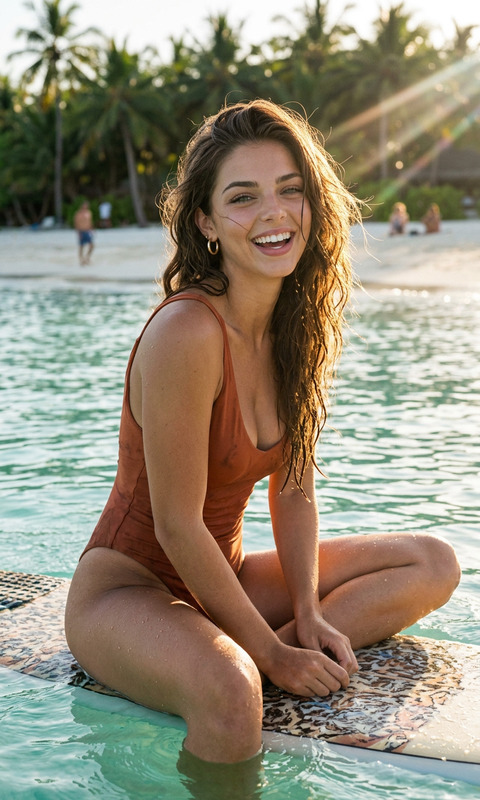
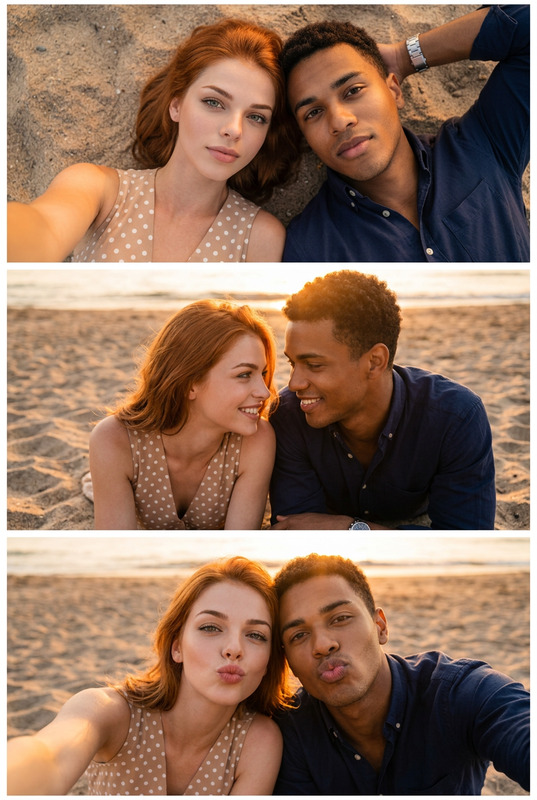
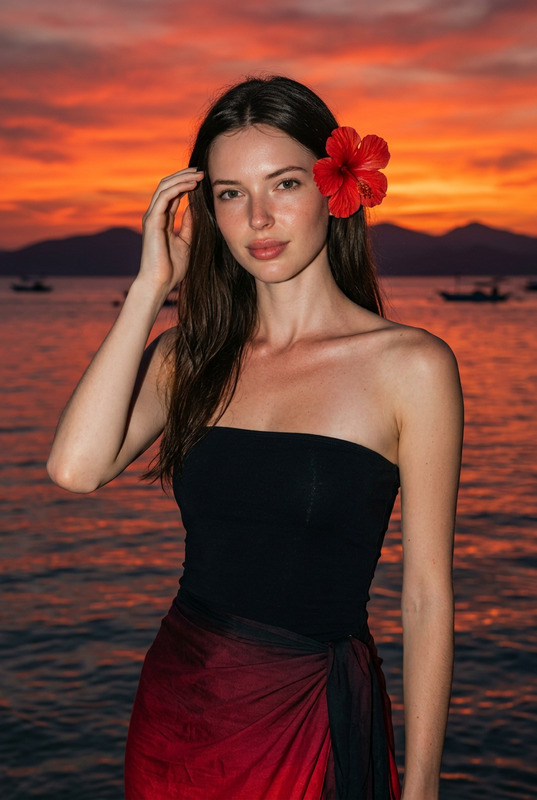
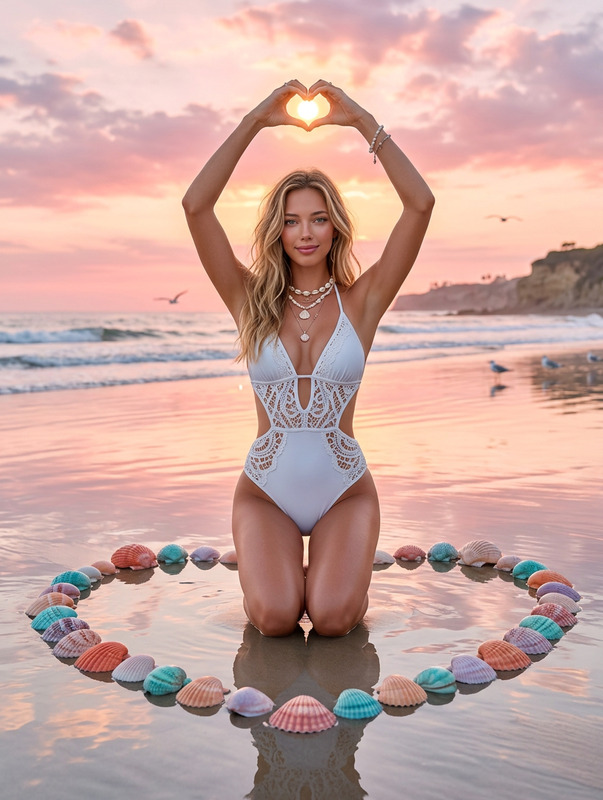
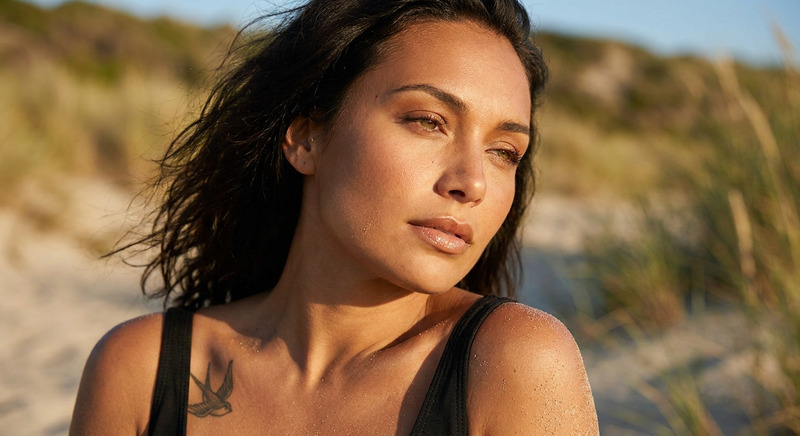
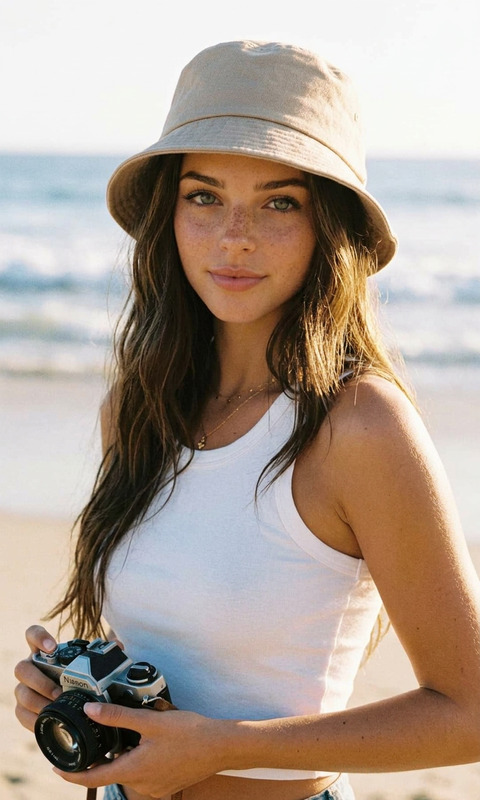
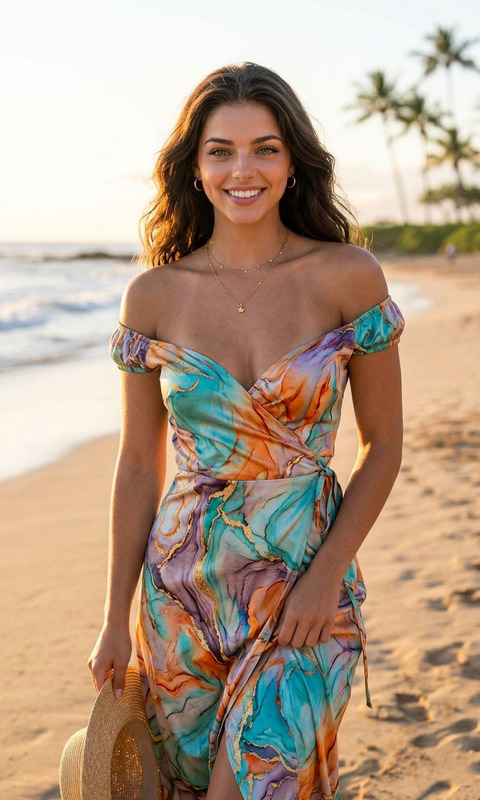
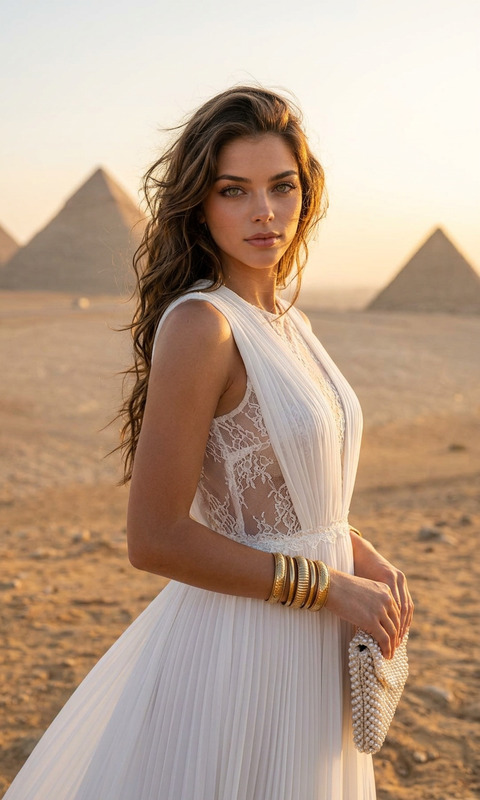
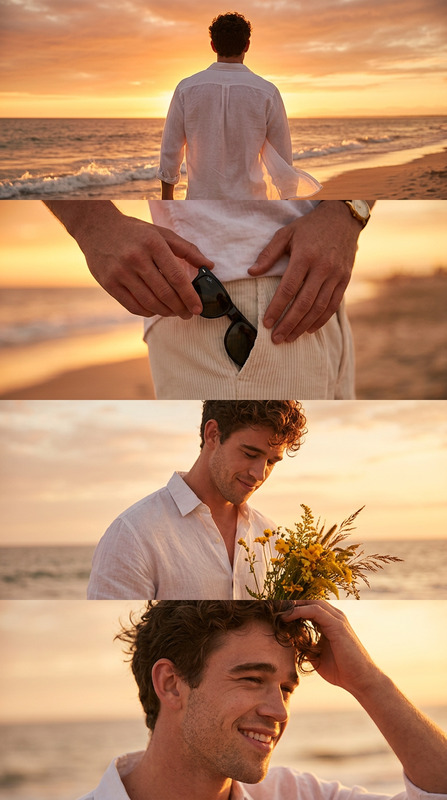
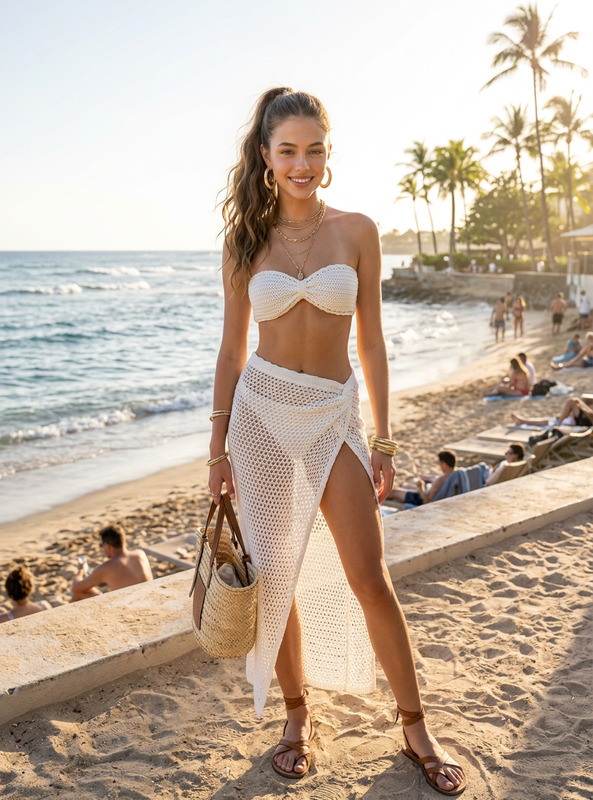
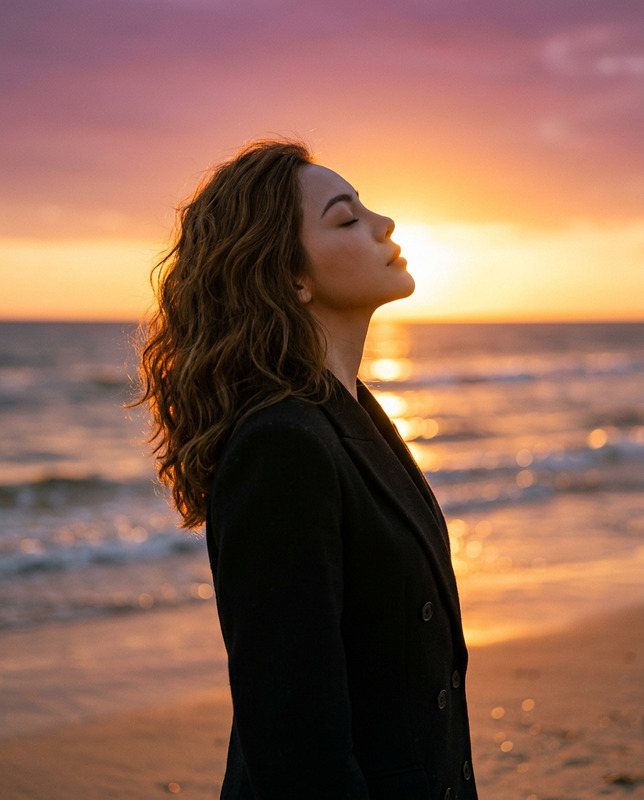
A photographic, four-panel vertical collage, capturing a series of cinematic beach sunset moments. The subject from the uploaded reference image is a woman with long, dark, wavy hair, wearing a sophisticated, embroidered blush-pink dress. All panels share the same soft, warm, golden hour light from a setting sun over a calm ocean beach. Top Panel: A close-up profile view, she looks out to the horizon, smiling softly, with a hand-tied hairstyle and delicate jewelry. Second Panel: A detailed shot of her hands holding a pair of round, dark-lens sunglasses and a clutch bag, focusing on the fabric detail and texture. Third Panel: A full-length back view, her back is to the camera, showcasing the full lehenga skirt and the sunset. Bottom Panel: A close-up head-on shot, she is looking at the camera, smiling sweetly, holding the sunglasses and running a hand through her hair. The composition is clean, vertical, and captures the beauty of both the landscape and the subject's outfit, as a seamless multi-frame story.Ratio 9:16.
Any aspect ratio
Overview
Craft a captivating visual narrative with the "Golden Beach Story" using the innovative capabilities of our AI Image Editor. This template turns reference images into a stunning vertical collage, perfectly set against a cinematic beach sunset scene.
What It Does
The "Golden Beach Story" template leverages the power of the nano-banana-2 model to edit images into a cohesive four-panel collage. Each panel captures unique moments with warm, golden-hour lighting, highlighting the elegance of both the subject and scene. The images maintain a consistent vertical format to deliver an immersive beach-inspired story.
Who It's For
This template is ideal for fashion photographers, social media influencers, and digital content creators looking to produce high-quality, storytelling visuals. It suits those aiming to combine the aesthetics of beach photography with personal style elements, effectively employing tools like the AI Image Editor to enhance creativity.
Summary
Transform your visual storytelling with the "Golden Beach Story" template. Seamlessly integrating the elements of fashion and natural beauty, this tool is perfect for users who need a polished, cinematic look for their projects. Ideal for those familiar with our AI Talking Photo products, this template adds another layer to your editing capabilities.
How-To Structure
Choose Your Template

Customize Your Inputs

Generate Your Collage

Use Cases
Fashion Lookbooks
- Highlight intricate details of garments.
- Create cohesive stories within a single visual frame.
Social Media Content
- Perfect for vertical video or photo streams.
- Captures attention with cinematic aesthetics.
Personal Portfolios
- Showcases personal style in a professional setting.
- Ideal for adding cinematic flair to profile pieces.
Best Practices
Maintain Consistent Lighting
To ensure a natural look, adjust the prompt settings to keep the lighting uniform across all four panels.Focus on Details
Highlight fabric details and textures by correctly positioning lighting and angles in each shot.Complement with Other Tools
Consider using the AI Image Upscaler to enhance image resolution before finalizing your project.