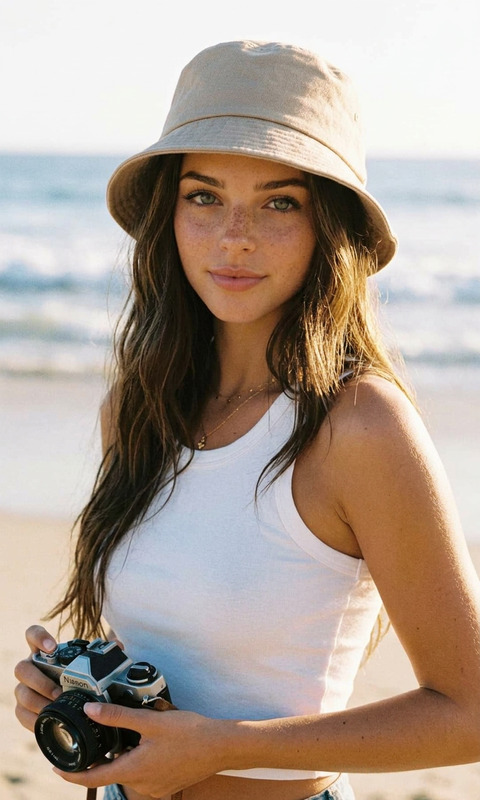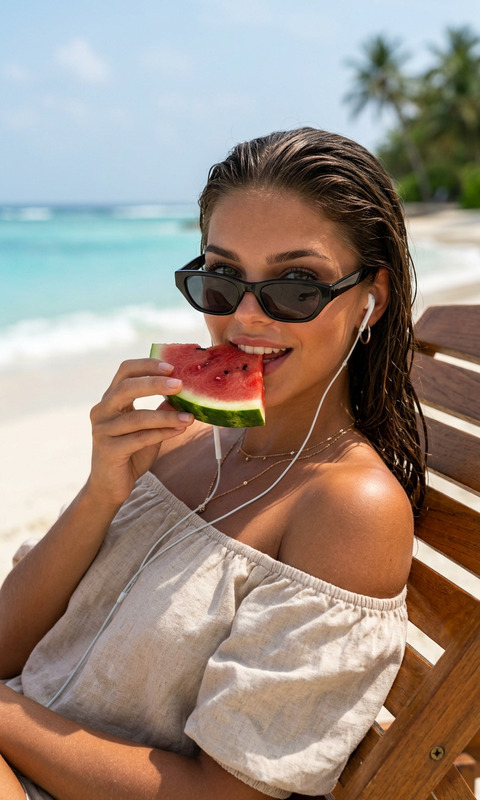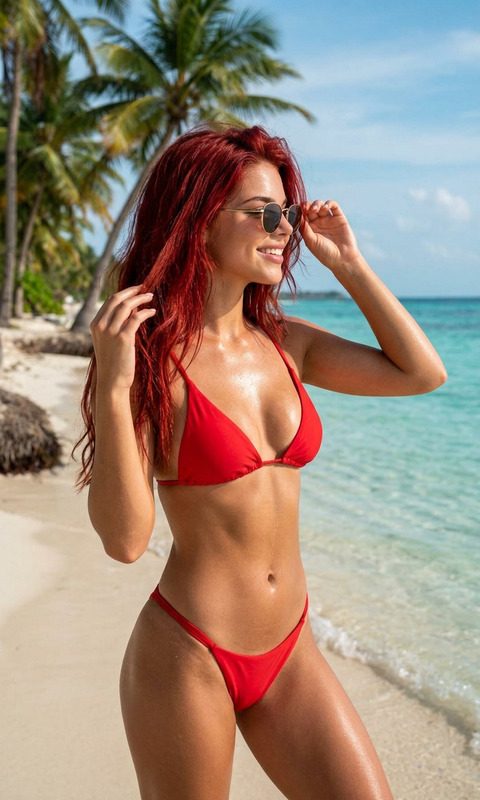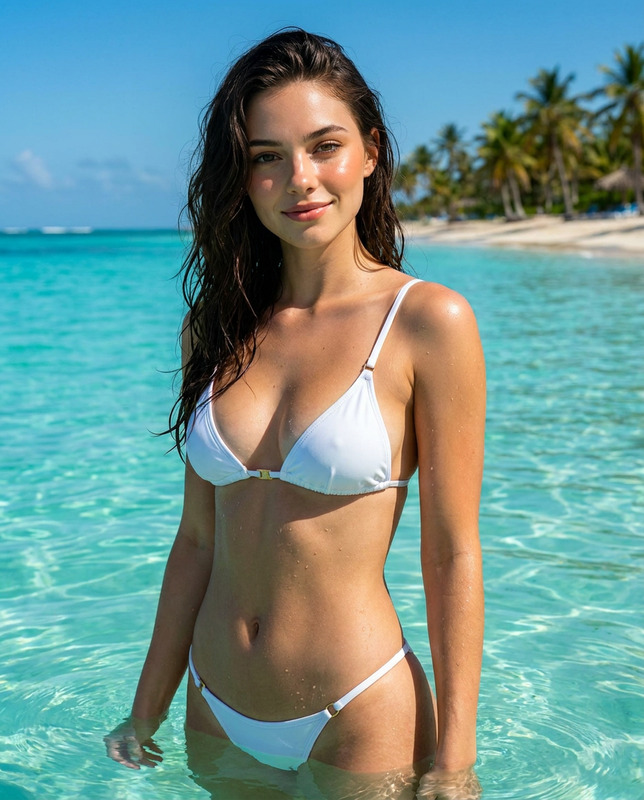
Black White Beach
- Model
- Nano Banana 2
- Image
- 880 × 1204 px
Prompt
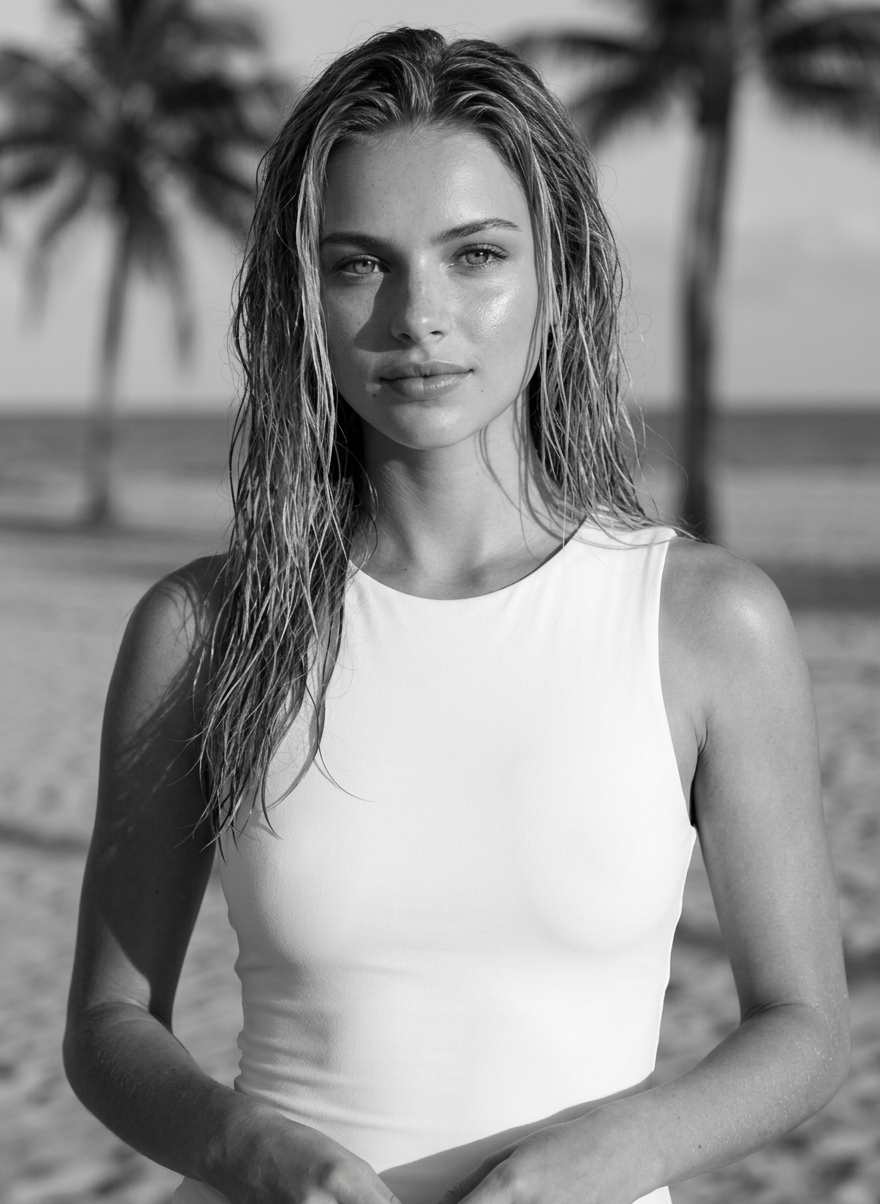
An ultra-realistic black-and-white cinematic close-up portrait on a tropical beach during golden hour. The model looks directly at the camera. Her damp hair has a natural, wet texture and a subtle sheen from the warm sunlight. She wears a white, form-fitting, sleeveless dress, barely visible in the frame. Her makeup is clean and natural, and her skin is radiant and dewy. Warm, golden-hour sunlight, falling from the side, creates soft highlights on her skin and natural shadows on her face and hands.
Any aspect ratio
Overview
The "Black White Beach" template is a sophisticated choice for creating ultra-realistic black-and-white portraits set in a tropical beach environment. Using the AI Image Editor, this template leverages the power of the nano-banana-2 model to deliver stunningly detailed renderings that capture the essence of golden-hour lighting.
What It Does
This template utilizes advanced AI algorithms to transform your selected image into a cinematic close-up portrait imbued with the dramatic contrasts of black-and-white photography. By capturing the warmth of golden-hour sunlight, the AI Image Editor brings out nuanced textures and natural highlights, emphasizing the model's damp hair and dewy skin with precision.
Who It's For
This template is perfect for photographers, artists, and content creators who seek a polished and professional touch to their black-and-white imagery. Ideal for those working in fashion, advertising, or publishing, the "Black White Beach" template provides a convenient way to create high-quality visuals that stand out. For more diverse editing options, explore our Image to Video tool.
Summary
"Black White Beach" offers a streamlined solution for achieving striking black-and-white portraits with a tropical backdrop. As part of the AI Image Editor suite, this template makes it easy to highlight natural beauty and intricate details, turning a simple photo into a commanding visual narrative.
How To
Choose Your Template

Customize Your Inputs

Generate and Download

Use Cases
Editorial Publications
- Capture the allure and depth needed for cover shots
- Infuse creative lighting for feature spreads
Social Media Campaigns
- Engage followers with high-quality beach portraits
- Create a cohesive aesthetic for your Instagram grid
Fashion Lookbooks
- Emphasize textures and fabrics with dramatic lighting
- Focus on the model’s features and styling
Photographic Portfolios
- Offer clients a distinct style with detailed B&W portraits
- Showcase varied lighting techniques and mastery of form
Best Practices
Select High-Resolution Photos
For best results, use high-resolution photos that capture intricate details, essential for creating lifelike images.Focus on Natural Lighting
Leverage natural lighting to enhance the warm, golden-hour effect depicted in the template's prompt.Experiment with Angles
Try different photographic angles to find the perfect composition for your portrait.