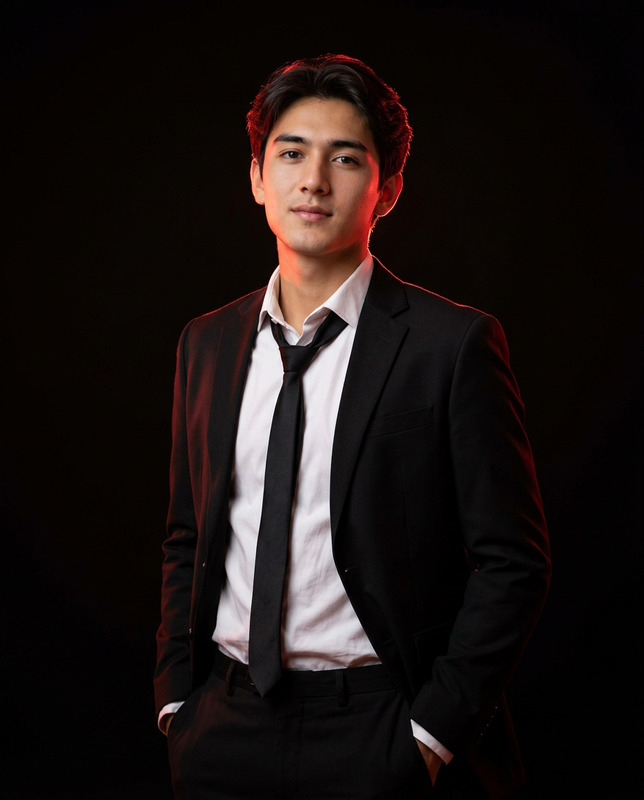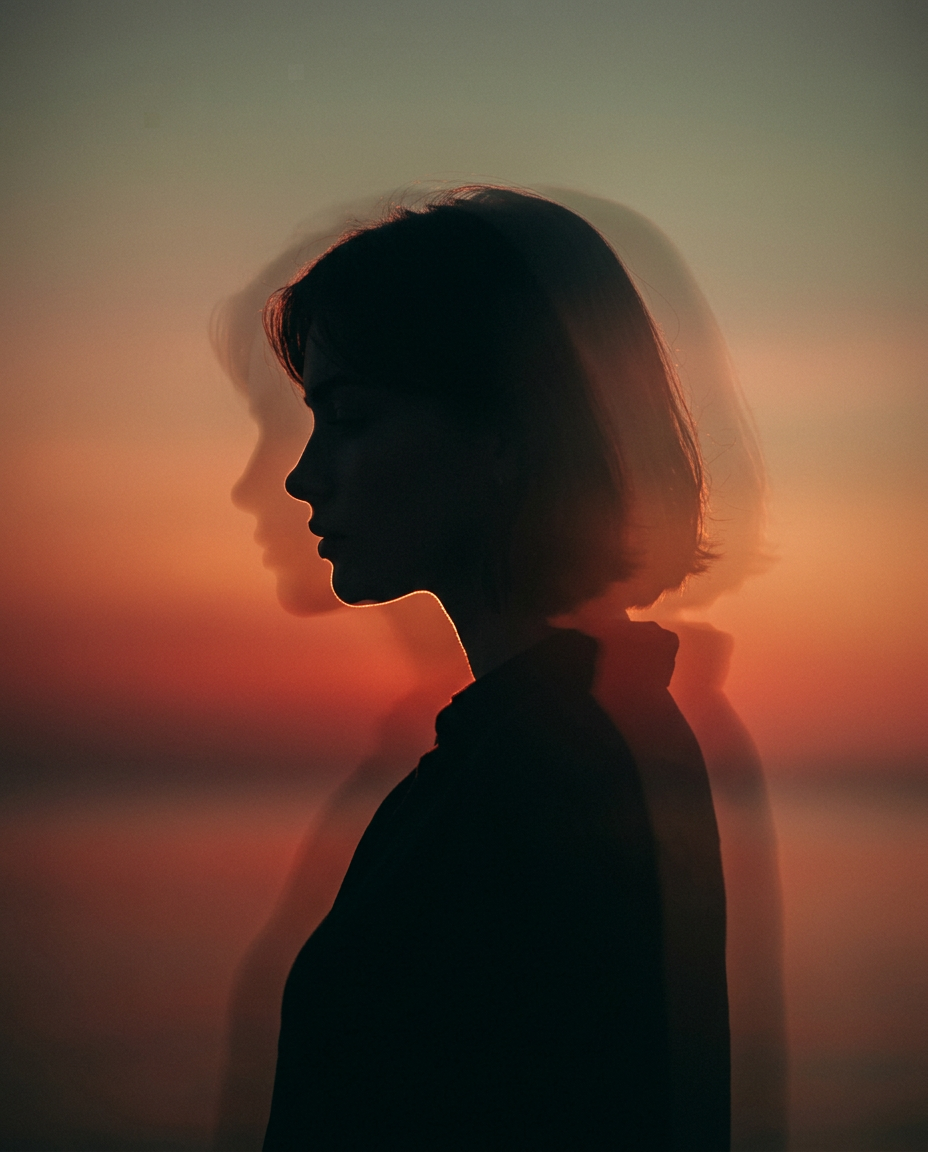
Split Focus
- Model
- Nano Banana 2
- Image
- 928 × 1152 px
Prompt
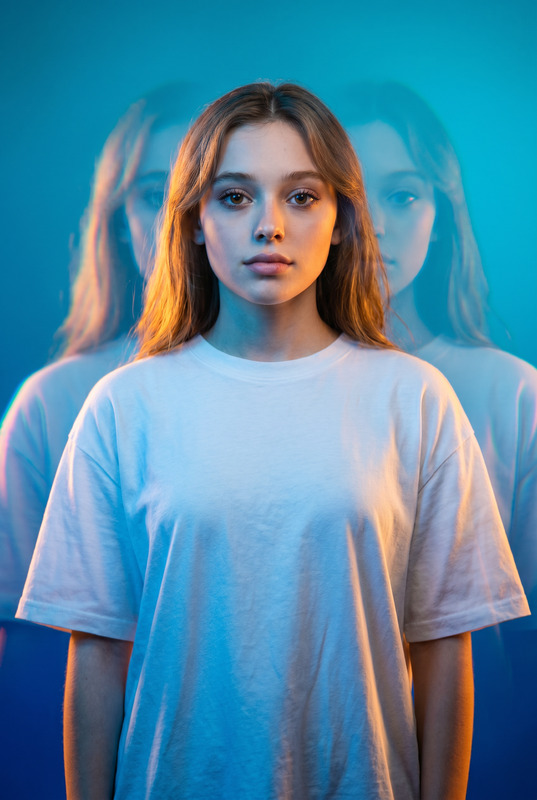
Create a cinematic vertical 4:5 portrait of the reference person. The subject is shown in a chest up, facing side profile, with the head slightly lowered and the body standing in a calm, introspective pose. The subject should appear mostly as a dark silhouette, with only a subtle rim light defining the hairline, forehead, nose bridge, lips, jawline, and edge of the face. Use a warm sunset gradient background with deep orange and red tones behind the subject, softly fading into a muted greenish-gray tone near the top. Add soft atmospheric haze, a dreamy glow, and gentle film-like diffusion. Create a long-exposure motion-blur effect with a faint translucent ghost-like duplicate of the head trailing behind the subject, while keeping the main profile readable and emotionally strong. The composition should be minimal, cinematic, and contemplative, with high contrast, moody lighting, soft focus, shallow depth of field, and an editorial film-photography aesthetic. No text, no logo, no extra objects, no harsh details, no over-sharpening. Aspect ratio 4:5.
Any aspect ratio
Overview
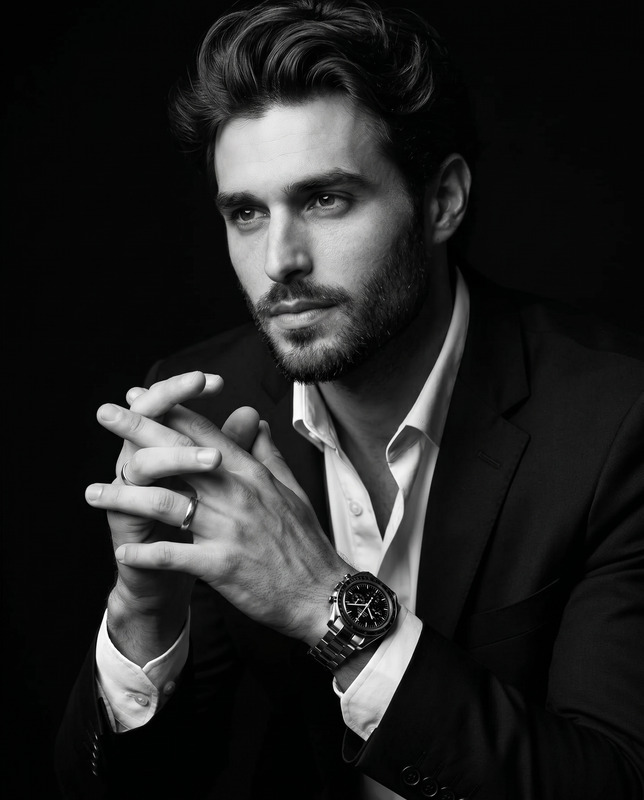
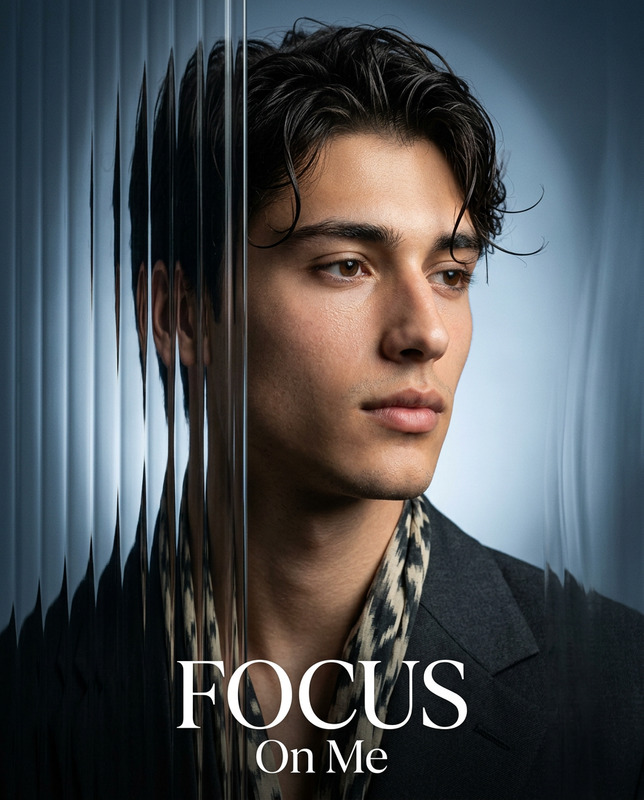
The Split Focus template in our AI Image Editor offers a unique way to create moody and cinematic portraits with a focus on minimalism and emotive aesthetics. Drawing from the power of nano-banana-2, this template guides you to craft high-contrast silhouettes that highlight subtle details with a dreamy elegance.
What It Does
The Split Focus template enables you to transform a reference image into a cinematic 4:5 vertical portrait. It places your subject in a dreamlike setting with warm sunset gradients and an ethereal atmosphere. A key feature is the long-exposure motion-blur effect, which adds a dynamic, ghostly trail that enhances the contemplative mood of the image.
The composition leans into editorial film photography aesthetics, ensuring high contrast, soft focus, and a shallow depth of field, making each portrait feel introspective and artistic.
Who It's For
This template is tailored for photographers, graphic designers, and content creators seeking to elevate their portrait photography with cinematic and moody visuals. It's an ideal tool for anyone looking to infuse a sense of storytelling into their images without adding extra elements or over-sharpening details.
Whether you're working on editorial content, personal projects, or visual artwork, Split Focus delivers a sophisticated, minimalistic touch to your creative endeavors.
Summary
Split Focus offers a fresh take on portrait editing by focusing on silhouette and minimalism, crafted with cinematic inspiration. As part of the AI Image Editor suite, it's designed for creators who value subtlety yet impactful imagery. Enhance your projects with the sophisticated tools at your disposal, fostering a new realm of visual storytelling.
How-To
Select the Template

Customize the Inputs

Generate Your Image

Use Cases
Editorial Photography
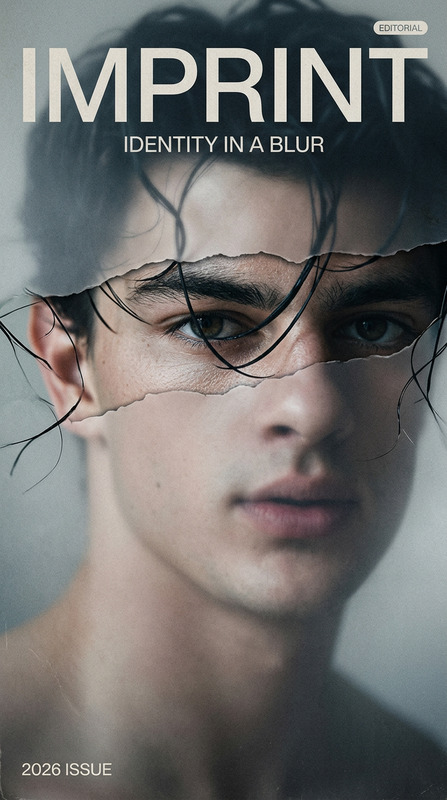
- Moody magazine covers
- Theme-driven articles
- Creative storytelling
Social Media Content
- Unique profile pictures
- Engaging story visuals
- Creative post backgrounds
Artistic Visualization
- Gallery exhibitions
- Online portfolios
- Art show submissions
Best Practices
Leverage Contrast
Enhance the mood of your piece by adjusting contrast levels to accentuate silhouette and rim lighting effects on your subject.Mind the Background
Choose gradient colors that complement the subject's silhouette, ensuring they enhance rather than overshadow the portrait.Perfect the Blur Effect
Tweak the motion-blur effect subtly to avoid overwhelming the main image, keeping the silhouette clear and dominant.