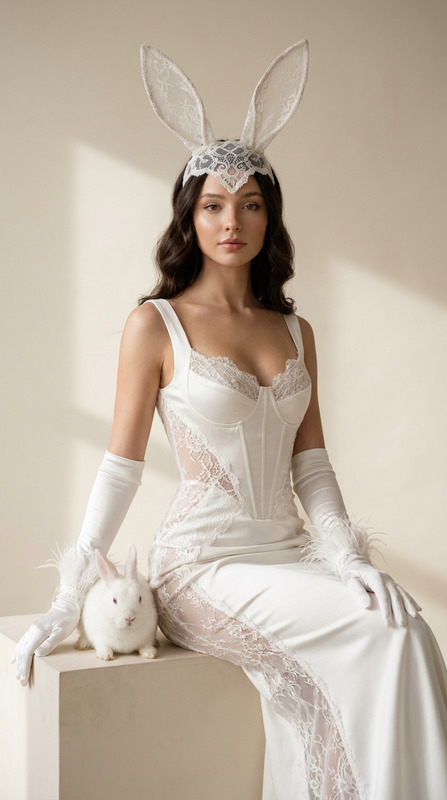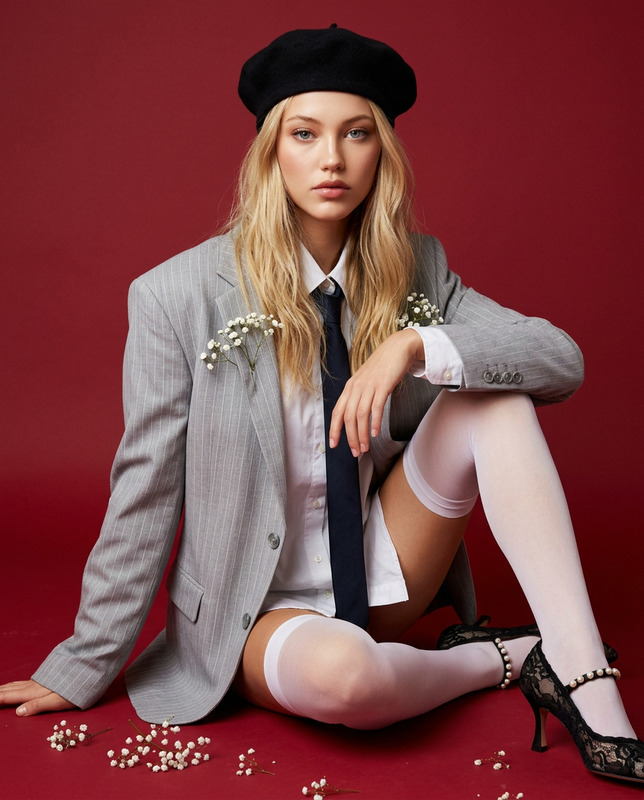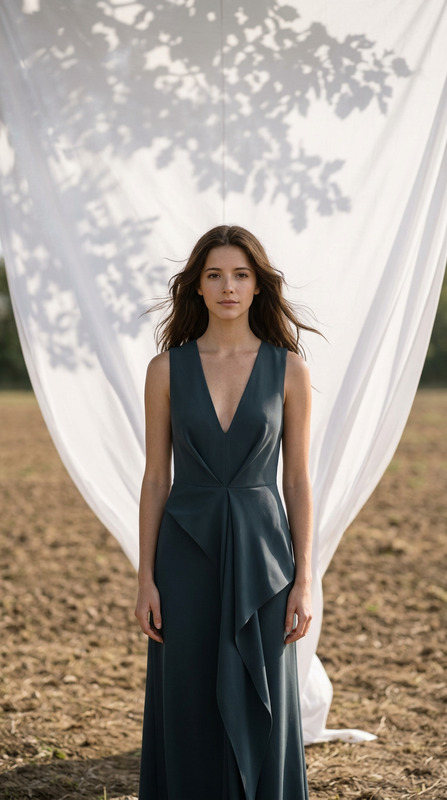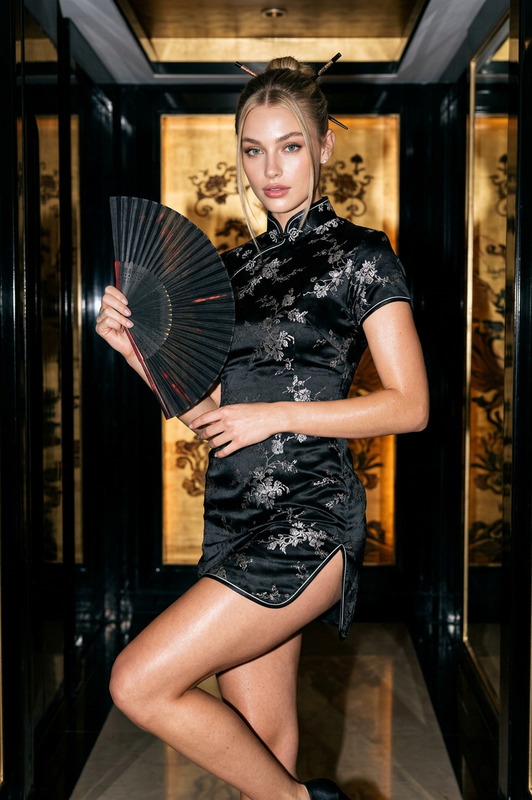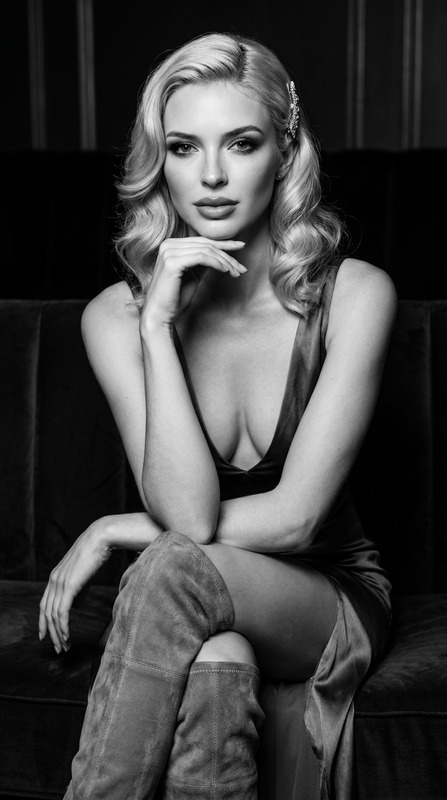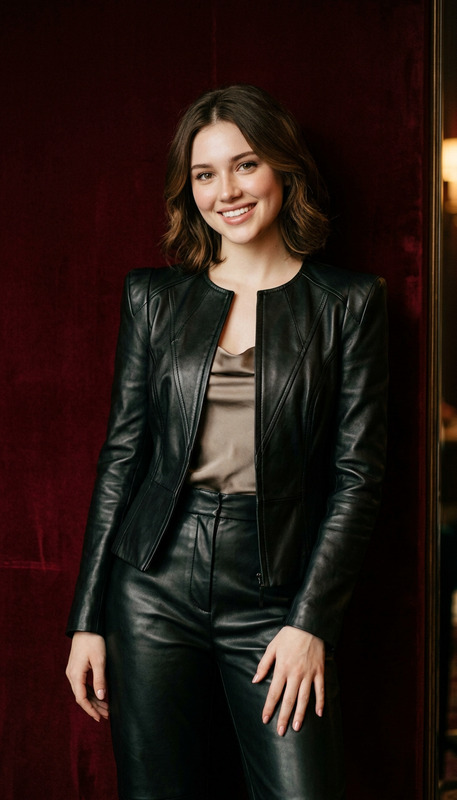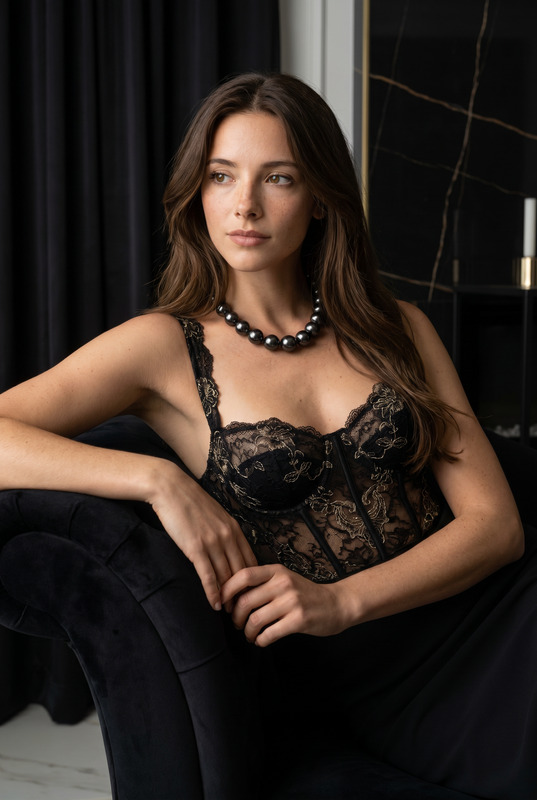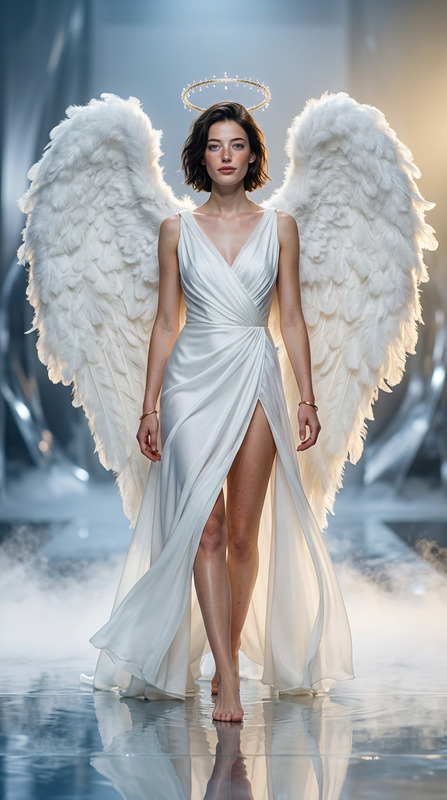
Charli
- Model
- Nano Banana 2
- Image
- 880 × 1204 px
Prompt
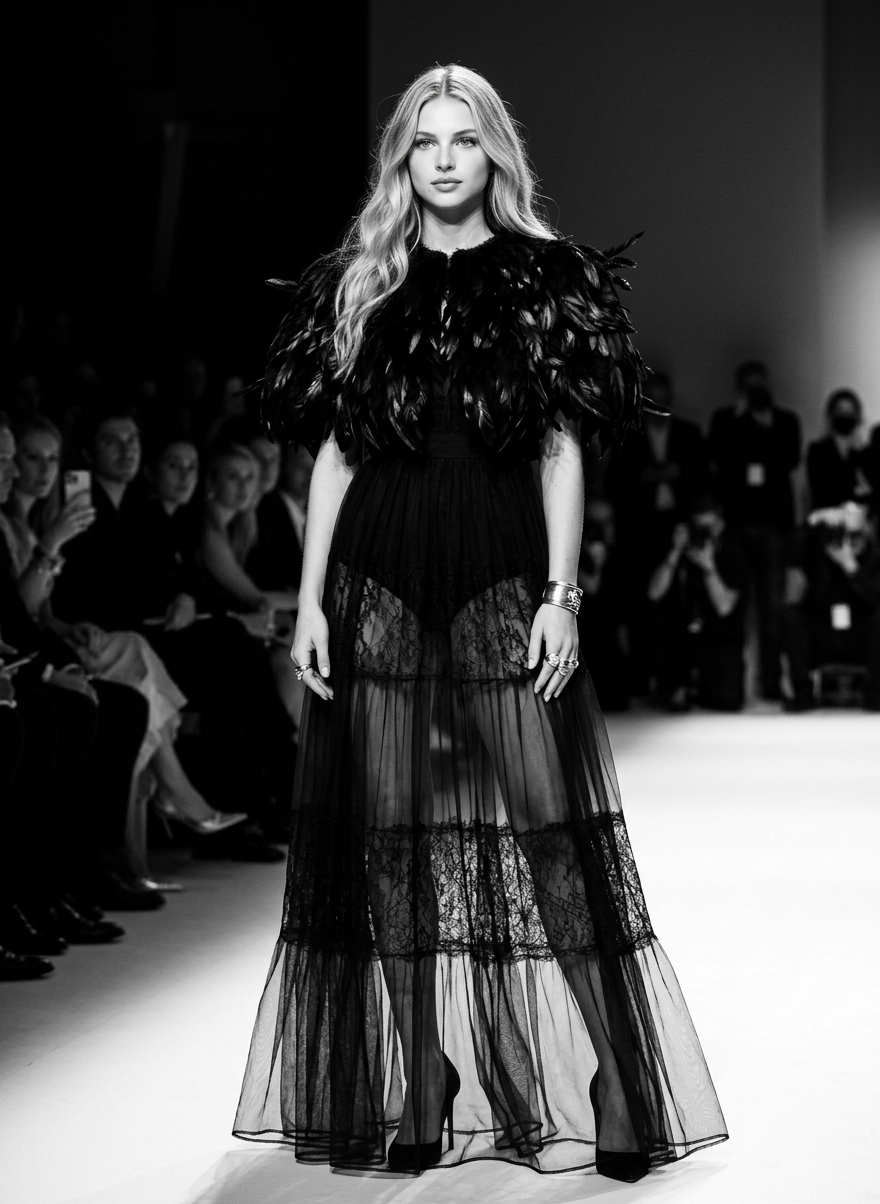
Use my portrait reference to create a dramatic black-and-white full-body runway/editorial fashion portrait, preserving the character’s identity with absolute accuracy and no interpretation: body proportions, face, expression, face angle, eyes, skin tone, hairstyle, hair texture, hair length and hair shade must stay exactly as in the uploaded photo, including any beard, glasses, tattoos or hijab if present. The character stands on a runway in a final paused moment, body mostly forward or slightly angled, face turned to camera, calm but dominant, like the climax of a fashion show. If the reference shows a woman, dress her in a long black feather gown or feather-trimmed dress with a heavy sculptural feather collar/mantle on top and very transparent black sheer layers below, so the legs are visible only through the fabric, not through cuts or exposed openings; if the reference shows a man, use a dramatic black feather-detailed couture menswear look with the same heavy upper texture and sheer black lower layering. Add elegant black footwear, relaxed hands with large silver rings/cuff/chain details, cold editorial makeup, bright harsh stage lighting, a white runway with dark edges, blurred audience or runway figures in the background, and a vibe of gothic luxury, funeral couture, silent dominance, and high-fashion melancholy.
Any aspect ratio
Overview
The "Charli" AI Image Editor template empowers users to transform portraits into theatrical runway/editorial fashion photos. Using the nano-banana-2 model, it accurately maintains personal details while creating a dramatic black-and-white setting.
What It Does
This template is designed to take a portrait reference and edit it into a full-body black-and-white fashion portrait that retains the subject's unique features. It places the character in a high-fashion runway setting, complete with intricate details like feathered couture and stunning lighting.
The template seamlessly works with features such as beards, glasses, tattoos, or hijabs, preserving every nuance of the original photo while adding elements like gothic luxury and stage ambience.
Who It's For
This template is ideal for fashion designers, photographers, and editorial creators who want to produce high-quality dramatic imagery for portfolios and publications. Creatives seeking to experiment with avant-garde fashion imagery will find this tool invaluable.
If you're in the business of crafting visuals for fashion shows or promotions, or require stunning concepts for editorial spreads, the "Charli" template is perfectly suited for these needs.
Summary
Adopt the "Charli" AI Image Editor to elevate your photography and editorial projects into the realms of high fashion. You'll maintain the subject's identity while transforming the overall aesthetic into a powerful runway-ready image.
Take advantage of AI Image Editor capabilities on Magic Hour and explore other options like the AI Clothes Changer and AI Image Generator to enhance your creative projects.
How To
Choose the Template

Customize Your Inputs

Generate Your Image

Use Cases
High-Fashion Editorials
- Capture the essence of modern runway fashion.
- Maintain precision in facial and bodily features.
Portfolio Development
- Offer a fresh perspective with dramatic styling.
- Attract attention with intricate garment details.
Fashion Shows & Events
- Reflect gothic luxury and melancholic moods.
- Use imagery to elevate event promotions.
Best Practices
Choose High-Quality Photos
Ensure your portrait reference is of high resolution with clear details to achieve the best transformation.Pay Attention to Details
Double-check that all unique personal characteristics are correctly captured and that fashion elements align with the template's settings.Experiment with Lighting
Alter stage lighting effects within the template to best highlight your subject's features and the fashion ensemble.