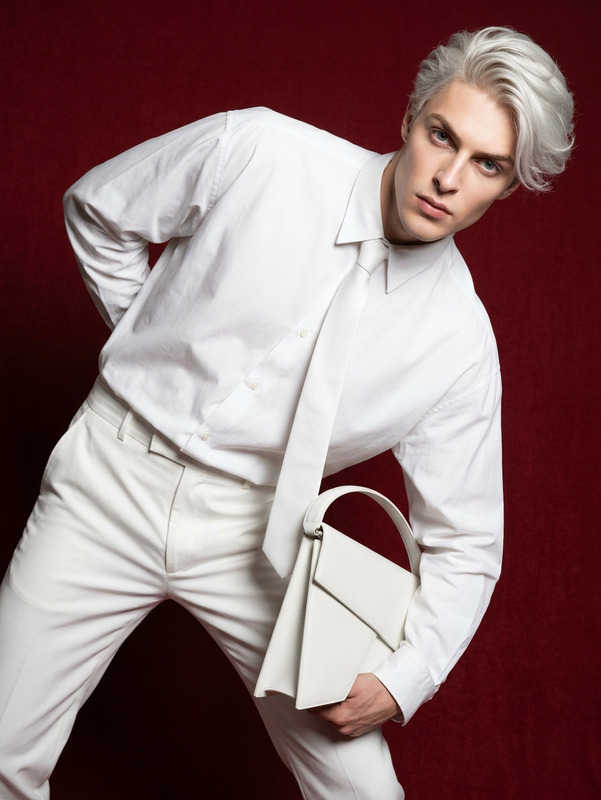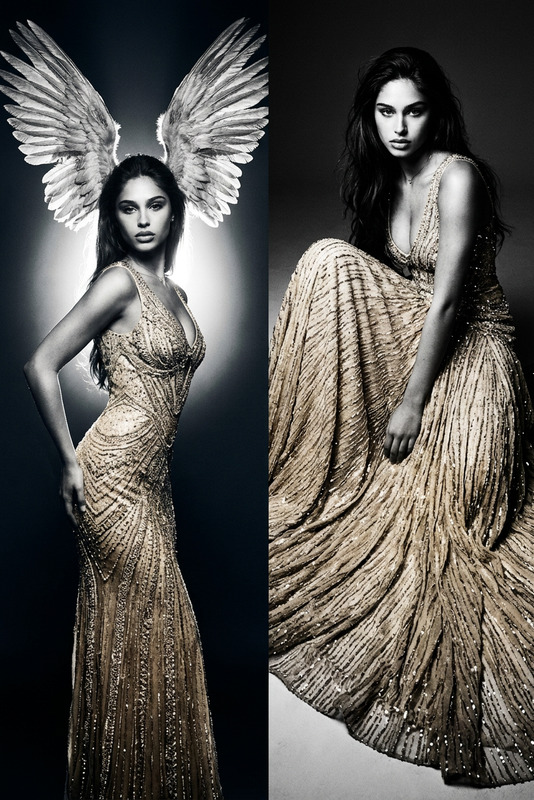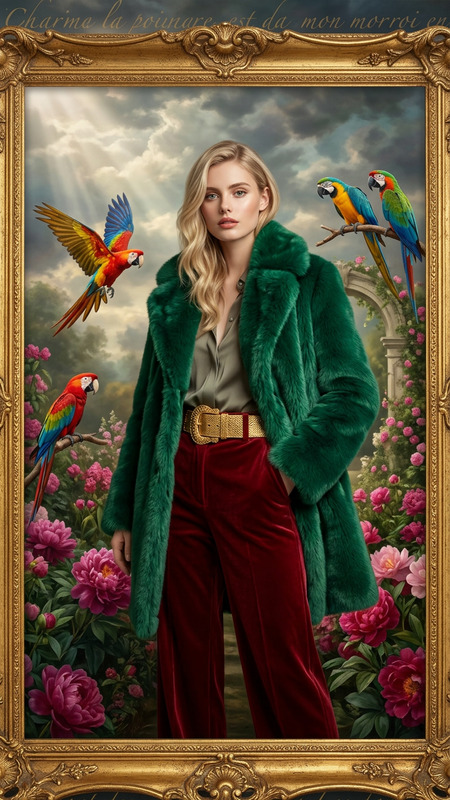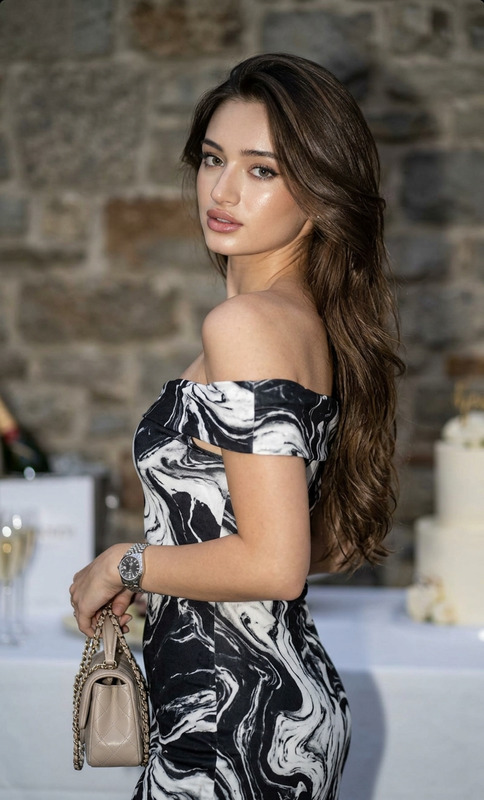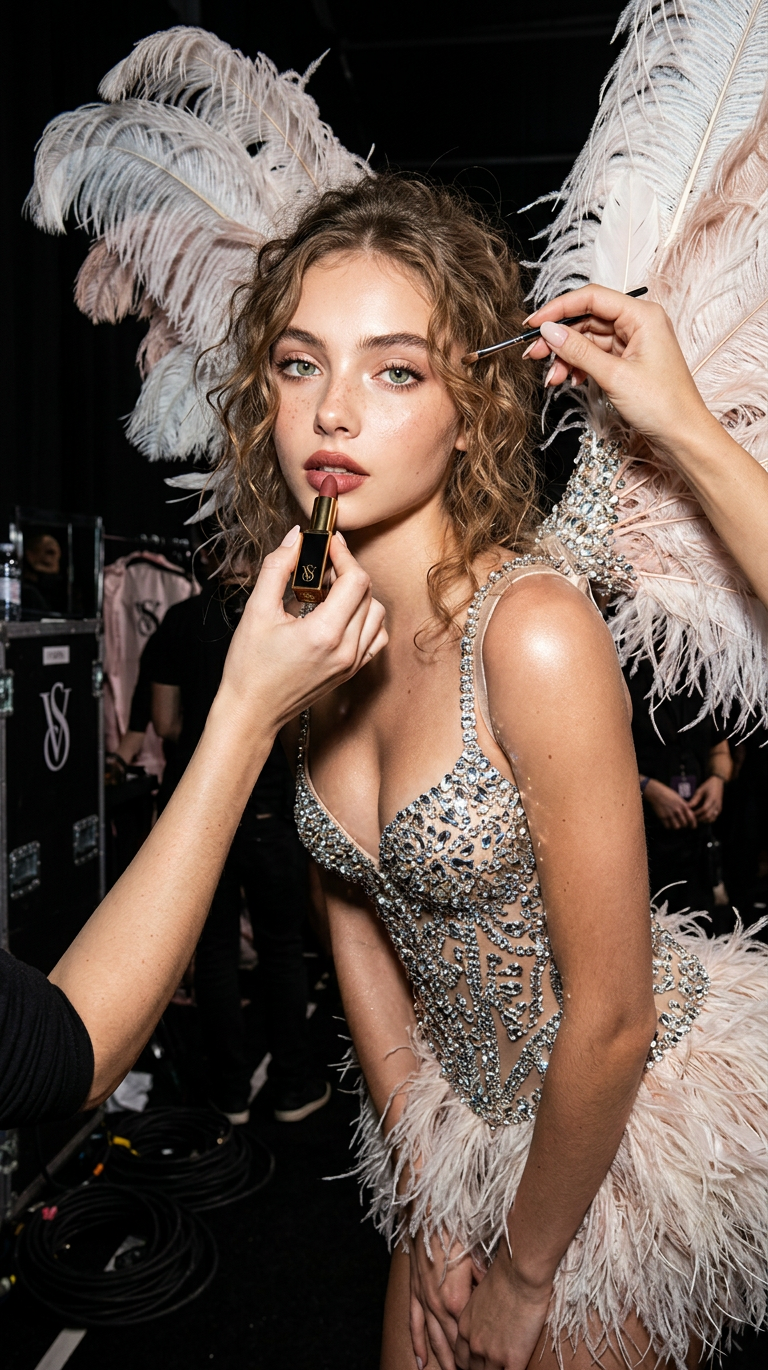
Backstage Angel Fashion Editorial
- Model
- Nano Banana 2
- Image
- 768 × 1370 px
Prompt
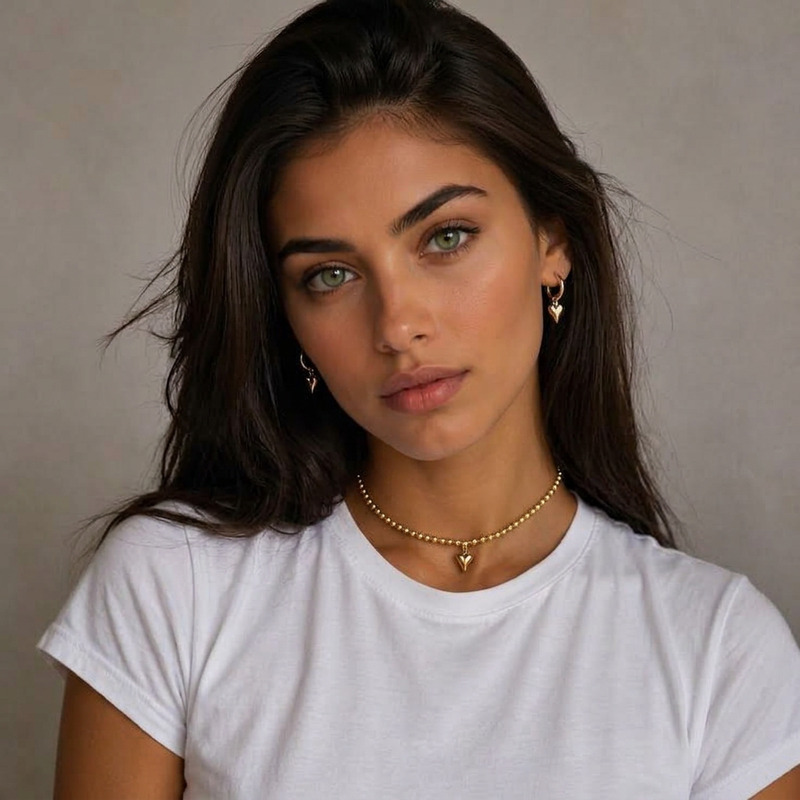
Using the uploaded image, preserve exact identity, face, outfit, and composition. Create a glamorous backstage fashion shoot inspired by Victoria's Secret. Subject stands slightly sideways, leaning forward while makeup artists apply lipstick (only hands visible). Outfit: crystal-beaded corset, fluffy mini skirt, large feather wings. Dark backstage under-runway setting. Strong flash photography, highlighting skin glow, fabric sparkle, and crystals. Emphasize luxury, sensuality, and expression. One image only, same aspect ratio.
Any aspect ratio
Overview
The Backstage Angel Fashion Editorial template leverages the powerful AI Image Editor capabilities of the nano-banana-2 model. This template is crafted for designers and creatives looking to produce high-quality fashion imagery with a touch of luxury and elegance. Capture the essence of a backstage Victoria's Secret-inspired fashion shoot and bring it to life with striking details and glamorous style.
What It Does
The template transforms your uploaded image into an exquisite fashion editorial, preserving the subject's exact identity, face, outfit, and composition. It utilizes AI to simulate a lavish backstage scene featuring crystal-beaded corsets, fluffy mini skirts, and grand feather wings. This tool enhances fabric sparkle and skin glow through expert flash photography effects, emphasizing luxury and sensuality.
Who It's For
This template is ideal for fashion photographers, editors, and brands seeking to elevate their visual content. It's perfect for those who want to create standout editorial images that exude glamour and sophistication. Additionally, this tool is beneficial for anyone in the fashion industry, from magazine stylists to social media influencers, aiming to enhance their aesthetic with unique and arresting visuals.
Summary
With the Backstage Angel template, users can craft captivating fashion editorial images that underline luxury and expression. Whether it's for print media, online platforms, or advertising, this template allows you to create expressive, high-quality visuals effortlessly. Explore other similar tools such as AI Clothes Changer and AI Image Generator to extend your creative processes.
How To
Choose Your Template

Customize Your Image

Generate Your Editorial

Use Cases
Fashion Magazine Editorials
- Capture runway-inspired shoots
- Showcase editorial styling
Social Media Campaigns
- Enhance influencer profiles
- Boost brand identity
Advertising Visuals
- Spotlight clothing brands
- Highlight luxury products
Portfolio Enhancement
- Showcase creative abilities
- Impress potential clients
Best Practices
Image Quality
Ensure your original image is of high resolution for the best output.Subject Positioning
Align the subject slightly sideways and leaning forward to fit the prompted composition.Lighting Considerations
Choose images where lighting is consistent with dark, backstage settings. This will align with the AI's flash photography enhancement.