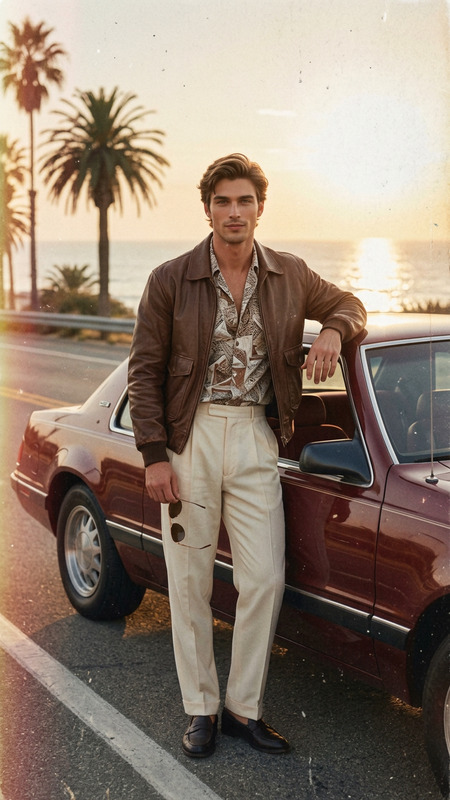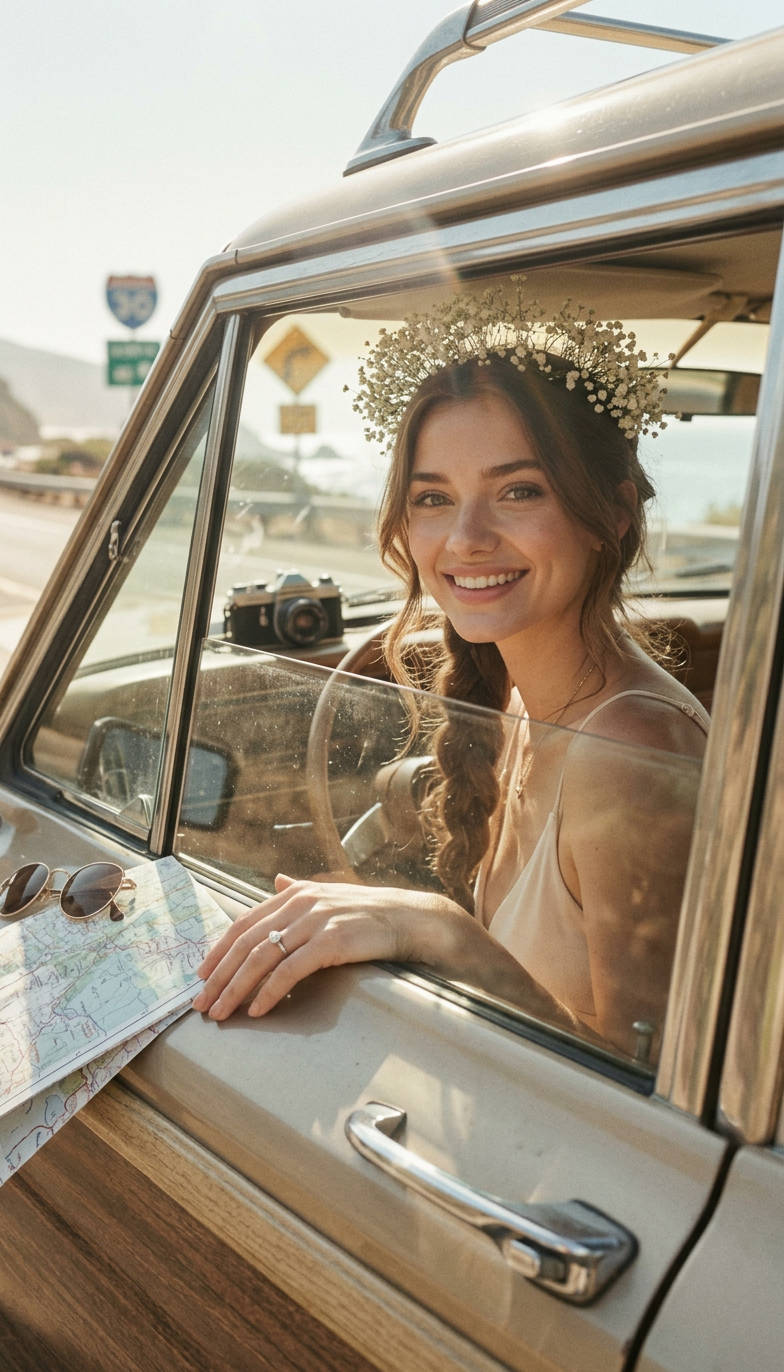
Kodak Road Trip
- Model
- Nano Banana 2
- Image
- 784 × 1372 px
Prompt
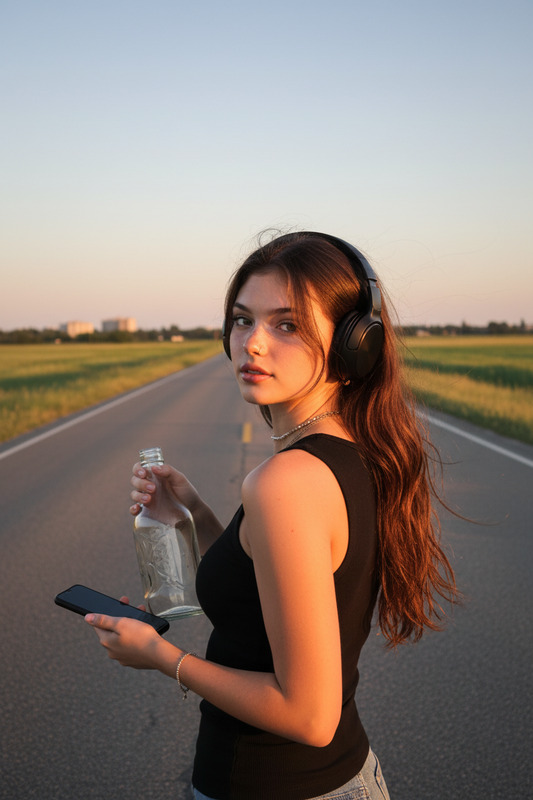
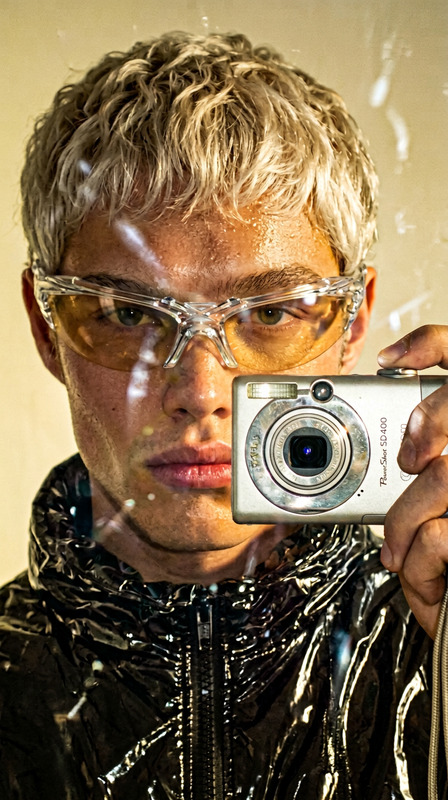
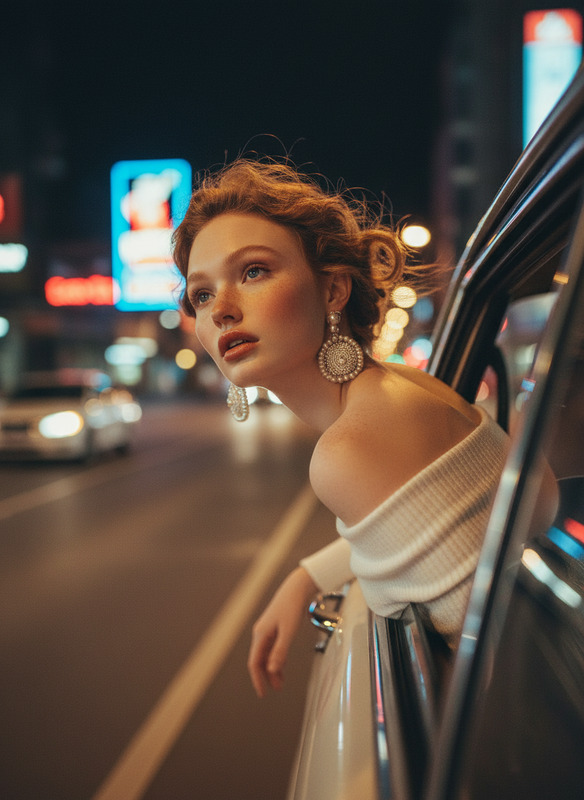
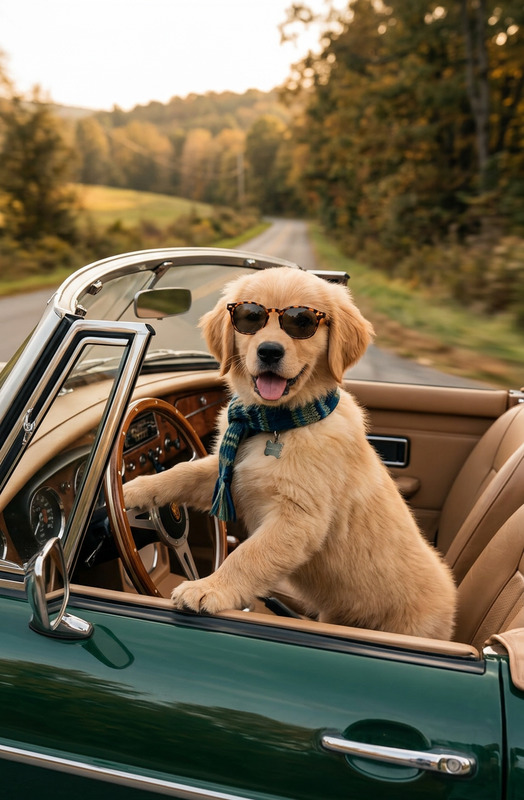
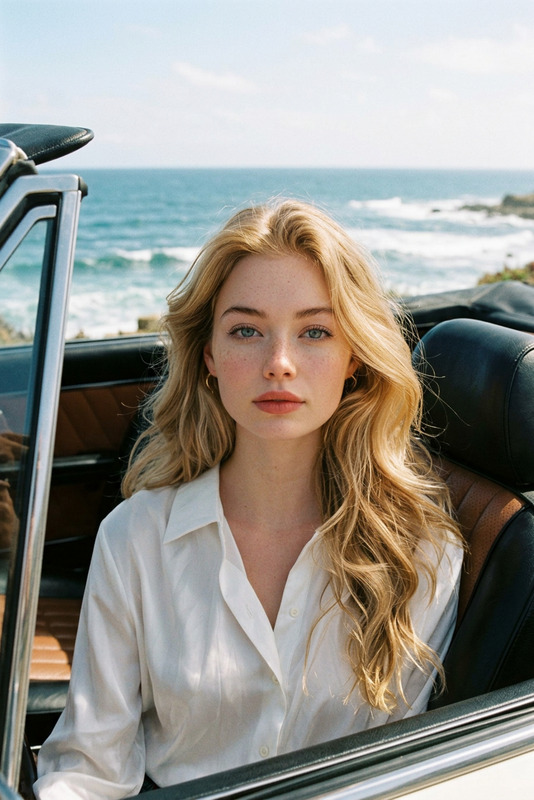
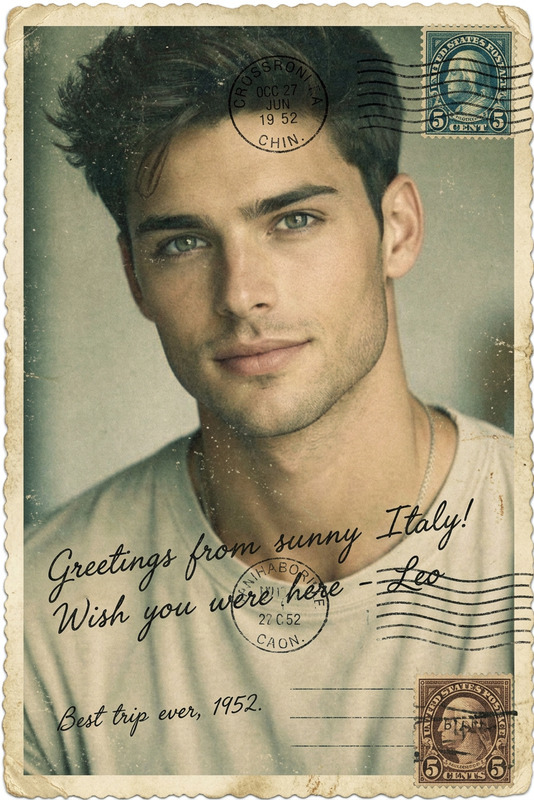
Use the uploaded image as the subject and convert it into a retro road trip photo with muted highlights, dusty grain, warm vintage tones, soft focus, subtle color fading, candid snapshot composition, and the laid-back analog charm of a printed Kodak vacation memory.Use the uploaded image as the subject and convert it into a retro road trip photo with muted highlights, dusty grain, warm vintage tones, soft focus, subtle color fading, candid snapshot composition, and the laid-back analog charm of a printed Kodak vacation memory.
Any aspect ratio
Overview
Transform your digital images into retro masterpieces with the Kodak Road Trip template. This AI Image Editor tool infuses your photos with the classic charm of old-school road trip snapshots. With a nano-banana-2 model backing it, expect vintage aesthetics and nostalgic vibes.
What It Does
Kodak Road Trip converts your contemporary images into retro photo albums harking back to the 70s and 80s. Using muted highlights, dusty grain, and warm tones, it creates a soft, faded look that mimics vintage photography. The candid composition and analog feel deliver a perfect throwback to Kodak's glory days. Enhance your photographs further using the Photo Colorizer for a vibrant touch.
Who It's For
This template is ideal for hobbyist photographers, professional image editors, social media enthusiasts, and content creators aiming for a nostalgic aesthetic. Whether you're crafting an Instagram post or creating a photo book, this tool offers a seamless path to retro conversion. For those looking to expand their toolkit, consider combining with the AI Image Upscaler for enhanced detail.
Summary
With Kodak Road Trip, transform any image into a nostalgia-laden snapshot featuring vintage tones and textures. This template is not just about aesthetic enhancement—it's a way to celebrate the magic of analog photography. Leverage this tool alongside others like the AI Image Generator for a complete creative suite.
How To
Choose the Template

Customize Your Photo

Generate the Result

Use Cases
Instagram Photography
- Retro filters for travel photos
- Engaging throwback aesthetics
Marketing Campaigns
- Nostalgic imagery for emotional resonance
- Perfect for print and digital use
Personal Projects
- Personalized vintage photo books
- Gifts for family and friends
Best Practices
Select the Right Photos
Use images with clear subjects for best results; landscapes and portraits work exceptionally well.Adjust Intensity
Tailor the level of vintage effects to maintain balance between the retro look and the original subject.Combine Tools
Pair with the AI Photo Relighting for improved lighting and the best overall effect.