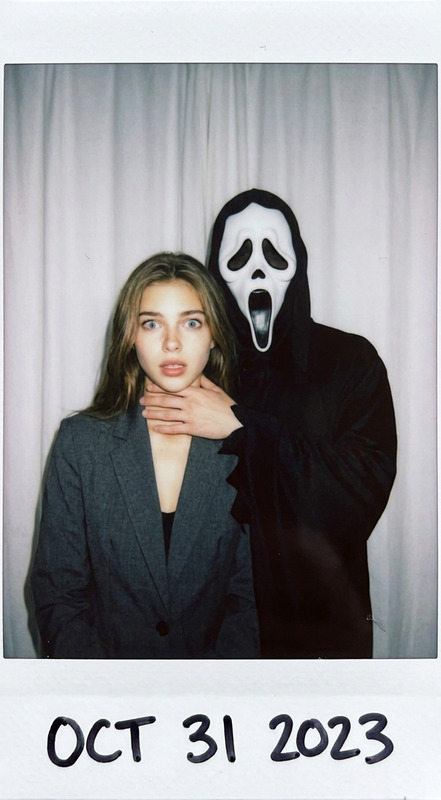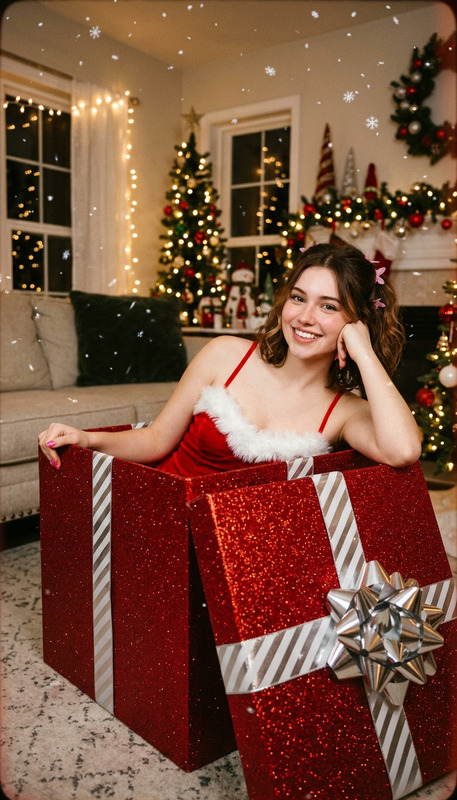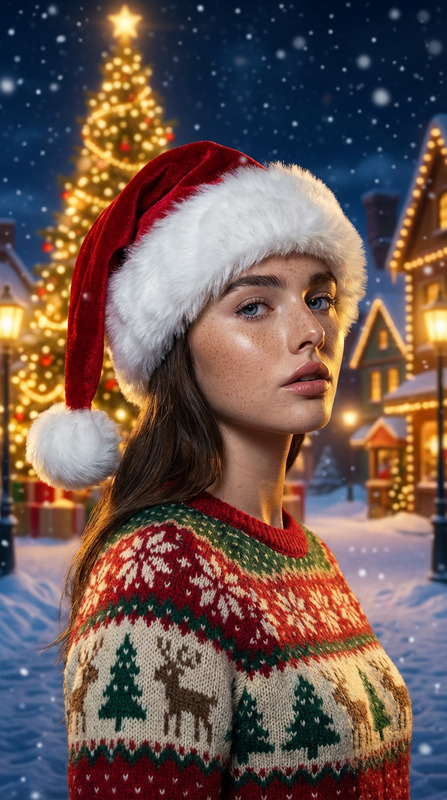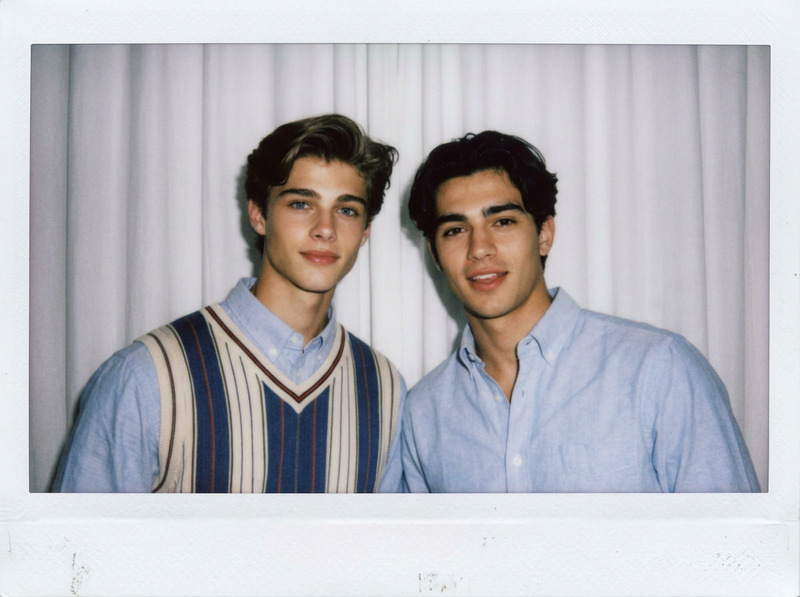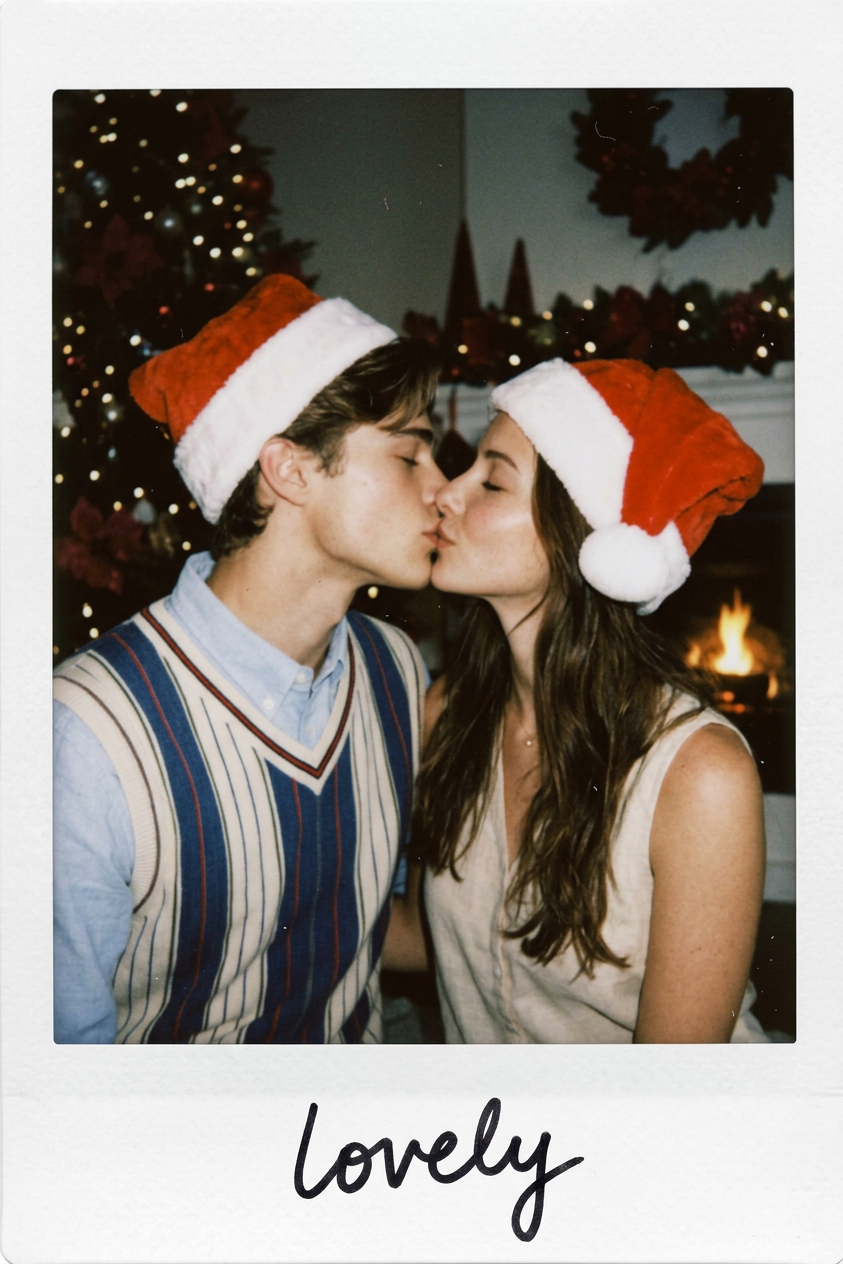
Polaroid Christmas Kiss
- Model
- Nano Banana 2
- Image
- 843 × 1264 px
Prompt
Shoot a photo as if taken with a Polaroid camera, with vintage filter. The image should feature [they kiss lovely]. Outfits stay unchanged but both wearing Christmas Santa hat. The subjects occupy [three-fourths] of the frame. Keep a candid, slightly unfocused look with diffused flash lighting. Replace background with [dark christmas scene].
Any aspect ratio
Overview
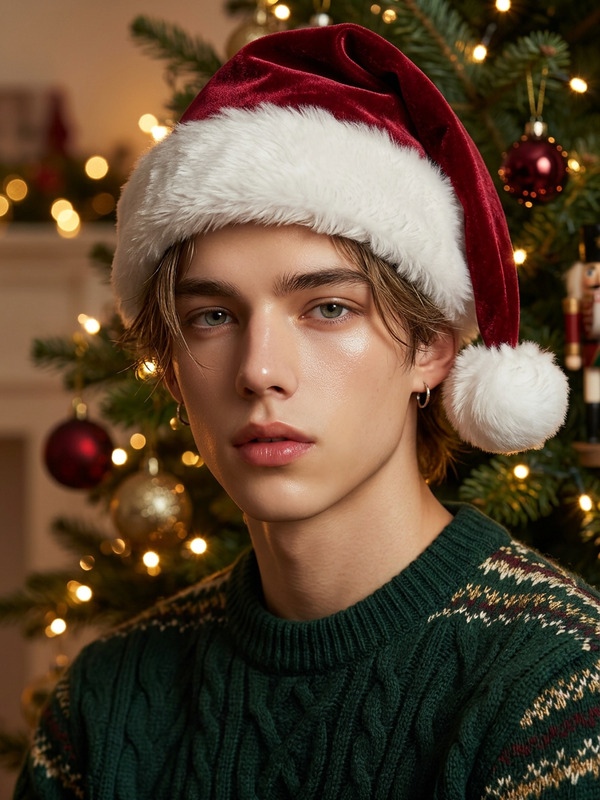
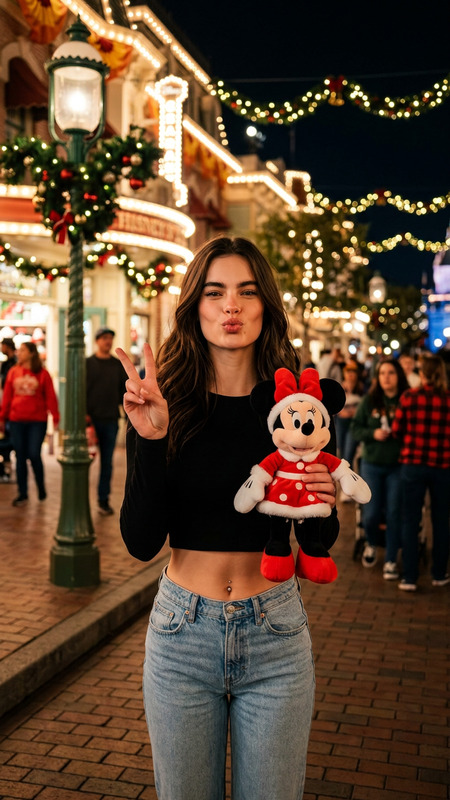
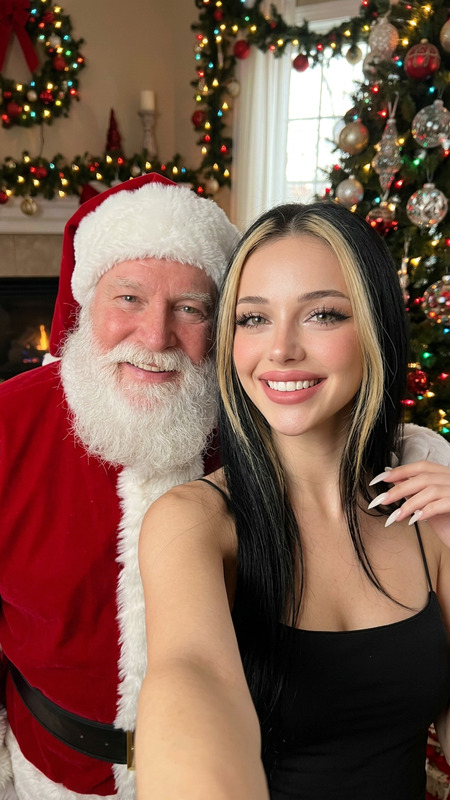
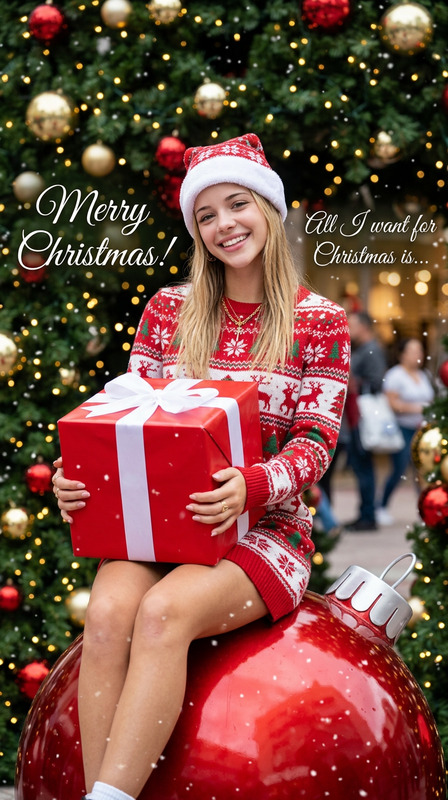
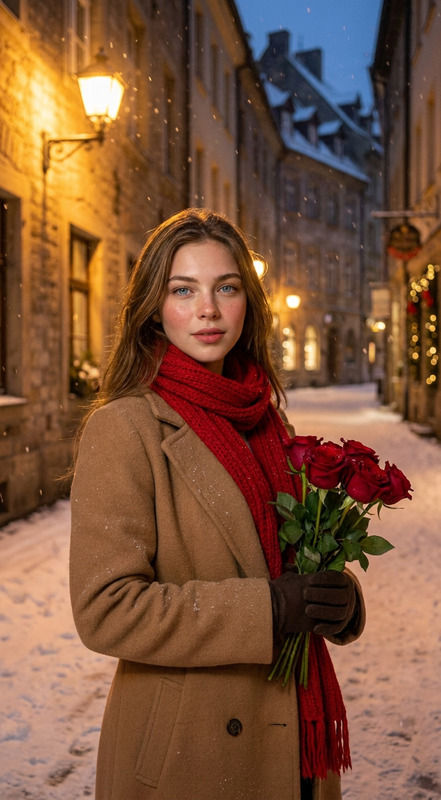
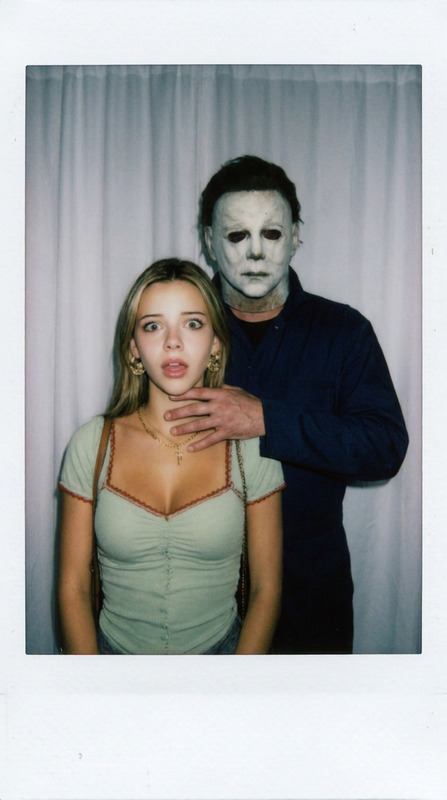
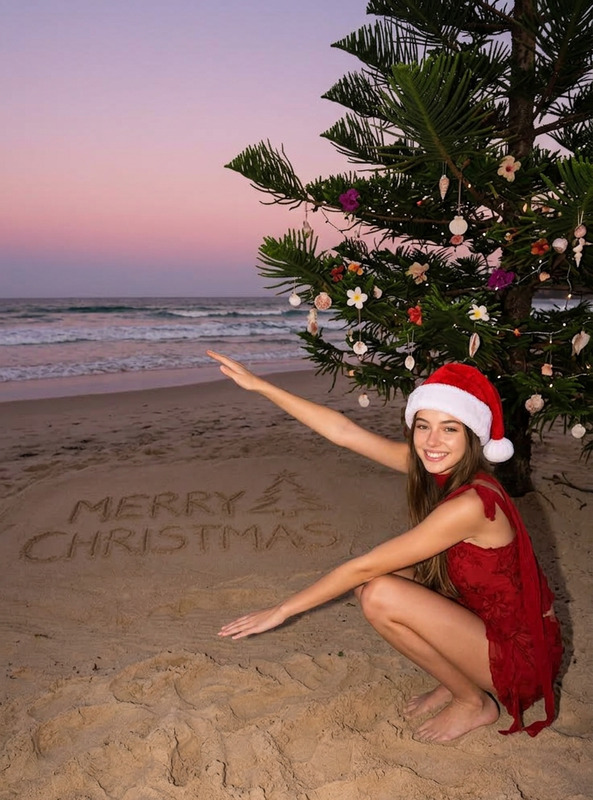
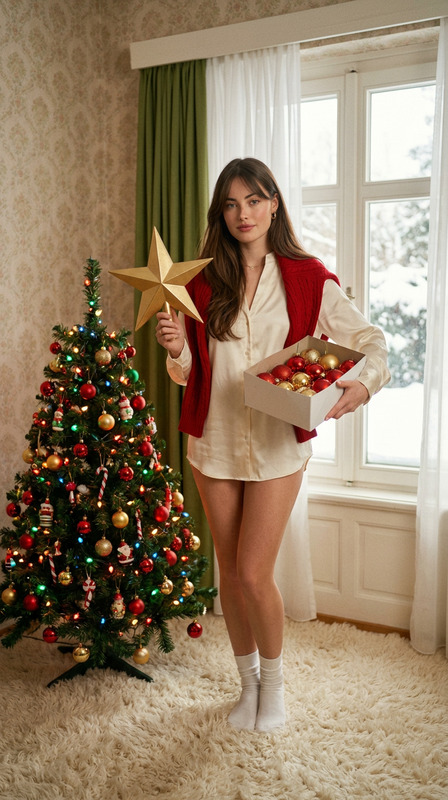
The Polaroid Christmas Kiss template in our AI Image Editor category transforms ordinary images into warm, vintage-style Polaroid photographs with a festive twist. Perfect for creating holiday memories, it captures the magic of a Christmas kiss against a dark seasonal backdrop.
What It Does
This template applies an artistic touch to your photos by adding a vintage Polaroid filter. It leaves the subjects and their outfits unchanged but adds a Santa hat to create a Christmas vibe. The background is seamlessly replaced with a dark, festive Christmas scene. To maintain authenticity, effects include a candid style, slightly unfocused look, and diffused flash lighting.
Who It's For
Designed for photographers, hobbyists, and users looking to enhance their holiday photos with a vintage allure. Anyone wanting to capture a charming and unique seasonal image will find this template invaluable. Businesses preparing holiday-themed social media content can benefit from using this template for marketing material.
Summary
With the Polaroid Christmas Kiss template, bring an element of nostalgic festivity into your photographs. Use AI Image Editor to explore and adapt visually captivating themes with ease, turning everyday moments into refined holiday keepsakes.
How to Use
Choose the Template

Customize Your Inputs

Generate and Download

Use Cases
Holiday Gathering Photos
Social Media Campaigns
Greeting Card Designs
Best Practices
Select High-Resolution Images
Start with high-quality photos to ensure the best results after the template applies its effects.Use Natural Poses
Capture moments naturally to enhance the candid feel of the photo.Adjust Lighting Carefully
Ensure your original photo has balanced lighting to complement the vintage Polaroid style.