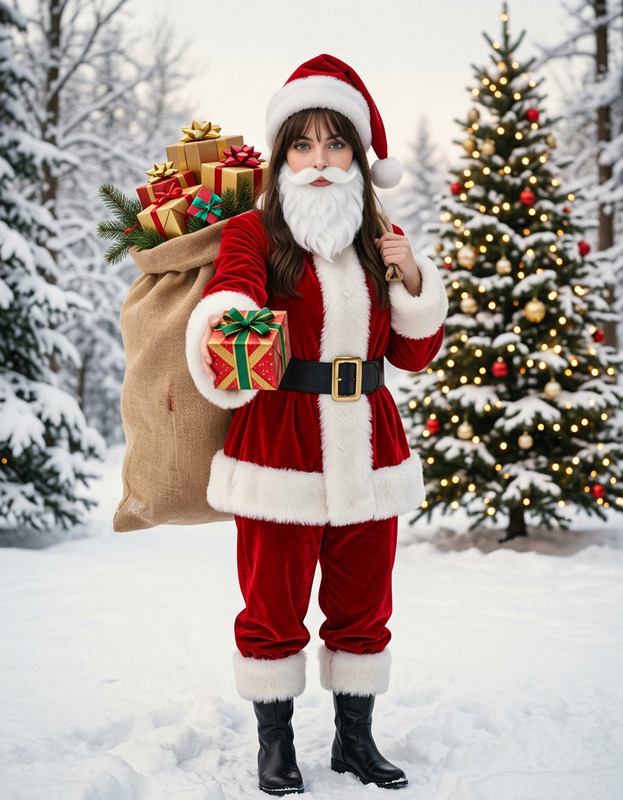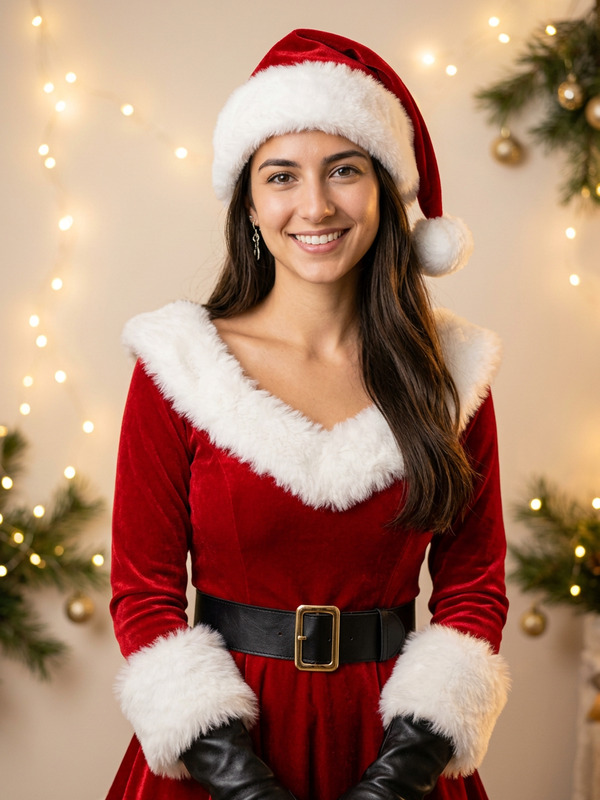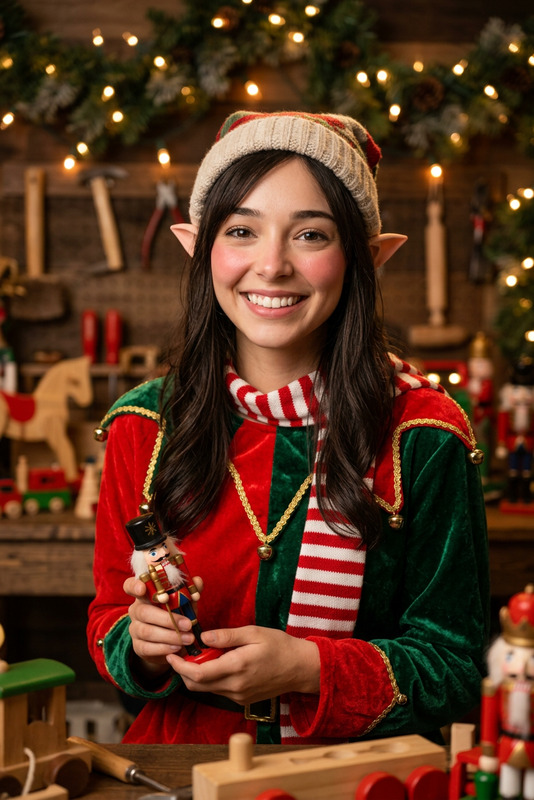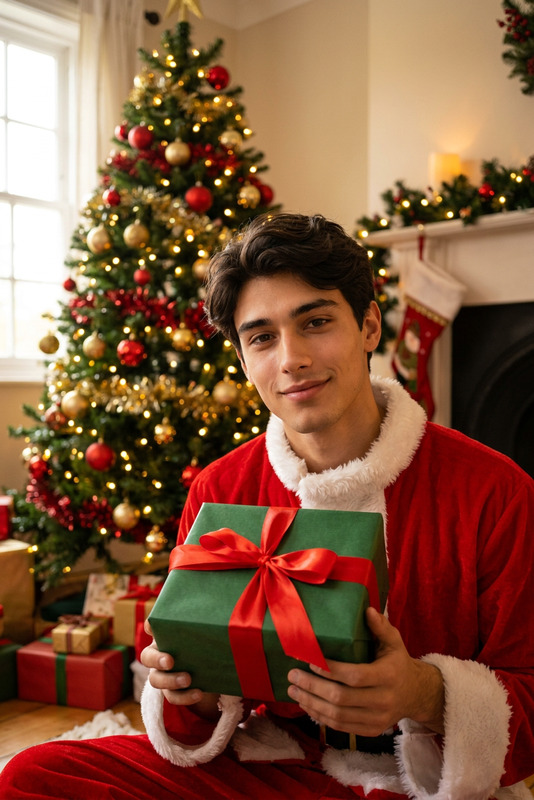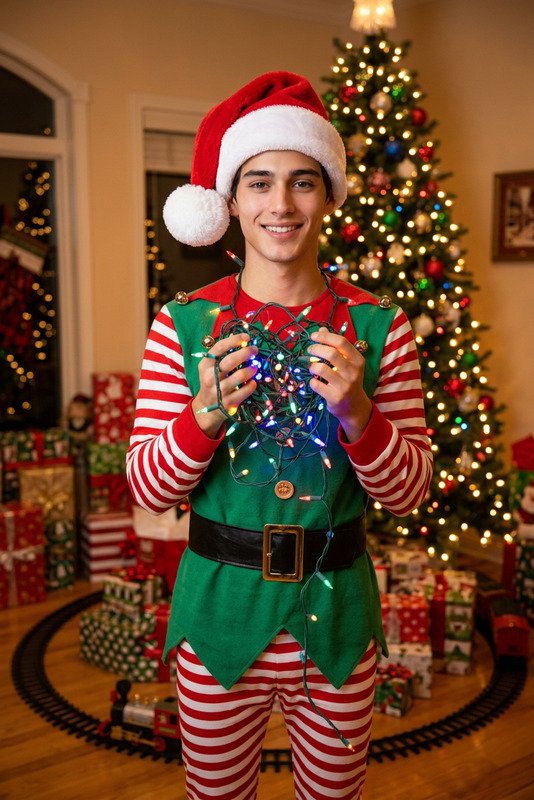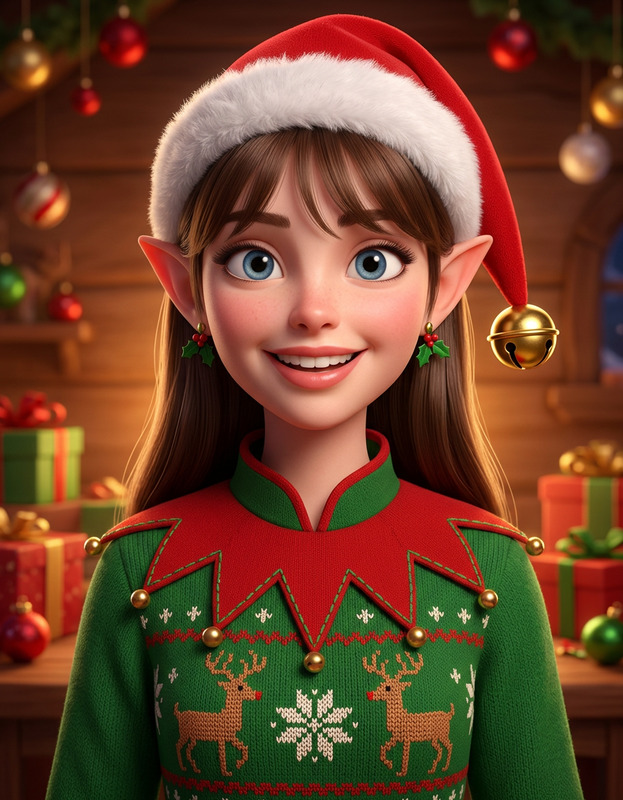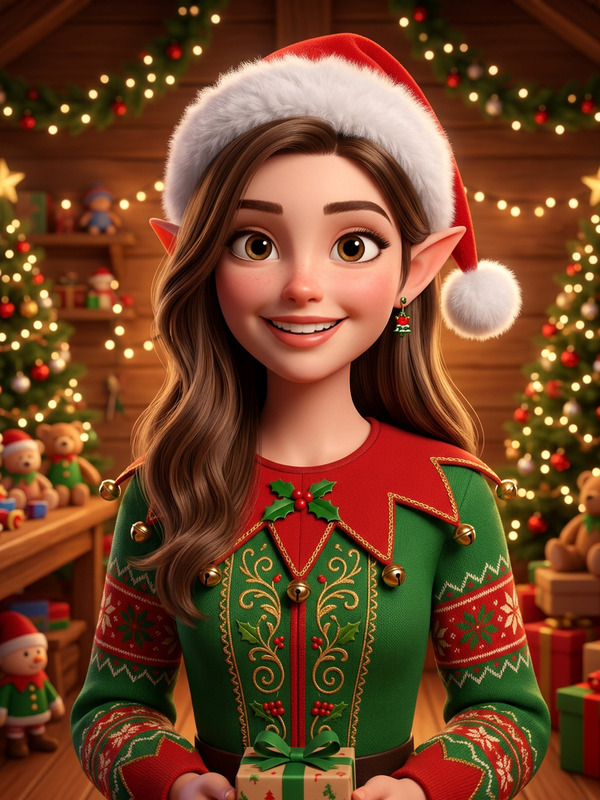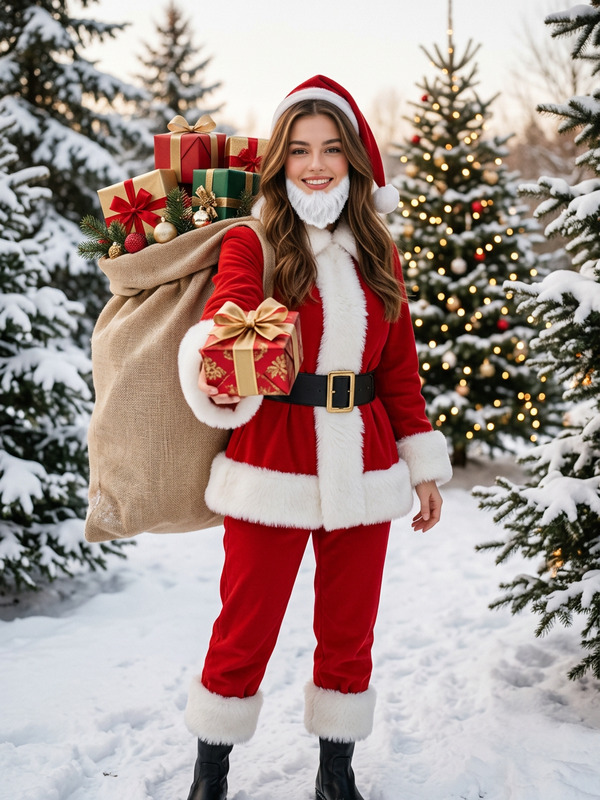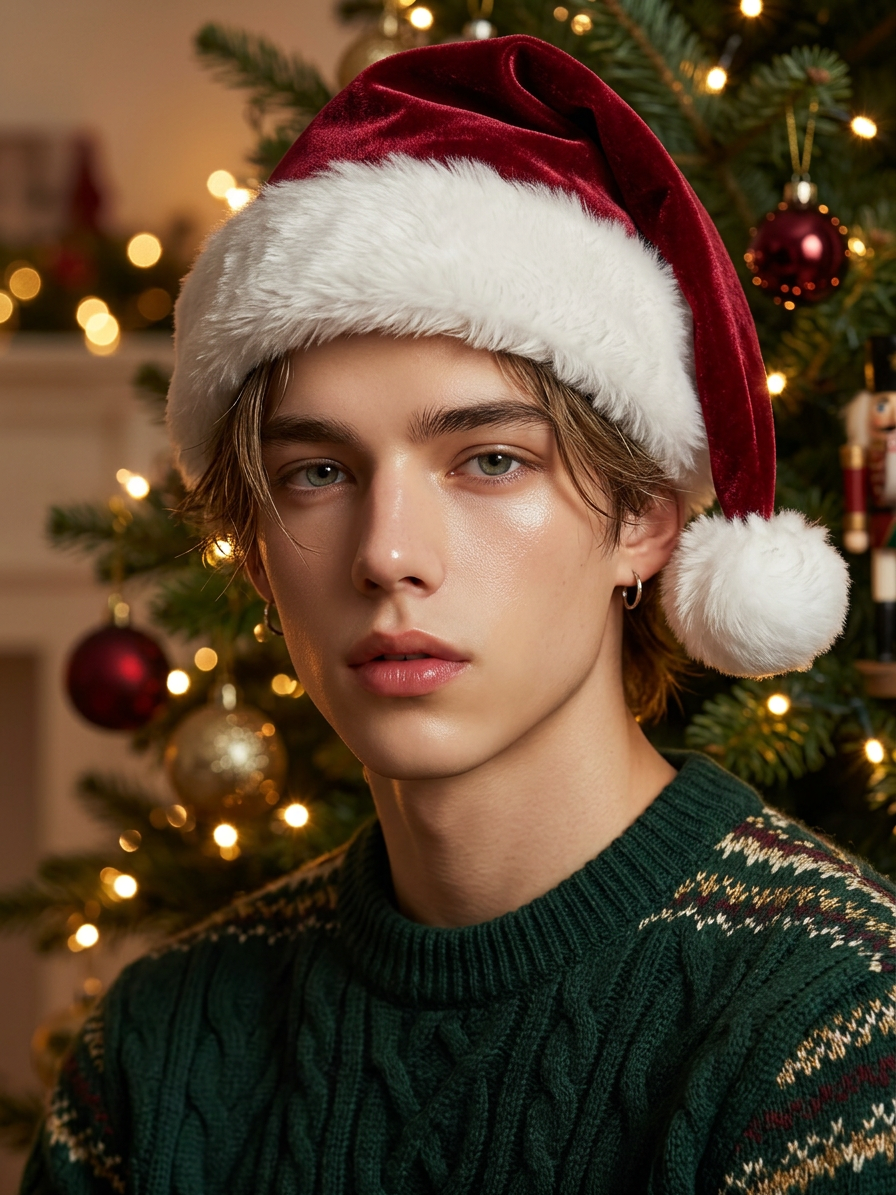
Christmas Portrait Upgrade
- Model
- Nano Banana 2
- Image
- 896 × 1195 px
Prompt
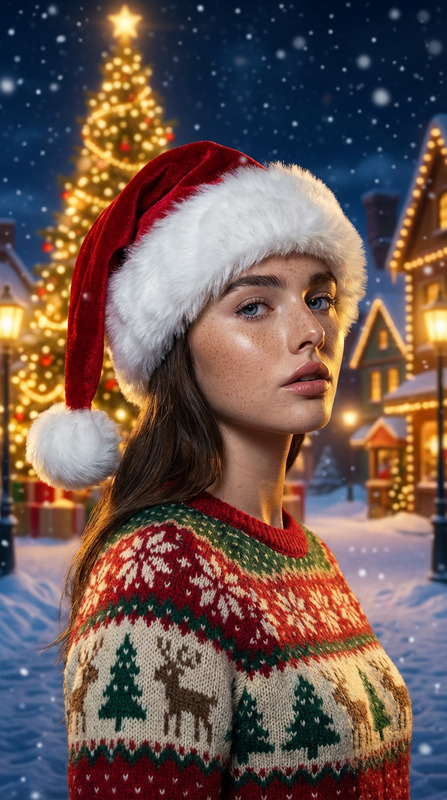
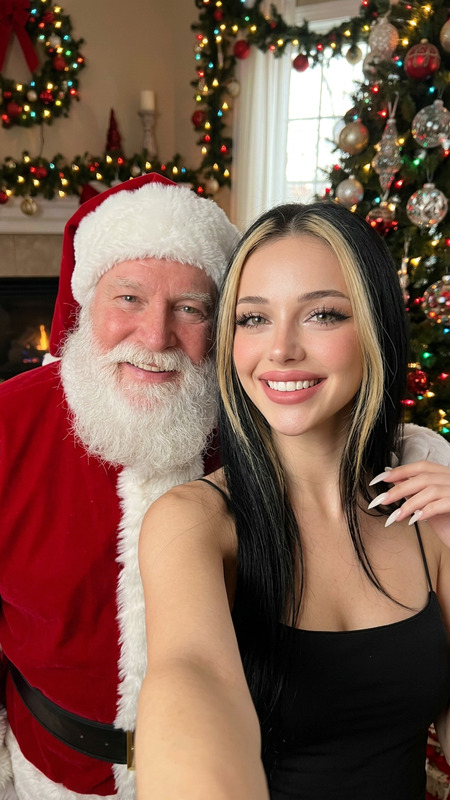
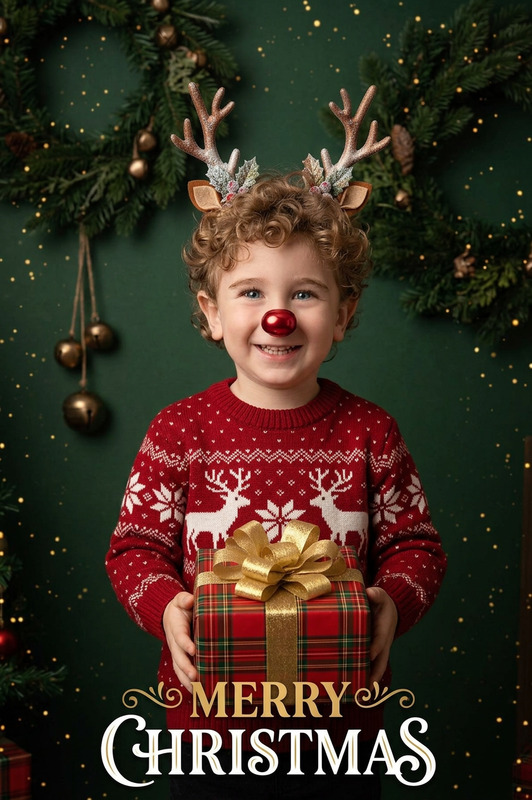
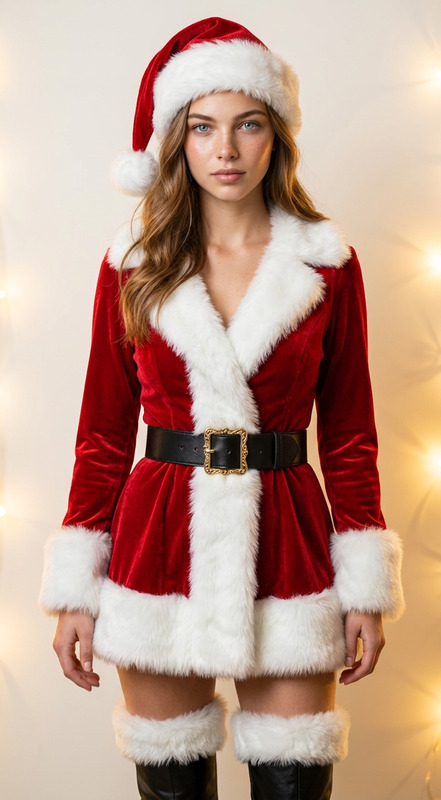
Add a realistic Santa hat on the subject’s head, naturally fitted with correct lighting, shadows, and fabric texture. Transform the outfit into a Christmas-themed style (e.g., cozy sweater, festive tones) while keeping it elegant. Update the scene to a warm Christmas setting with soft lights, decorations, and a cozy atmosphere. Ensure everything blends naturally and remains realistic.
Any aspect ratio
Overview
Bring the festive spirit to your photos with the Christmas Portrait Upgrade template. This AI Image Editor tool, utilizing the nano-banana-2 model, effortlessly transforms your portraits into captivating Christmas scenes. Add realistic elements such as a Santa hat, festive attire, and a warm, decorative setting to create holiday memories that stand out.
What It Does
With the ability to enhance your images with lifelike details, this template allows you to transform ordinary portraits into Christmas-themed masterpieces. The AI adds a natural-looking Santa hat, tailors the subject's clothing to a festive style, and updates the background to a cheerful, cozy environment. This seamless integration ensures every element looks as though it belongs, maintaining high realism and elegance.
Who It's For
This template is ideal for photographers and hobbyists looking to enhance their holiday portraits with professional-quality transformations. It's perfect for those wishing to add a special, festive touch to Christmas cards, social media posts, or family albums. Whether you're seasoned in using AI tools or a newcomer, the intuitive design of the AI Image Editor makes it accessible for anyone.
Summary
The Christmas Portrait Upgrade provides a robust toolset for creating stunning, Christmas-themed portraits with ease. It's part of a broader suite of AI editing tools designed to bring artistic vision to life in a detailed and realistic manner. Explore more creations with the AI Clothes Changer and AI Background Changer for additional styling options.
How-To
Choose

Customize

Generate

Use Cases
Holiday Cards
Social Media Posts
Family Albums
Best Practices
Choose High-Quality Images
Start with high-resolution images to ensure the AI can enhance and transform each detail without loss of quality.Balance Festive Elements
While adding Christmas elements, ensure the overall composition remains balanced to maintain realism.Review Lighting and Shadows
Adjust lighting settings to ensure the added elements such as hats and decorations blend seamlessly with the original photo.