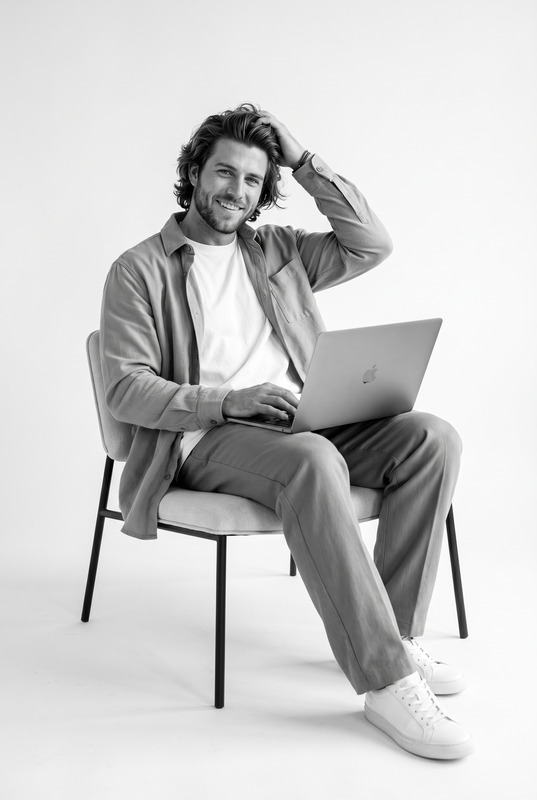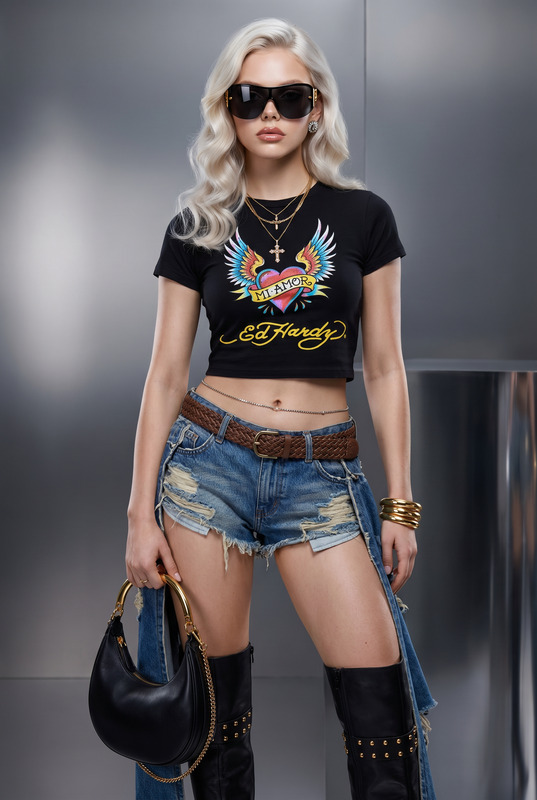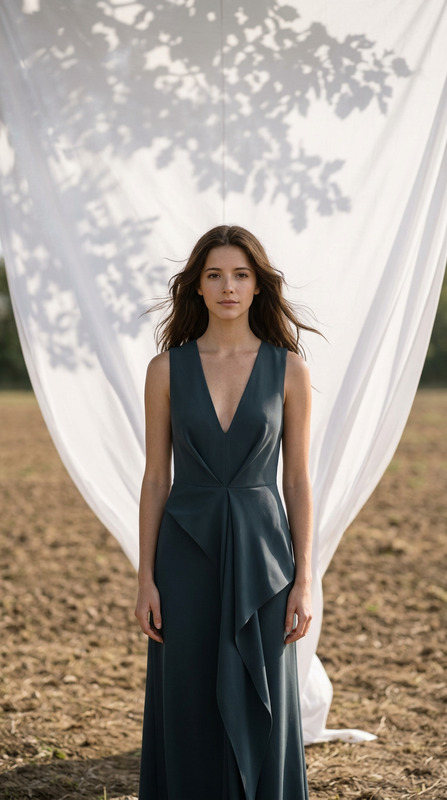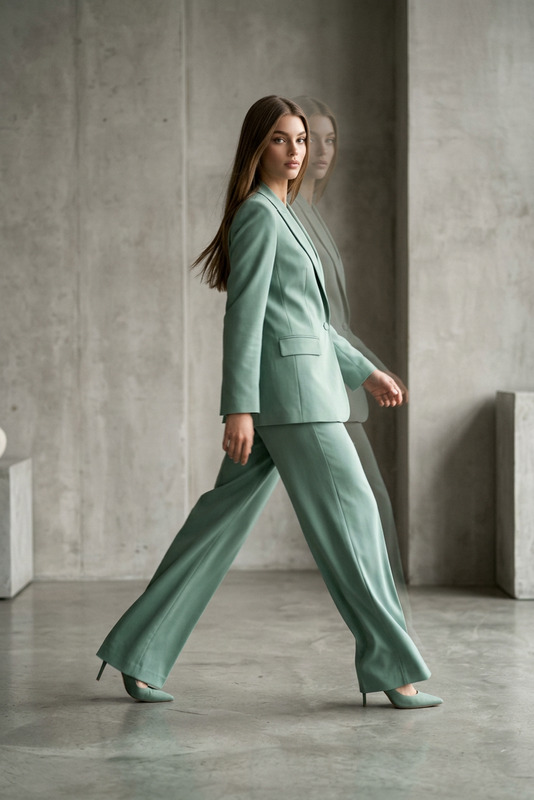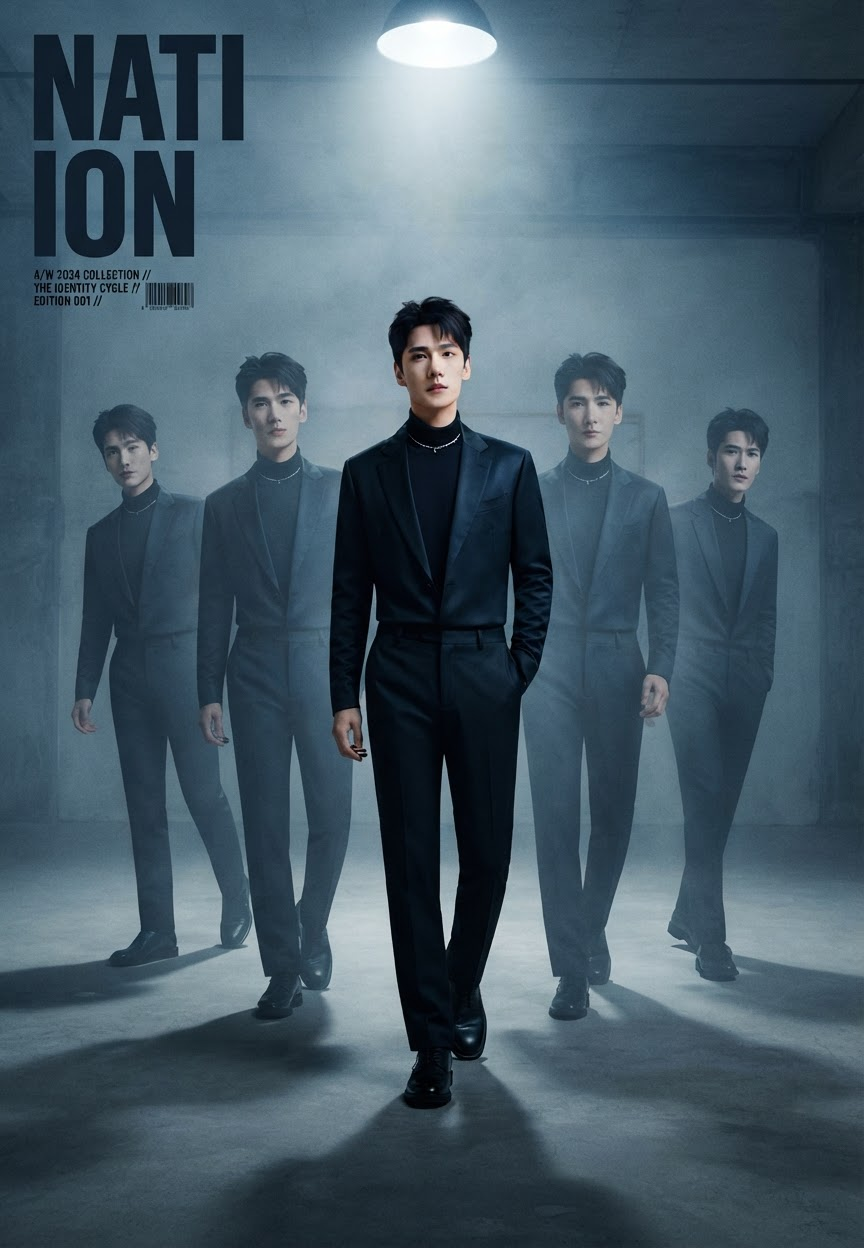
Nation in Motion
- Model
- Nano Banana 2 Lite
- Image
- 864 × 1248 px
Prompt
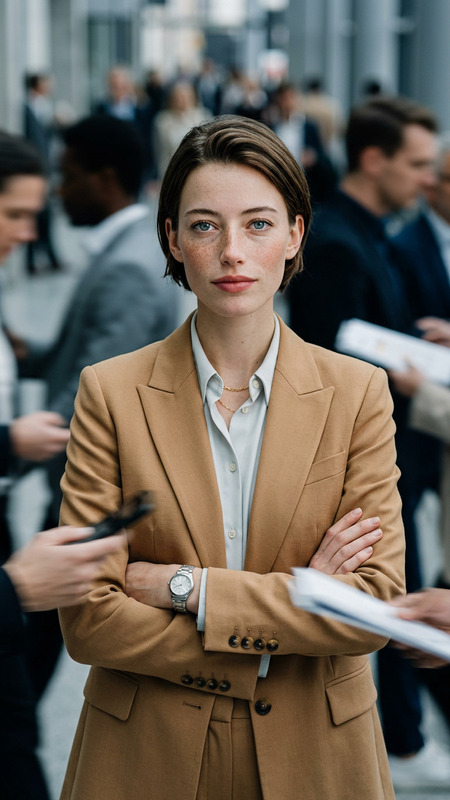
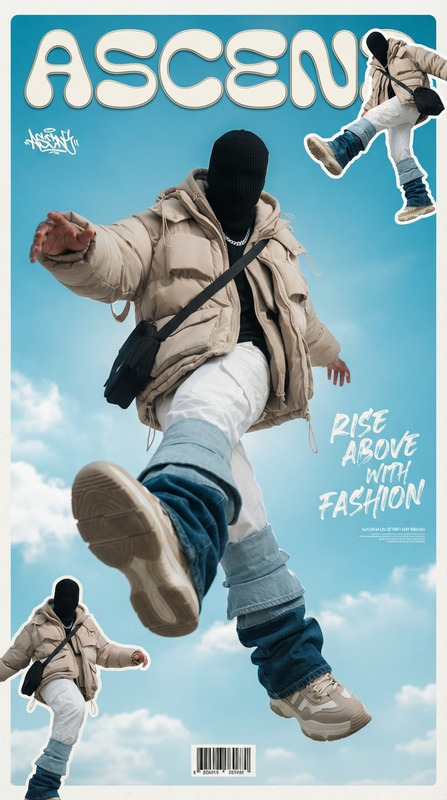
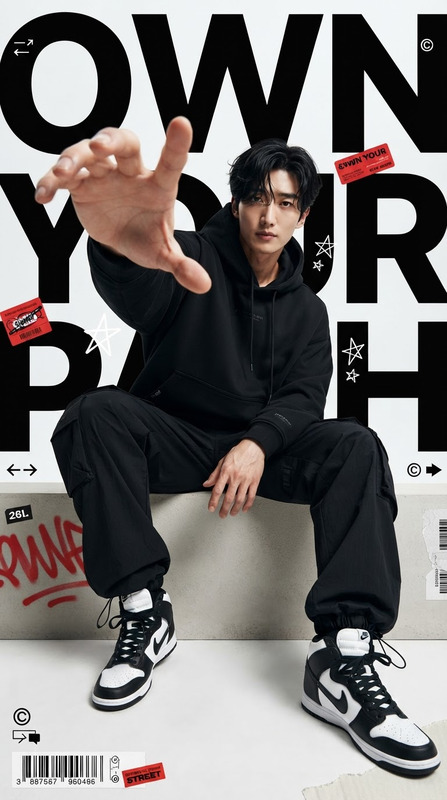
Transform the uploaded photo into a high-end cinematic streetwear editorial poster while keeping the subject’s recognizable face, body, pose, outfit, proportions, and original environment faithfully preserved. Create four realistic duplicate versions of the same gender-neutral subject distributed naturally across the frame like a sequential motion-capture walking study, with the main/front version remaining the largest, sharpest, and most detailed while the surrounding duplicates gradually become subtler through controlled transparency, depth, and restrained motion blur without altering identity or anatomy. Enhance the scene into a premium luxury-fashion campaign using dramatic overhead lighting, subtle atmospheric glow, deep dimensional shadows, long realistic floor shadows, cool cinematic color grading, strong contrast, polished highlights, soft film grain, and crisp high-end fabric and material textures. Preserve the original background while enhancing its depth, lighting, and cinematic atmosphere so the duplicates feel naturally integrated rather than artificially pasted into the scene. Add oversized magazine-style typography in the upper corner featuring the single dominant word “NATION”, accompanied by restrained editorial micro-text such as a collection year, short slogan, barcode, edition number, or campaign details. Maintain sophisticated streetwear editorial composition, strong visual hierarchy, realistic perspective, premium commercial photography, cinematic depth, sharp facial detail, natural skin texture, and polished fashion-magazine art direction. The final image should feel bold, contemporary, mysterious, and aspirational, with the repeated figures creating a controlled sense of movement and identity; avoid changing the subject’s facial identity, excessive motion blur, distorted duplicates, extra limbs, malformed hands, unnatural body proportions, plastic skin, oversharpening, excessive glow, cluttered typography, random logos, low resolution, or obvious CGI effects.
Any aspect ratio
Overview
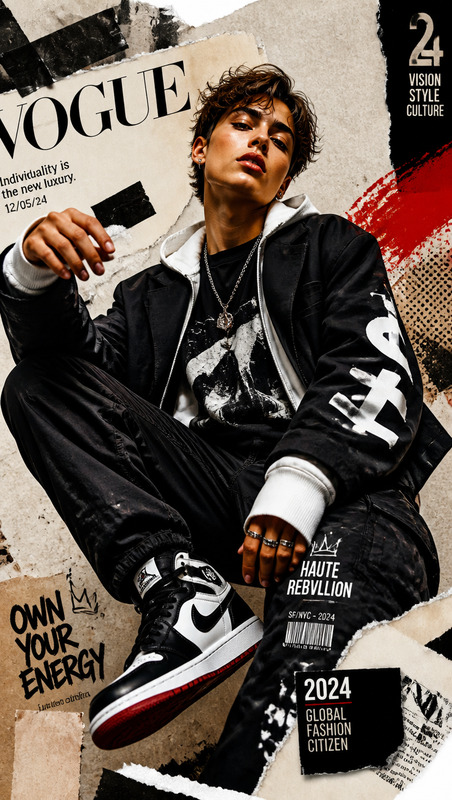
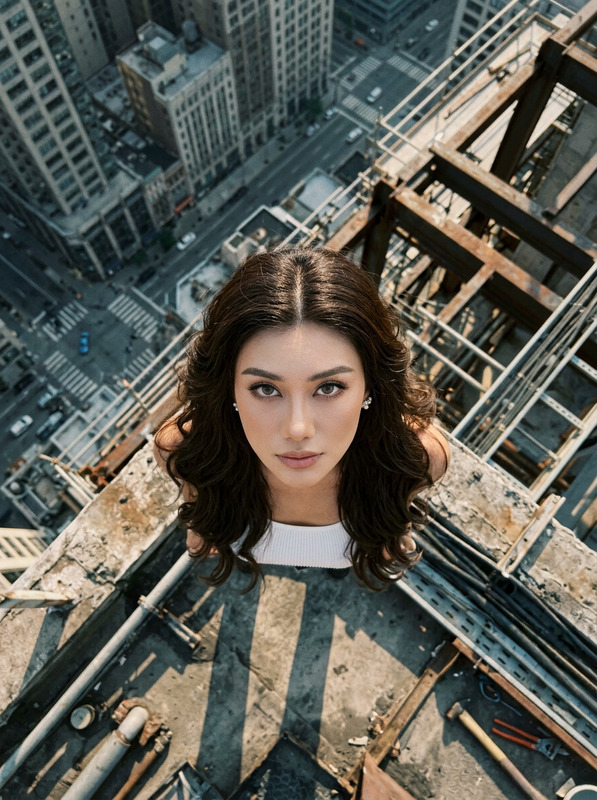
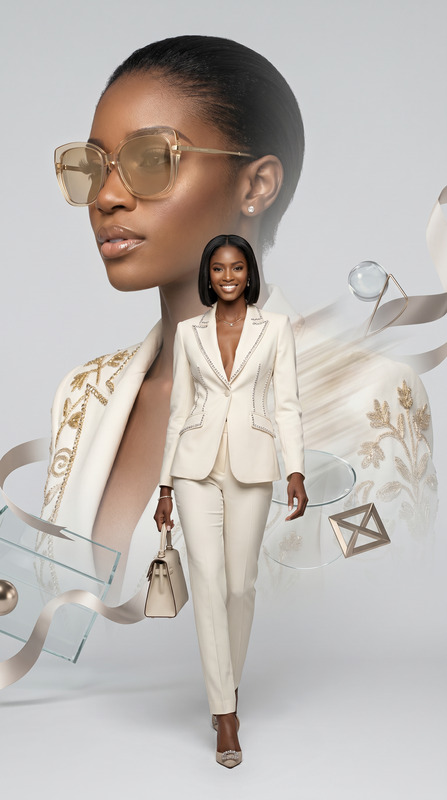
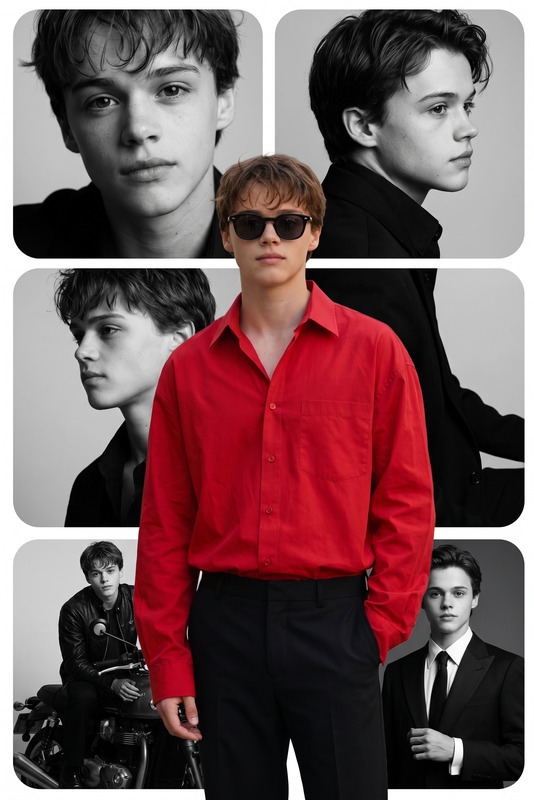
"Nation in Motion" is your go-to template for transforming everyday photos into high-end cinematic streetwear editorials. Perfect for fashion photographers, marketers, and creatives looking to produce compelling and aspirational images, this AI Image Editor template maintains the integrity of your original shot while introducing a modern, sequential narrative.
What It Does
This template takes an uploaded photo and converts it into a cinematic poster with high-fashion appeal. By generating four realistic duplicates of your subject, it creates a dynamic motion-capture sequence. Each duplicate is subtly enhanced with transparency and motion blur, adding depth and narrative without altering the identity or anatomy of the subject. The outcome is a premium cinematic atmosphere, complete with sophisticated lighting and an editorial aesthetic.
Who It's For
"Nation in Motion" is designed for fashion industry professionals, digital content creators, and marketing teams aiming to create aspirational and bold visuals. Whether you're working on a fashion campaign, an editorial piece, or a premium photography project, this template offers a pathway to sophisticated visuals that highlight both style and narrative. It is also ideal for users looking to explore new creative boundaries with tools like the AI Image Editor and the Character Replace.
Summary
With this template, you can create contemporary and mysterious fashion visuals that look like they belong on the cover of a high-end magazine. The sequence of images offers a controlled sense of motion and identity, with sophisticated photographic and cinematic effects. If you're interested in more transformations, explore our AI Talking Photo and AI Video Extender to expand your creative toolkit.
How to Use
Choose Your Template

Customize Your Design

Generate Your Image

Use Cases
Fashion Campaigns
- Enhance brand image with cinematic aesthetics.
- Showcase apparel in a dynamic narrative.
Editorial Photography
- Create magazine-quality visuals.
- Emphasize narrative through controlled duplicates.
Marketing Materials
- Engage audiences with aspirational visuals.
- Incorporate cinematic depth in promotional content.
Best Practices
Choose the Right Photo
For best results, select an image with a clear subject against a distinct background. This ensures that the enhancements and duplicates integrate seamlessly.Adjust Lighting Settings
Fine-tune the dramatic lighting effects to fit the mood of your editorial. This will accentuate the premium quality of the output.Control Duplicates Carefully
Ensure duplicate figures are positioned naturally and that transparency controls maintain aesthetic balance without distracting from the main subject.