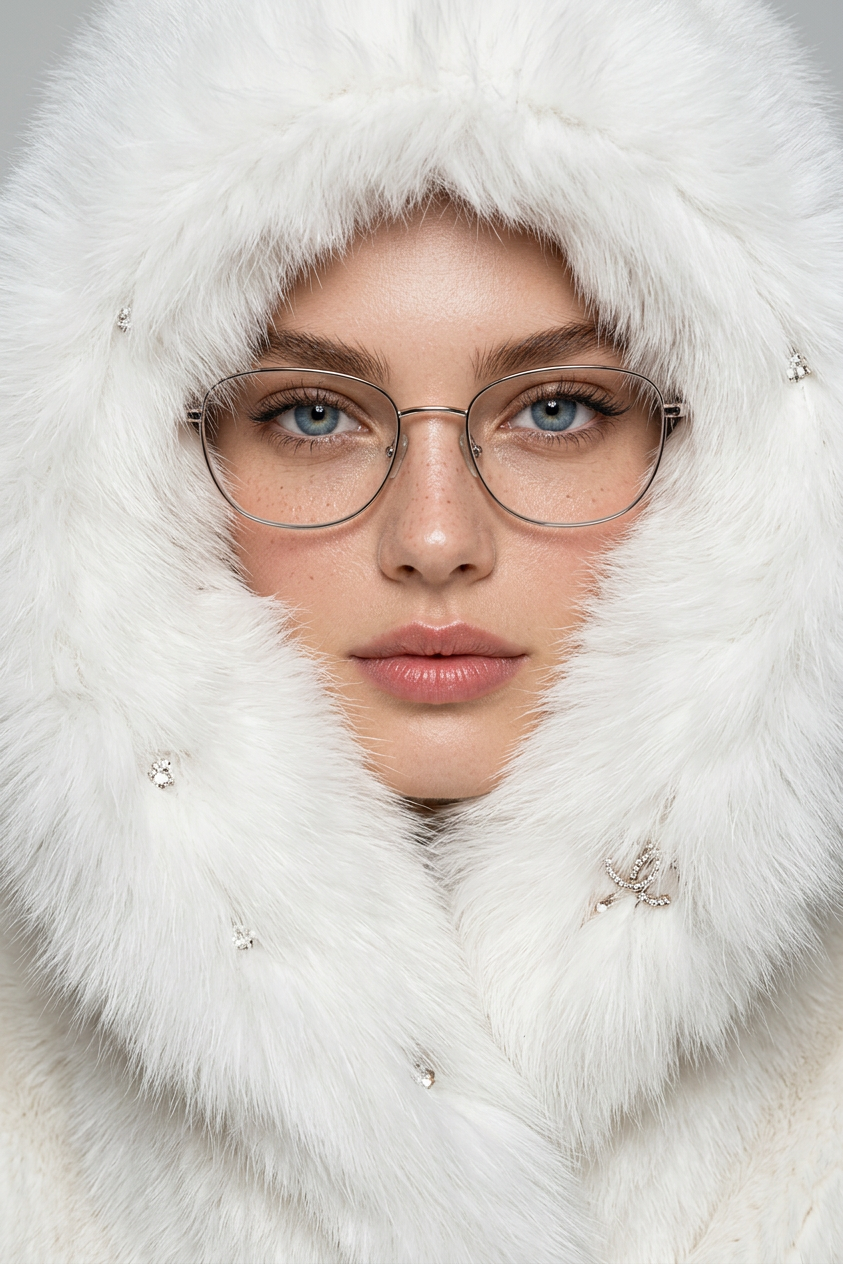
Icy Fur Couture
- Model
- Nano Banana 2
- Image
- 843 × 1264 px
Prompt
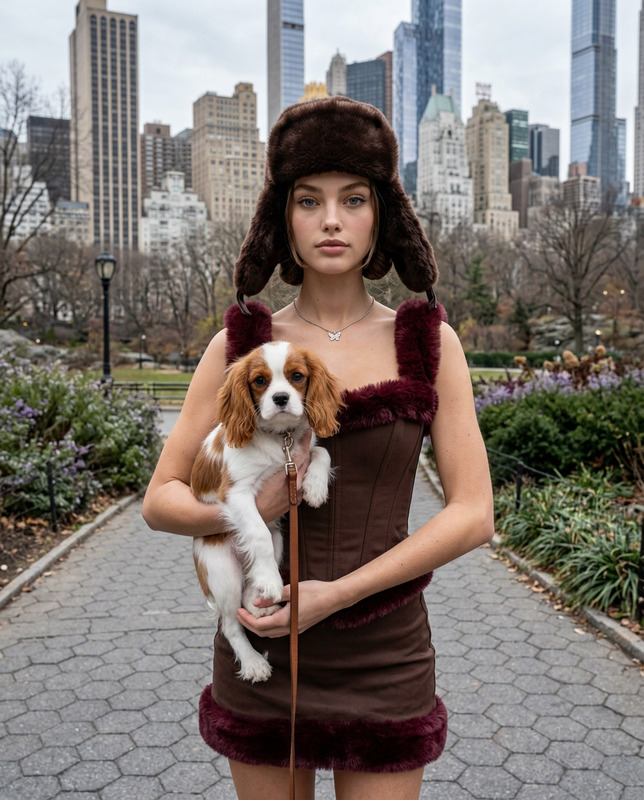
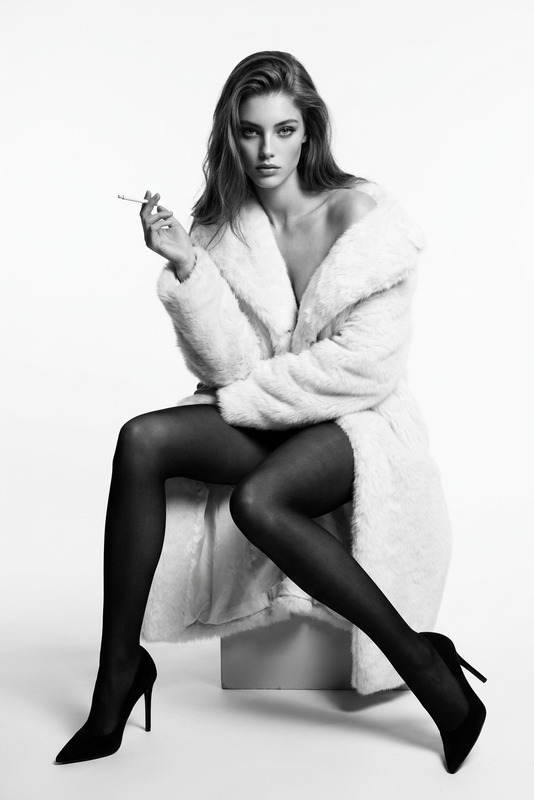
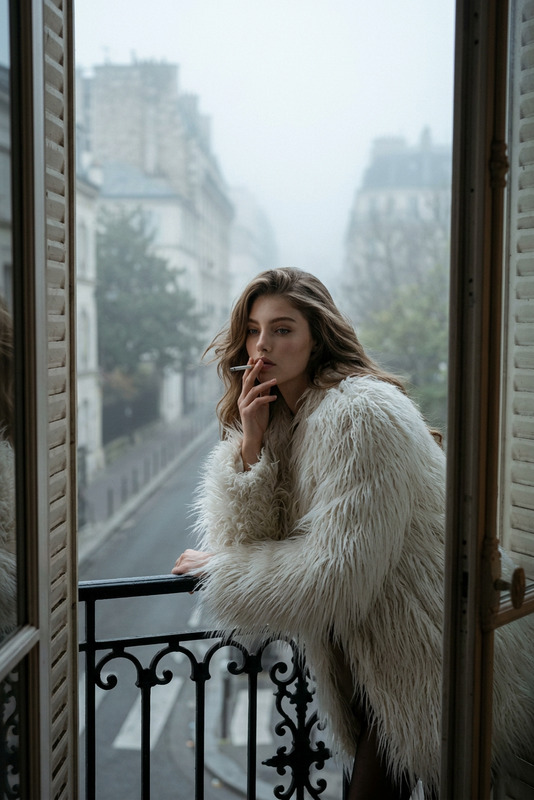
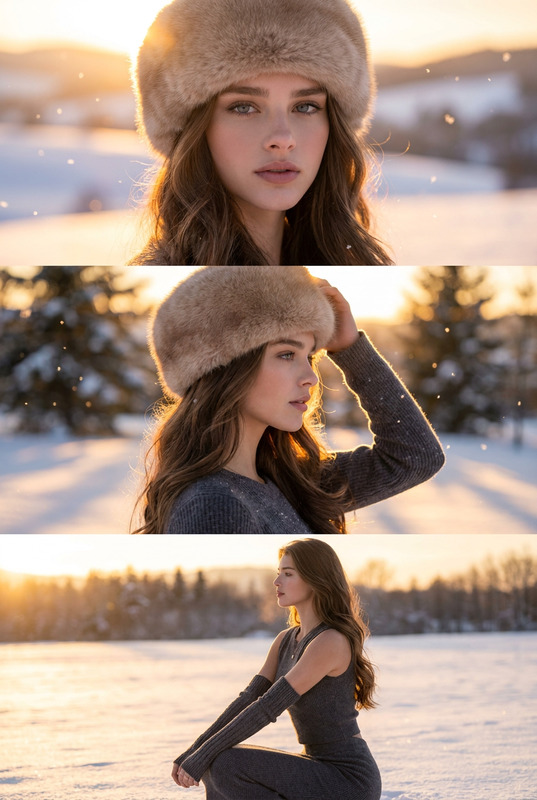
Create an ultra-realistic high-fashion extreme close-up portrait of the subject, filling almost the entire frame. The subject's face is partially concealed inside an oversized white luxury faux-fur coat, with dense, soft, voluminous fur wrapping around the neck, cheeks, and jawline. Only the eyes, nose, and lips remain visible, creating a mysterious and powerful couture aesthetic. The fur should appear highly detailed with realistic fibers, natural volume, soft texture, and subtle light interaction. The subject wears thin elegant metallic glasses with clear lenses, featuring a minimal high-fashion design that enhances the refined editorial mood. The expression is calm, intense, and confident, with a direct dominant gaze into the camera. The styling suggests quiet power, sophistication, and icy luxury. The oversized white fur coat is styled as couture winter outerwear, incorporating subtle luxury-inspired details hidden within the texture, such as delicate metallic brooch accents and tiny crystal embellishments softly catching the light without overpowering the composition. Avoid obvious branding or large visible logos. Use direct frontal flash photography with a clean fashion paparazzi aesthetic: sharp highlights on the fur and skin, crisp detail, slightly flattened shadows, and a realistic editorial flash effect. The background is neutral, pale, and studio-clean with no distractions, allowing the subject's face, glasses, and fur texture to dominate the image. Mood: icy elegance, understated wealth, quiet confidence, minimalist luxury. Style: premium winter fashion editorial, couture portrait photography, ultra-realistic detail, realistic skin texture, natural pores, subtle subsurface scattering, detailed fur fibers, high-resolution photography, cold refined color grading, cinematic fashion magazine quality.
Any aspect ratio
Overview
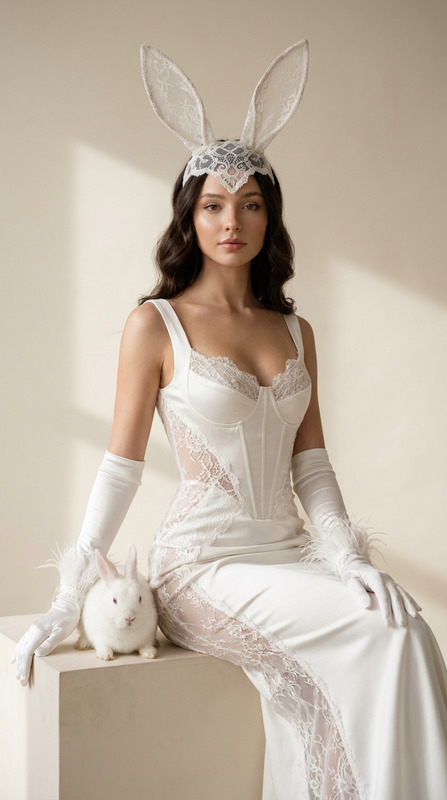
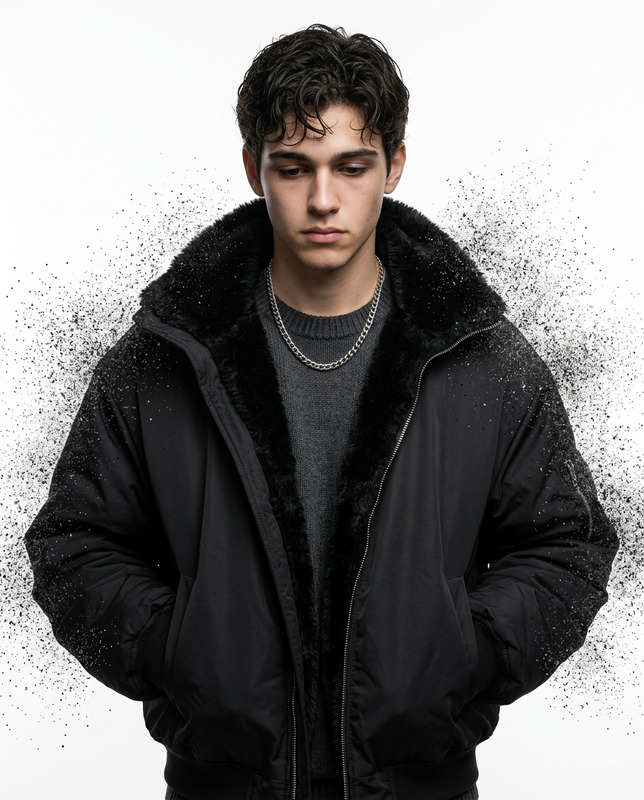
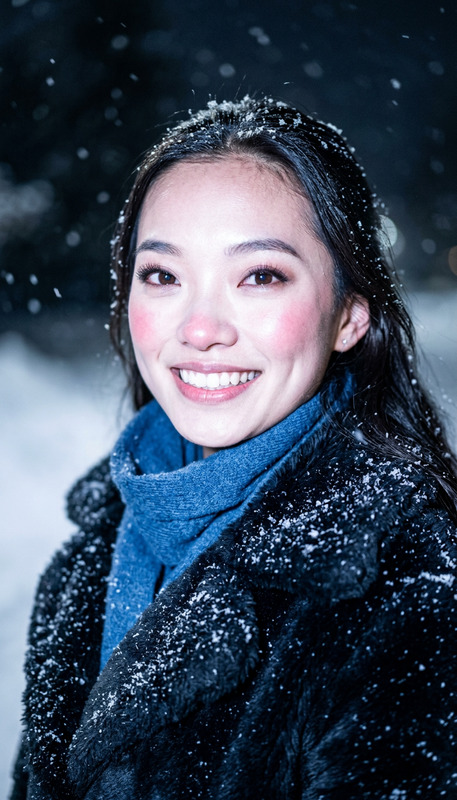
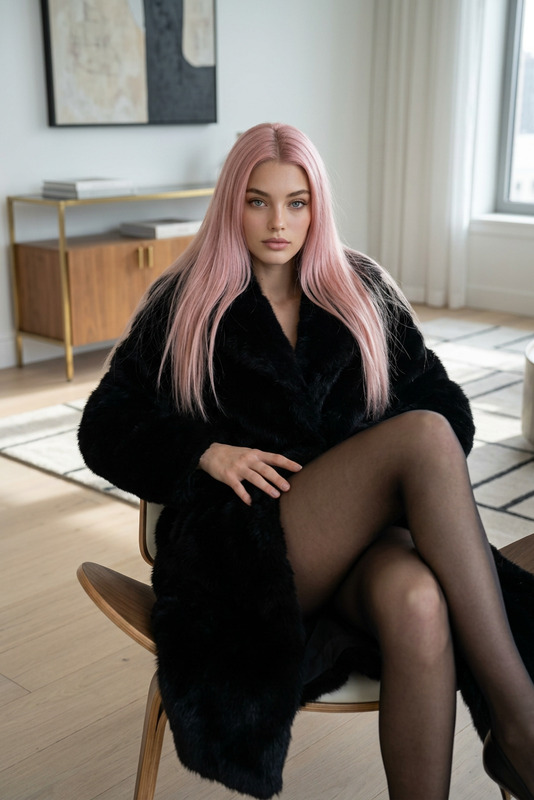
Immerse yourself in the world of high-fashion photography with the "Icy Fur Couture" template. This AI Image Editor template leverages the power of the nano-banana-2 model to transform your images into ultra-realistic couture portraits. The emphasis is on capturing the subject's face framed by luxurious faux-fur, evoking a mood of icy elegance and minimalist luxury.
What It Does
This template enhances your photos by adding elements of sophistication and luxury through detailed fur textures and subtle light interactions. It integrates thin metallic glasses for a high-fashion touch. The direct frontal flash photography style ensures sharp highlights and details, presenting the subject in a powerful and confident manner. It's perfect for creating editorial-quality images that emphasize understated wealth and quiet confidence.
Who It's For
Fashion photographers, designers, and trendsetters will find this template particularly useful. It's designed for those aiming to convey a strong aesthetic of elegance and refinement. It's also ideal for product photographers and anyone in the fashion industry looking to create impactful images that resonate with a luxury audience.
Summary
With "Icy Fur Couture," achieve an extraordinary blend of detailed textures and clean aesthetics that capture the essence of winter luxury fashion. The template harnesses advanced AI techniques to highlight subtle details like crystal embellishments in the fur. It's a go-to choice for those seeking to create high-resolution images with a focus on minimalistic yet powerful elegance.
How To
Choose

Customize

Generate

Use Cases
Fashion Editorials
- High-fashion close-ups
- Luxury branding and advertisements
Social Media Campaigns
- Instagram fashion stories
- Twitter announcement posts
Portfolio Enhancement
- Showcase editorial skills
- Demonstrate attention to detail
Best Practices
Focus on High-Resolution Images
Use high-resolution base images to ensure the final output maintains a realistic and detailed look.Balance Lighting Effects
Adjust the flash intensity to complement the subtle details of the fur and the skin, preserving the overall aesthetic.Highlight Luxurious Details
Keep the metallic accents and glass designs minimal to let the natural elegance of the image speak for itself.