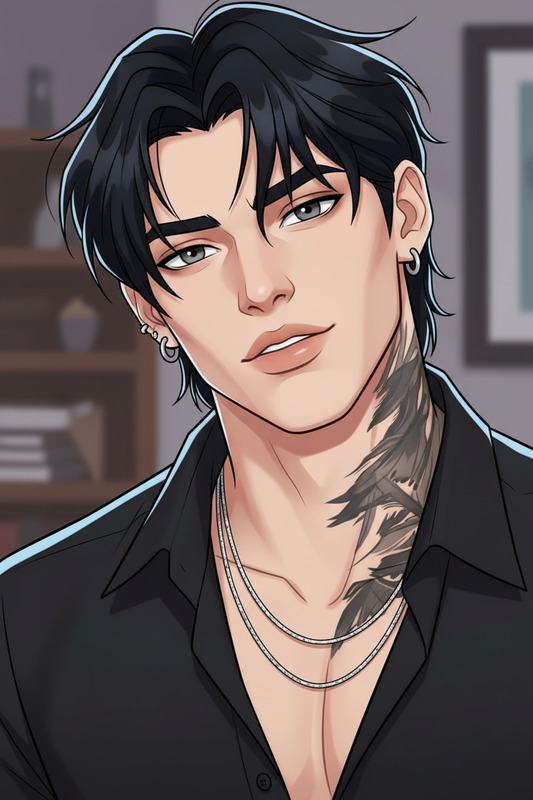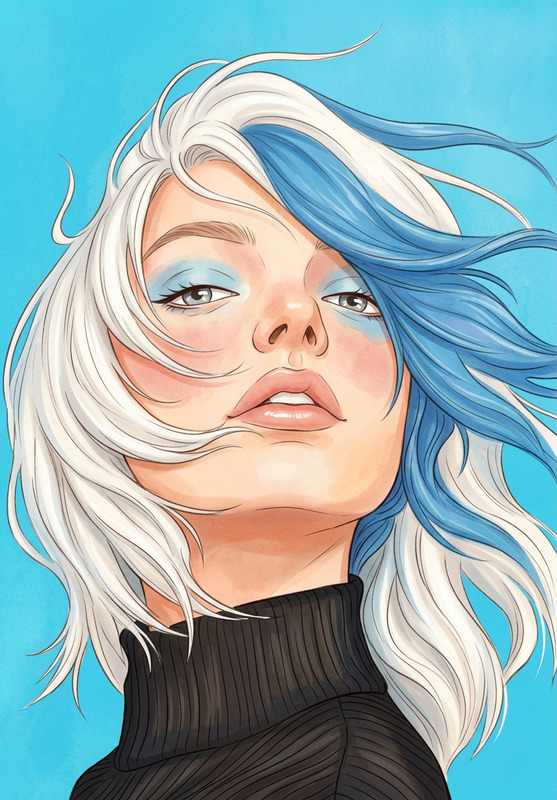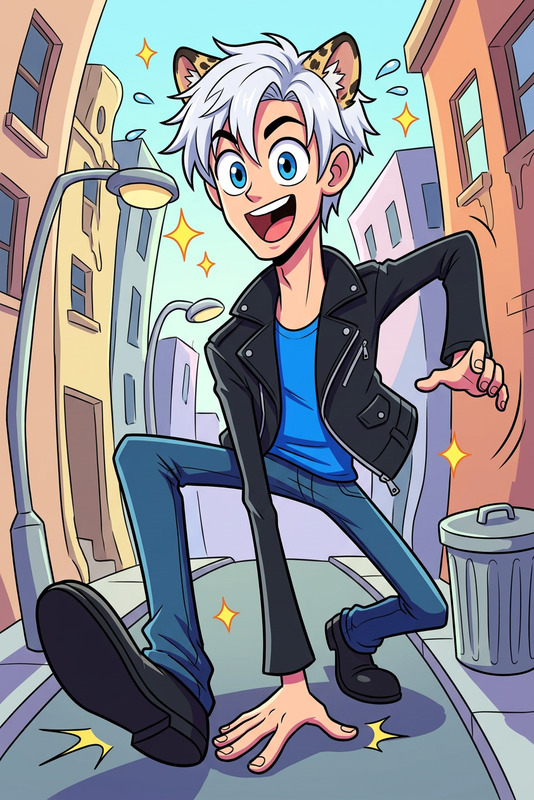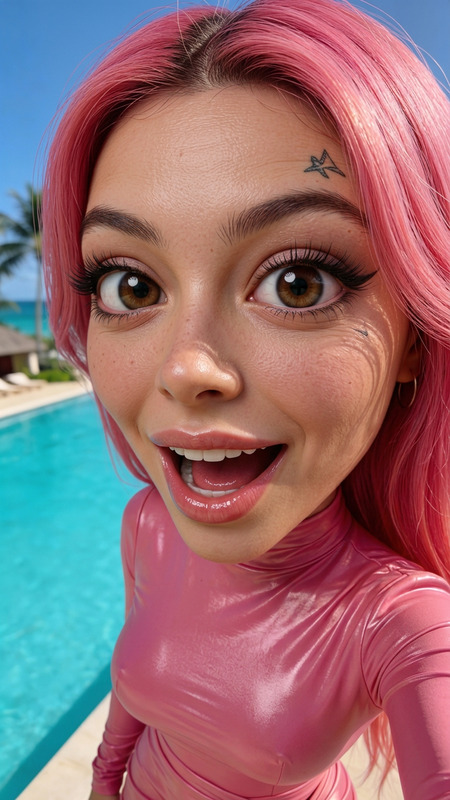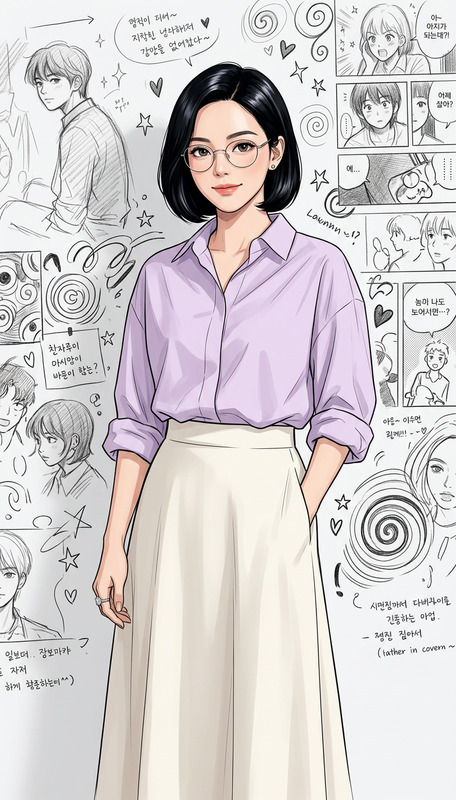
Split Real vs Cartoon Doodle
- Model
- Nano Banana 2
- Image
- 944 × 1115 px
Prompt
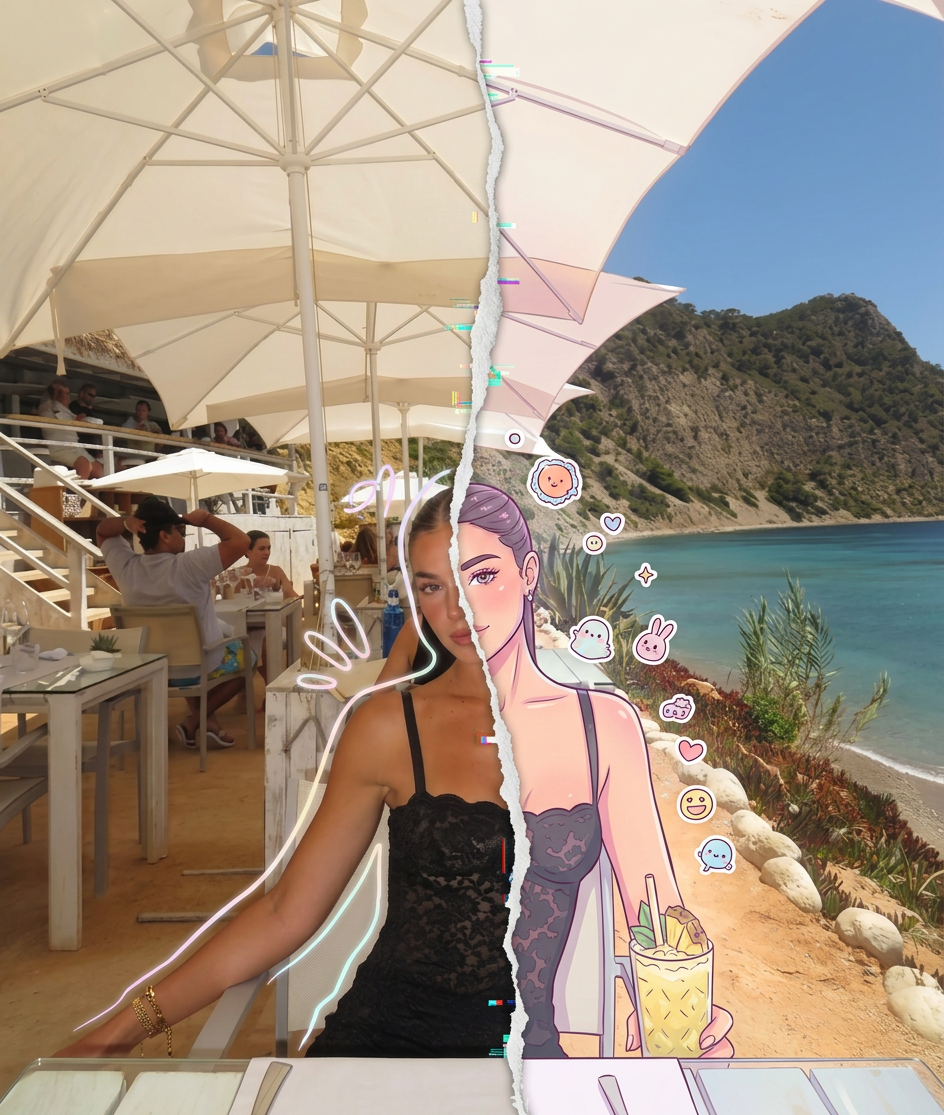
High-detail 8K split-style composition where the subject is divided vertically into two halves. LEFT SIDE: Keep the original photo fully realistic. Preserve natural lighting, textures, and fine details. Slightly enhance sharpness and clarity. Add subtle hand-drawn doodle outlines (soft pastel or neon lines) around the subject for a creative aura. RIGHT SIDE: Transform the same subject into a stylized cartoon/digital illustration. Maintain the exact same pose, angle, and facial expression. Use clean lineart, soft shading, and pastel or vibrant colors in a modern cute style (chibi / semi-realistic). Add small decorative elements like sticker-style doodles, cute icons, or mini characters floating around. BACKGROUND (IMPORTANT): Keep the ORIGINAL background unchanged on BOTH sides. Do not replace, redraw, or stylize the background. Maintain consistency across the entire image. CENTER DIVISION: Add a vertical torn-paper or glitch-style transition separating the realistic and illustrated halves. STYLE: modern digital art, clean composition, soft lighting, aesthetically pleasing, social media style QUALITY: 8K resolution, ultra-detailed.
Any aspect ratio
Overview
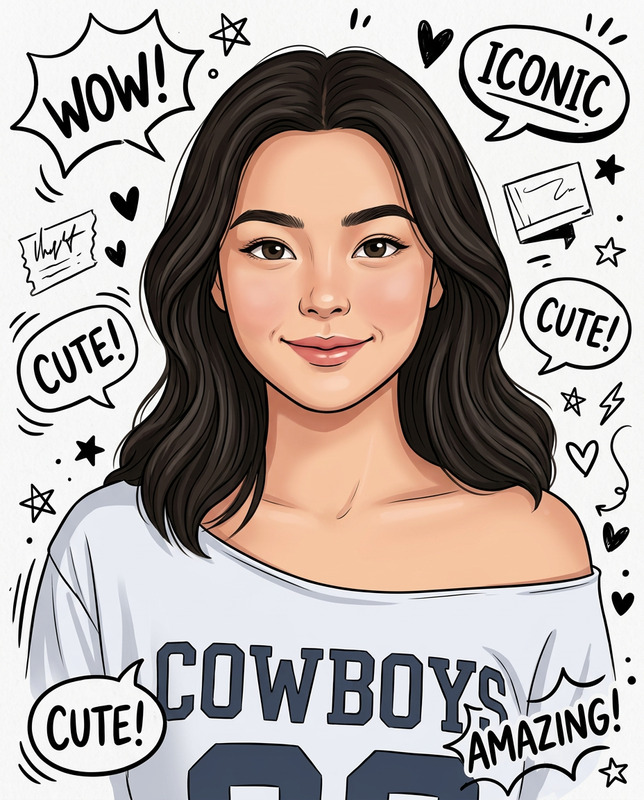
The Split Real vs Cartoon Doodle template offers a unique blend of realism and artistic flair. This AI Image Editor template allows you to transform any image into a dual-style masterpiece, maintaining its original details while adding a creative cartoon twist on one half.
What It Does
This template takes a high-resolution image and divides it vertically. On the left side, it retains the realistic image with enhanced sharpness and doodle outlines for a creative border. On the right, it transforms the same image into a cartoon-style illustration using techniques like clean line art and pastel colors. The background remains unchanged for consistency, and a glitch-style divider marks the transition between the styles.
Who It's For
This template is perfect for digital artists, social media influencers, and content creators who love blending art styles. It's also useful for anyone using the AI Image Generator looking to create eye-catching visuals for platforms like Instagram and Pinterest.
Summary
The Split Real vs Cartoon Doodle template allows users to craft visually stunning images that mix real-world details with cartoon creativity. Use this template to create unique visuals that stand out in social media feeds and art galleries alike. Ideal for those who value both detail and imagination in their work.
How-To
Choose Your Template

Customize Your Image

Generate Your Image

Use Cases
Social Media Content
- Instagram posts
- Pinterest pins
Personal Branding
- Profile pictures
- Banner images
Digital Art Projects
- Album covers
- Art prints
Best Practices
High-Resolution Photos
Start with high-resolution images to ensure the final output is detailed and clear. This template works best with photos that are crisp and visually rich.Balance Both Styles
While customizing, ensure that neither style overpowers the other. Maintain a harmonious balance between the realistic and cartoon elements.Complimentary Doodles
Choose doodle styles that complement the subject's original pose and expression to enhance the overall composition.