Leopard print
- Model
- Nano Banana 2
- Image
- 1408 × 768 px
Prompt
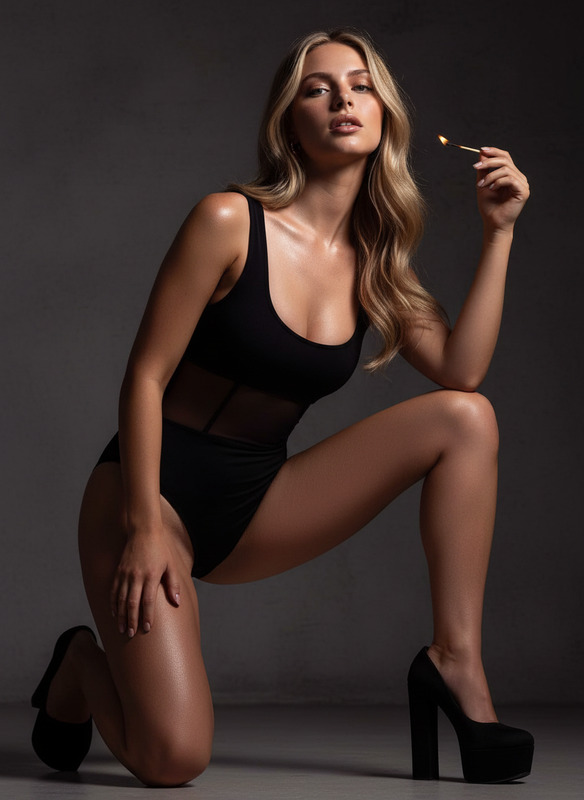
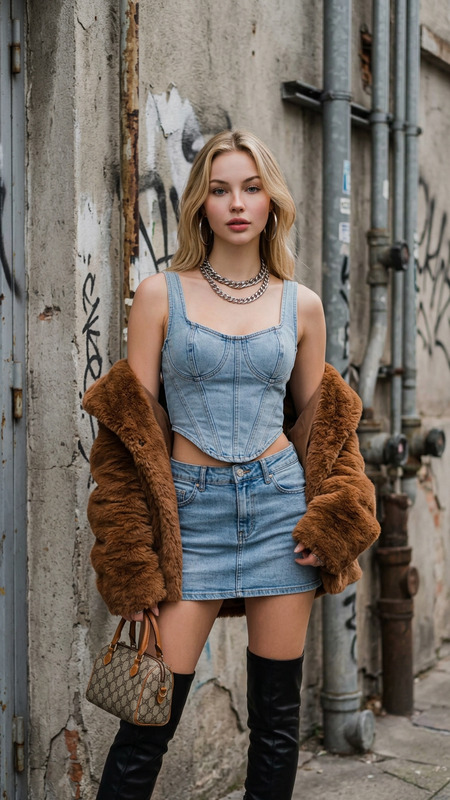
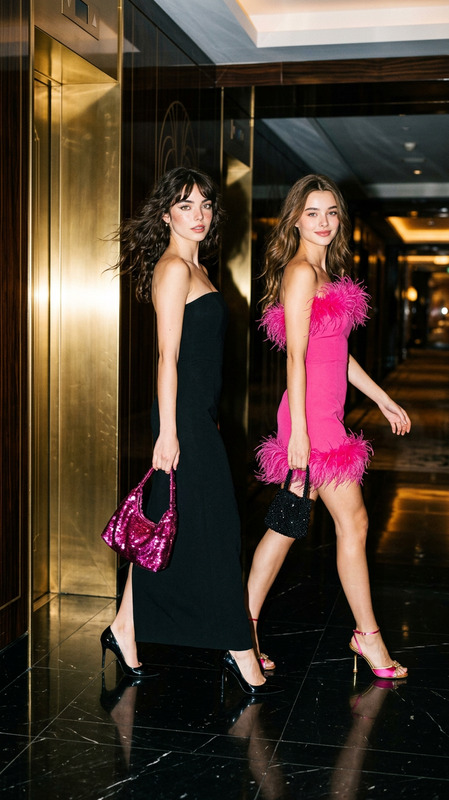
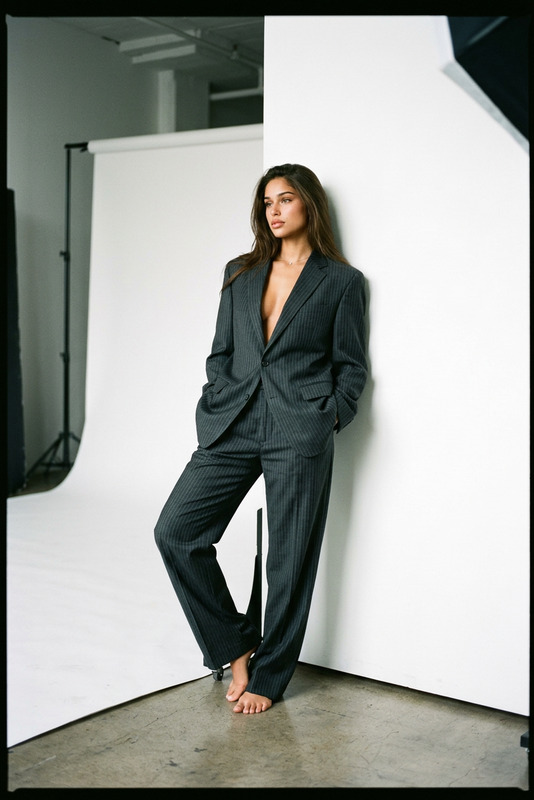
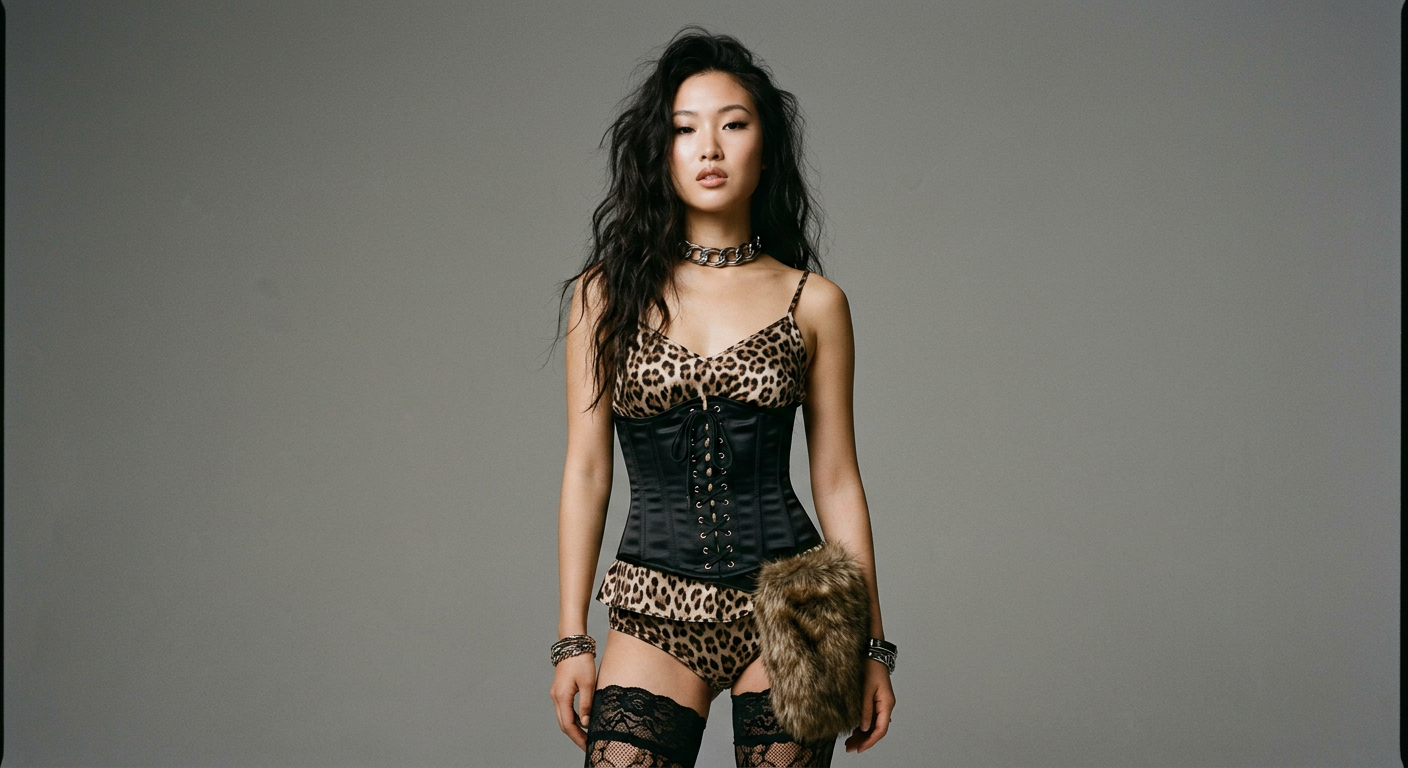
A straight-on medium shot features a young East Asian woman with long, dark, wavy hair styled in a tousled manner. Her attire includes a leopard-print camisole under a tightly laced, black corset, paired with matching leopard-print bottoms and black lace stockings. She accessorizes with a thick, metal choker and bracelets, adding a metallic contrast to her ensemble. A furry, brown accessory hangs by her waist, introducing a textured element. The backdrop is a neutral gray, and she is illuminated by soft, even lighting that highlights her smooth skin. The muted color palette consists mainly of blacks, grays, and browns, with an overall balanced and composed frame. Photographed digitally, with moderate contrast and sharpness, the image has a sleek, modern editorial aesthetic, evoking an edgy, high-fashion mood.
Any aspect ratio
Overview
The Leopard Print template for the AI Image Editor offers a sophisticated and edgy way to style and elevate photographs with high-fashion elements. Designed for the nano-banana-2 model, this template focuses on rendering a modern editorial aesthetic with striking patterns and textures.
What It Does
By utilizing the Leopard Print template, users can simulate a sophisticated fashion shoot featuring vibrant textures and metallic accessories. The template maintains a sharp, digital quality with moderate contrast to ensure all intricate details are captured perfectly. This tool is excellent for adding high-fashion flair to your imagery while maintaining a sleek, modern look.
Who It's For
This template is perfect for fashion designers, editorial photographers, and marketers focusing on high-fashion and lifestyle industries. It's also a great fit for creative professionals using the AI Talking Photo and AI Image Generator to enhance their digital designs with a touch of fashion-forward elements.
Summary
Integrate elevated, fashion-focused elements into your projects with the Leopard Print template. By leveraging the capabilities of the AI Image Editor, you can bring your ideas to life with a balance of modern editorial aesthetics and precise digital enhancement.
How To
Choose the Template

Customize the Design

Generate the Image

Use Cases
Fashion Editorials
- Elevated style with leopard-print patterns
- Enhanced details and contrast
Marketing Campaigns
- Eye-catching campaign visuals
- Sophisticated clothing representation
Social Media Content
- Engaging visual posts
- Consistency with branding style
Best Practices
Choose Neutral Backgrounds
To emphasize the fashion elements, a neutral background like gray can keep the focus on the attire and accessories.Highlight Metallics
Ensure that metal accessories in the image have a reflective surface to contrast against softer fabrics like leopard print.Maintain Moderate Contrast
Use moderate contrast settings to balance the intricate details of the outfit and the overall sleek look.