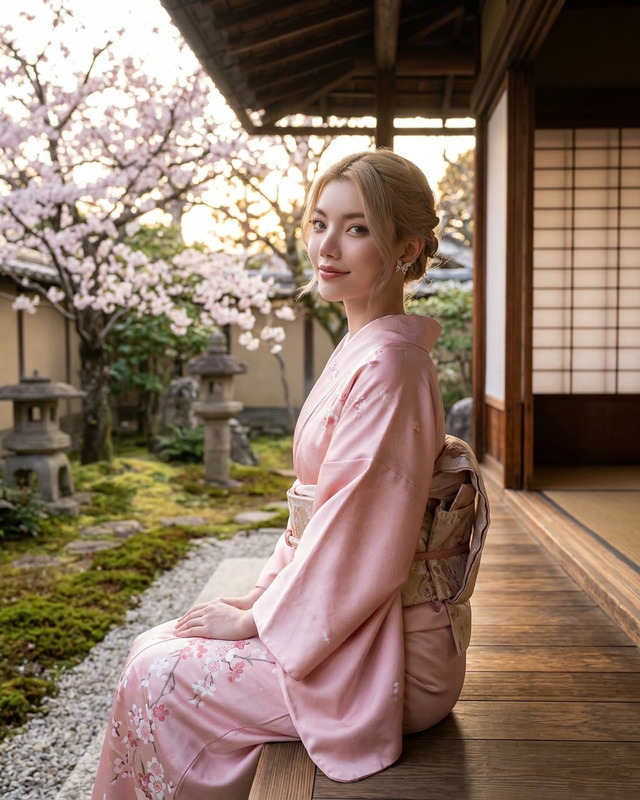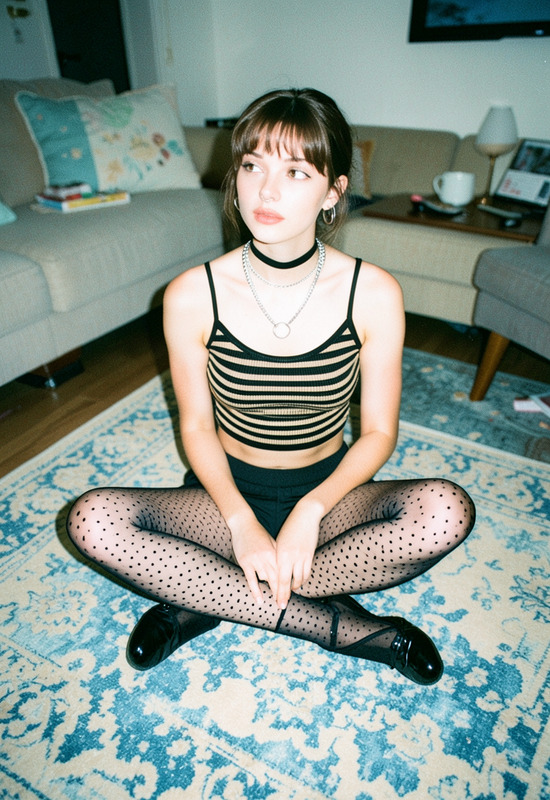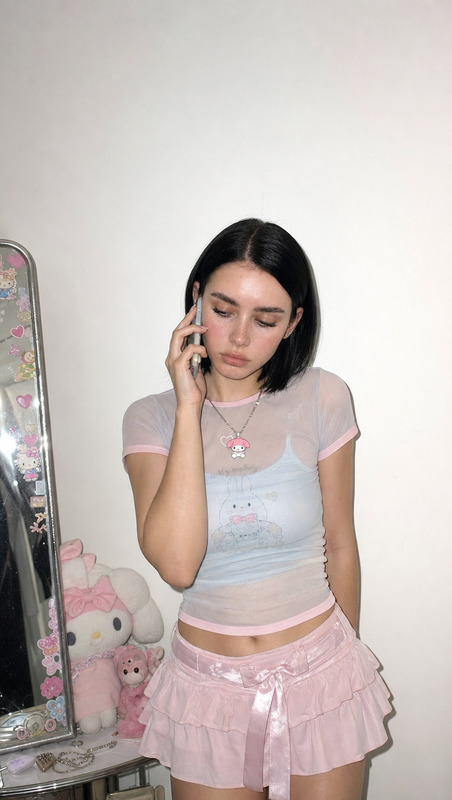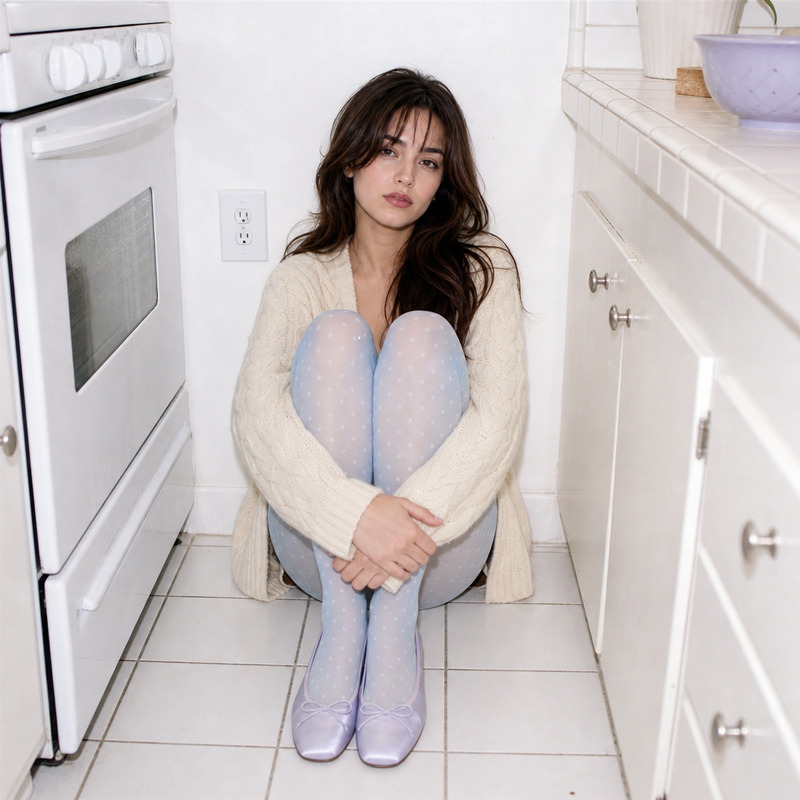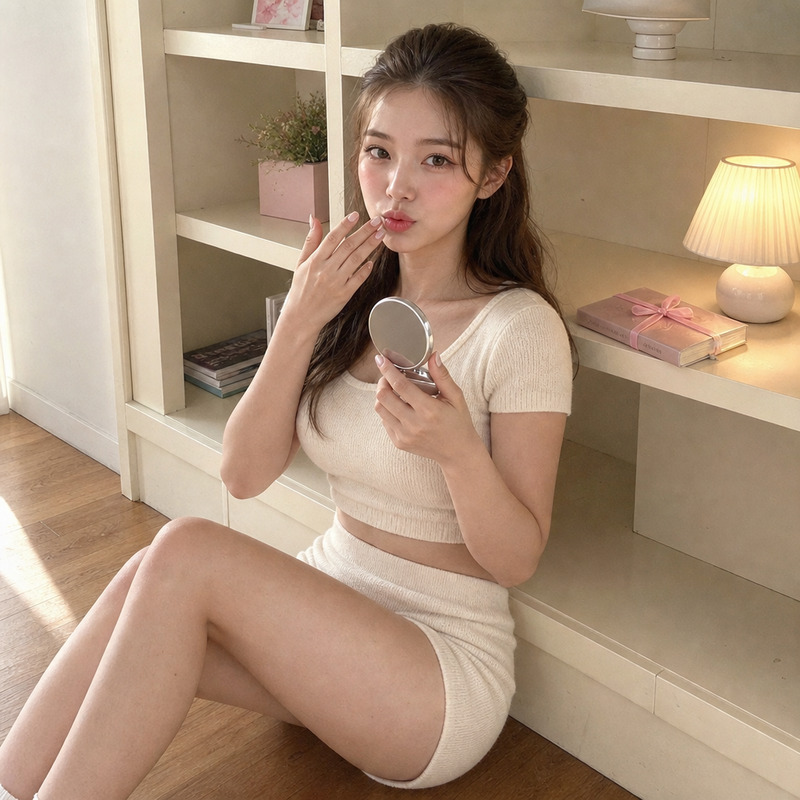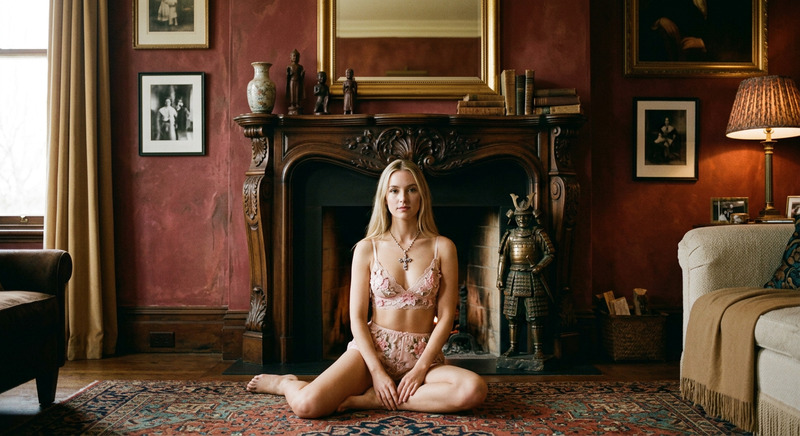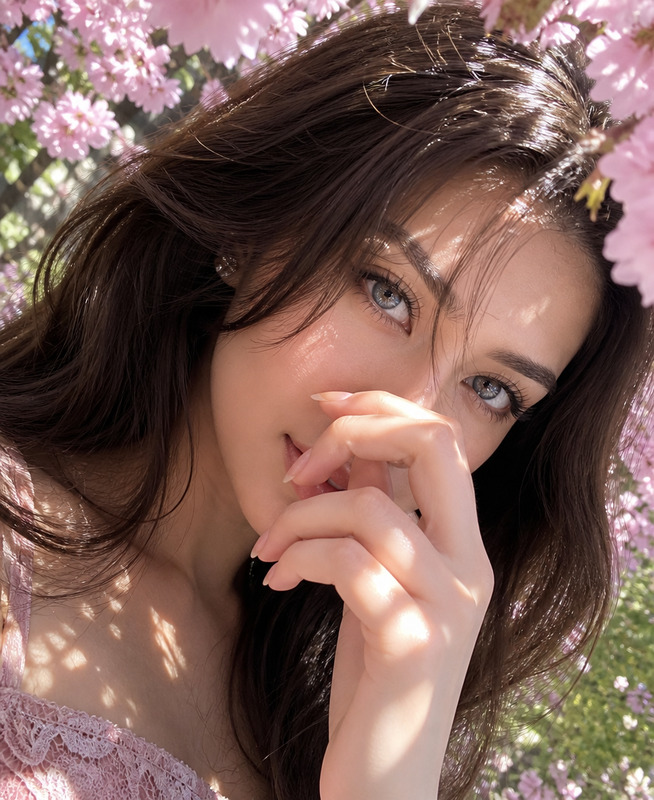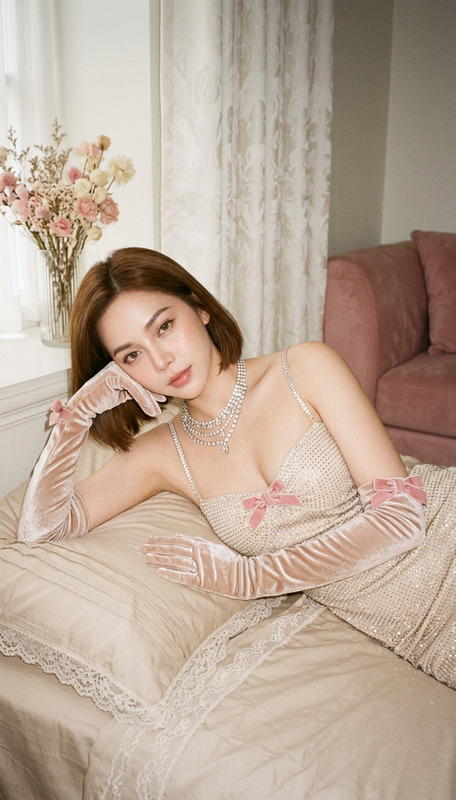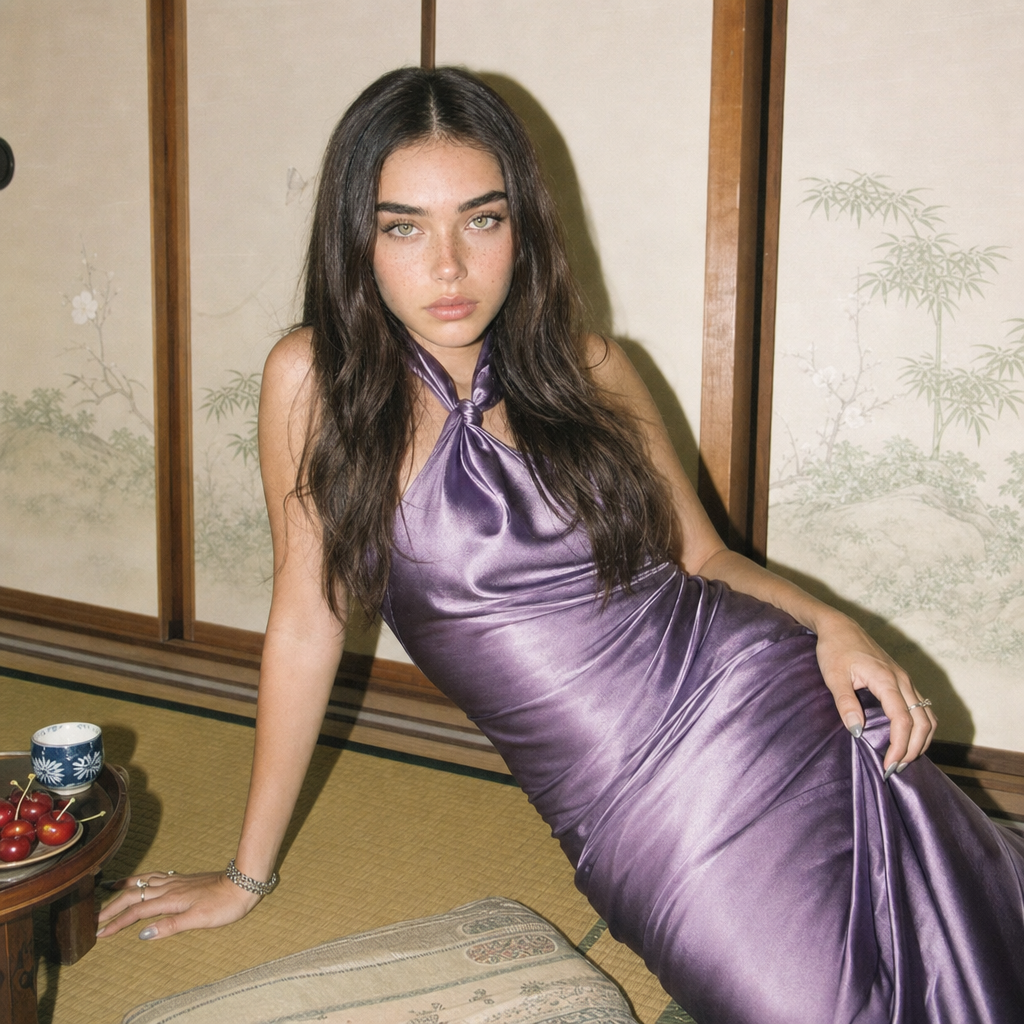
Japanese-style room
- Model
- GPT Image 2
- Image
- 1024 × 1024 px
Prompt
Medium shot of a young woman with long dark hair styled in soft waves, wearing a purple satin slip dress with a knotted scarf detail at the neck, deadpan expression. She is leaning back on her right arm on a tatami mat floor in a small Japanese-style room, soft wooden shoji panels and minimal painted nature motifs in background. Her left hand plays with the dress fabric, a small tray of bright red cherries and patterned cup on a low table beside her. Harsh on-camera flash with flat, high-key exposure mimics early 2000s digicam snapshot, hard shadow behind her, pastel yet muted palette of cream, soft green and purple, lo-fi editorial, subtle skin glow, artful clutter.
Any aspect ratio
Overview
Transform your images and bring a Japanese aesthetic to life with our AI Image Editor template, Japanese-style Room. Designed for creators interested in artful compositions, this template leverages the capabilities of the AI Image Editor and the gpt-image-2 model to offer a detailed setting that captures the subtleties of a vintage photography style.
What It Does
This template enhances your visual storytelling by recreating the unique ambiance of a small Japanese-style room. Perfect for producing editorial-style images, it allows you to focus on details like the play of textures between the satin dress and the tatami mat, or the subdued colors of the room’s decor. The model simulates the flat, high-key exposure typical of early 2000s digicam snapshots, adding authenticity to the final image.
Who It's For
Ideal for artists, photographers, and content creators focusing on culturally rich visuals or editorial content, this template serves those seeking to evoke a specific mood or era. It provides a streamlined way to achieve a desired look and feel without needing extensive post-processing or advanced photography skills.
Summary
The Japanese-style Room template is a valuable tool for anyone looking to integrate a blend of modern and traditional Japanese aesthetics into their imagery. Use it alongside our Image to Video and Lip Sync products to enhance multimedia projects with synchronized and photorealistic results.
How To
Choose the Template

Customize Your Scene

Generate Your Image

Use Cases
Editorial Photography
Cultural Campaigns
Art Installations
Best Practices
Experiment with Lighting
Adjust lighting settings to emphasize the contrast created by the harsh on-camera flash effect.Focus on Composition
Pay attention to the arrangement of objects within the frame to maintain balance and draw focus to the subject.Utilize Complementary Tools
Enhance your images further by integrating features from the AI Talking Photo tool for dynamic presentations.