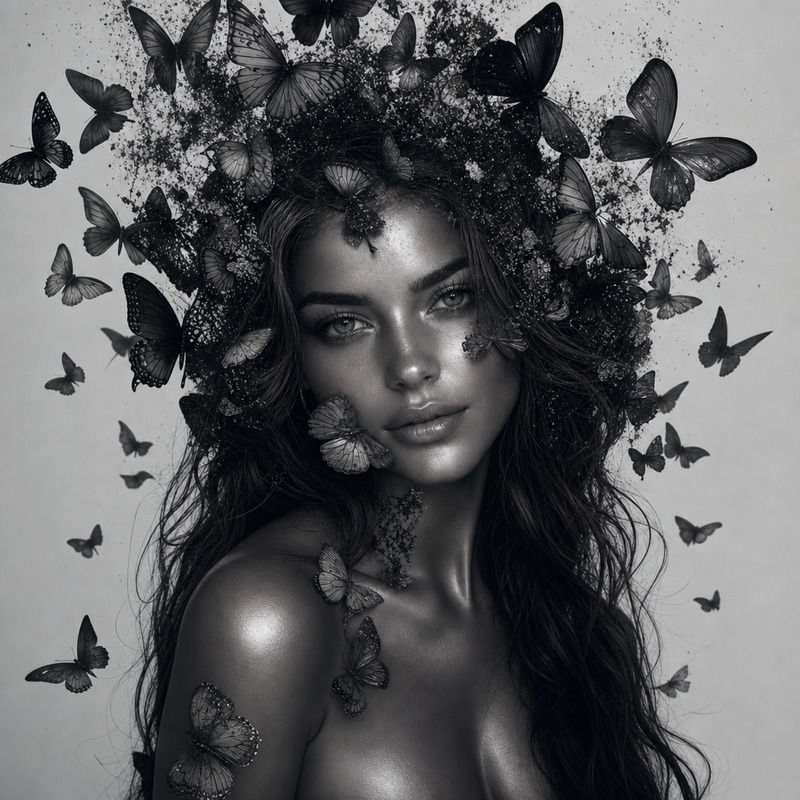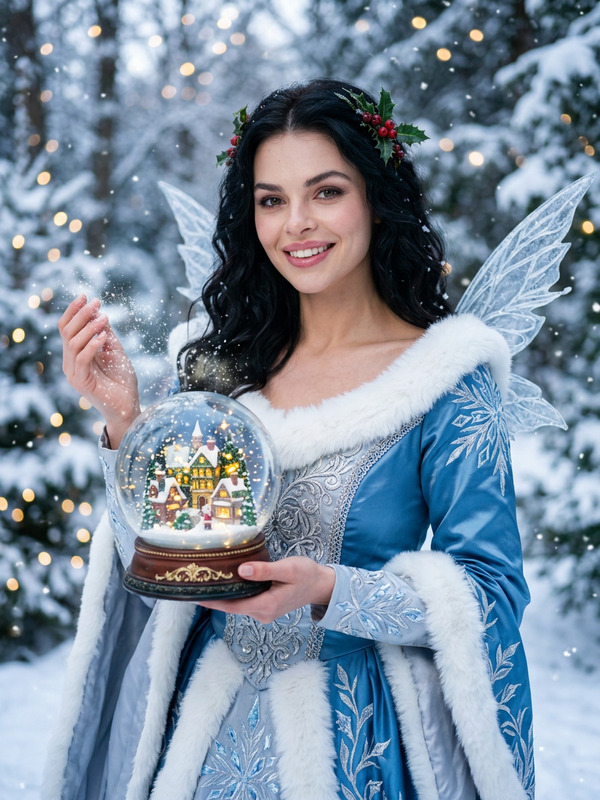
Tinker Bell
- Model
- GPT Image 2
- Image
- 1024 × 1024 px
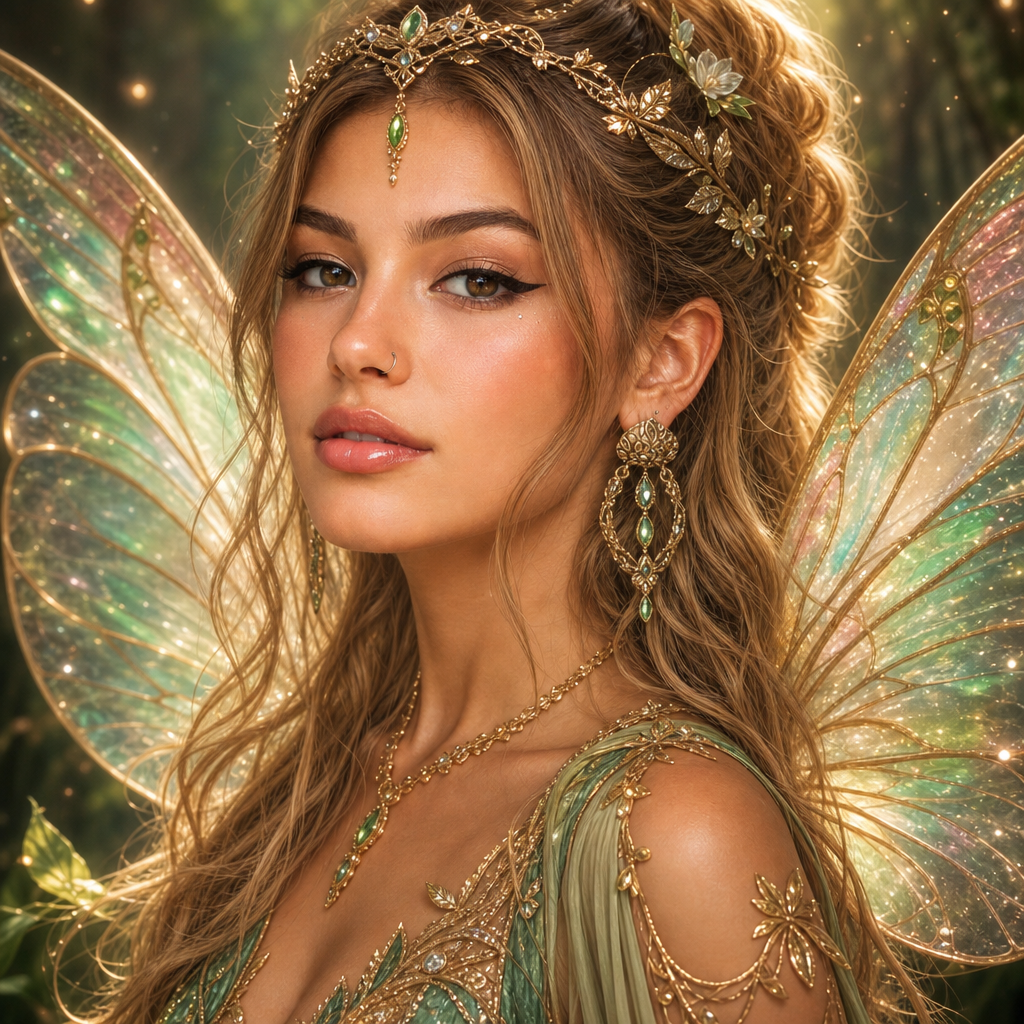
Prompt
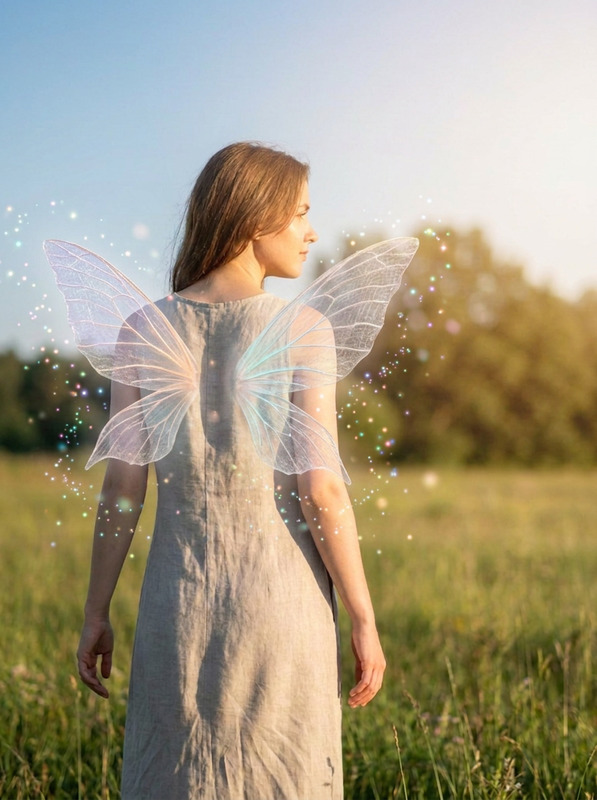
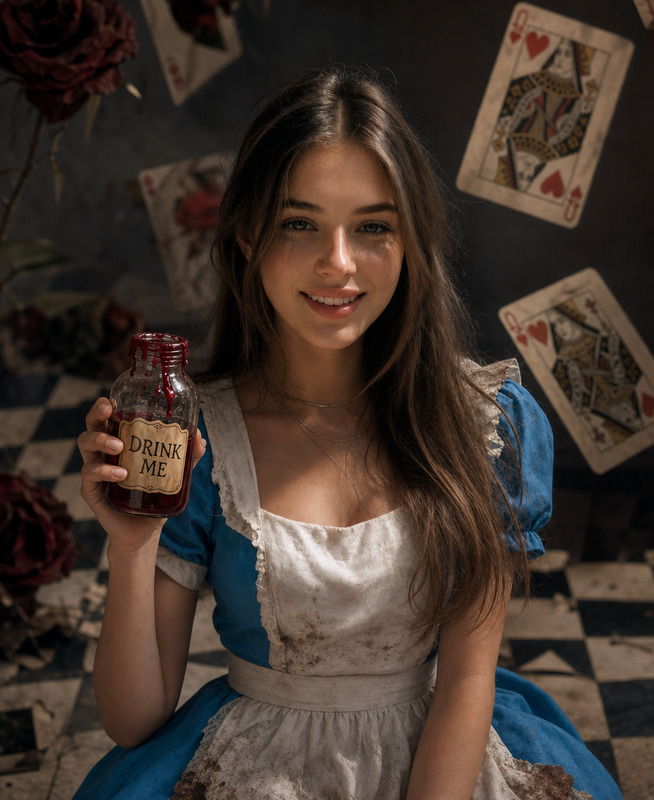
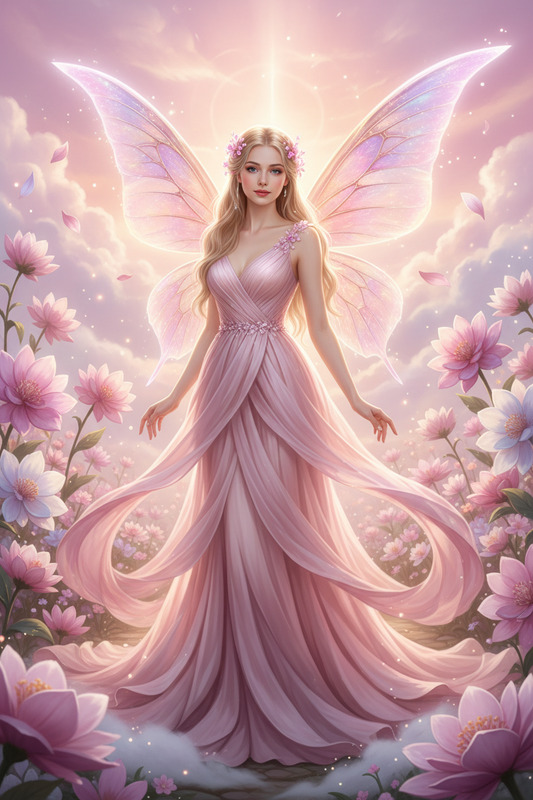
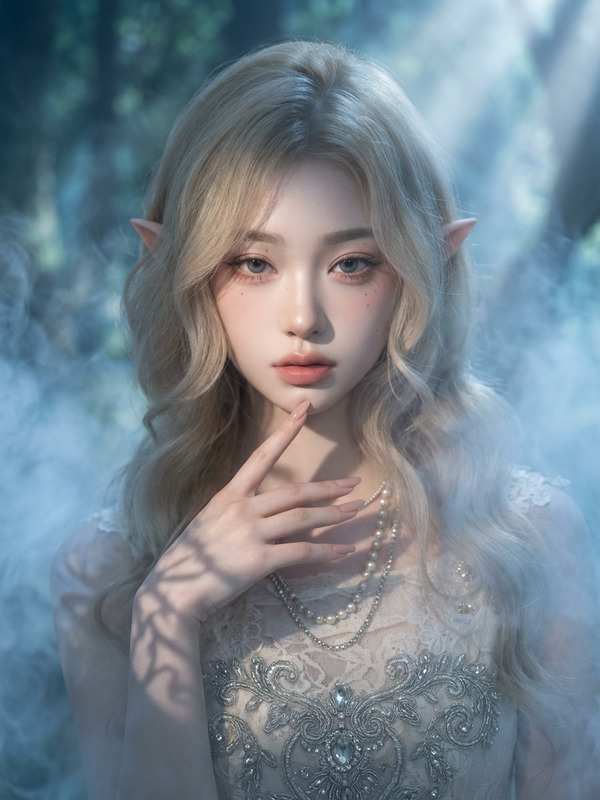
A fantasy portrait of a fairy woman with long blonde hair and iridescent, glowing wings, wearing a delicate green and gold outfit and a jeweled crown. The scene is set in a lush, enchanted forest with soft, dreamy lighting. The image focuses on her serene, elegant face and detailed costume. The atmosphere is ethereal and magical, emphasizing fine textures and harmonious colors. Avoid any distortion, extra limbs, or background distractions.
Any aspect ratio
Overview
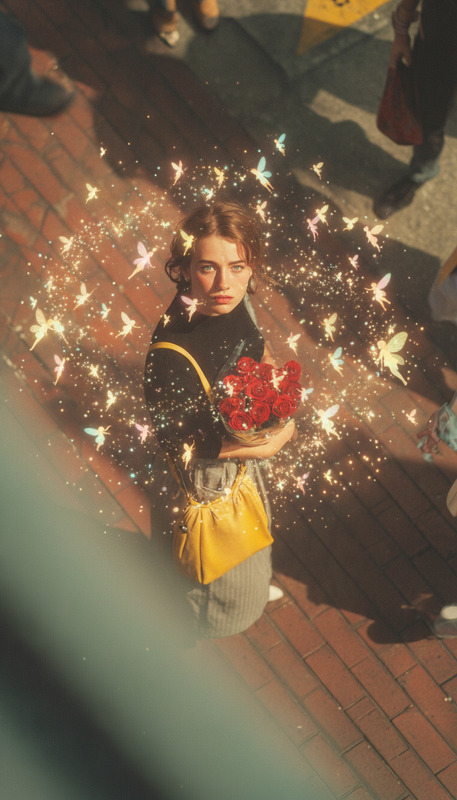
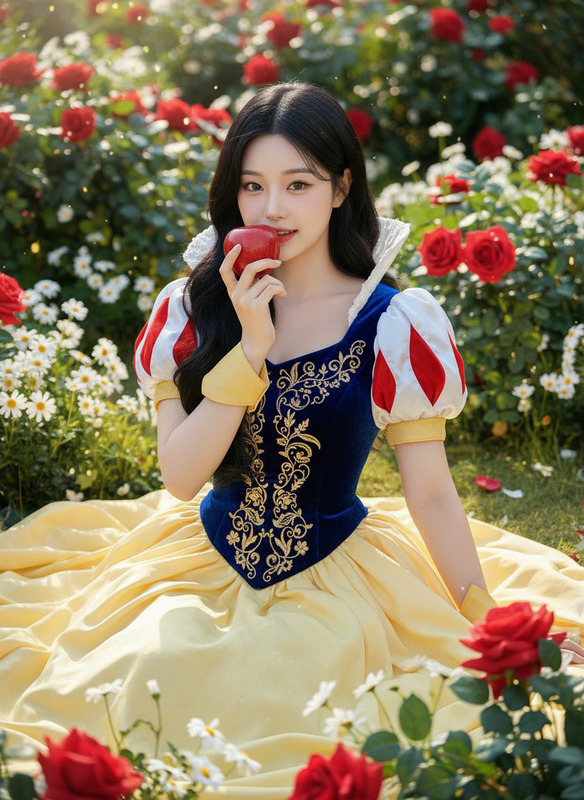
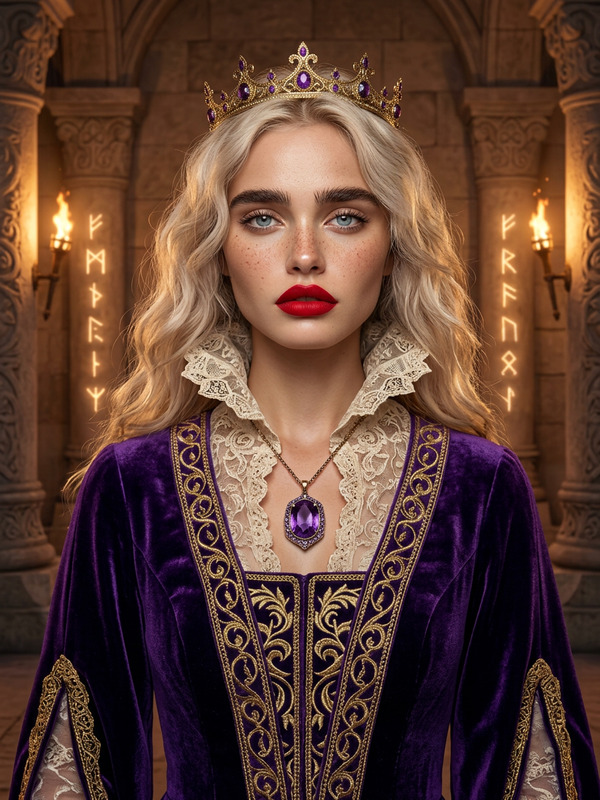
The Tinker Bell template is an AI Image Editor that creates stunning fantasy portraits using the GPT Image-2 model. This template is designed to transform your imagery into an ethereal depiction of a fairy woman against a backdrop of an enchanted forest.
What It Does
Using this template, you can create a fantasy portrait featuring a fairy woman with luminous, iridescent wings. The focus is on the fine details of her attire, including a delicate green and gold outfit and a jeweled crown, set in an enchanting forest environment with dreamy lighting. It enhances textures and maintains a magical, serene atmosphere without any visual distortions.
Who It's For
This template is perfect for artists, content creators, and fantasy enthusiasts who want to craft visually captivating fairy portraits. Whether you're developing a project centered around fantasy imagery or creating cover art, this template offers the tools to bring your magical scenes to life.
Summary
Embrace the magic of the Tinker Bell template to produce high-quality fantasy art. By utilizing the capabilities of the AI Image Editor, you can achieve a realistic yet whimsical result that highlights both the subject and its mystical surroundings, ideal for any creative vision you may have.
How To
Choose the Template

Customize Your Inputs

Generate and Download

Use Cases
Fantasy Art Creation
- Enhance personal art collections
- Create captivating cover art
Content for Social Media
- Share on artistic platforms
- Engage followers with enchanting visuals
Illustrations for Storybooks
- Design graphics for children's books
- Enhance storytelling through vivid imagery
Best Practices
Focus on Detail
Ensure the focus remains on the fairy's facial details and costume intricacies to create a more engaging and realistic image.Leverage Lighting
Experiment with soft, dreamy lighting settings to accentuate the magical atmosphere of your portrait.Use High-Quality Inputs
For best results, start with high-quality images as inputs to maintain the desired clarity and texture.