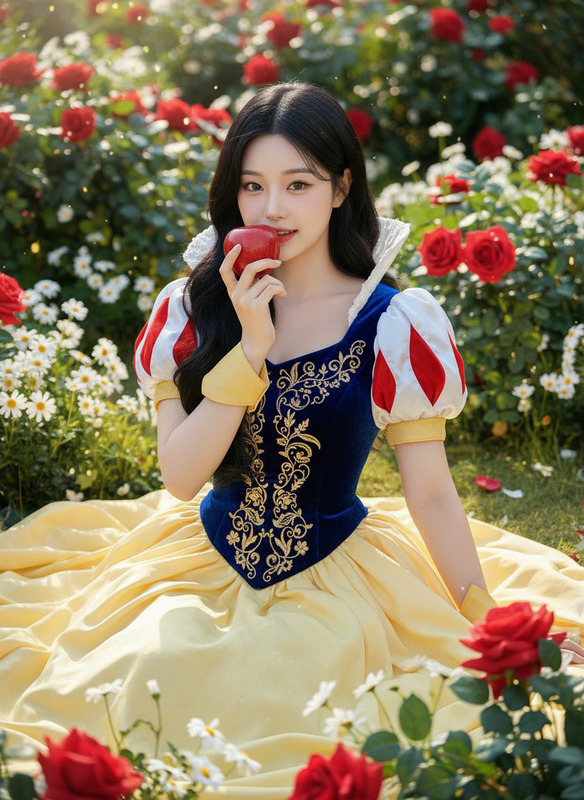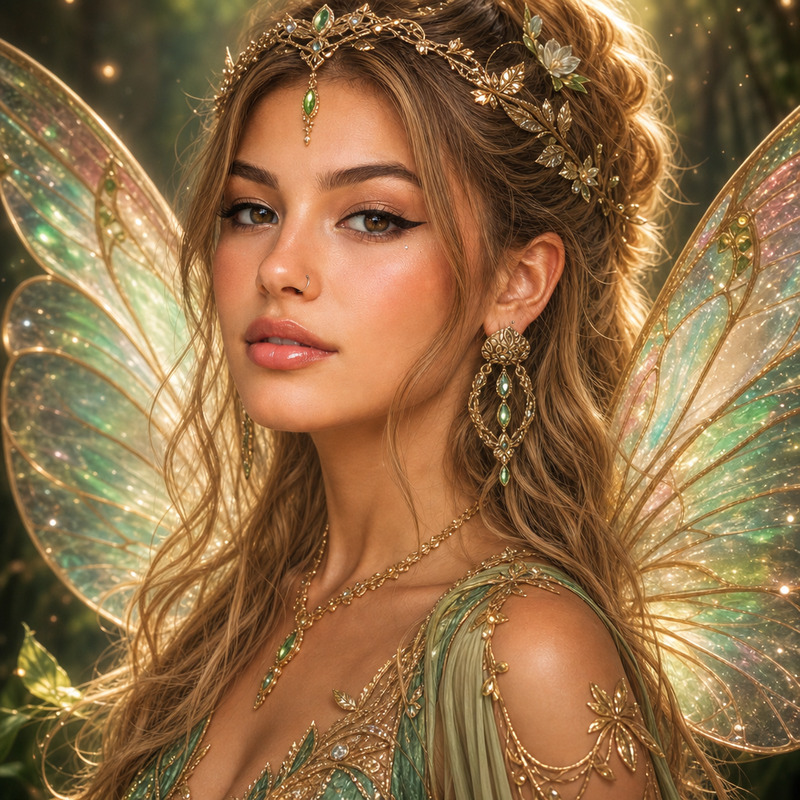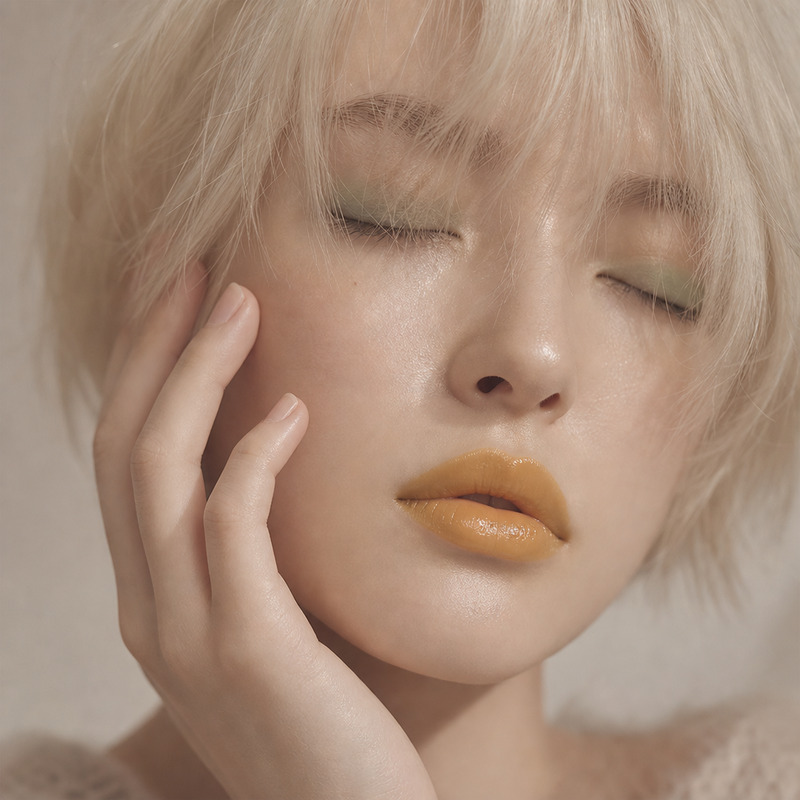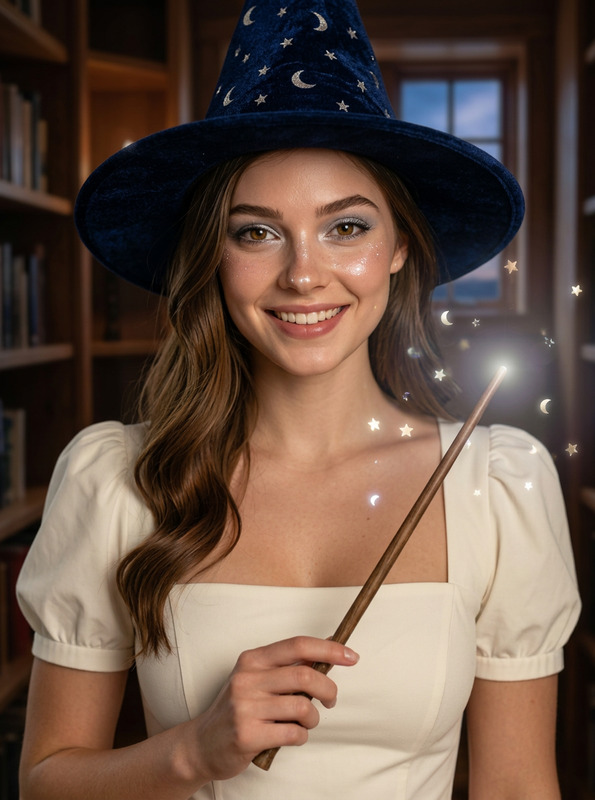
Alice Wonderland Dark
- Model
- GPT Image 2
- Image
- 928 × 1136 px
Prompt
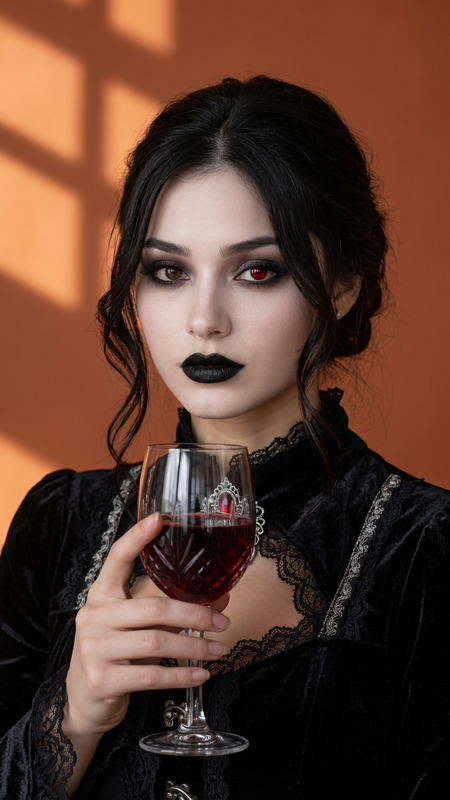
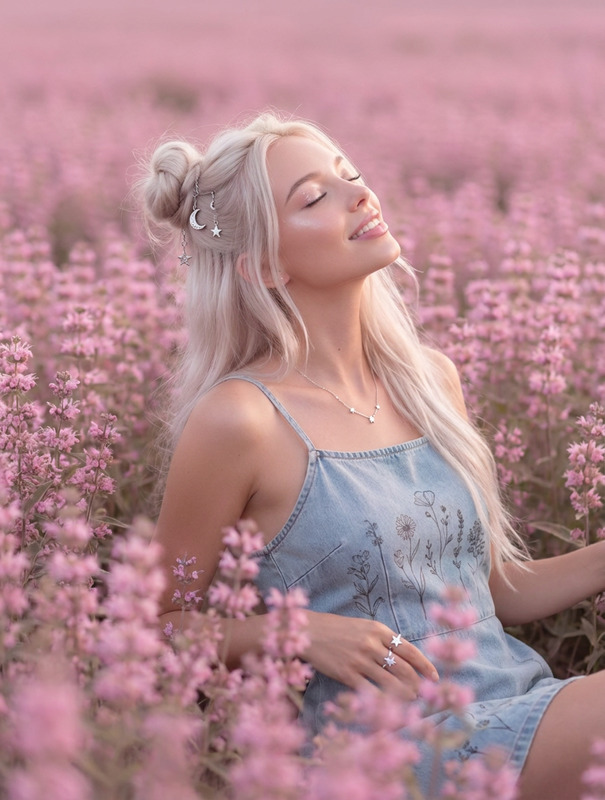
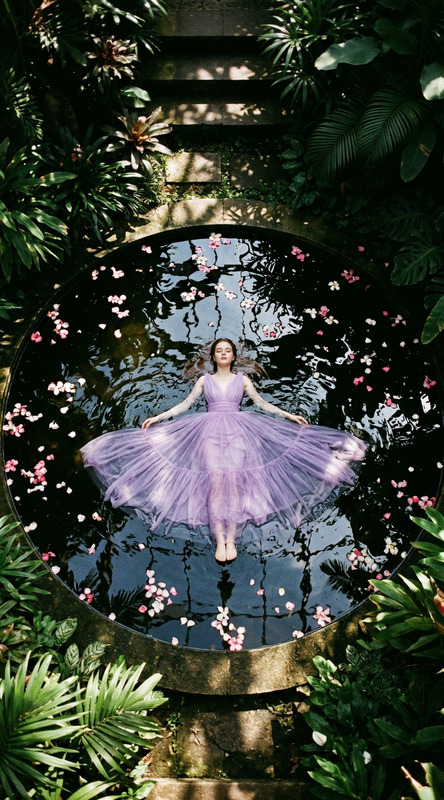
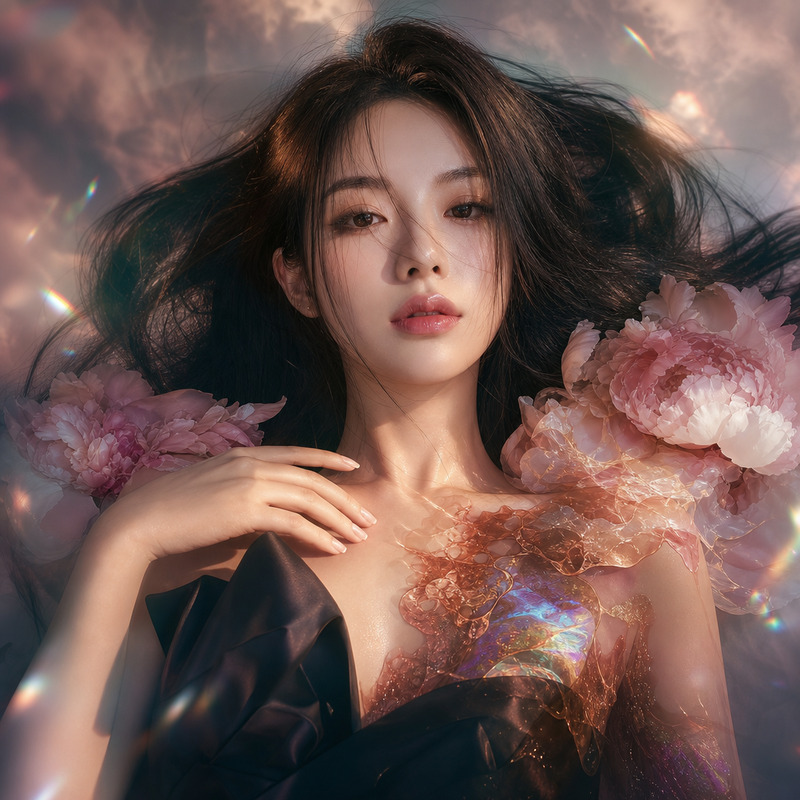
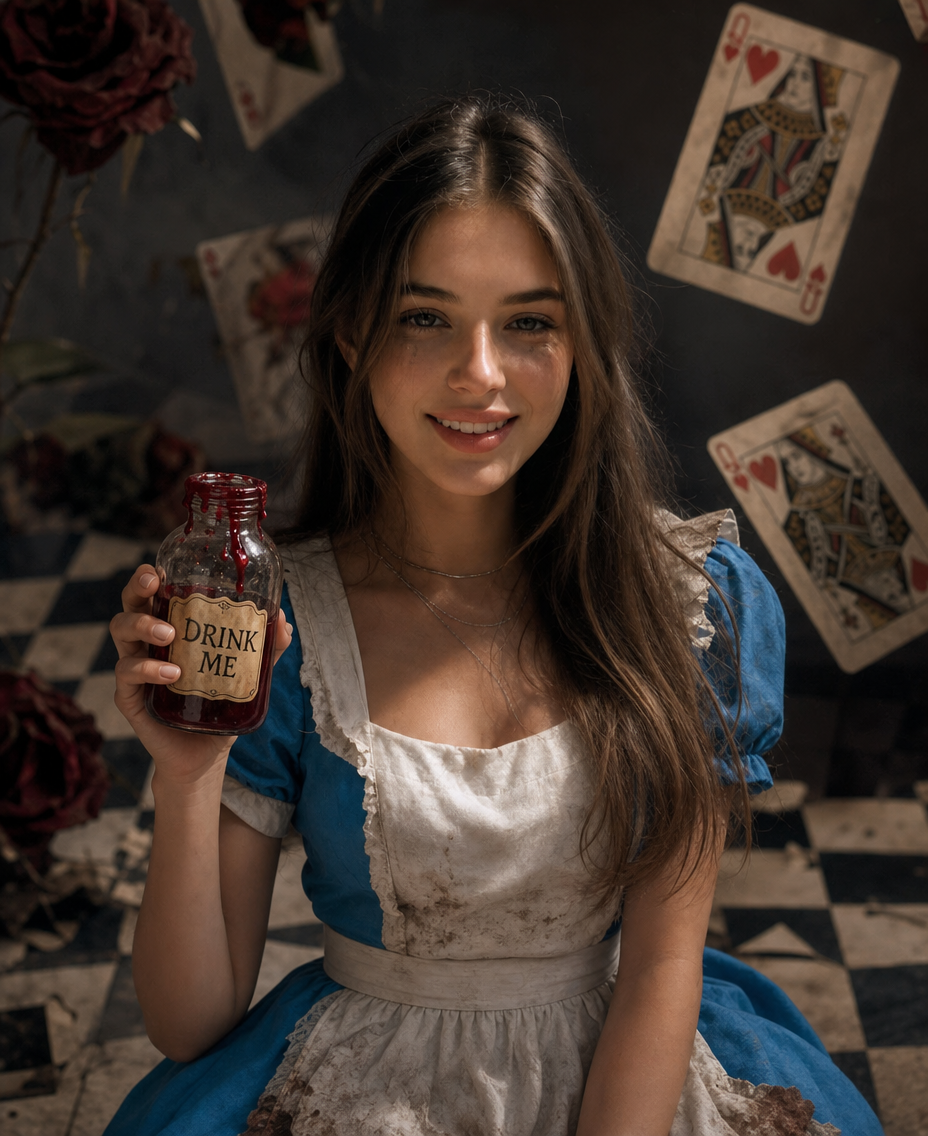
Hyper-realistic photography, a person (their exact face and pose preserved:1.5) looking directly at the camera with a mix of curiosity and wariness, portrayed as a dark fairy-tale Alice. She wears a classic blue dress and a white pinafore, but the dress is slightly tattered and stained at the hem. Makeup is natural with a subtle smudge under the eyes, emphasizing a determined expression. In her hand, she holds a vintage glass bottle labeled "DRINK ME", with a thick, red liquid (like jam) dripping from the rim. The scene is an interior photo studio set designed as a surreal, tilted checkerboard floor. A few giant, wilting roses and oversized, floating playing cards (like the Queen of Hearts) are scattered in the background. Dramatic, soft lighting creates long shadows, enhancing the surreal and slightly ominous atmosphere. Shot on a DSLR, 85mm, f/2.0, photorealistic, sharp focus on the face and the bottle, pristine skin texture, vibrant yet moody color grading.
Any aspect ratio
Overview
The "Alice Wonderland Dark" template is an AI Image Editor tool designed to add a magical, yet ominous, fairy-tale touch to your imagery. Leveraging the gpt-image-2 model, it preserves facial details and expression while transforming your subject into a dark-themed Alice in Wonderland scene.
What It Does
This template enables creators to deliver hyper-realistic, emotive photographs inspired by the world of fairy tales. Capturing sharp facial details alongside a vividly surreal background, it focuses on creating a dynamic balance between curiosity and wariness in the subject's portrayal.
Use this template to craft images with complex lighting and intricate backgrounds, which include elements like tilted checkerboard floors and floating playing cards.
Who It's For
Ideal for photographers, content creators, and digital artists seeking to explore visual storytelling through fairy-tale aesthetics. It's also suitable for mood boards creators and those in the advertising industry looking to create eye-catching visuals.
Whether you are developing content for ad campaigns or adding a creative twist to personal projects, this template offers endless possibilities.
Summary
Combining the rich capabilities of the AI Image Editor with a unique artistic aesthetic, the "Alice Wonderland Dark" template empowers users to craft vivid, enchanting images. It captures the imagination and showcases the boundary-pushing potential of AI in the creative process.
How to Use
Choose Your Template

Customize Settings

Generate Your Image

Use Cases
Creative Photography
- Enhance photo shoots with imaginative settings.
- Add depth to storytelling in photography campaigns.
Publishers and Illustrators
- Design attention-grabbing book covers.
- Illustrate fairy-tale themed editorial content.
Marketing & Advertising
- Craft visuals for themed marketing campaigns.
- Integrate into immersive ad projects.
Best Practices
Focus on Detail
Ensure facial features are detailed and sharp by maintaining focus settings as specified in the template.Experiment with Lighting
Use the lighting controls to add drama and highlight key elements of the scene.Balance Colors
Adjust color grading to maintain vibrancy while ensuring the moodiness of the dark theme.