Fairies Around
- Model
- Nano Banana
- Image
- 768 × 1344 px
Prompt
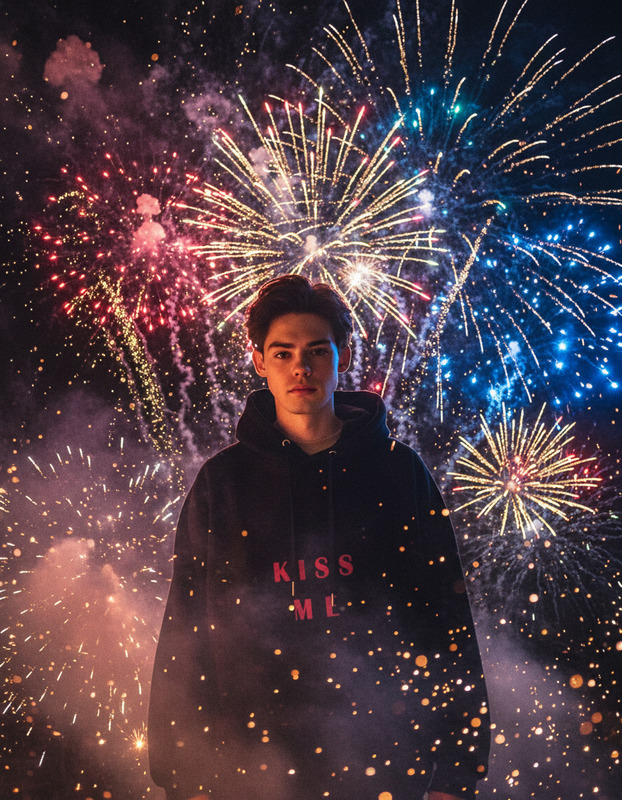
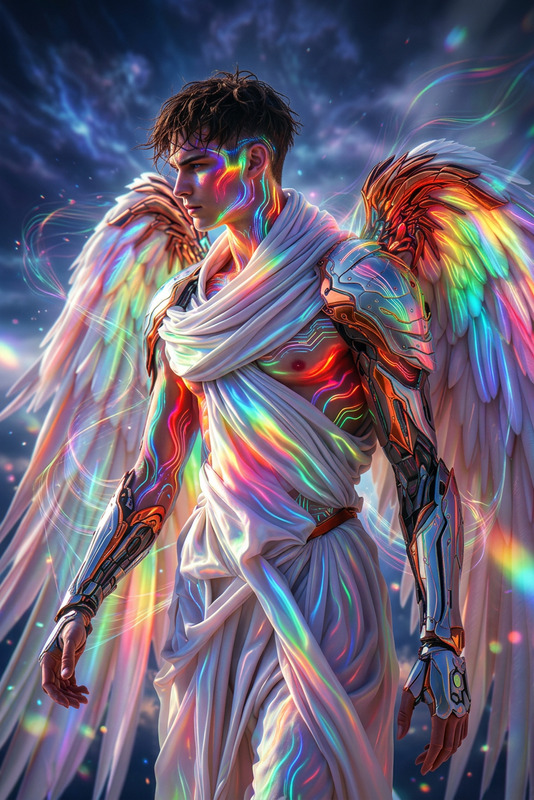
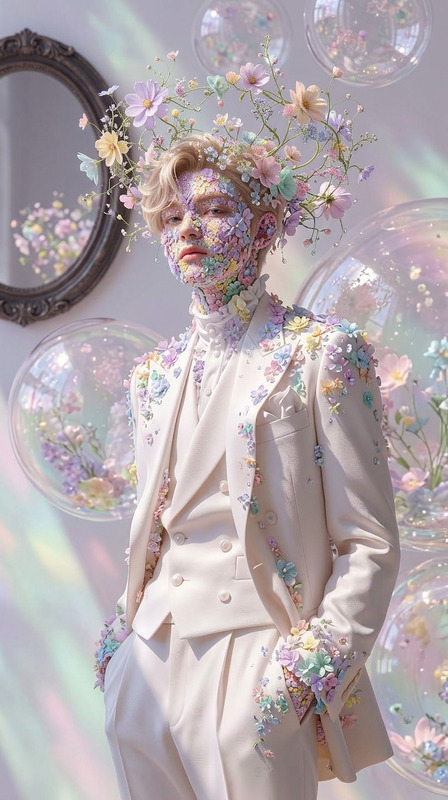
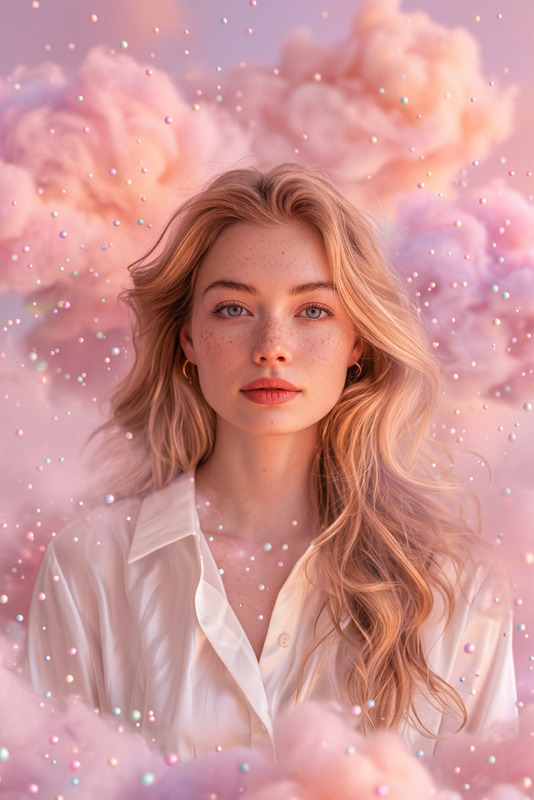
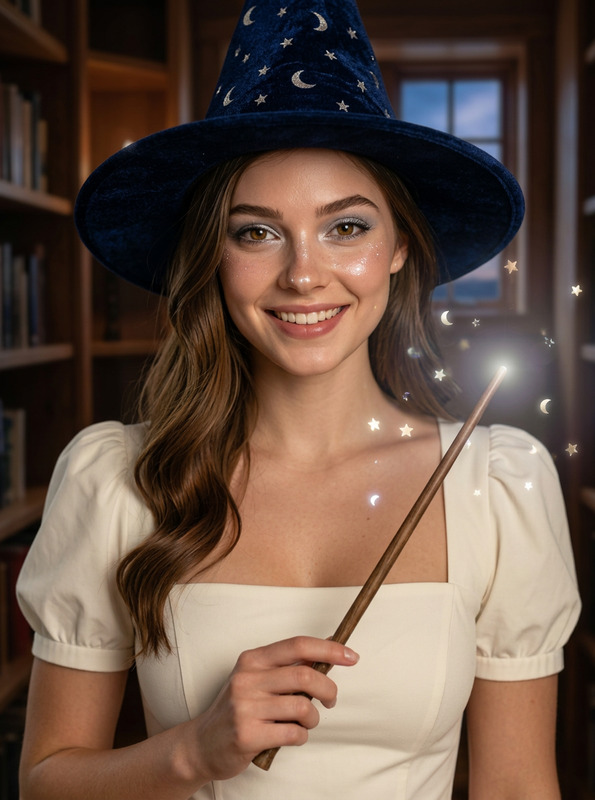
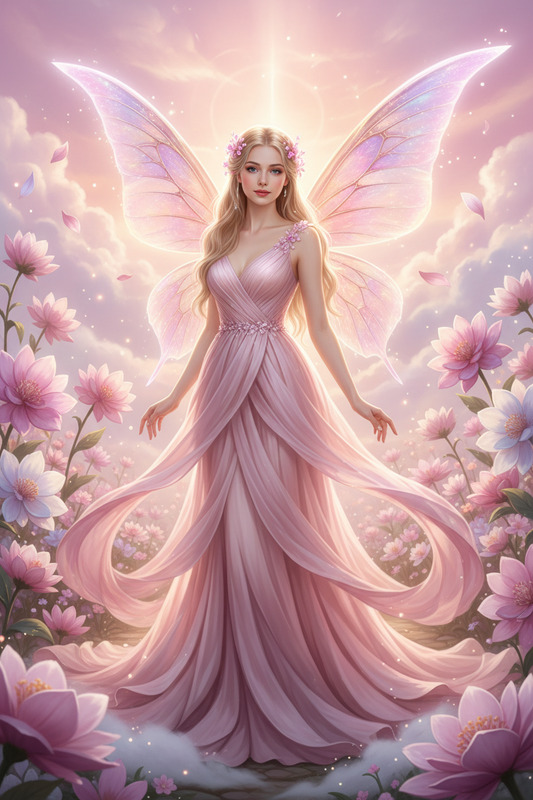
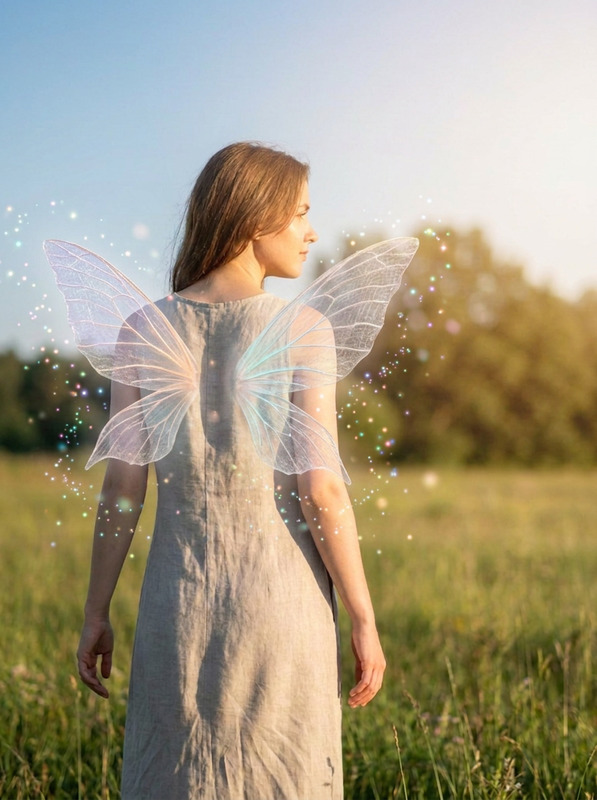
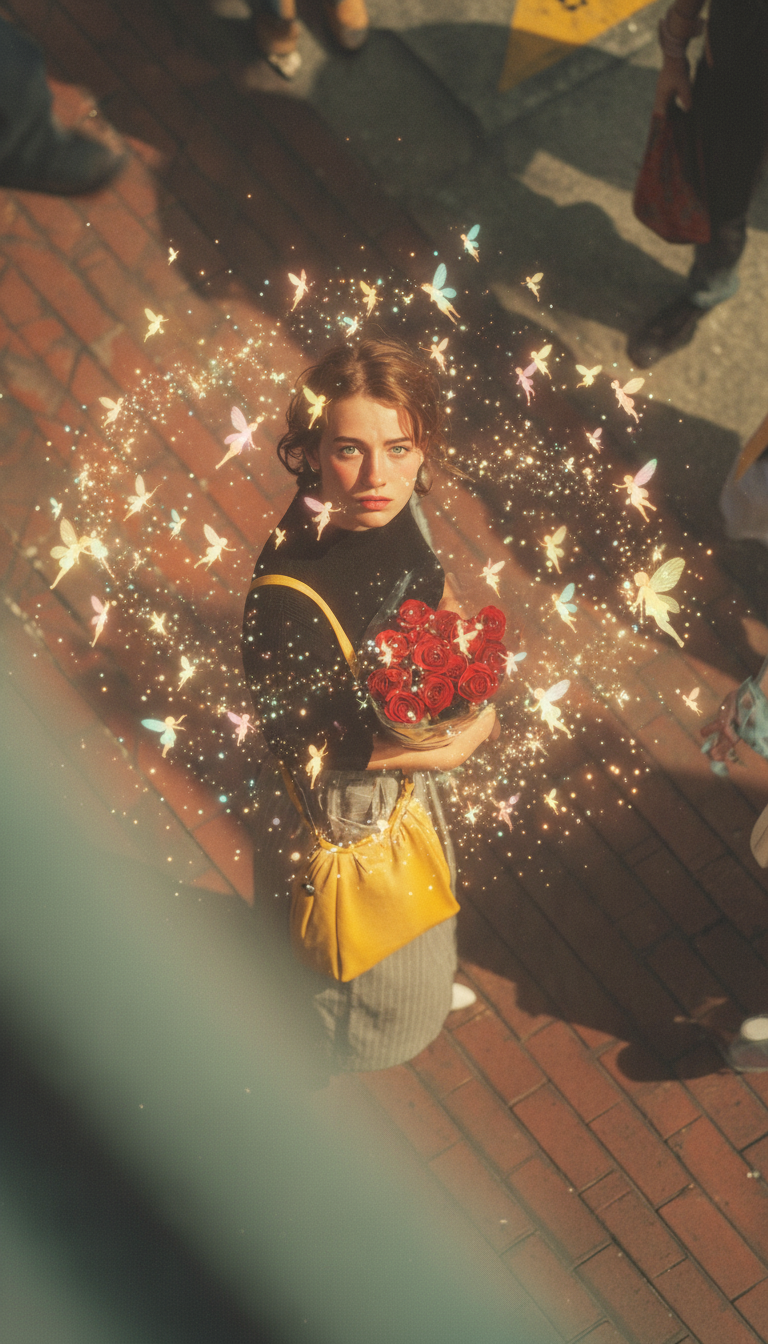
A cinematic medium close-up of a subject surrounded by tiny glowing fairies, as delicate sprites flutter gracefully around the figure, leaving trails of sparkling magical light. Soft golden and pastel glows illuminate the subject’s face, creating a whimsical and enchanting atmosphere. The fairies move dynamically in gentle arcs, with shimmering particles floating through the air. The subject stands calmly, bathed in mystical light, with a serene expression. Soft lighting, dreamy glow, shallow depth of field, ultra-realistic, high detail, HDR, cinematic, magical fantasy mood.
Any aspect ratio
Overview
Transform ordinary scenes into mesmerizing fairy-tale creations with the Fairies Around template. This AI Image Editor, powered by the nano-banana model, allows you to infuse your images with magical realism by surrounding your subjects with glowing fairies. Filled with visually stunning effects, this template is your key to creating an enchanting atmosphere in your projects.
What It Does
The Fairies Around template enhances images with dynamic, glowing fairy effects that flutter around your subject. The intricate design includes shimmering particles and a soft, golden glow, perfect for achieving a cinematic and magical atmosphere. This template is part of our wider range of editing tools, including the versatile AI Image Editor, which provides high-detail, HDR-quality images.
Who It's For
This template is ideal for creators in need of fairy-tale visuals, such as filmmakers, photographers, and digital artists who wish to produce visually captivating stories. Those interested in magical realism, whether for personal projects or commercial ventures, will find the Fairies Around template to be a valuable asset. Try our AI GIF Generator for even more dynamic visual effects.
Summary
With the Fairies Around template, integrate a touch of magic into your visual projects. This tool enables you to craft detailed and ultra-realistic scenes filled with glowing fairies. Explore more creative possibilities by combining it with AI Clothes Changer for a complete fantasy transformation.
How to Use
Choose Your Template

Customize Your Scene

Generate Your Fantasy Image

Use Cases
Magical Film Scenes
- Create atmospheric scenes for fantasy films.
- Develop creative test shots for visual effects projects.
Themed Photography
- Produce themed portrait photography.
- Capture playful and imaginative visual stories.
Creativity in Advertising
- Build fantasy-themed promotional material.
- Design intriguing social media content.
Best Practices
Opt for High-Resolution Images
To achieve the most striking results, use high-resolution images as the base for editing. This ensures every intricate detail of the fairies stands out.Balance Fairy Placement
Place fairies strategically around the subject for a well-balanced composition. Adjust light intensity to complement the focus areas.Incorporate Complementary Effects
Combine this effect with subtle background alterations using other templates like AI Background Changer for seamless integration into mystical settings.