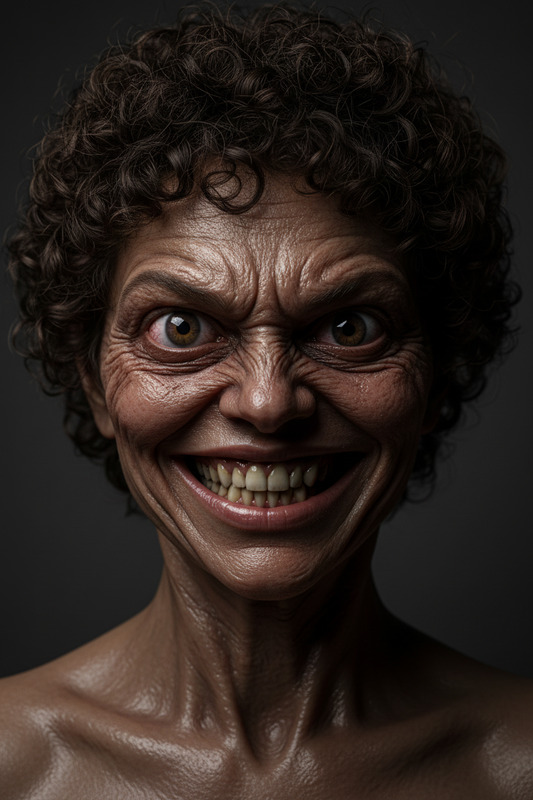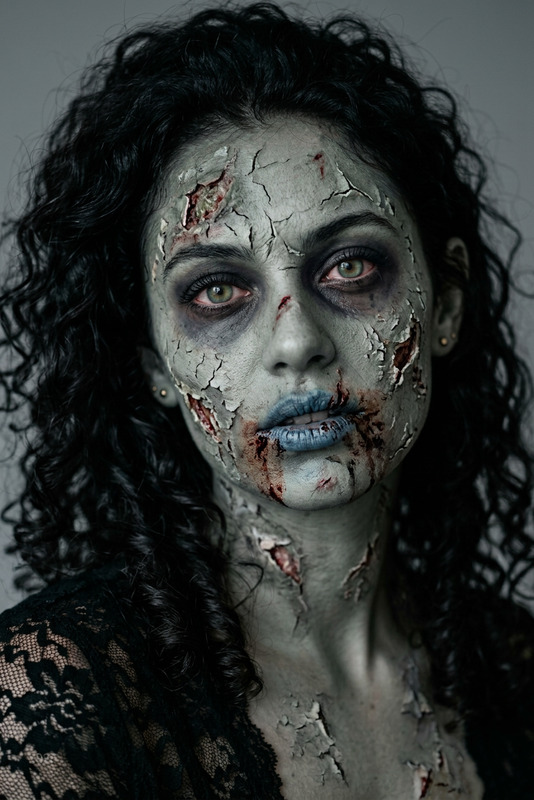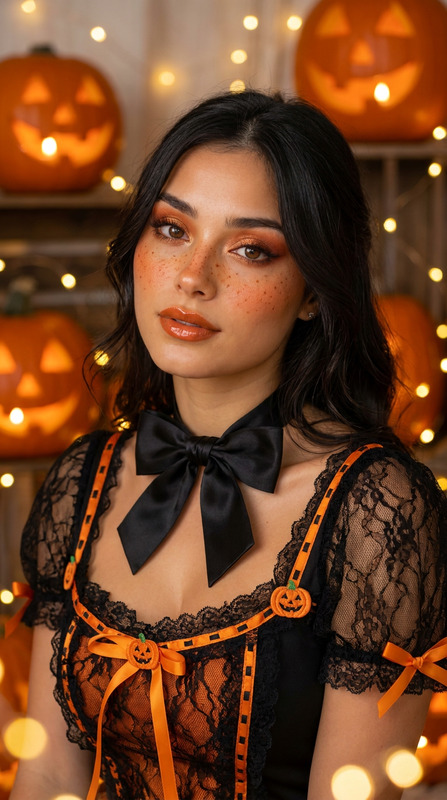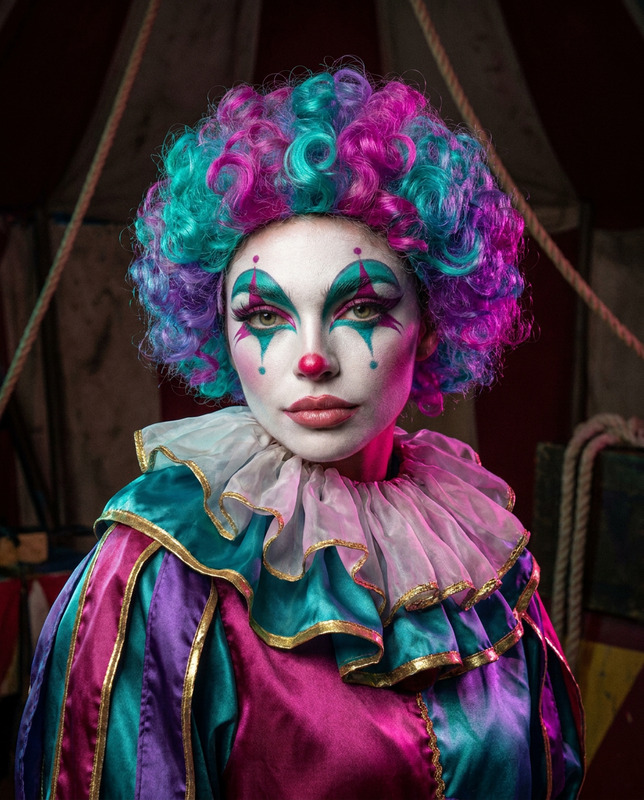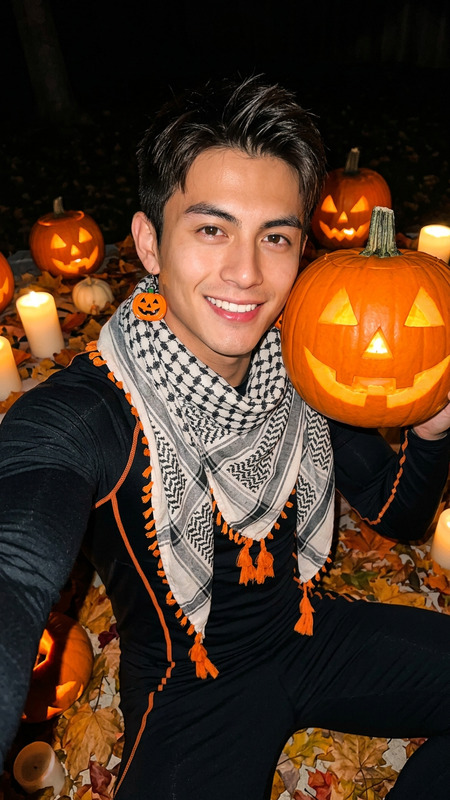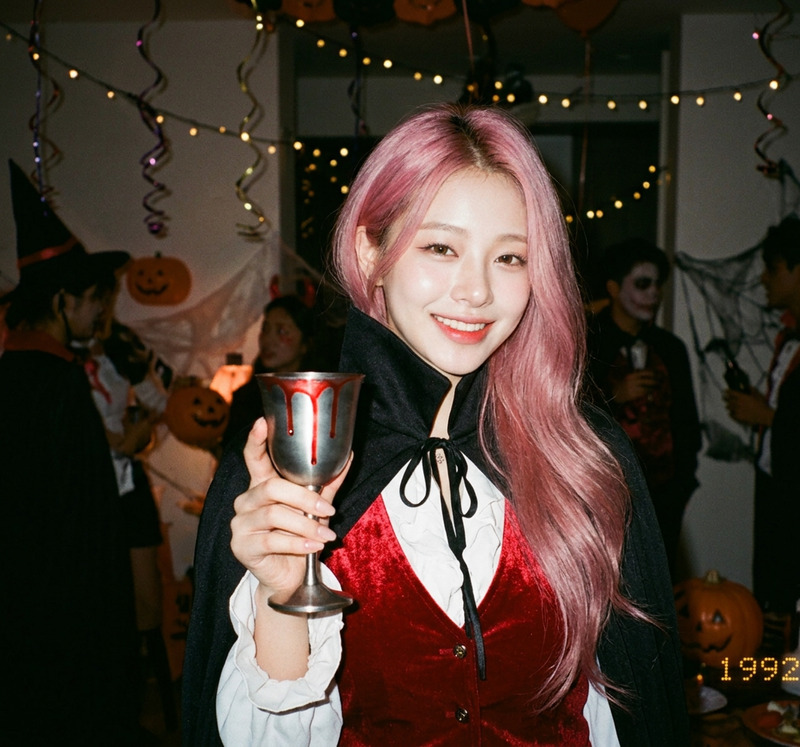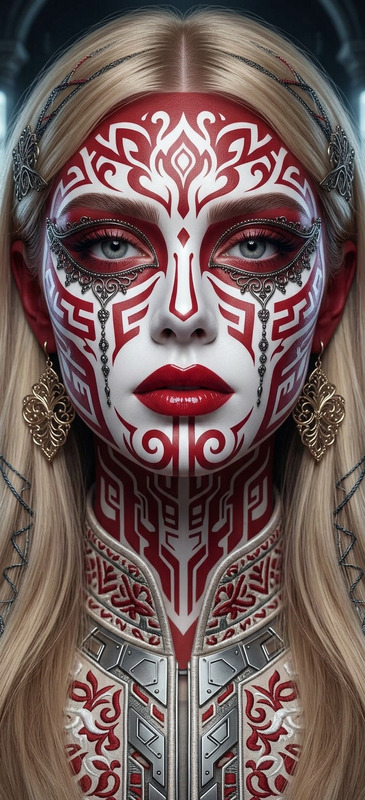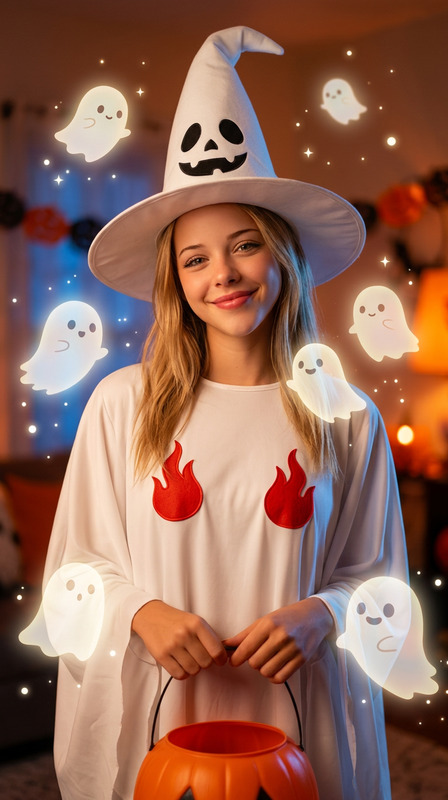
Halloween Costume Portrait

Halloween Costume Portrait

ai-image-editor

1 clip
15 uses

Any aspect ratio

Prompt

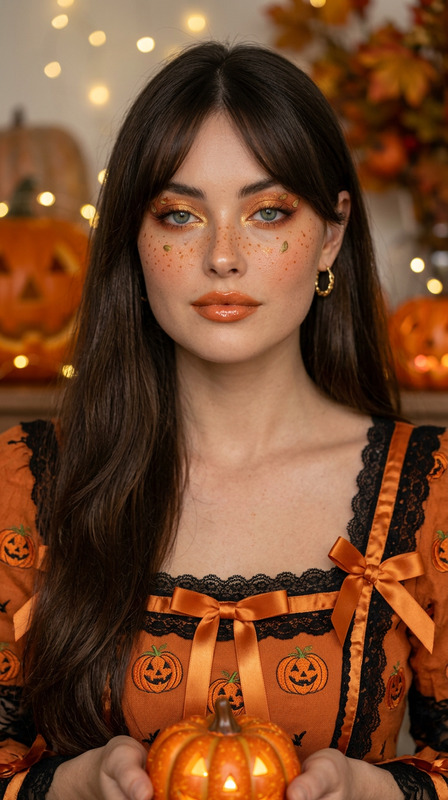
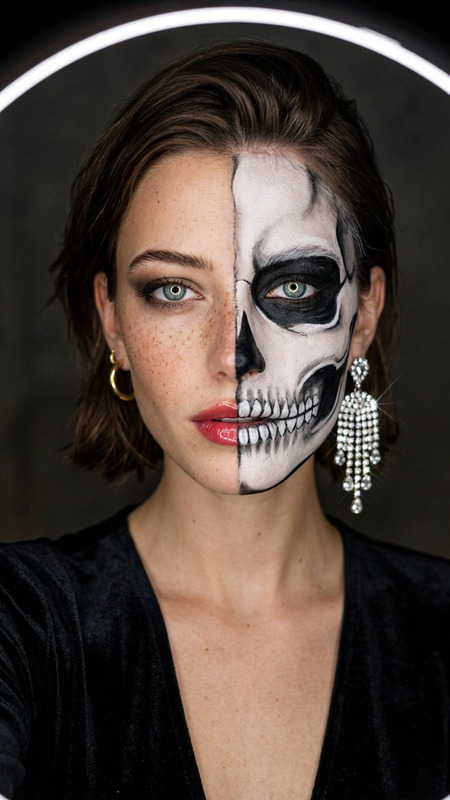
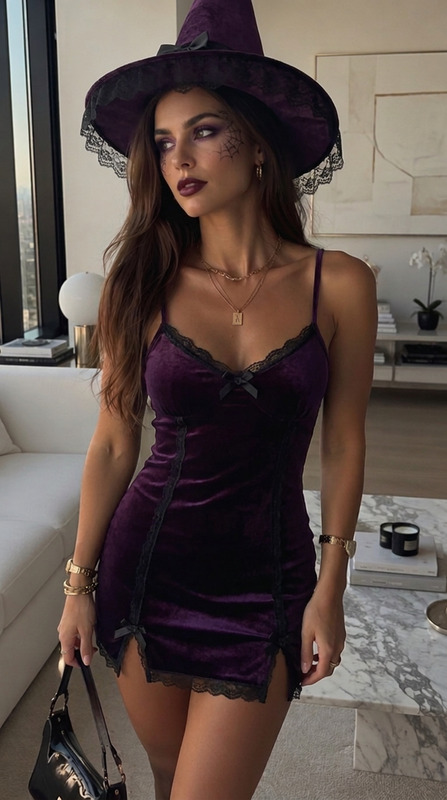
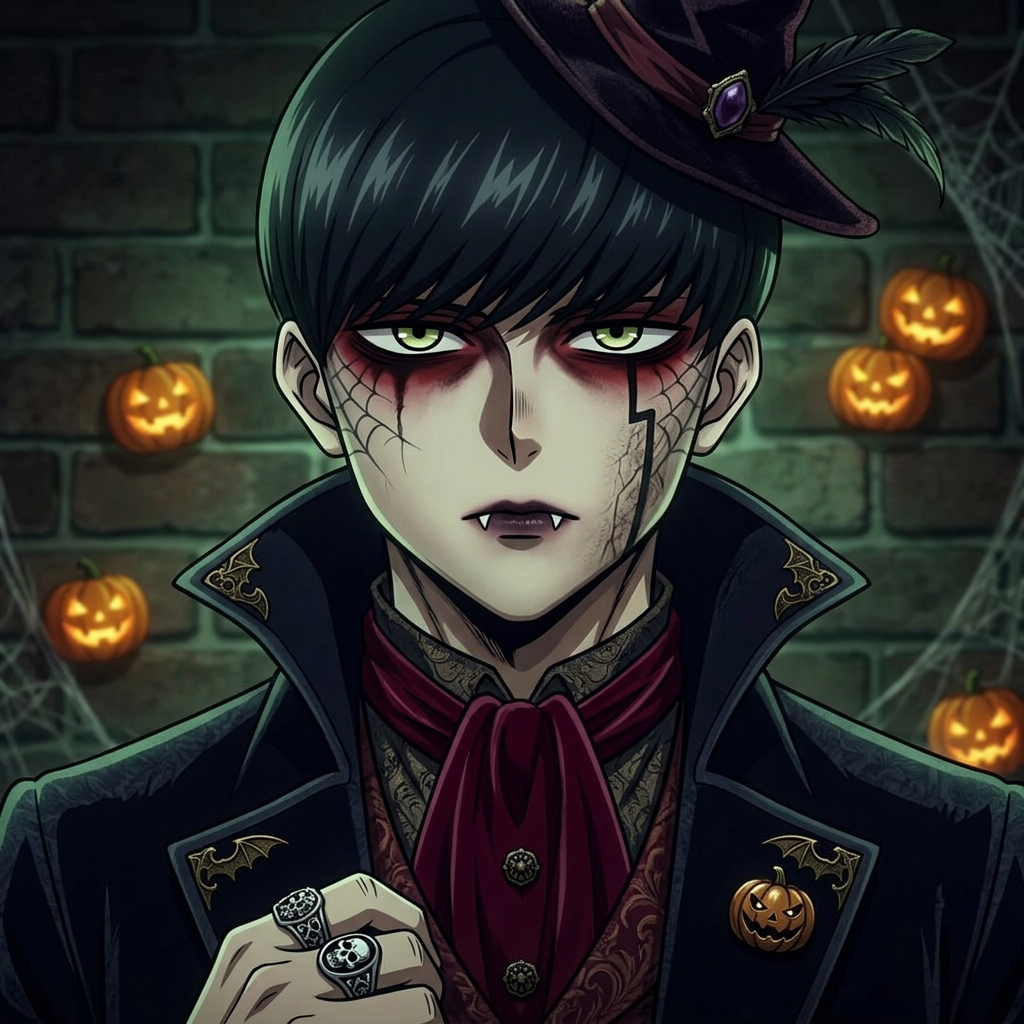
Transform the subject into a Halloween party look while preserving facial identity and features. Add spooky makeup such as face paint, dark dramatic eyes, and subtle special effects. Dress the subject in a Halloween-themed outfit and include festive accessories like a witch hat, vampire fangs, zombie effects, or pumpkin-inspired elements.

AI Image Editor Template: Create High-Impact Visuals in Minutes

Use this template as a starting point to rapidly transform, clean up, and enhance your images with the AI Image Editor. It’s designed for creators, marketers, and product teams who need production-quality visuals fast—without jumping between complicated tools.


What This Template Is For

This template shows you how to:

  • Remove or replace objects, people, and backgrounds
  • Fix photos (clean edges, remove distractions, improve composition)
  • Add or alter elements (products, text areas, UI mockups, concept art)
  • Generate multiple creative variations from a single base image

It’s especially useful for:

  • Marketing & growth teams: ad creatives, thumbnails, landing page assets
  • Product & startup teams: feature mockups, pitch decks, app/UI visualization
  • Creators & designers: concept art, social posts, visual experiments
  • E‑commerce: product photos, lifestyle scenes, background swaps

Under the hood, the template relies on the AI Image Editor for precise local edits and full-scene transformations, with support from other Magic Hour tools when you want to take your visuals into video, avatars, or more stylized art.


How to Remix This Template in Magic Hour

You can recreate and customize a version of this template in a few minutes:

  1. Open the AI Image Editor
    Go to the AI Image Editor. Start with:

  2. Define What You Want to Change
    Think in terms of clear, goal-oriented edits:

    • “Remove the clutter in the background and replace with a clean studio setting”
    • “Turn this casual selfie into a clean, professional headshot”
    • “Change this T‑shirt to a black hoodie with simple branding”
    • “Convert this real photo into a stylized comic panel”
  3. Use Inpainting / Object Editing for Local Changes
    For targeted edits (removing or adding things), combine AI Image Editor with:

    • AI Remover — to erase unwanted objects or people
    • Remove Object from Photo — for content-aware cleanup
      After removal, use the editor to:
    • Reconstruct realistic backgrounds
    • Add new elements based on text prompts
    • Refine edges and lighting for consistency
  4. Transform the Entire Image for Style or Concept
    To restyle the full image or shift genre:

  5. Prepare for Social, Ads, or Product Pages
    Once you have a strong base image:

  6. Iterate Quickly with Prompted Variations
    Once you like one version:

    • Duplicate it and modify the prompt to test different:
      • Backgrounds (office, studio, outdoor, futuristic)
      • Styles (photo-realistic, flat illustration, 3D, hand-drawn)
      • Color palettes (brand colors, seasonal, light/dark modes)
    • Use AI Outfit Generator or AI Fashion Generator to explore multiple looks on the same subject

This remix-driven workflow makes the template more like a system: a repeatable way to go from rough input → polished output → variations.


Example Use Cases You Can Build from This Template

Use this template as the base for more specialized flows in Magic Hour:

1. Professional Headshots & Profile Photos

2. Product Photos for E‑Commerce & SaaS

You can also:

3. Avatars, Characters, and Creators’ Visual Systems

Complement with:

Use the AI Image Editor at each step to adjust facial features, clothing, and background until the character is consistent across all uses.

4. Brand & Content Assets

Starting from a core image, you can rapidly produce:

Use the AI Image Editor to keep typography areas clean, adjust composition for text overlays, and enforce brand colors.


Turn Edited Images into Video, Voice, and Interactive Media

Once your images are polished, you can extend this template into a full multimodal workflow:


Repair, Restore, and Enhance Existing Images

This template is also a strong base for restoration and cleanup workflows:

  • Old & Damaged Photos

  • Sharpen and Unblur

    • Use Unblur Image to recover detail
    • Refine and correct artifacts in the AI Image Editor
  • Watermarks & Unwanted Elements

    • Remove logos or marks (where you have rights) with the Watermark Remover
    • Clean up anything left over with the AI Image Editor’s local editing capabilities

Creative & Technical Extensions

Once you’re comfortable with this template, you can build more specialized remixes:


Practical Tips for High-Quality Results

  • Start with the best source you have
    Higher-quality inputs (resolution, lighting, clear subject) produce more reliable edits. If needed, run your starting image through AI Image Upscaler or Unblur Image first.

  • Edit in stages, not all at once
    Complex changes are more predictable when you:

    1. Remove or simplify (background, clutter)
    2. Add or transform subjects
    3. Refine style, lighting, and color
  • Be explicit in your prompts
    When guiding edits, specify:

    • Subject (“young professional in business-casual clothing”)
    • Environment (“minimalist office background with soft daylight”)
    • Style (“photo-realistic, natural colors, shallow depth of field”)
  • Keep a reusable “visual system”
    Once you get a look that fits your brand or project:

    • Save and reuse the same base images
    • Remix them with the AI Image Editor and related tools instead of starting over
    • This keeps your assets visually consistent across campaigns and formats

Related Magic Hour Tools to Explore Next

If you find this AI Image Editor template useful, these tools integrate naturally into similar workflows:

Use this template as a base, then stack other Magic Hour tools around the AI Image Editor to create your own repeatable pipelines for image editing, asset creation, and end-to-end content production.

More Like This