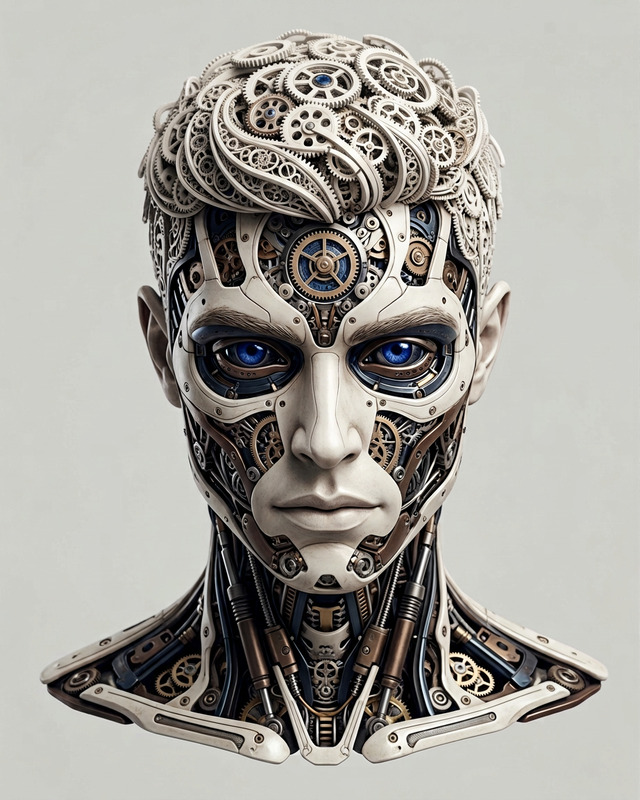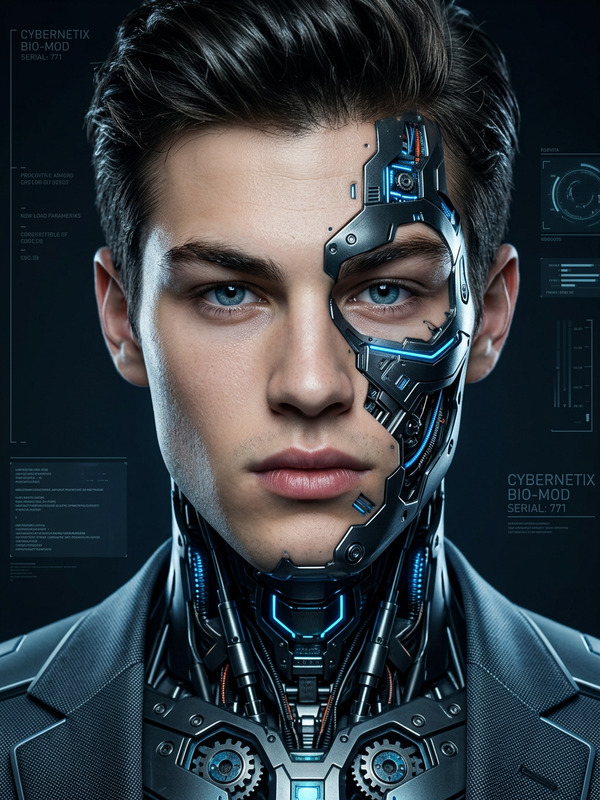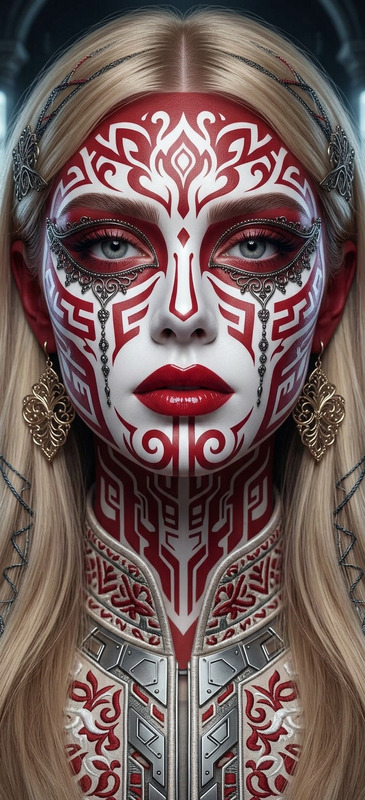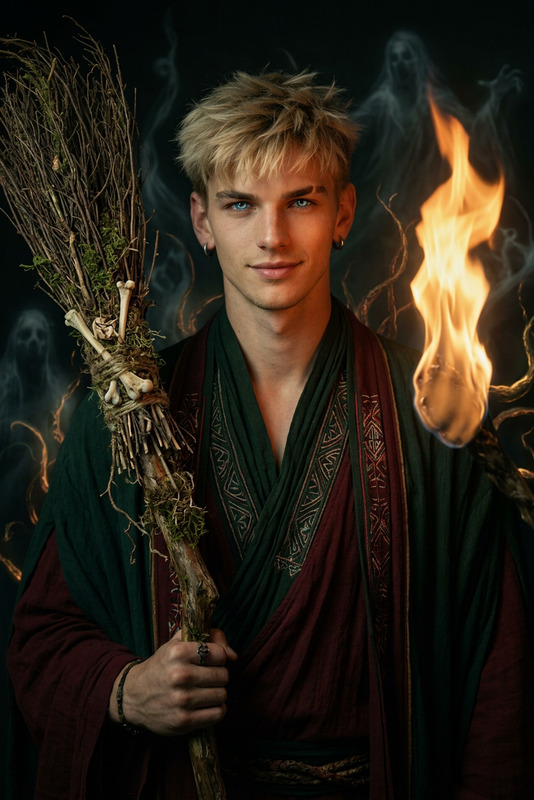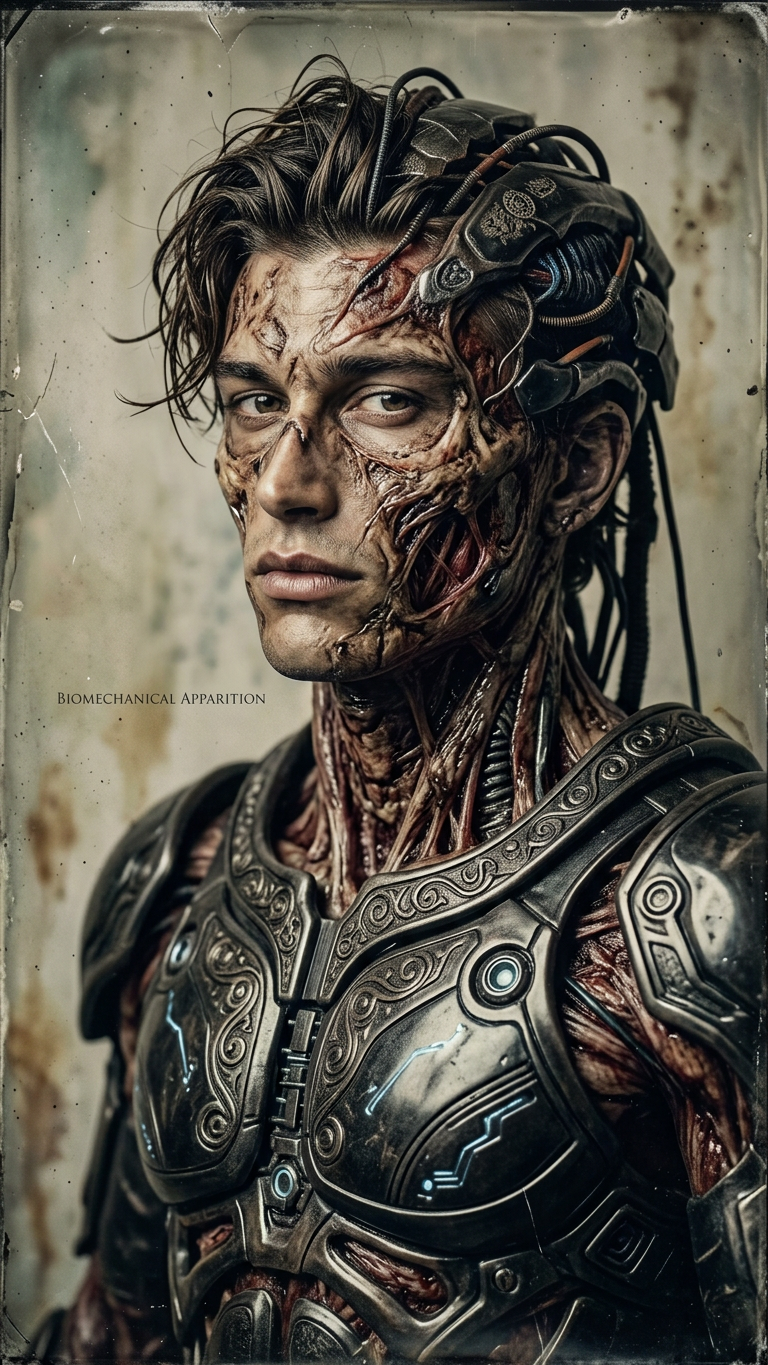
Biomechanical Undead Portrait

Biomechanical Undead Portrait

ai-image-editor

1 clip
1 uses

Any aspect ratio

Prompt

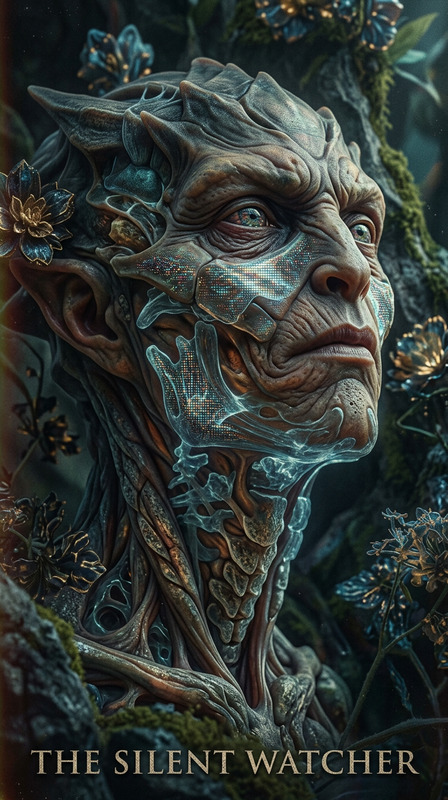
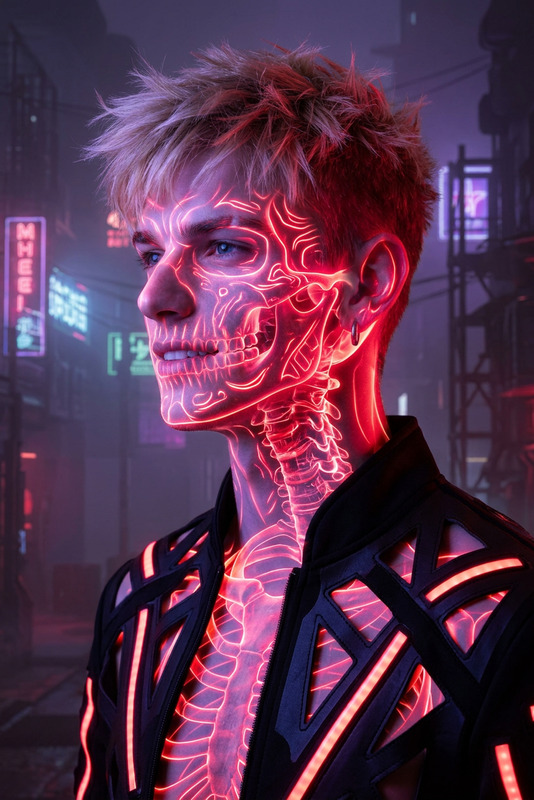
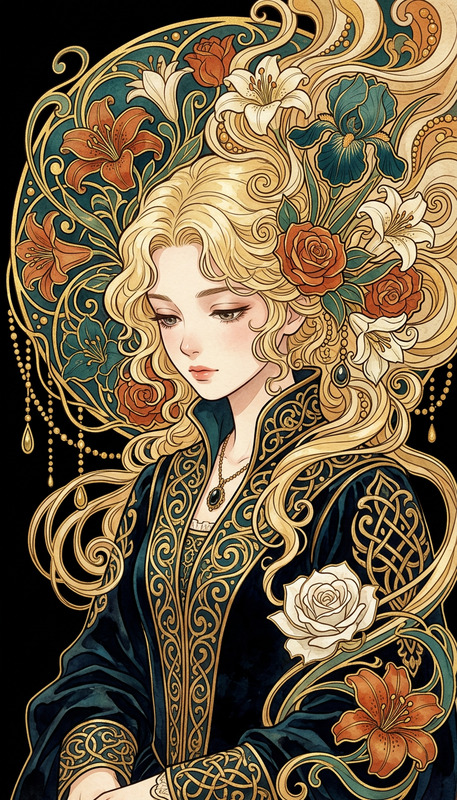
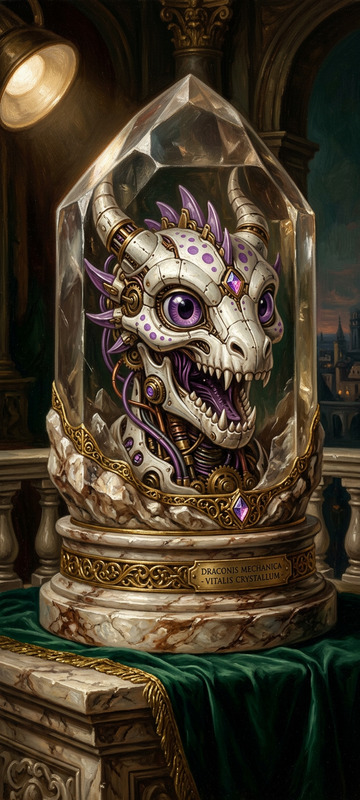
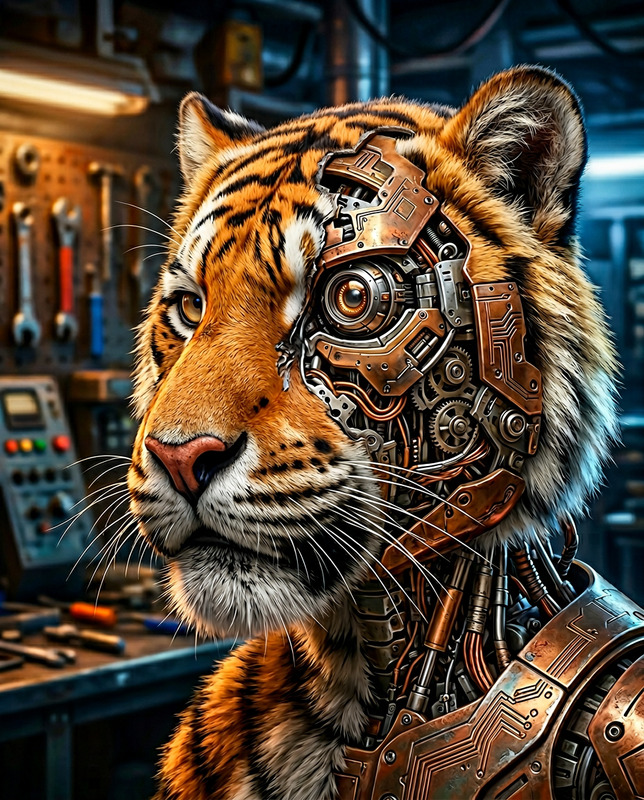
Subject depicts hyper-realistic portrait of a biomechanical undead warrior with intricate textures blending alien exoskeleton and decaying organic elements. Style uses wet plate collodion technique for a vintage, haunting sharpness. Design merges dark biomechanical aesthetics with surreal artistry and subtle ornamental patterns across armor-like surfaces. Expression conveys piercing, unsettling intelligence. Composition emphasizes eerie elegance, detailed realism, and a fusion of horror and beauty.

AI Image Editor Template: Turn Any Idea into Production‑Ready Images

This template is built with the AI Image Editor, so you can start from a real image and iteratively refine it into exactly what you need—without jumping between tools or learning complex design software.

Use it to:

  • Clean up product shots for landing pages and ads
  • Create social visuals and thumbnails that match your brand
  • Edit headshots, team photos, and profile images
  • Mock up UI, app screens, or product concepts
  • Generate consistent visuals for content, decks, and campaigns

What This Template Does

This template demonstrates a full image editing workflow powered by AI:

  • Start from any reference image (photo, mockup, sketch, screenshot)
  • Inpaint or replace parts of the image (objects, people, text, backgrounds)
  • Refine style, lighting, and composition while keeping the core layout
  • Export ready-to-use assets for web, social, and product UI

Because it’s built on the AI Image Editor, you can:

  • Work non‑destructively: iterate on versions instead of starting over
  • Combine multiple edits in one flow (background changes, object removal, retouching, style shifts)
  • Remix it into your own reusable “mini‑tool” for your brand or product

How to Remix This Template in Magic Hour

You can clone this template and adapt it to your specific use case—brand kit, product, or workflow.

1. Open the template in Magic Hour
Use it as a starting point rather than building from scratch. You’ll see the input image and the sequence of AI edits that transform it.

2. Swap in your own source images
Drop in:

  • Product photos (for ecommerce, SaaS UI, marketplaces)
  • Brand imagery (logos, colors, scenes)
  • Headshots or team photos
  • Screenshots of your app or prototype

AI will keep the overall structure but adapt the output to your specific image.

3. Customize the edit steps

Use the AI Image Editor capabilities to tailor the template for your needs:

4. Save your remix as a reusable template

Once your flow works for your brand or use case, save it as your own template in Magic Hour so you and your team can:

  • Reuse the same look across campaigns and clients
  • Standardize image production for blogs, ads, and product updates
  • Quickly generate new variations without rebuilding the workflow

Example Use Cases for Creators, Marketers, and Builders

1. Landing Page & Ad Creatives

Turn raw assets into polished marketing visuals:

Pair this with:

2. Brand‑Consistent Social and Content Visuals

Build a repeatable system for social content:

  • Define a “base frame” image (layout, framing, composition) in this template
  • Swap in new products, headlines, or elements per post
  • Use AI Logo Generator or AI Icon Generator for consistent graphic elements
  • Use AI Meme Generator if your brand voice leans playful

Your team can then remix the same template weekly without needing design help.

3. Founder & Team Headshots

If you’re building a startup or running a lean marketing team, you can standardize all your people imagery:

  • Start from any decent photo
  • Use the AI Face Editor and AI Headshot Generator to normalize backgrounds, lighting, and attire
  • Use the AI Image Editor template to apply the same framing and color treatment for every team member

You can also explore:

4. Product & Feature Visualizations

For SaaS, B2B, and technical products:


Advanced Flows: Connect Image Editing to Video and Animation

If you work with video, you can turn outputs from this AI Image Editor template into dynamic content with other Magic Hour products:

This allows you to maintain one consistent visual system from static images all the way to motion.


Related Magic Hour Tools for Deeper Customization

If you want to push this template further or create a whole design system around it, consider pairing it with:


Best Practices for Using and Remixing This Template

For creators, marketers, and startup teams who care about quality and throughput:

  1. Define your visual system once

    • Decide on a consistent background style, composition, and color language
    • Encode that into your remix of this template, then reuse it across campaigns
  2. Work from real assets whenever possible

    • Start from your actual product, team, or environment shots
    • Use AI to enhance, not obscure, what makes your product compelling
  3. Chain tools instead of overloading one step

  4. Template everything that repeats

    • If you find yourself doing the same edits for every blog post, email campaign, or product update, clone this template, tweak it once, and make it your “house style” template.

Who This Template Is For

  • Startup founders and growth teams needing fast, on‑brand visuals without a full‑time designer
  • Content and performance marketers who want a repeatable pipeline for creatives across channels
  • Product teams and indie hackers building polished visuals for app stores, pitches, and docs
  • Creators and educators producing regular thumbnails, covers, and social assets

If you’re aiming for speed + consistency in your visual output, this AI Image Editor template is designed as a practical starting point you can clone, adapt, and integrate into your own production workflow.

More Like This