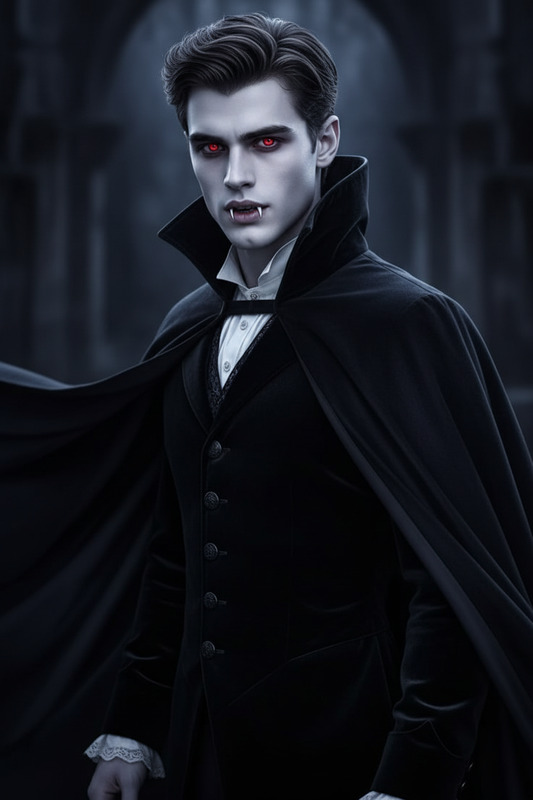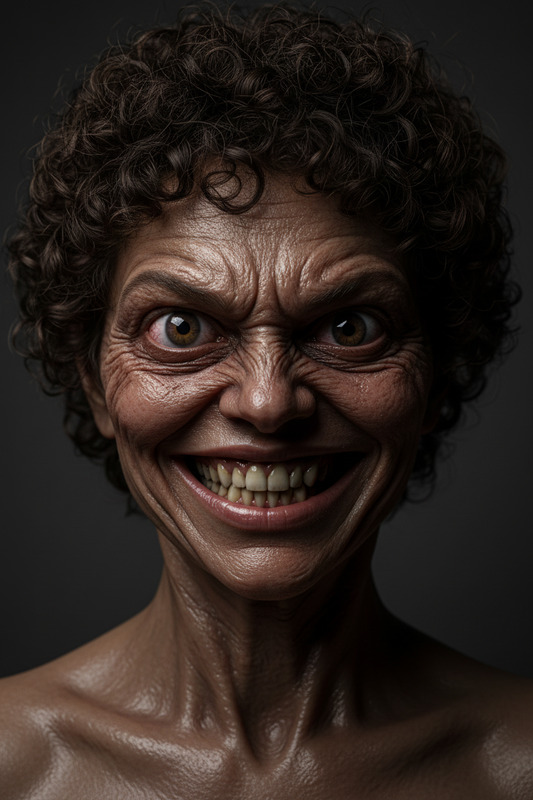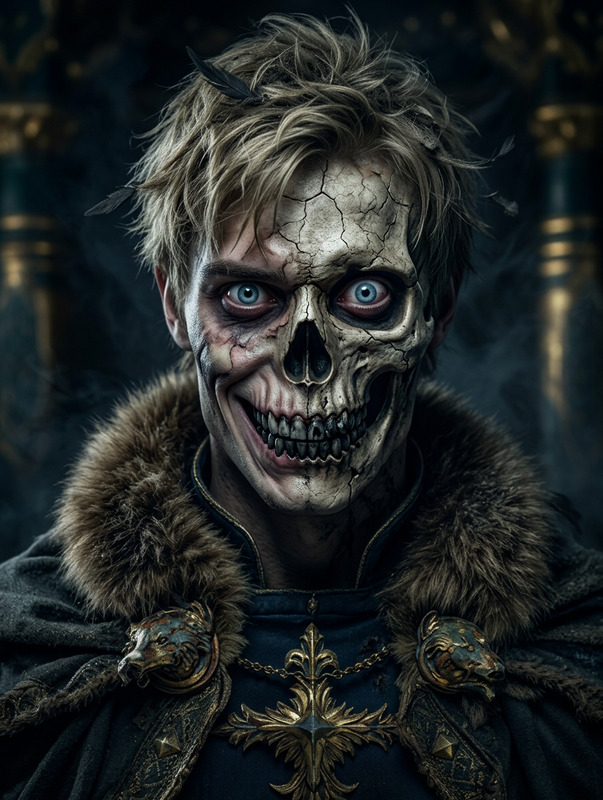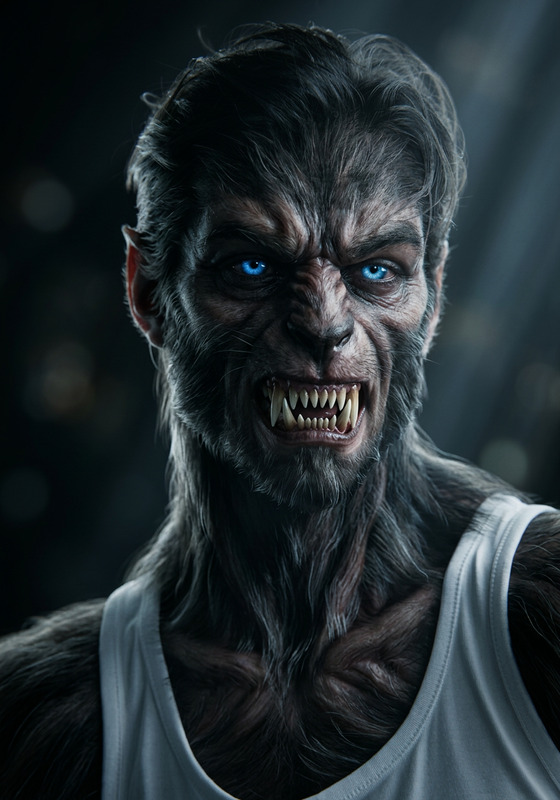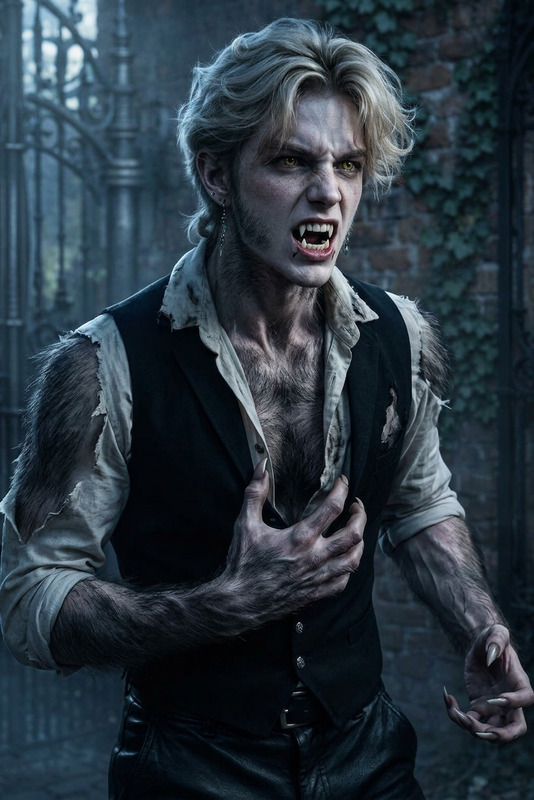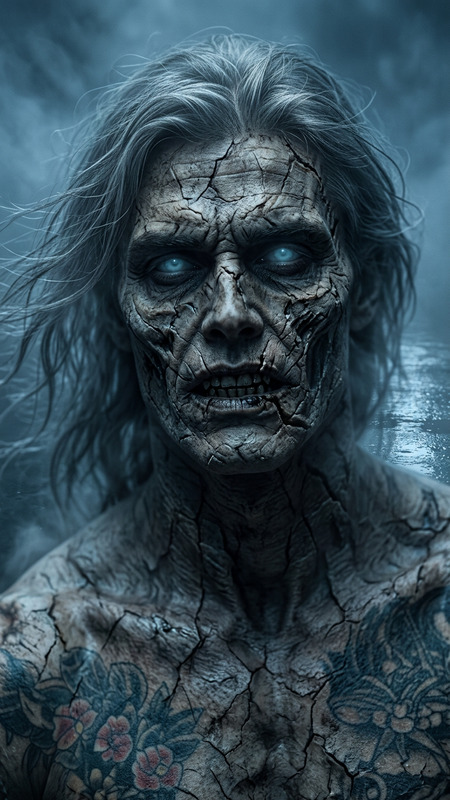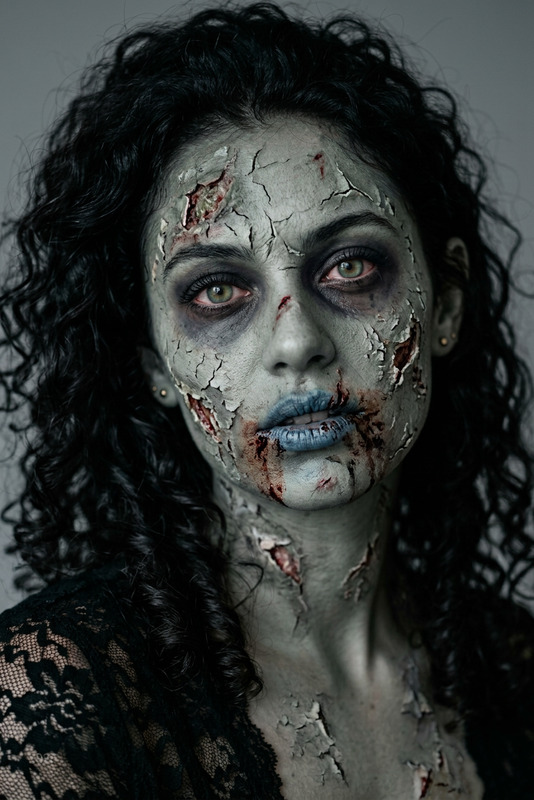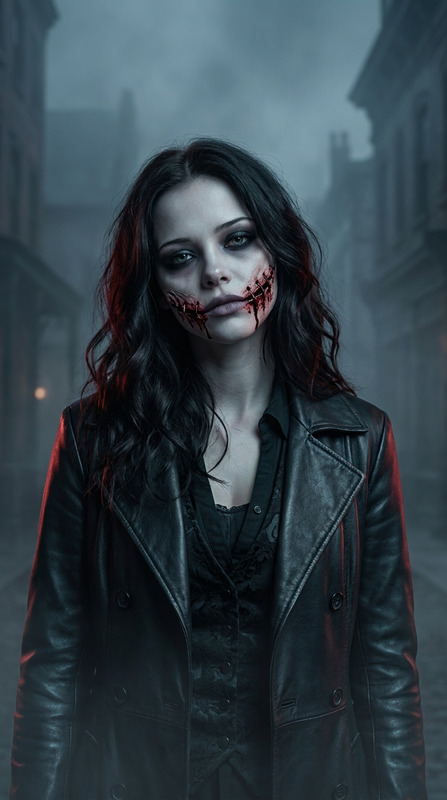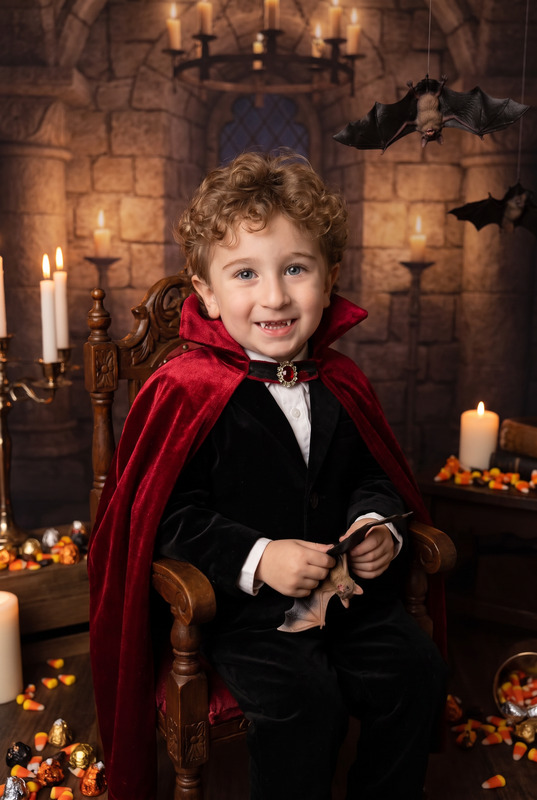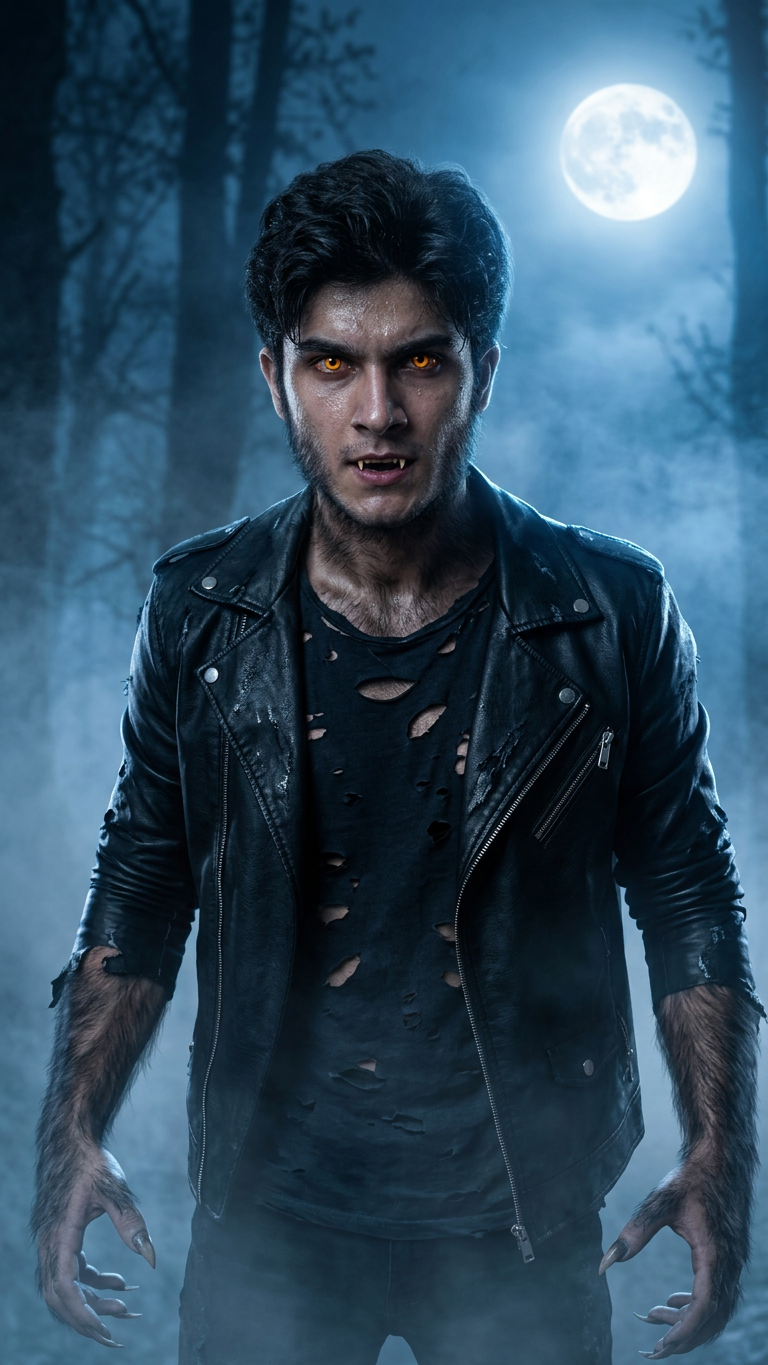
Werewolf
- Model
- Nano Banana 2
- Image
- 768 × 1365 px
Prompt
Transform the uploaded person into a realistic werewolf version while keeping their original facial structure, bone proportions, and expression recognizable. Add detailed werewolf transformation effects: slightly elongated teeth and subtle fangs, sharp glowing eyes, textured fur on the sides of the face and arms, slightly rugged features, and a powerful aura. Change clothing to a torn dark outfit or leather jacket suitable for transformation. Replace the background with a misty full-moon forest at night, cinematic blue lighting, cold fog atmosphere. Ultra-realistic portrait photography style, dramatic lighting, Halloween fantasy realism, not anime, not cartoon, not illustration.
Any aspect ratio
Overview
Welcome to the Werewolf AI Image Editor template, designed for dramatic transformations that retain facial familiarity. This tool allows you to convert standard portraits into spellbinding werewolf images, perfect for enhanced realism in thematic projects. Immerse your subjects in a mythic atmosphere with detailed effects and professional-grade quality.
What It Does
This template allows you to transform a subject into a werewolf while preserving essential facial features and expressions. It adjusts the image by adding elongated teeth, glowing eyes, and faux fur, all amidst a misty, moonlit forest backdrop. The final result is an ultra-realistic portrait with dramatic lighting, ensuring that the subject retains their identity while embracing the werewolf theme.
To explore more visual effects, consider checking out our AI Face Editor and AI Image Editor tools.
Who It's For
This template is perfect for creative professionals, photographers, and content creators focused on fantasy themes and Halloween projects. If you're looking to enhance social media posts, book covers, or atmospheric promotional materials, this tool provides the artistic edge you need without compromising on the subject's recognizability.
For those working on immersive videos, consider our Image to Video and AI Video Extender products.
Summary
The Werewolf template offers a sophisticated yet intuitive way to apply supernatural transformations to your photos. By utilizing the nano-banana-2 model, this tool ensures that each edit is harmonized with the original photo's structure while introducing a highly detailed and moody environment.
If you are interested in more transformative image projects, explore the Gender Swap tool for additional creative possibilities.
How To
Choose Your Template

Customize Your Transformation

Generate and Download

Use Cases
Halloween Promotions
- Event flyers
- Social media banners
- Promotional materials
Fantasy Projects
- Book covers
- Graphic novels
- Story-based content
Content Creation
- Vlog enhancements
- Instagram posts
- YouTube thumbnails
Best Practices
Selecting the Right Photo
Choose high-resolution images with good lighting for best results. Close-up portraits yield the most dramatic transformations.Detail Management
Avoid overloading the prompt with too many specifics that may conflict; focus on a few impactful elements like eye glow and clothing texture.Lighting Considerations
Ensure that the original photo has neutral lighting to allow the AI to apply dramatic lighting more effectively.