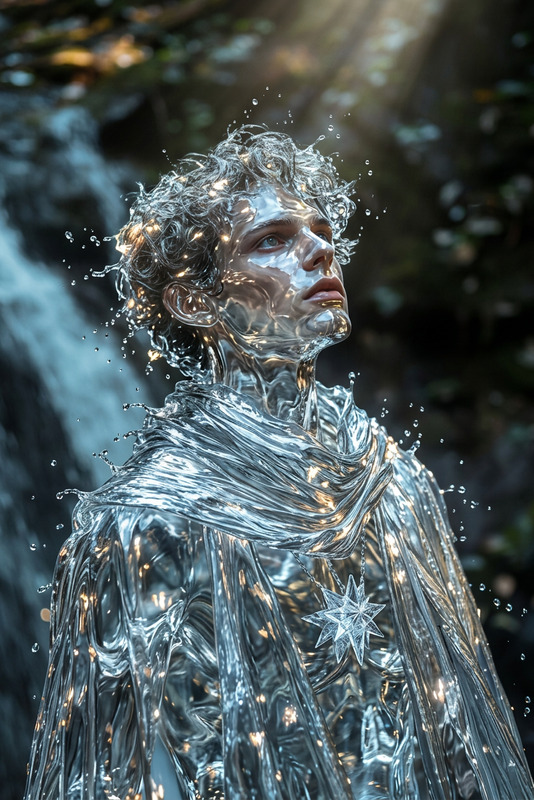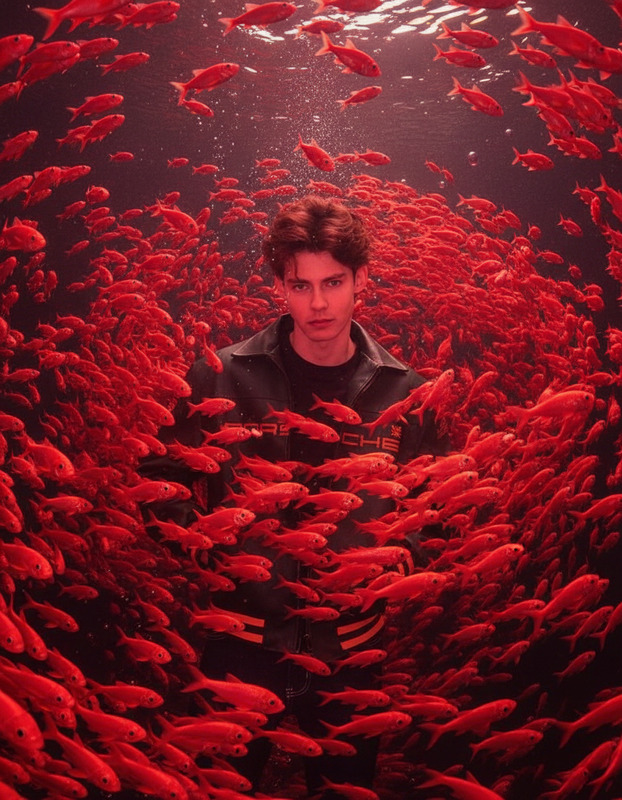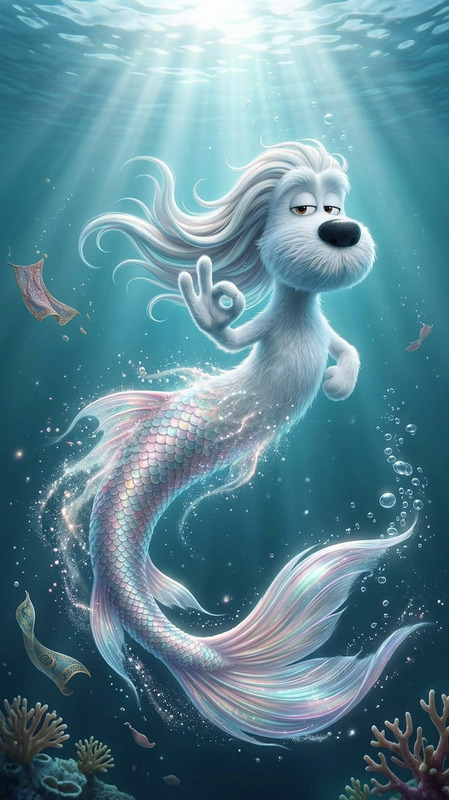
Mermaid Tail Transform
- Model
- Nano Banana 2
- Image
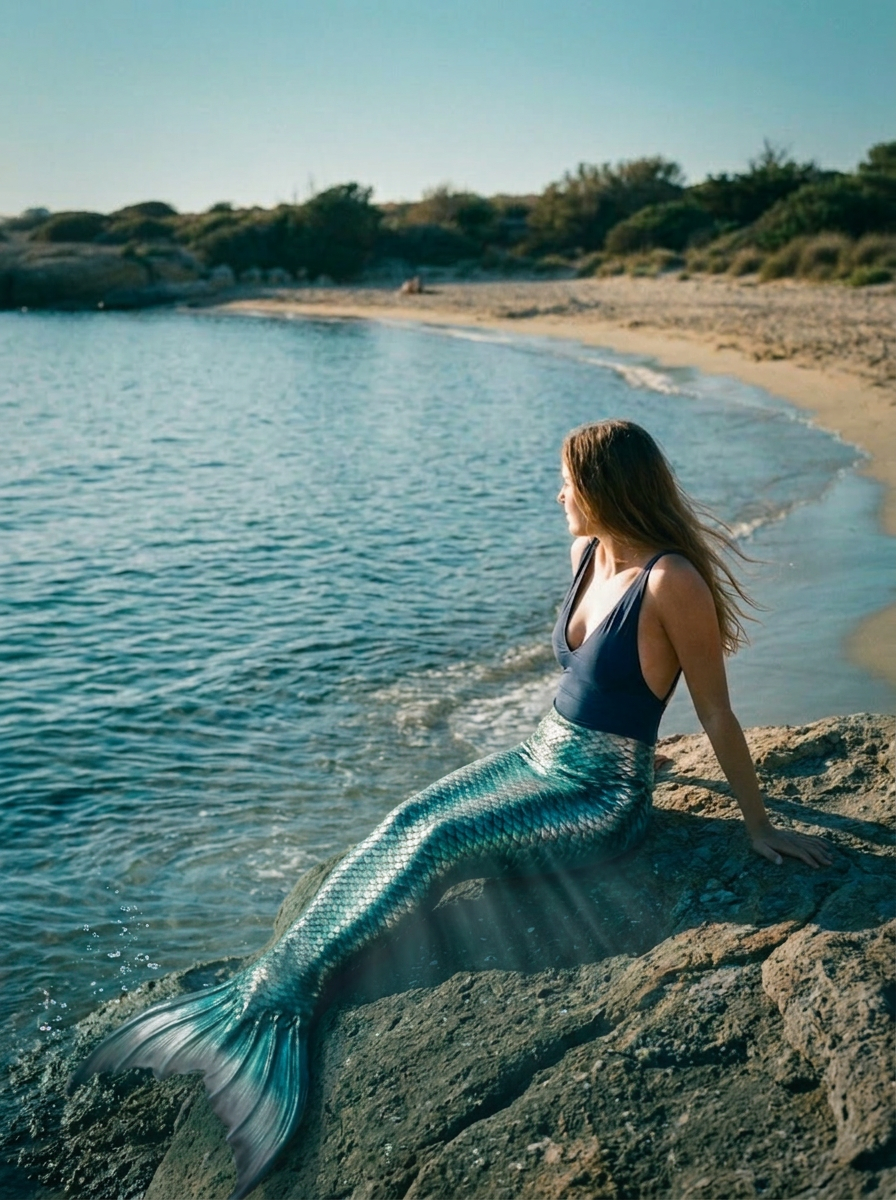
- 896 × 1200 px
Prompt
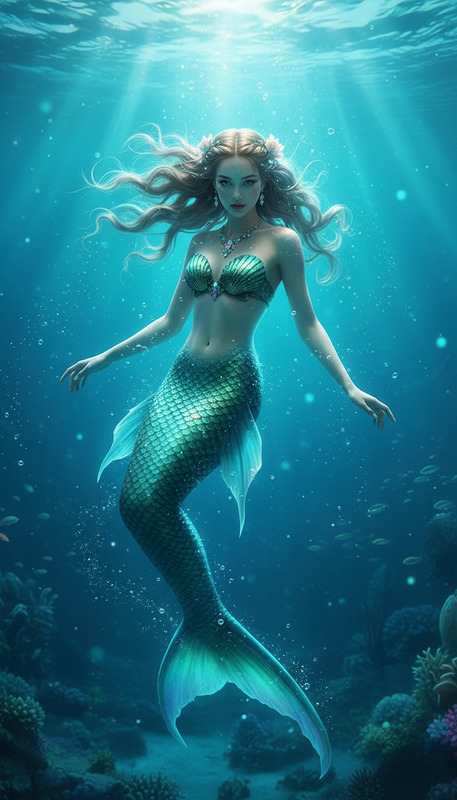
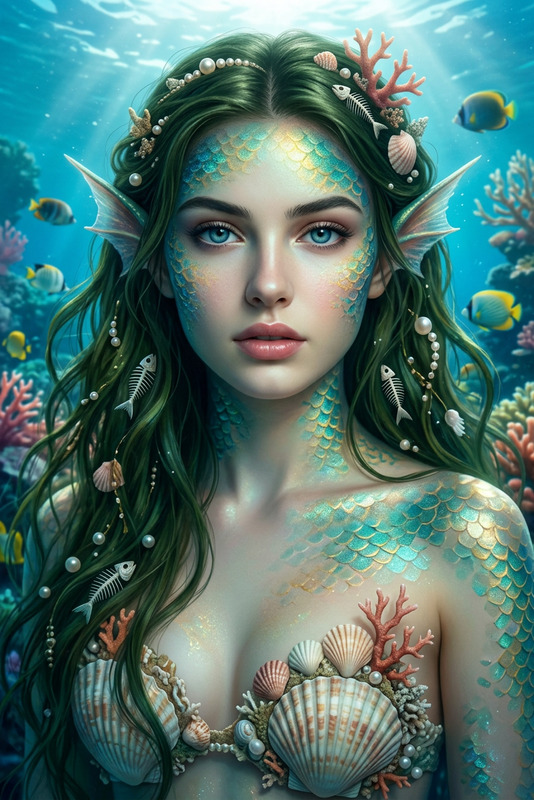
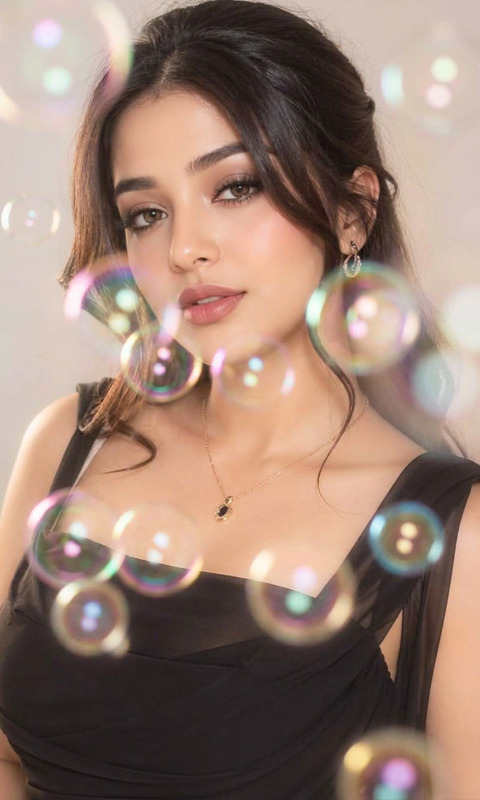
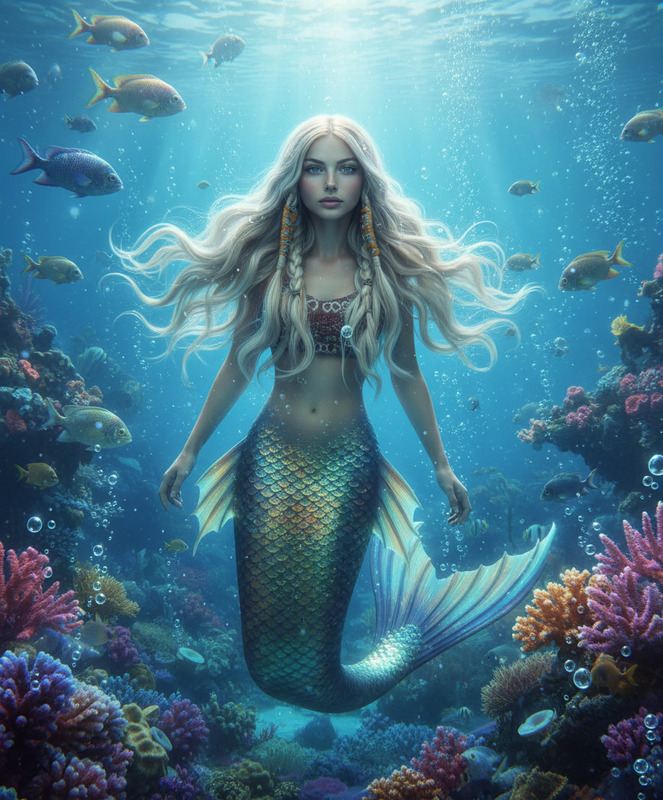
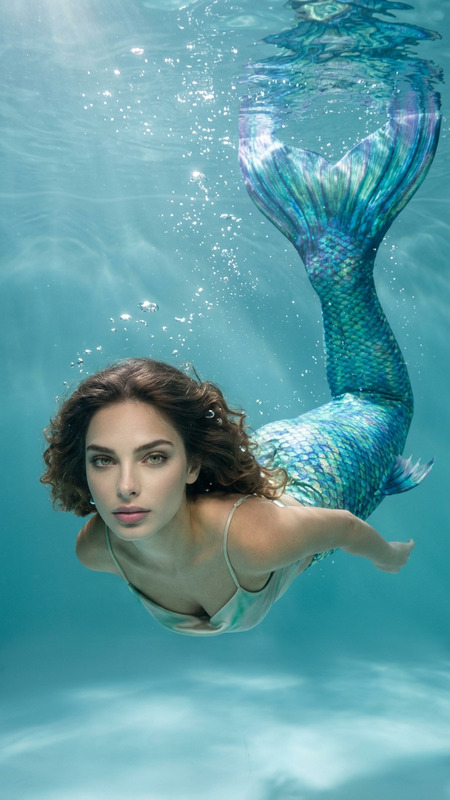
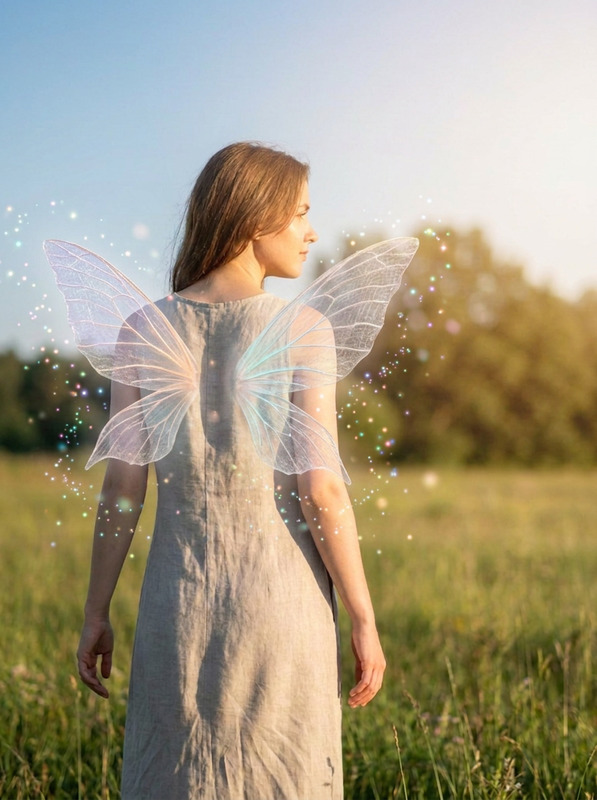
Use the uploaded image as the subject and transform the lower body into a realistic shimmering mermaid tail with layered teal and silver scales, natural anatomy, wet skin highlights, softly flowing hair, gentle underwater light rays, subtle bubbles, and cinematic blue-green color grading while preserving the face and pose.
Any aspect ratio
Overview
Transform your images into whimsical underwater fantasies with the Mermaid Tail Transform template. This AI Image Editor uses the nano-banana-2 model, designed for precise and artistic visual effects. Perfect for adding an aquatic twist to your photos, it creates a stunning mermaid tail while preserving the essential features of the original image.
What It Does
The Mermaid Tail Transform template modifies the lower body in your uploaded image into a mesmerizing mermaid tail with teal and silver scales. Our sophisticated AI ensures that the face and pose are preserved, offering a seamless blend of natural anatomy with cinematic color grading. The model incorporates elements like wet skin highlights, subtle bubbles, and underwater light rays to generate a highly realistic visual effect.
Who It's For
Whether you're a digital artist, social media influencer, or an enthusiast looking to add a touch of oceanic magic to your photos, the Mermaid Tail Transform is for you. Educators and content creators will also find this tool useful for generating captivating visuals for storytelling and educational content. Dive deeper into creativity with this specialized AI Image Editor tool.
Summary
Create stunning aquatic-themed images with the Mermaid Tail Transform template from Magic Hour. Leveraging advanced AI technology, this template transforms images while maintaining the subject's authenticity and artistic integrity. Explore more creative possibilities with our diverse range of AI GIF Generator and AI Image Generator products.
How-To
Choose Your Template

Customize Your Input

Generate Your Image

Use Cases
Social Media Content
Children’s Storybooks
Event Invitations
Best Practices
Choose High-Resolution Images
For the best transformation results, use images that are clear and high in resolution.Experiment with Lighting
Adjust the lighting settings within the tool to match the mood and depth of the aquatic environment.Combine with Other Products
Enhance your creations using the Photo Colorizer for additional color enhancement.